Your Browsing History
Meet Your Seller
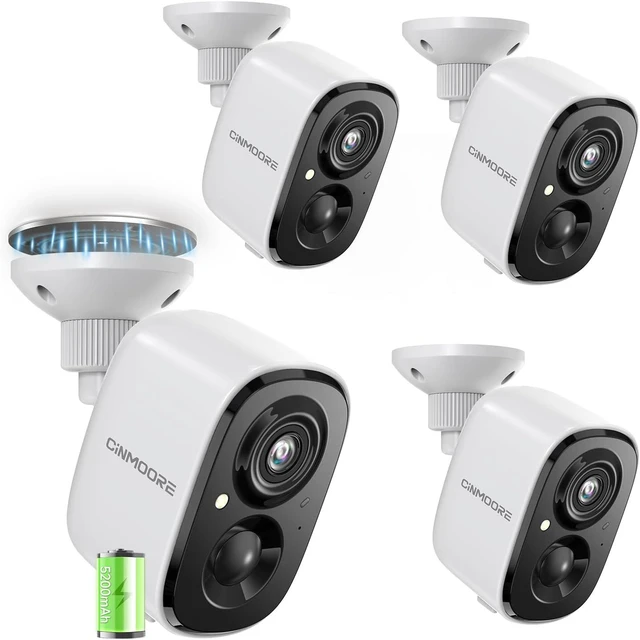
4 Pack 2.5K Security Camera Wireless Outdoor, 2.4G WiFi Battery Powered Outdoor Camera, Magnetic Mount Cameras for Home Security, Color Night Vision, Spotlight, Siren Alarm, 2-Way Talk
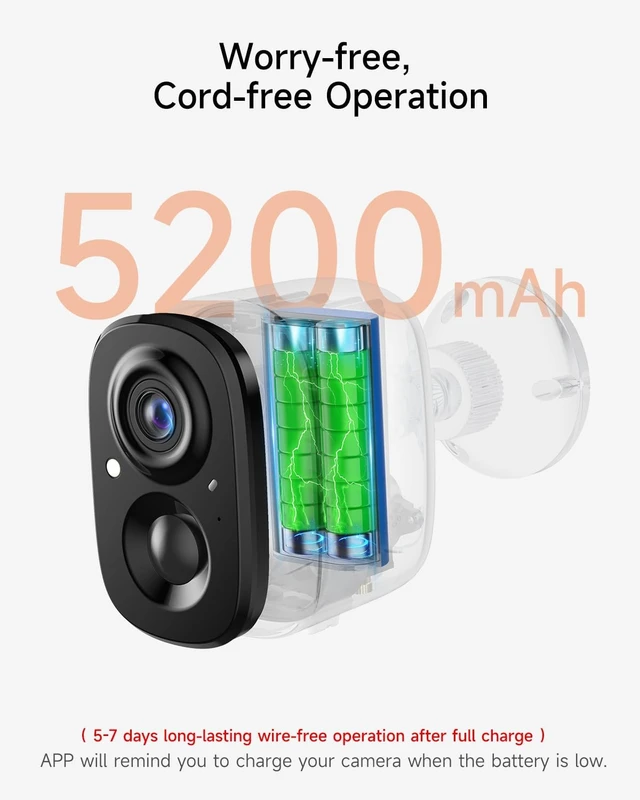
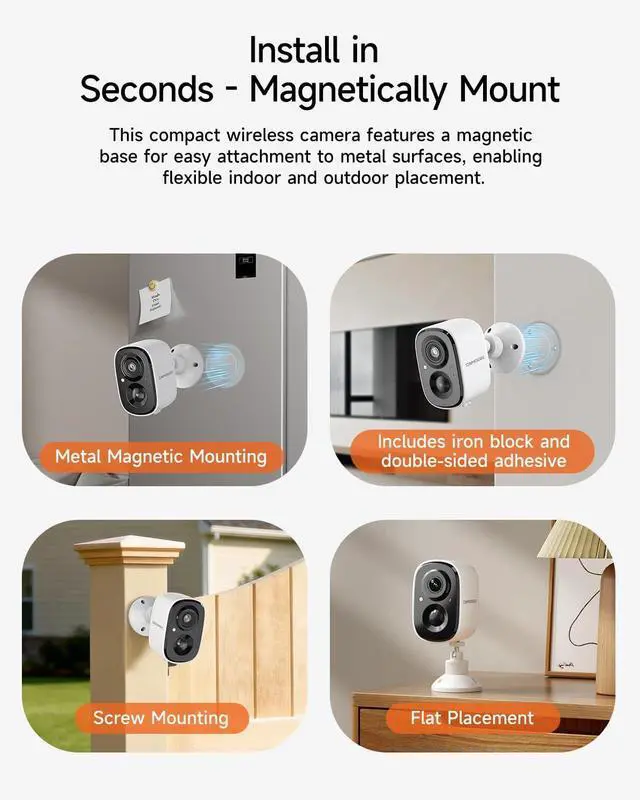
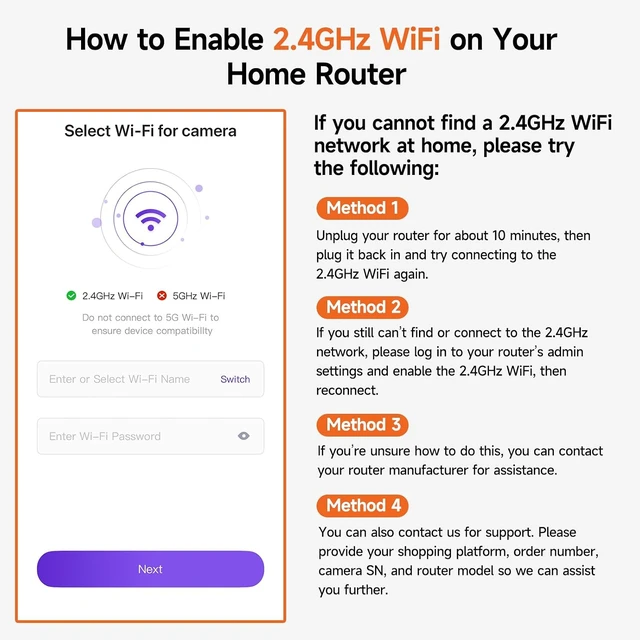
- Wire-Free Convenience & Flexible Mounting: Powered by the 5200mAh rechargeable battery, this outdoor camera wireless offers 5-7 days long-lasting wire-free operation after full charge. Its strong magnetic mount attaches instantly to any metal surface, or easily hang, screw in, or place on any flat surface for versatile indoor/outdoor placement. Enjoy stable 2.4 GHz Wi-Fi connectivity for reliable transmission without signal drops. (NOTE: 5G WiFi is not supported.)
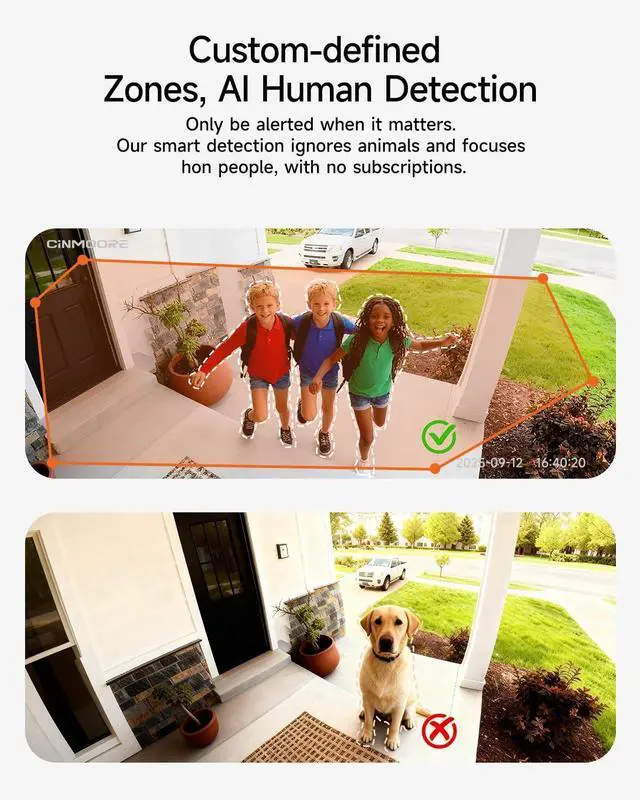
- Smart Person Detection & Custom Activity Zones: Our outdoor security camera leverages advanced humantargeted detection to tell people apart from animals, ensuring you only receive relevant motion alerts. Configure custom activity zones to focus monitoring on key areas and cut down false triggers caused by pets or passing vehicles. All smart detection functions are builtin and ready to use.
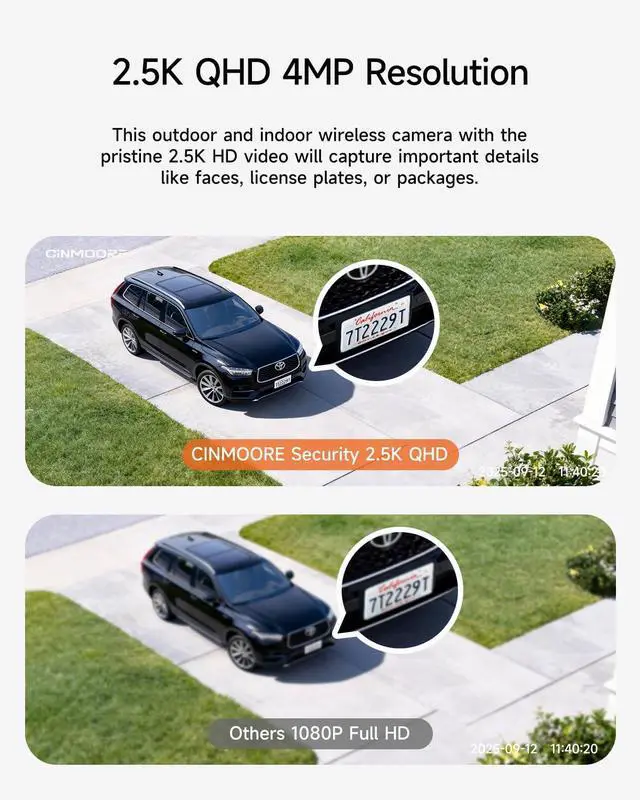
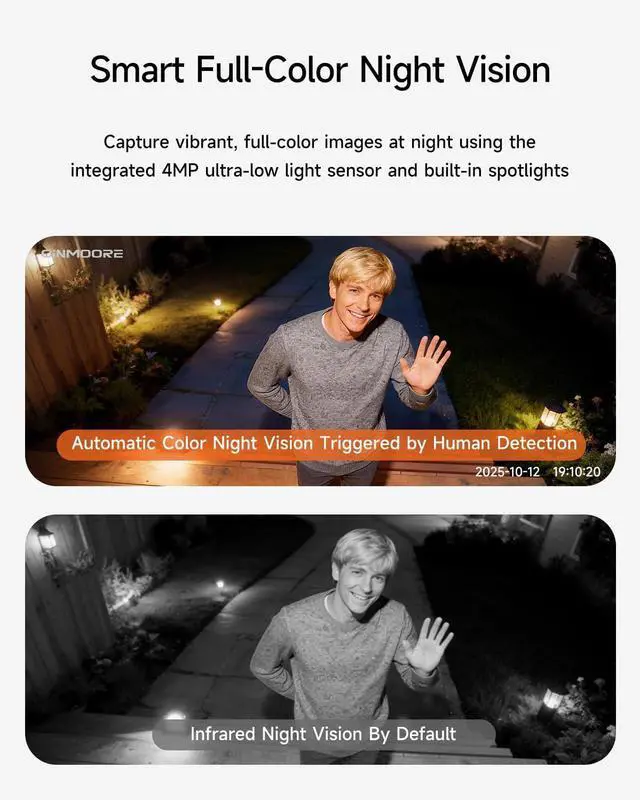
- 2.5K QHD with Full-Color Night Vision: This outdoor camera captures crystal-clear footage in 2.5K QHD resolution (2560x1440), ensurin
+
+
Overview
Reviews
Any questions? Ask CelesteSM will help you find out quickly.
Try me now
1100% Wire-Free22.4GHz Stable Wi-Fi3Spotlight Siren Alarm12.5K QHD2Full-Color Night Vision3Full-Duplex Two-Way Audio1Smart AI Detection2Smart Detection Zones3Secure Local Storage Two-way talk feature does not work.
1. Enable your phone's Microphone Permission for the CINMOORE APP: Settings - CINMOORE APP - Microphone.
2. In the APP Settings > Sound Settings, confirm that both "Live Broadcast Audio Collection" and "Intercom Volume" are enabled.
The camera is turning on and off intermittently.
1. When the battery is low, the camera may automatically hibernate or restart. We recommend fully charging the camera before connecting it to the network for use.
2. Reset the camera and upgrade to the latest firmware via the App.
WiFi connection is failed.
1. Use only a 2.4GHz WiFi network (5GHz WiFi is not supported).
2. Move the camera closer to the router to improve signal strength.
3. Restart both the router and the camera to refresh the connection.
How to allow mutiple users for simultaneous viewing?
Device Sharing Guide:
1. On the App homepage, click the "more" button, select "Share", generate a device sharing code.
2. Other users to be shared with should download the App, register a new account, scan the sharing code to add the camera
How to save recordings to phone?
1. SD Card Recordings: During playback Tap "Screen Record" icon (top-right) "Recording" prompt appears Saves to phone gallery.
2. Cloud Recordings: Playback Tap "Batch Manage" Select clips Tap "Download" to save to phone.
2 Pack Wired Cameras
2 Pack Wired Cam Indoor
Wireless Window Camera
Warranty & Returns
Warranty, Returns, And Additional Information
Warranty
- Please contact the Seller directly for warranty information. Warranty information may also be found on the Manufacturer's website.
- CONTACT
Return Policies
- Return for refund within: 30 days
- Return for replacement within: 30 days
- This item is covered by Cloudless Clear Return Policy
Manufacturer Contact Info
- For a directory of all our manufacturers, please click below.
- Manufacturers Directory
LOADING...