• $162.99
  • Free 30-day Returns
  • Ships from China.

    Shipped by Cloudless Clear

    Price alert
    Shop it at NeweggBusiness.

    Meet Your Seller

    Window Camera 2-Pack for Home Security, 2K 3MP Indoor Security Camera with WiFi 6 Dual Band 2.4/5.8GHz, UltraColor Night Vision, AI Human Detection, 24/7 Recording, Glass Mount No Drill

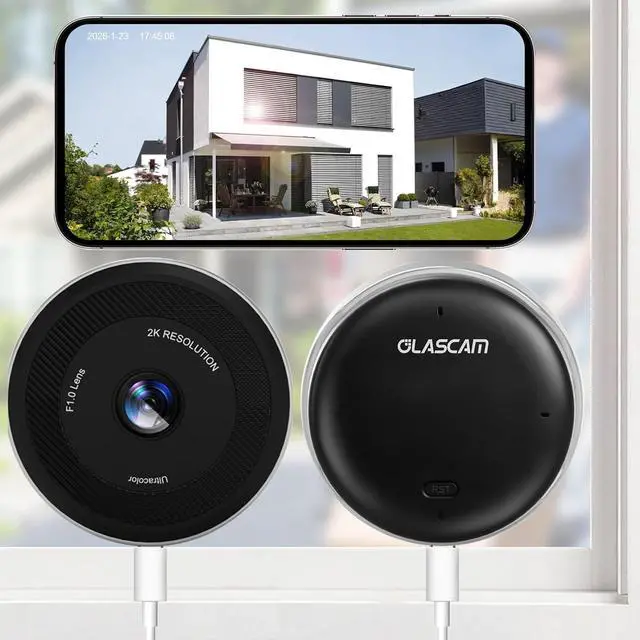
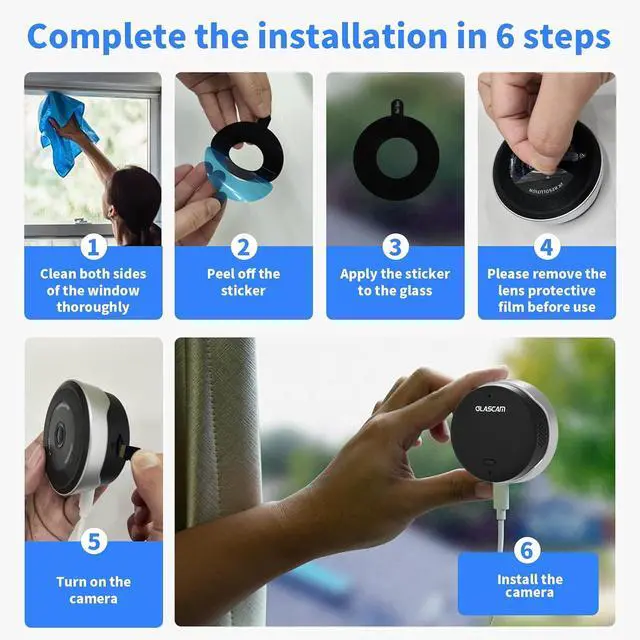
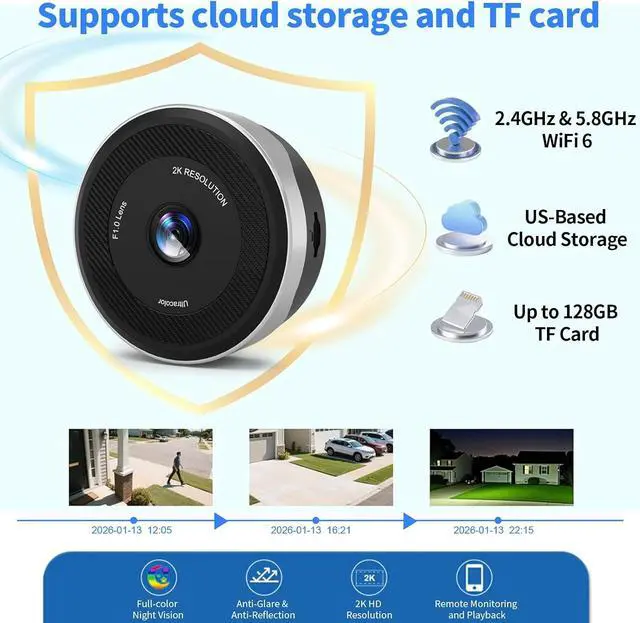
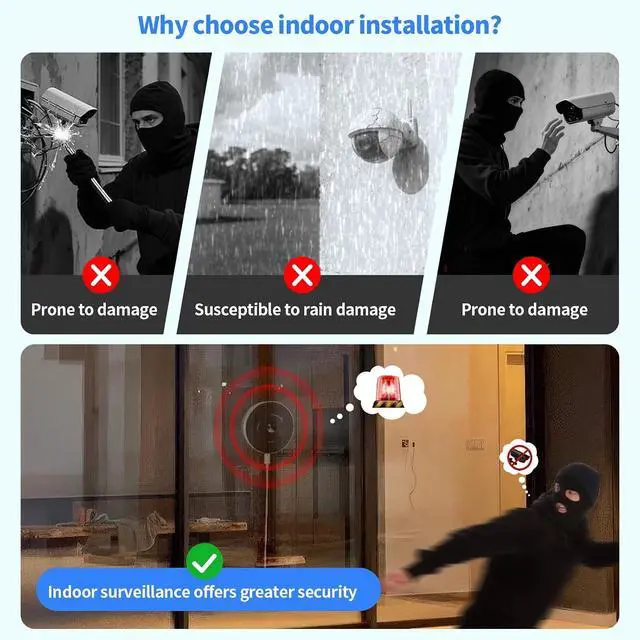
    • DOUBLE THE COVERAGE FOR HOME SECURITY: Experience enhanced home security with two window cameras in one pack. Designed for apartment and home use, the GLASCAM 2-Pack delivers reliable through-window monitoring without the need for exterior installation, making it ideal for renters
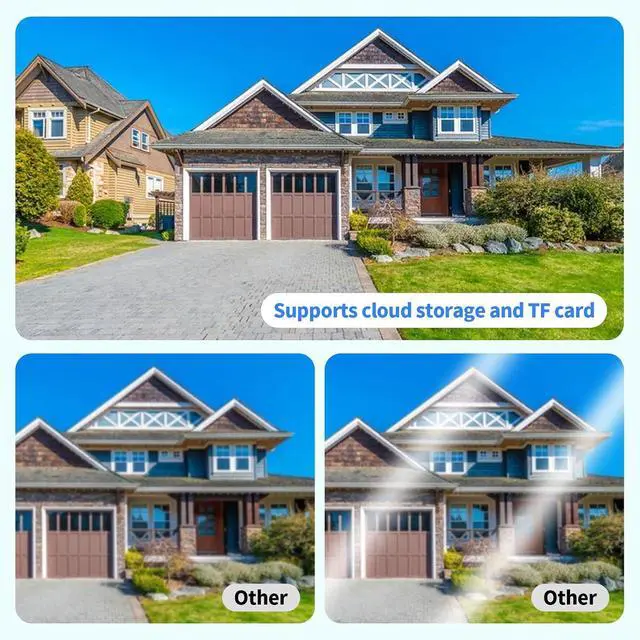
    • 2K 3MP CLARITY WITH WIDE VIEW: This dual-pack features 2K 3MP resolution, capturing every detail with superior clarity. The 105° wide field of view makes it perfect for monitoring large areas like driveways, porches, and front windows
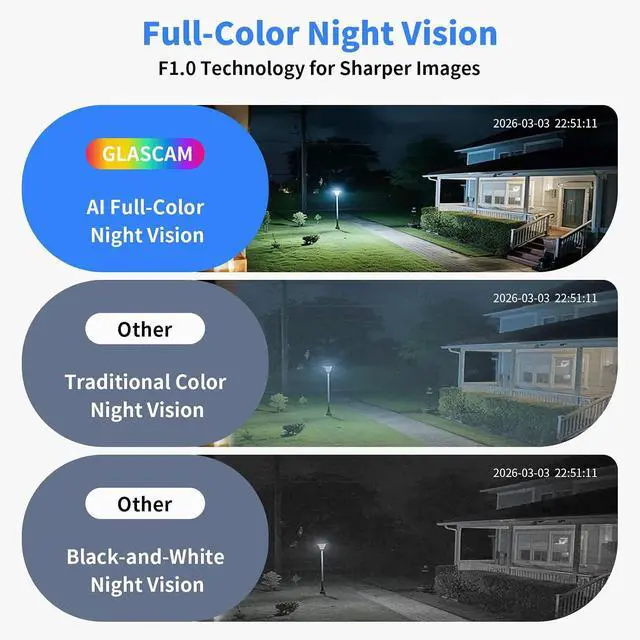
    • ULTRACOLOR NIGHT VISION FOR ROUND-THE-CLOCK MONITORING: With advanced F1.0 aperture and UltraColor night vision, these cameras ensure crystal-clear footage even in low-light conditions. Protect your home 24/7 with continuous recording capabilities and enhanced night visibility
    • WiFi 6 DUAL BAND FOR STRONGER SIGNALS: The 2-Pack camera set supports WiFi 6 with 2.4GHz & 5.8GHz, providing faster speeds and more reliable connections. Quick Bluetooth setup allows for easy installat
    +
    +
    Overview
    Reviews

    Any questions? Ask CelesteSM will help you find out quickly.

    1Smart Siren Alarm2Smart Motion Detection3Easy Setup on Any Window1Easy to Install2Cloud & Local Storage3Multi-User Sharing First-Month Cloud Storage Experience
    How to connect the window camera?
    Plug in the indoor camera, enable phone Bluetooth, keep your phone connected to Wi-Fi during setup and follow app guide to connect.
    How do I add my camera to the app?
    1.Turn ON phone Bluetooth.
    2.Allow the Glascam app to access Location Services.
    3.Connect your phone to a 2.4GHz Wi-Fi network with internet.
    4.Open the app and follow the on-screen steps to add your camera.
    What if the app stays on "Configuring Network" after I enter the Wi-Fi password?
    1.Permissions: Turn ON phone Bluetooth & Location; grant them to Glascam app.
    2.App Fix: Uninstall and reinstall the app, then retry.
    3.Reset: Press & hold camera Reset button for 3-5s until the voice prompt plays. Retry setup
    Do I have to subscribe to cloud storage?
    The cloud subscription service is not mandatory; if you prefer not to subscribe, you can use a memory card to store your videos. Please insert the card into the slot located on the left side of the window camera.
    Is the window camera wireless?
    This is a wired window camera. The description of "wireless" refers to this security camera supporting WiFi wireless connection. But it needs to be plugged in all the time for power supply.
    How to connect the window camera?
    How do I add my camera to the app?
    What if the app stays on "Configuring Network" after I enter the Wi-Fi password?
    Do I have to subscribe to cloud storage?
    Is the window camera wireless?

    Warranty & Returns

    Warranty, Returns, And Additional Information

    Warranty

    • Please contact the Seller directly for warranty information. Warranty information may also be found on the Manufacturer's website.
    • CONTACT

    Return Policies

    Manufacturer Contact Info

    LOADING...