Your Browsing History
Meet Your Seller
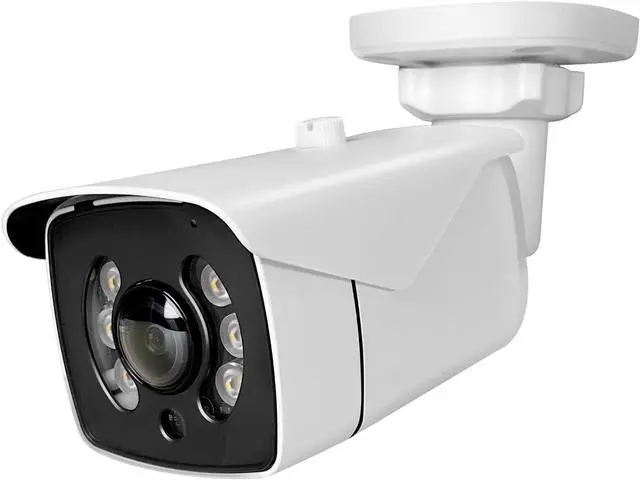
8MP POE IP Camera,160-Degree Super Wide Angle Fisheye Security Bullet Camera with Smart Night Vision,Motion Detection,IP66 Waterproof & One-Way Audio for Outdoor/Indoor Surveillance
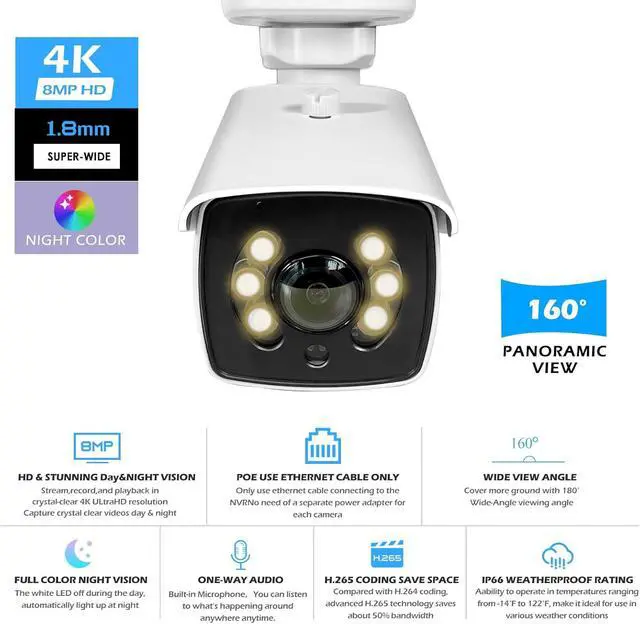
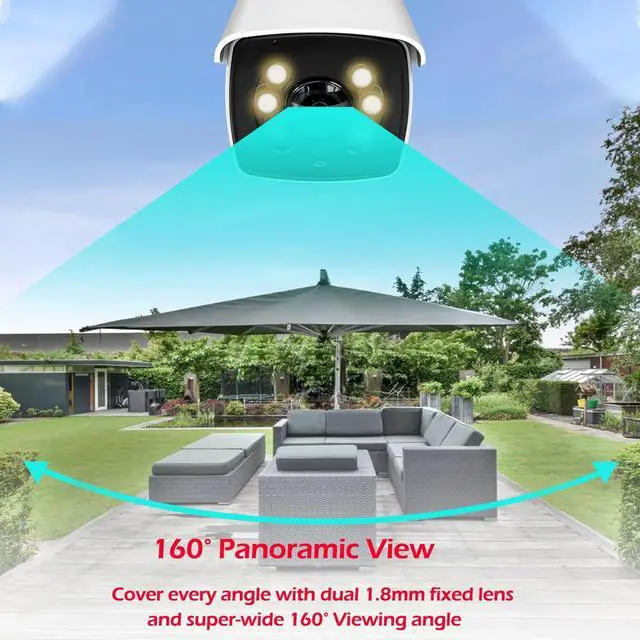
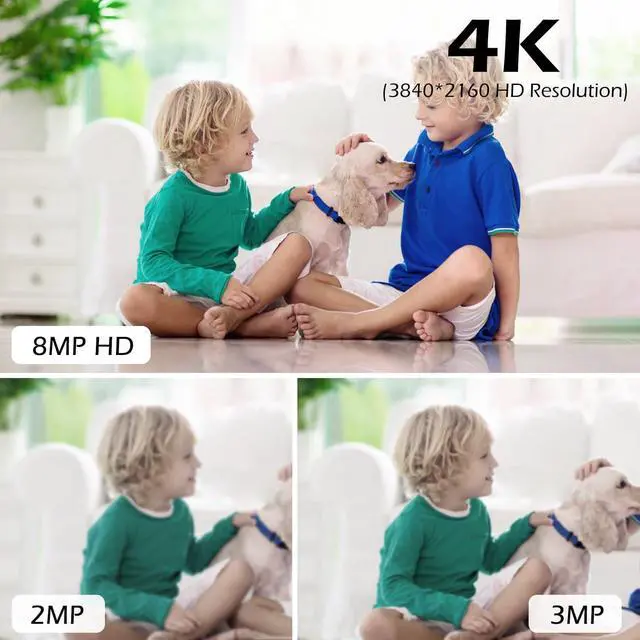
- 8MP HD & 1.8mm Lens, 160° Ultra-Wide View8MP sensor + 1.8mm lens delivers sharp footage, with 160° ultra-wide coverage to eliminate blind spotsideal for courtyards, garages, or store lobbies, no multi-device splicing needed.
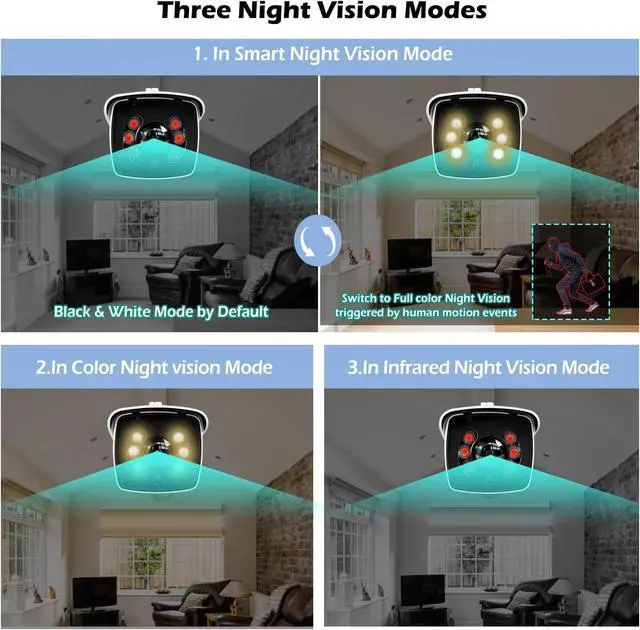
- Smart Night VisionAuto-switches to infrared night vision for clear shots up to 65 FT in darkness. Triggers white light mode via motion detection to illuminate areas and deter intruders.
- POE Tech Compatible with NVR/RTSPSingle Ethernet cable for power & datasimplifies installation. Works with most NVRs and supports RTSP for third-party surveillance platform integration.
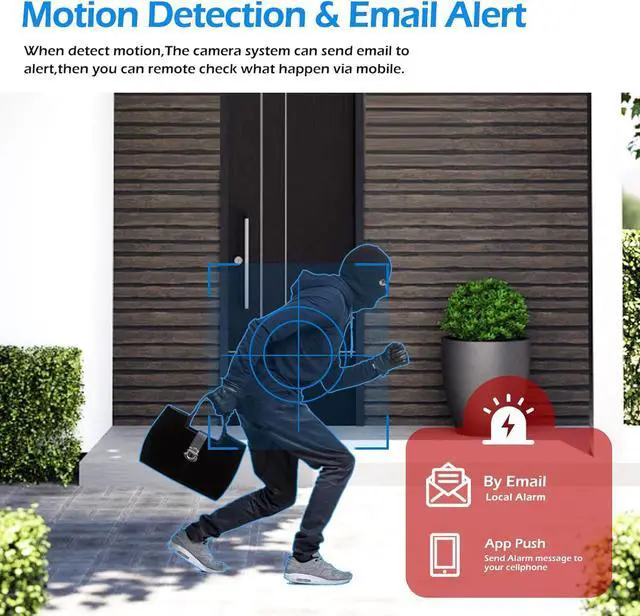
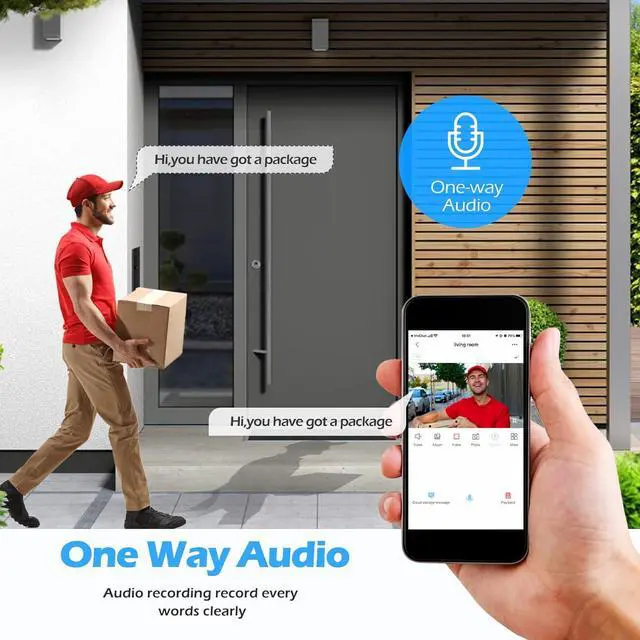
- Motion Detection & One-Way AudioEquipped with accurate motion detection and one-way audio that lets you hear what matters most to you, this POE camera supports real-time monitoring.
- IP66 WaterproofHeavy duty metal case withstands heavy rain, strong wind, dust, and -20 to 60 tempsstable for outdoor (yards, driveways) and indoor (warehouses) use.
+
+
Overview
Reviews
Any questions? Ask CelesteSM will help you find out quickly.
Try me now
Is this PoE camera compatible with the third-part software/NVR?
Compatible with On-vif NVR ,you can directly connect the camera to NVR POE port choose ON-Vif connection.And support third-part Software,Blue-Iris Etc.(The camera's IP has DHCP enabled by default).
Why NVR can't display camera image?
1.Enter the NVR device management menu,Remember to choose ON-V-IF protocols, find no image camera IP,delete and re-add.
2.Some NVR only support H264 format camera, please change to H264 first.
3.Some NVR only work with its brand security camera.
Why does the camera image not appear as clear as described?
When browsing images on NVR/PC, Usually default to the sub-stream to ensure smooth performance . To see the clearest image,You need to switch to the main stream.
8MP Dual Light PoE Camera
Warranty & Returns
Warranty, Returns, And Additional Information
Warranty
- Please contact the Seller directly for warranty information. Warranty information may also be found on the Manufacturer's website.
- CONTACT
Return Policies
- Return for refund within: 30 days
- Return for replacement within: 30 days
- This item is covered by Cloudless Clear Return Policy
Manufacturer Contact Info
- For a directory of all our manufacturers, please click below.
- Manufacturers Directory
LOADING...