Your Browsing History
Meet Your Seller
Power Failure Detector with Text Message and Email Alerts. Sends SMS Power Outage Alarms and Restoration Alerts to Two Phones.
- The original power outage alert system: This device, built by Bell Labs engineers to protect their homes, notifies of power outages.
- Security away from home: You will never again have to ask, "Is my power out?" or "Is there a power outage in my area?"
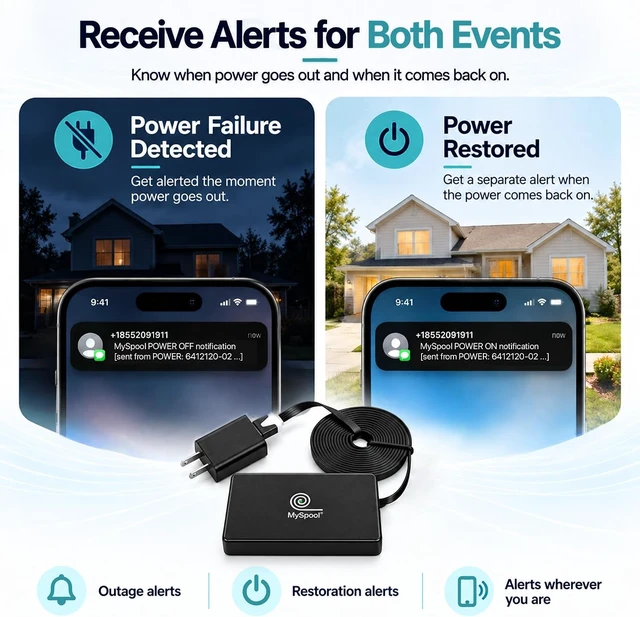
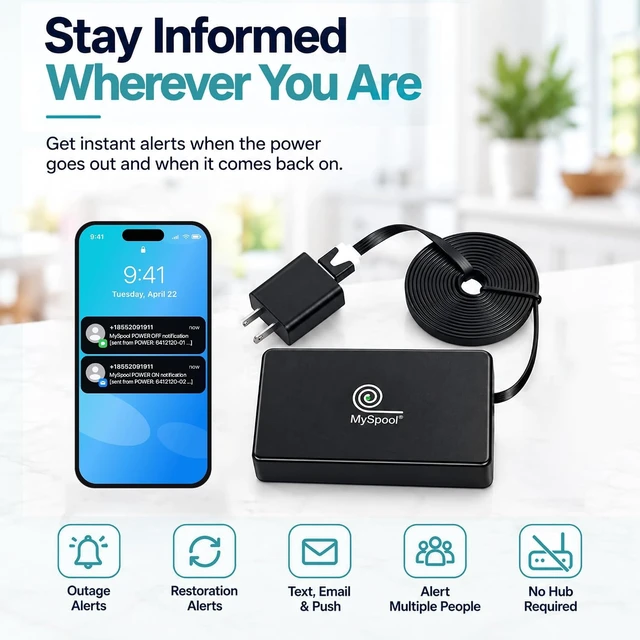
- Immediate detection: You will be alerted of a power failure in your home or business within seconds of the event. You will receive separate alerts for power outages and power restoration.
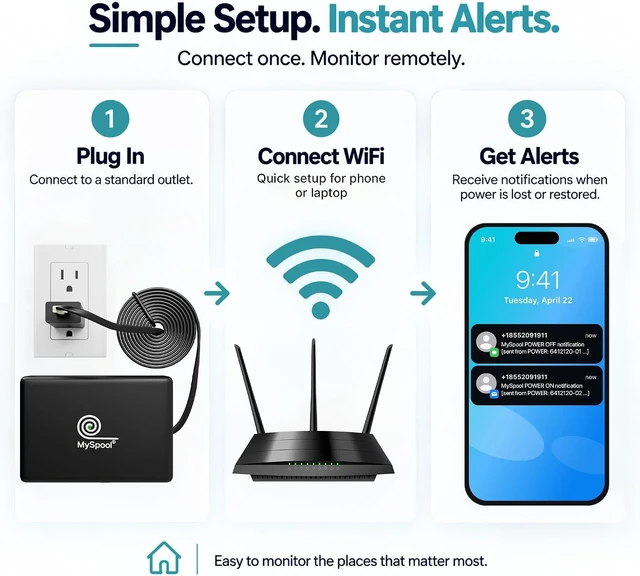
- WiFi-enabled: Connect the MySpool Power Failure Detector to your home WiFi to begin receiving text messages, emails, or push notifications during power failures and power restoration.
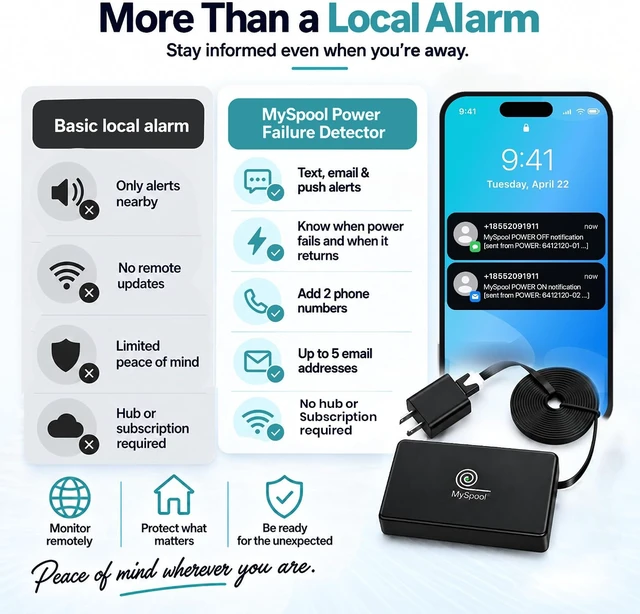
- Multiple phone numbers and email addresses: Add 2 phone numbers and up to 5 email addresses per device for seamless notifications to multiple peoplekeep everyone who needs to be in the know!
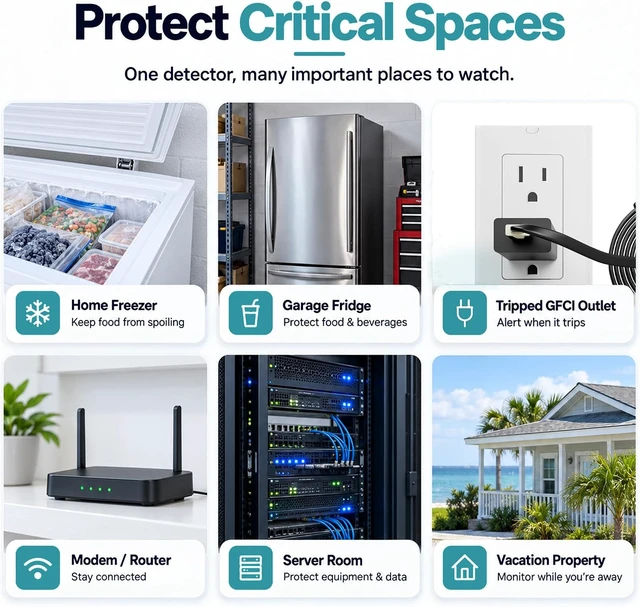
- Monitor outlets for outages and GFI shut-off: The alert message includes a device description to identify the device's location, e.g., freezer alarm or garage GFI outlet.
- Cloud-
+
+
Overview
Reviews
Any questions? Ask CelesteSM will help you find out quickly.
Try me now
Customer Reviews 4.3 out of 5 stars1,9254.3 out of 5 stars704.1 out of 5 stars21 Price $47.99$47.99$75.99$75.99$67.99$67.99 SMS phones 2 1 1 Internet sensor No No Yes Water sensor No Yes No Temperature sensor No Yes No Short sensor No Yes No Revert notification A text message, email, or push notification is sent when the A/C power is restored. A text message, email, or push notification is sent when the A/C power is restored. A text message, email, or push notification is sent when the A/C power is restored or the internet service is back up. Power sensor Yes Yes Yes Be alerted away from home or business: MySpool Power Failure Alert is a smart device that sends an alert when power failure is detected. An alert is also sent when power comes back on. That alert is a message, either via email or text, or both. Power Failure Alert is configured to use your WiFi (see Important Note below). The setup takes a few minutes with a smart phone or a laptop.
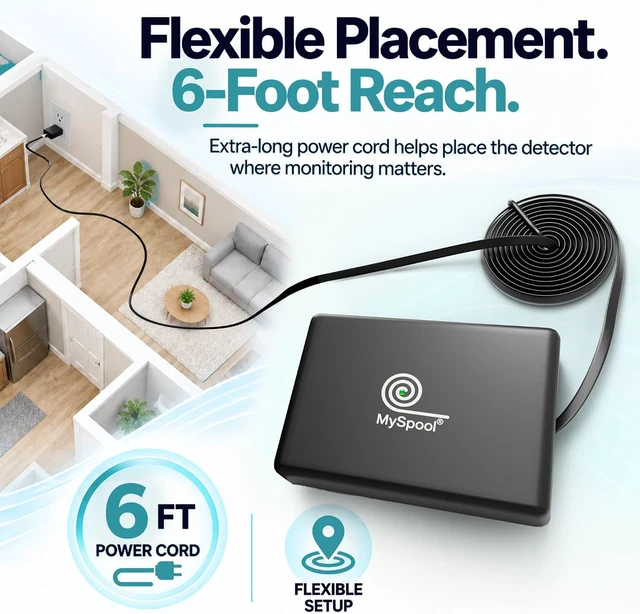
No Hub Required: Each Power Failure Alert works independently with your Wi-Fi network. Multiple devices can be placed in different locations throughout your home or business. Your notifications will include your text for each device that you specify in the device configuration.
No Fees: There are no fees for using MySpool Power Failure Alert for any notifications. Multiple telephone numbers and emails addresses (up to five) can be added for each device free of charge. A complimentary Central Monitoring service is also included free of charge.
Smart design: MySpool Power Failure Alert will ignore short duration power fluctuations of a few seconds so that no unnecessary notifications are sent. Note that since no device is permitted to send more than 1 alert per minute, your POWER ON notification may be delayed by up to 1 minute if power comes back on immediately. Each device requires 3 AAA batteries, included. The batteries should last 5 years or more assuming average power outages and fluctuations.
Important Note: one requirement for the Power Failure Alert deployment is that a WiFi network is available when A/C power outlet being monitored loses power. A good example is a UPS backed WiFi router which Power Failure Alert uses to access MySpool cloud servers.
Currently MySpool products are supported in US and Canada only.
A robust and dependable industrial strength cloud infrastructure is behind every MySpool device. It provides support for both single and multi-device consumer and commercial deployments that can be managed on a secure web site independent of geographical location or a mobile phone. That is what differentiates our industrial-strength services such as device management, monitoring, and notifications.
Setup Instructions for all myspool devices are available online on myspool.com. This is a summary:
Connect your device to WiFi and trigger an alert: plug it in the A/C outlet being monitoredCreate an account on app.myspool.com and click on email link to confirm it or login to your existing account if one already existsConfirm your email subscription for this device to receive alert notifications You are done: trigger an alert from your device by unplugging it and receive an email notification!
You can add a phone number and change message and other settings at any time.
1. Connect your device to WiFi
2. Create account on app.myspool.com
3. Configure your email and text message on myspool.com
The first step is the most challenging one. It should also be done first so that MySpool servers can identify your device when you login to configure it.
Open your phone, go to Settings, and choose Wi-Fi. Under the CHOOSE A NETWORK tab you will see available networks. One of them will be the MySpool Device. It will look like SASensor-000000 where "000000" is the unique device ID. In the example it is shown as SASensor-2336877. Click on it.
Once connection is established, which may take a few seconds, it will
Warranty & Returns
Warranty, Returns, And Additional Information
Warranty
- Please contact the Seller directly for warranty information. Warranty information may also be found on the Manufacturer's website.
- CONTACT
Return Policies
- Return for refund within: 30 days
- Return for replacement within: 30 days
- This item is covered by Cloudless Clear Return Policy
Manufacturer Contact Info
- For a directory of all our manufacturers, please click below.
- Manufacturers Directory
LOADING...