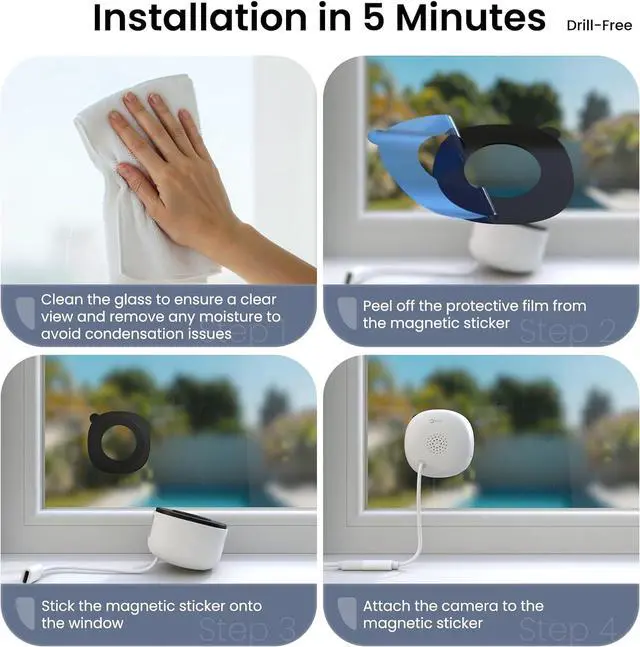
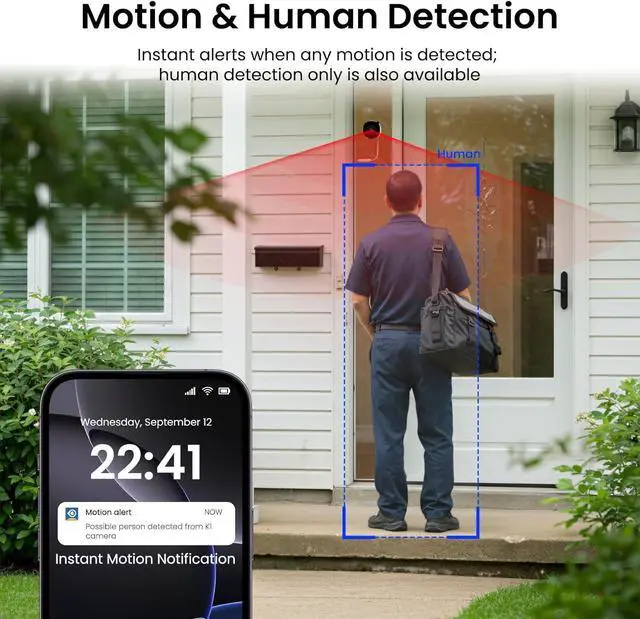
1Smart AI Detection2Cloud & Local Storage3Smart Siren Alarm1Multiple Mounting Options2Quad Screen3Multi-User Sharing4Multi-devices Supported1Four-step Installation2Four-step Connection3Three Recording Modes How to connect the window camera?
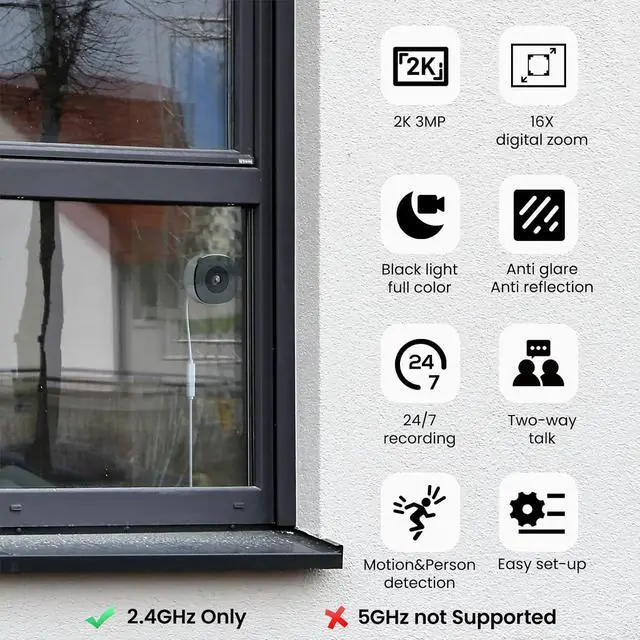
Plug in the indoor camera, keep your phone and camera connected to the same 2.4Ghz Wi-Fi during setup. Then follow the in-app guide to connect the security camera. *Note: keep the wifi camera within 3 feet of the router during setup.
Do I have to subscribe to cloud storage?
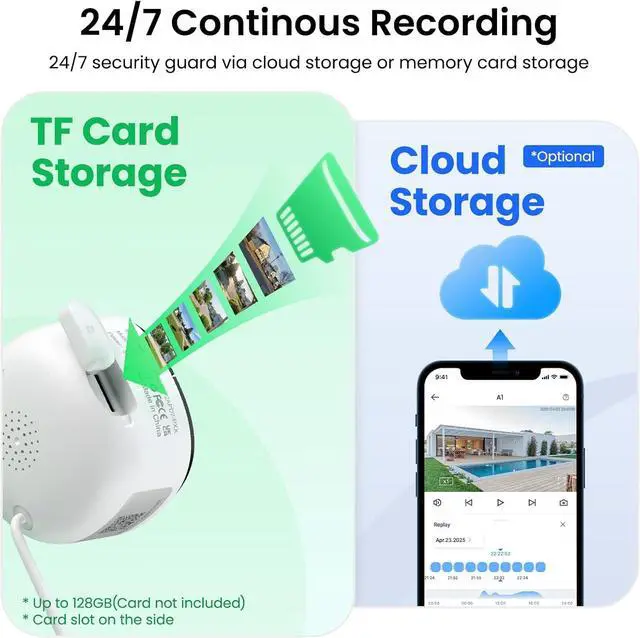
No, cloud subscription is not necessary. It provides longer recording and storage time, etc. If you do not want subscription, you can use a memory card for these features. Card slot is on the left. Please flip up the cover to insert the card.
Is the window camera wireless?
The description of "wireless" refers to this security camera supporting WiFi wireless connection. But it needs to be plugged in all the time for power supply.
How to view longer SD card/Cloud recording?
Once you set up SD card or Cloud recording, please enable the storage, then clicking "Replay" under live feed to view SD card&Cloud recording. Note that the "Alert" page only shows 10-second alert clips.
Why does my window camera make a whistling sound?
This usually occurs when the phone is too close to the indoor camera, causing electrical interference. To stop the noise, please move the phone farther away from the camera.
How to connect the window camera?
Do I have to subscribe to cloud storage?
Is the window camera wireless?
How to view longer SD card/Cloud recording?
Why does my window camera make a whistling sound?