• $180.99
  • Free 30-day Returns
  • Price alert
    Shop it at NeweggBusiness.

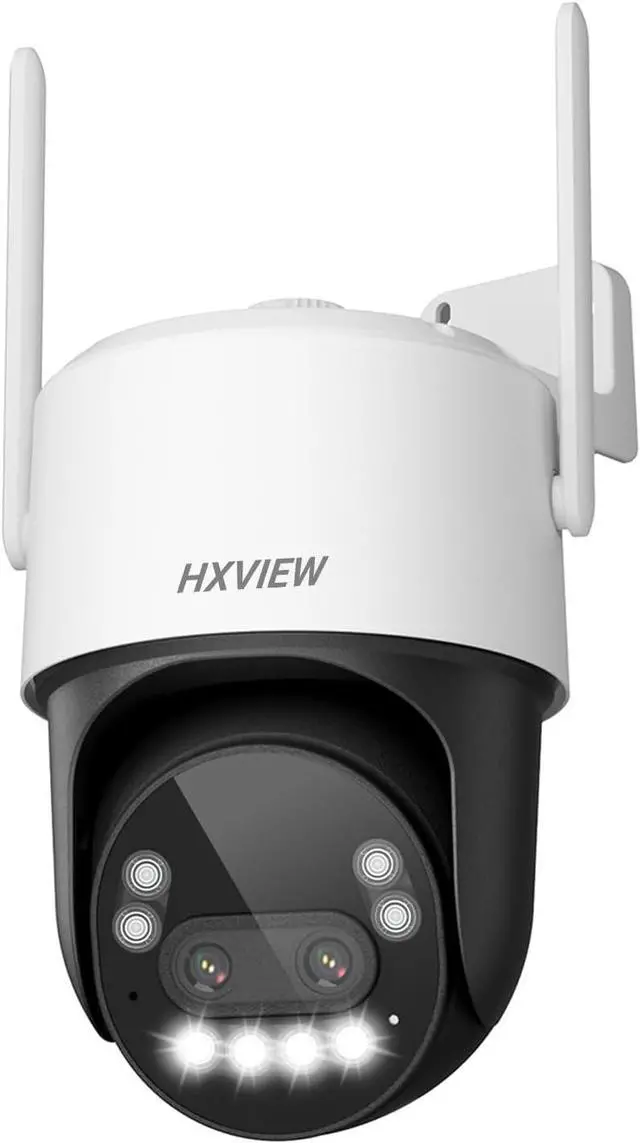
    4K PTZ Security Camera Outdoor with Rapid 10X Hybrid Zoom, 355°Pan & 90° Tilt, True 8MP Dual-Lens WiFi Camera with Auto Tracking, AI Human/Vehicle/Pet Detection, Color Night Vision, RTSP

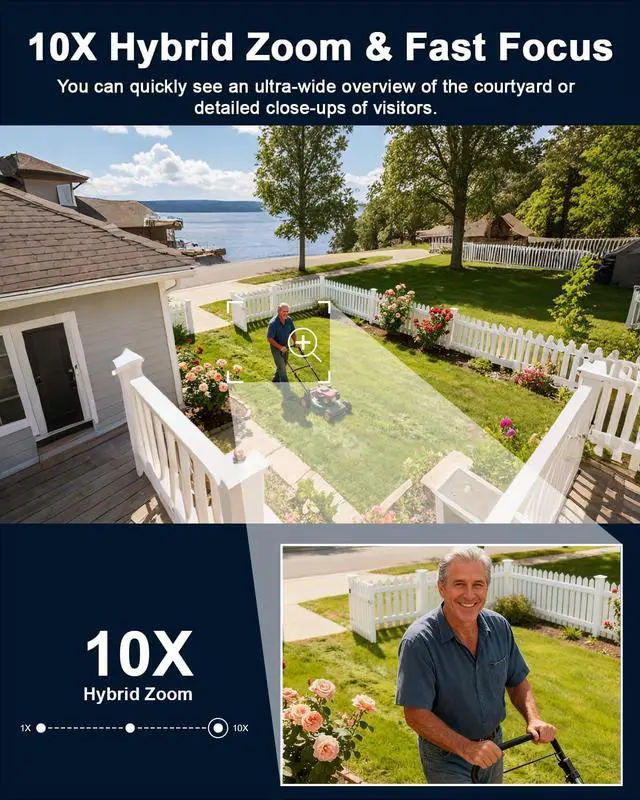
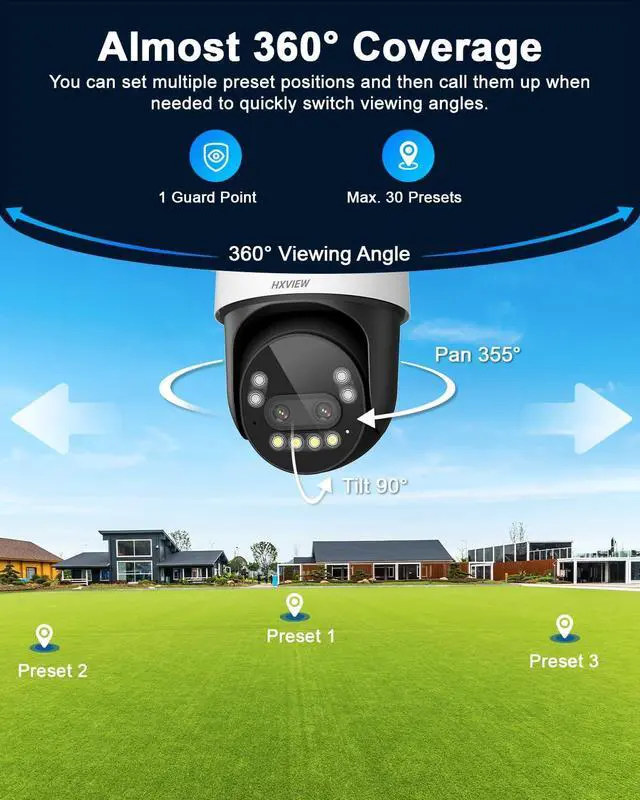
    • 10x Hybrid Zoom & Fast Focus: This ptz camera outdoor features a telephoto lens and a wide-angle lens with 10x hybrid zoom. Get an ultra-wide overview of your yard or quickly zoom in for detailed close-ups of visitors without having to wait for the ptz camera to slowly focus. Flexible 355° pan and 90° tilt ensures you've got your front porch or backyard fully protected.
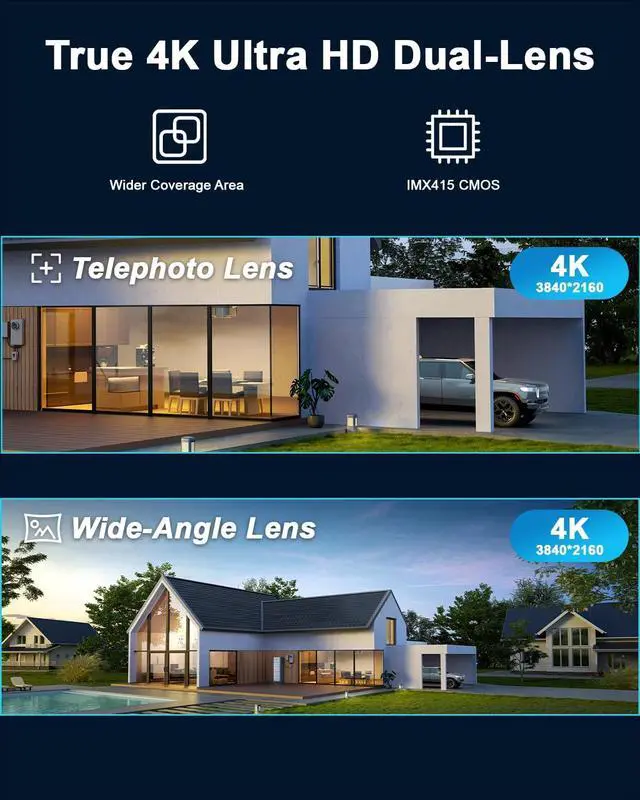
    • True 4K Dual-Lens & Color Night Vision: This ptz security camera features dual 4K lenses and a 1/2.8-inch IMX415 CMOS sensor, delivering stunning 4K ultra-high-definition images at all times. It supports color/intelligent/infrared night vision, providing clear color images even in completely dark environments.
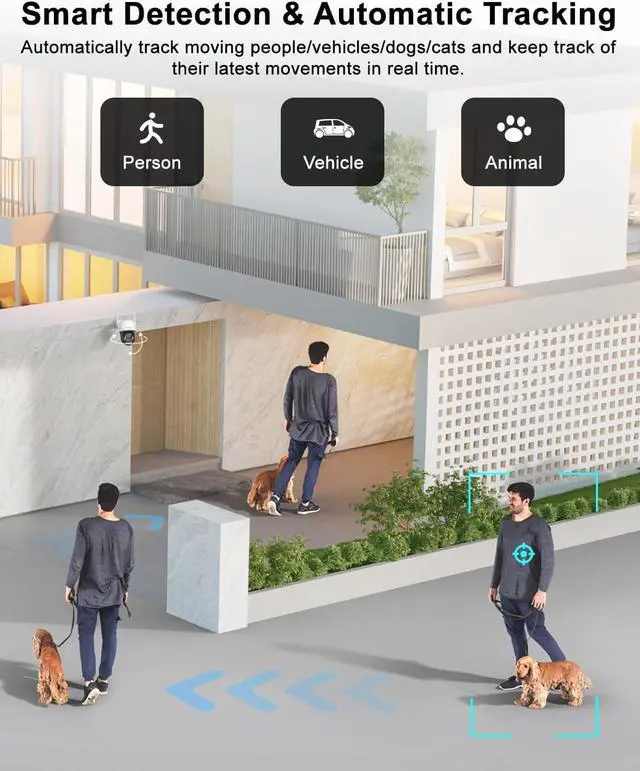
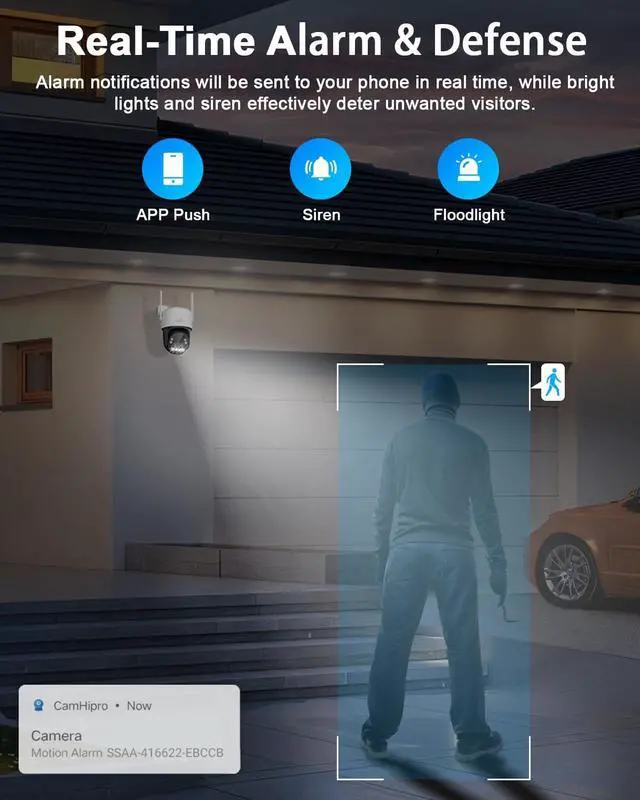
    • Advanced AI Tracking & Real-Time Alarms: This ptz camera 4k is equipped with a third-generation AI recognition chip that can distinguish between people, cars, and pets. When a target is detected, the camera automatically tracks its movement to keep it centered in the frame. You can also customize the dete
    +
    +
    Overview
    Specs
    Reviews
    avatar

    Any questions? Our AI beta will help you find out quickly.

    1Flexible Storage Options2Metal Housing3RTSP Live Streaming4Well Compatible1Smart Tracking2Almost 360°Coverage4Smart Al Detection5Real-Time Siren How do I turn on the automatic tracking feature?
    Open the CamHipro APP, click on the camera to enter the control interface, slide the interface to page 3, and turn on the "Intelligent tracking" button.

    How can I set up multiple preset positions so I can quickly switch perspectives?
    Commands 1 to 30 are preset positions. You can control the camera to rotate to the desired position, then open the "Preset Position" interface, enter "1", click "Set", and so on. Up to 30 preset positions can be set.

    How do I turn off the floodlight?
    The enabling/disabling of the camera floodlight is related to the night vision mode you set. You can open the "CamHipro APP" find the "Night Vision Mode" button and set it to "Infrared mode" to disable the floodlight.

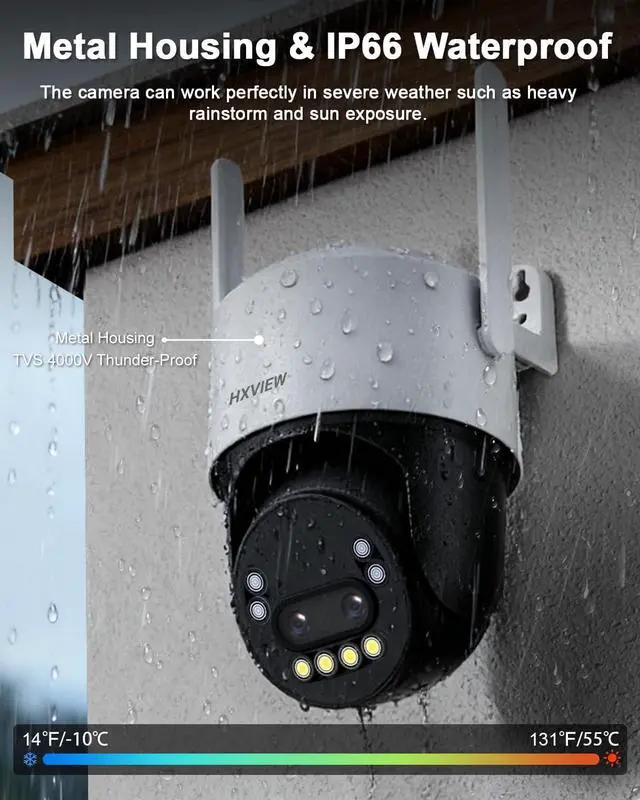
    Color Night Vision Metal Housing & IP66 Waterproof Auto Zoom while Auto Track Identify Real Threats Warn off the Intruder Professional Security Surveillance How to set the position where the camera automatically returns after tracking ends?
    How do I turn on the automatic tracking feature?
    How can I set up multiple preset positions so I can quickly switch perspectives?
    How do I turn off the floodlight?

    Warranty & Returns

    Warranty, Returns, And Additional Information

    Warranty

    • Please contact the Seller directly for warranty information. Warranty information may also be found on the Manufacturer's website.
    • CONTACT

    Return Policies

    Manufacturer Contact Info

    LOADING...