1. Move the camera to the position you want it to return to.
2. Enter "92" and then click "Add/Set".
3. Enter "92" and then click "Call".
After setting up, when the camera completes automatic tracking, it will automatically return to the position you specified.
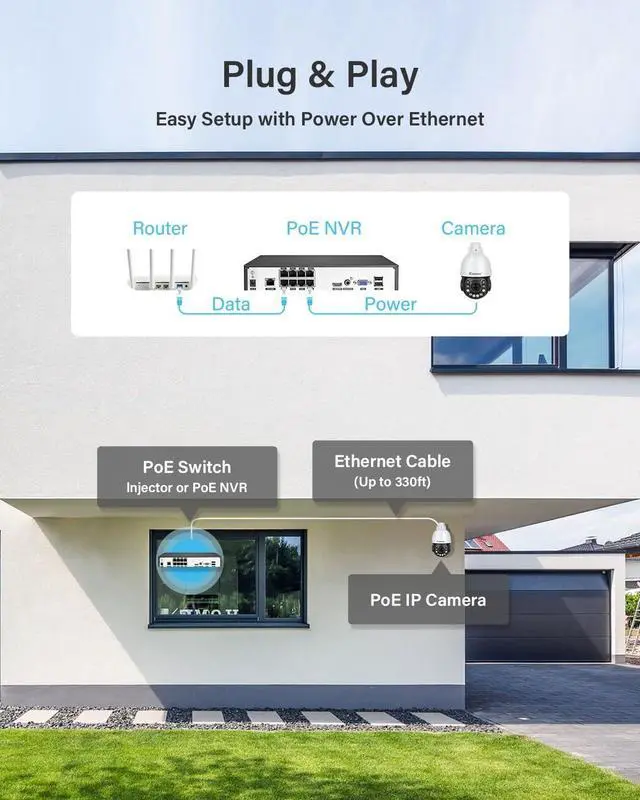
120X Optical Zoom2Auto Tracking3360° Coverage4Two Way Audio5Multi-User Sharing 1. POE switch not included.
2. Only work with POE NVR that support Onvif.
3. The camera can only track one target in the picture.
4. For stable transmission, use Cat5/Cat6 or higher-grade Ethernet cable.
5. Max cable length: 80m (longer distances may cause signal loss).
6. Avoid aiming at glass/reflective surfaces to prevent IR glare-induced image fogging.
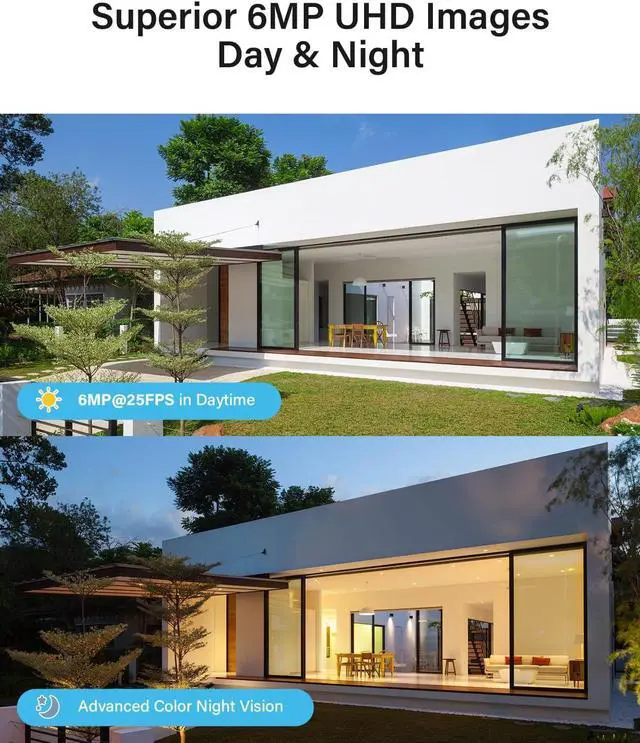
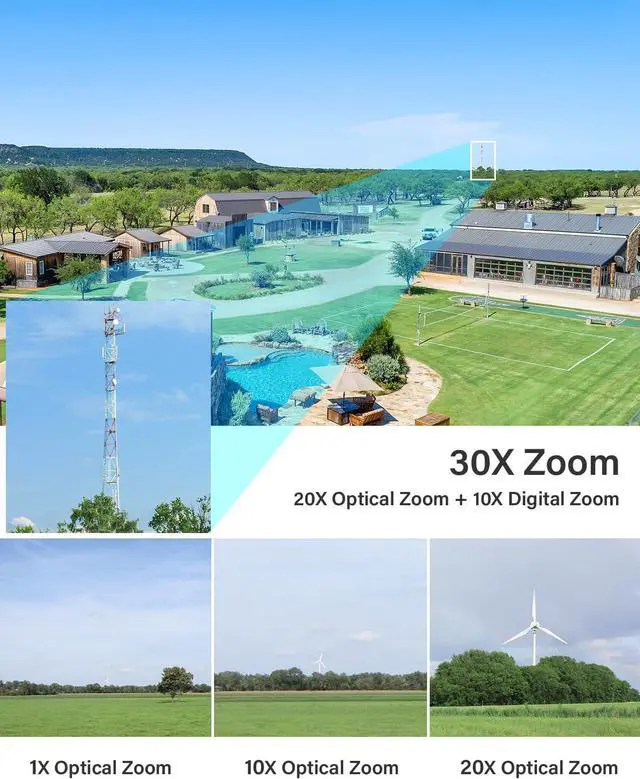
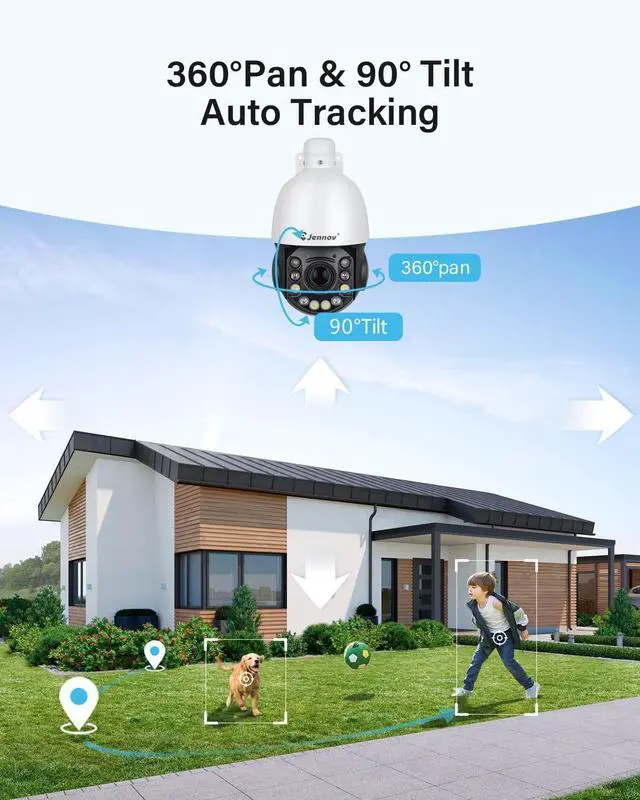
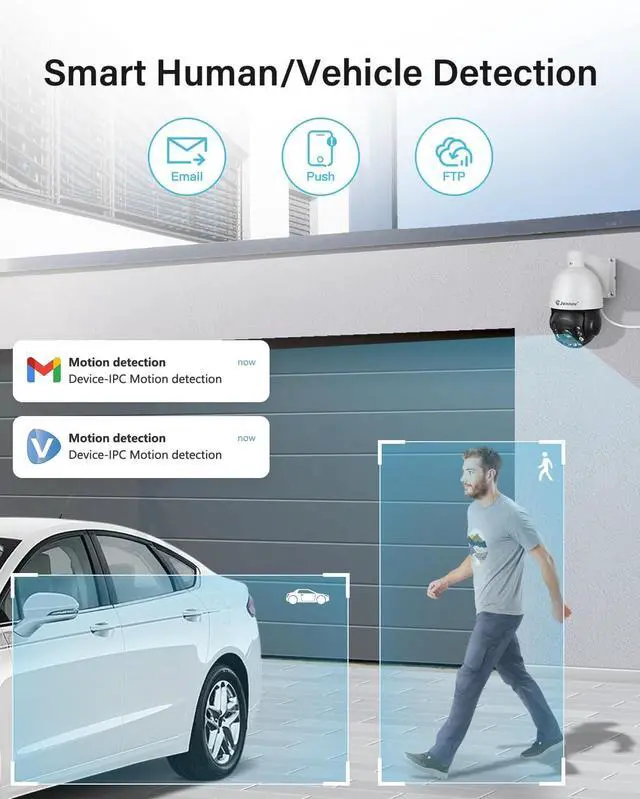
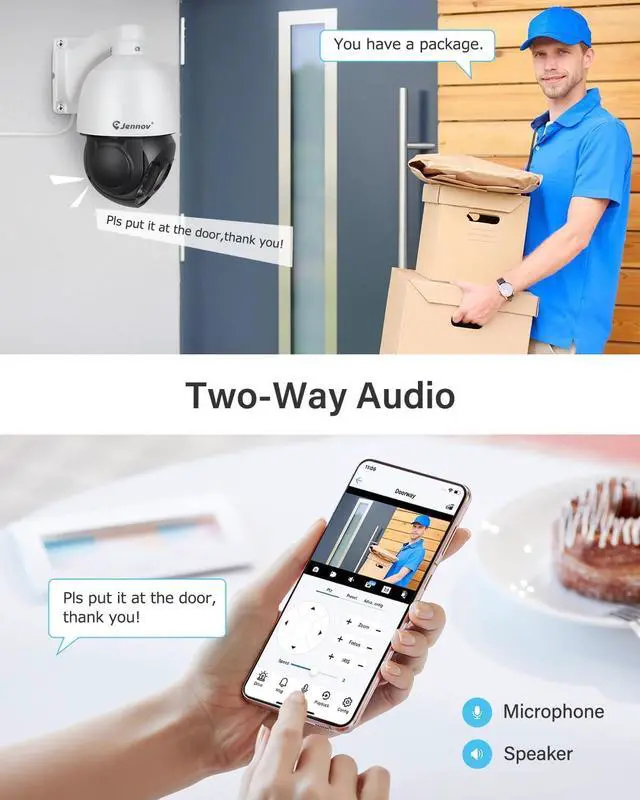
1Color Night Vision2Daily Patrol3Real-time Alert4Smart Playback5IP66 Waterproof How to enable Auto Tracking 20X Optical Zoom for More Visibility Keep Focused on What Matters Full Coverage by 360° Pan & 90° Tilt Speak in Real Time Remote access and share with friends 164ft Color Night Vision Guard Your Property with Daily Patrol Instant Response to Motion Events Quickly Find and Play BackImportant Moments Stands Guard in Harsh Weather