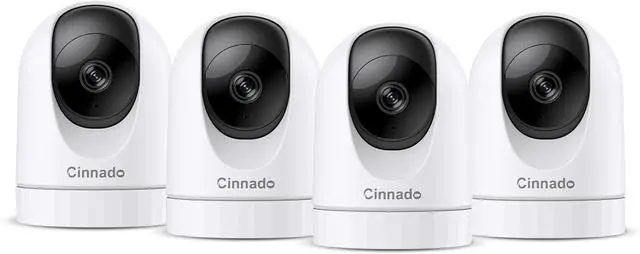
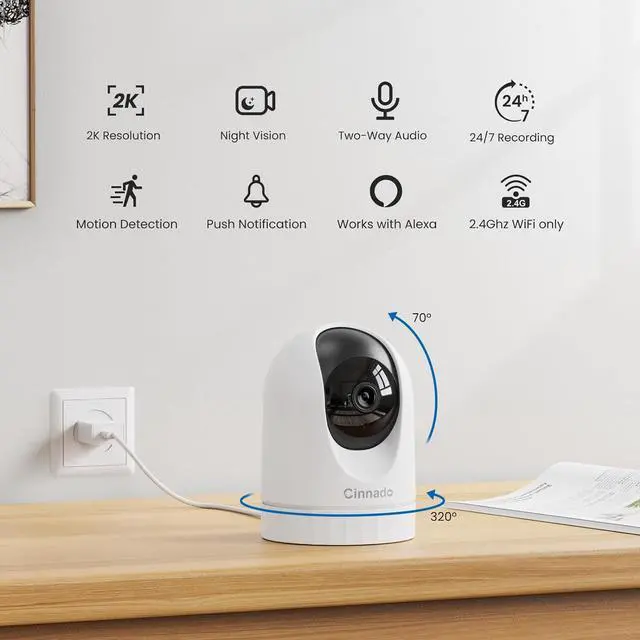
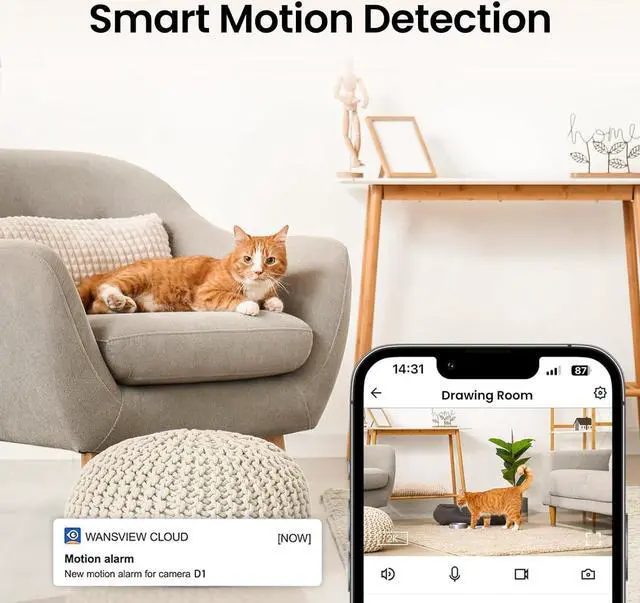
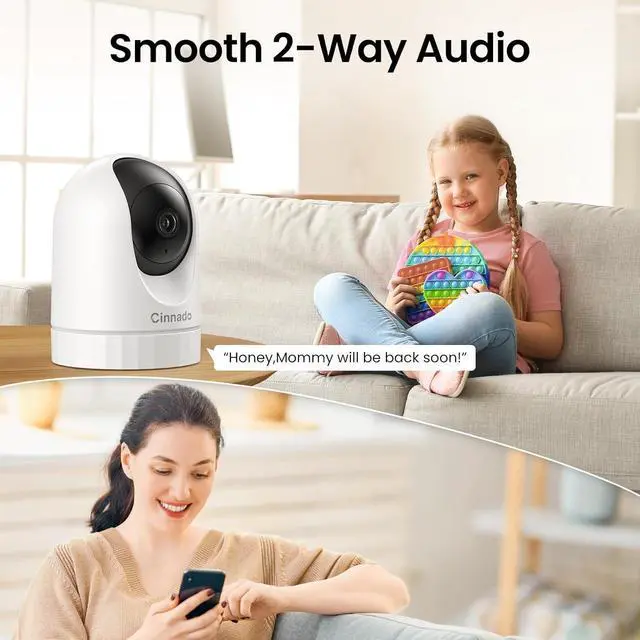
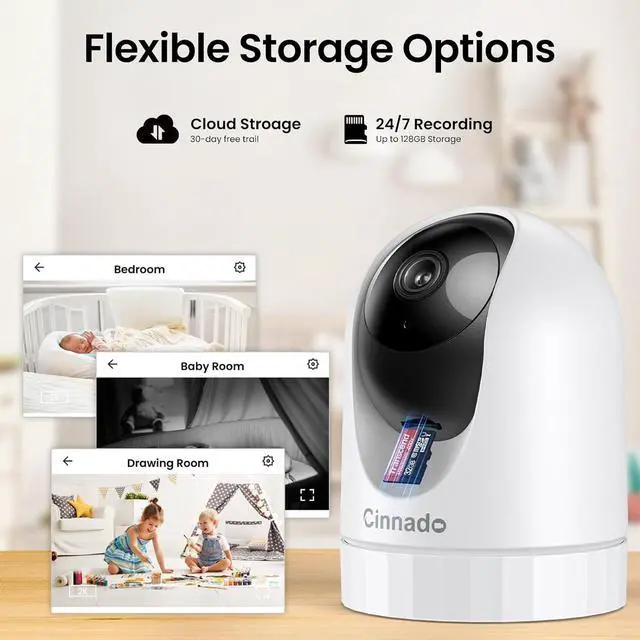
1Motion Detection2Two-Way Audio3Optional Storage How to connect the indoor camera & support 5Ghz Wi-Fi or not?
1. Plug the camera in the power cord all the time.
2. Keep your phone and camera connected to your home 2.4Ghz Wi-Fi. *Camera does not support 5Ghz Wi-Fi.
3. Ensure that your camera is close to your home router within 3 feet during setup.
Are these cameras for home security true wireless?
The wireless means the indoor camera supports wireless network connection, it doesn't need to be connected to an Ethernet cable. The camera is an electrical product, which needs to be connected to a power supply with the power cord all the time.
Is a cloud subscription required?
No. Use a micro SD card (up to 128GB, FAT32/exFAT) for local storage. The SD slot is located under the lens (rotate lens upward to access).
Production of the Security Indoor Camera D1 Work with Alexa & Google Home Share with Your Family Multi-devices and Muti-Viewing Secure Privacy Mode How to connect the indoor camera & support 5Ghz Wi-Fi or not?
Are these cameras for home security true wireless?
Is a cloud subscription required?