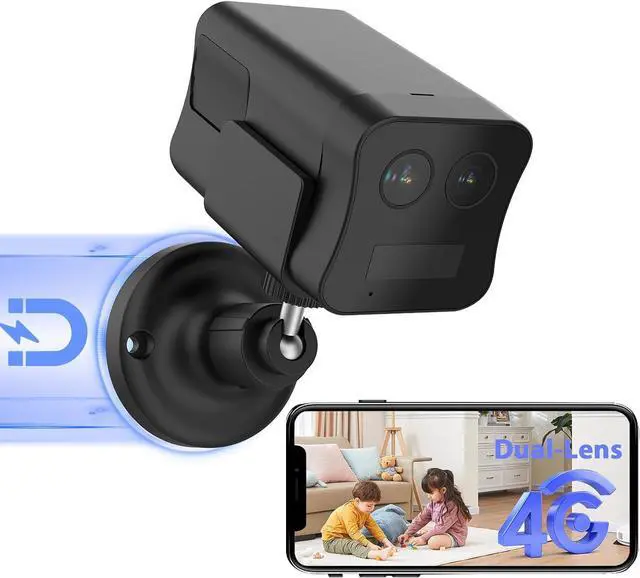
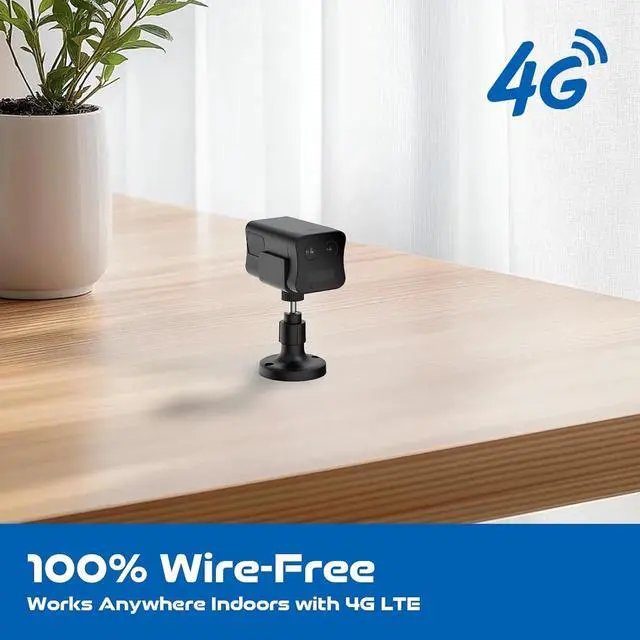
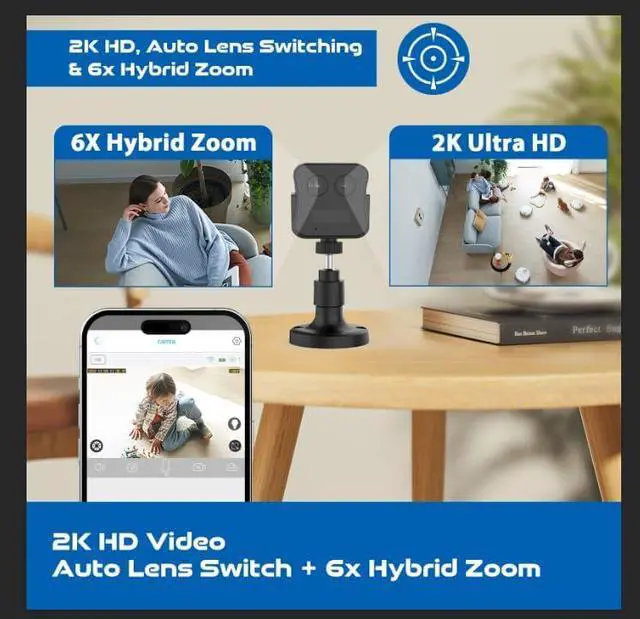
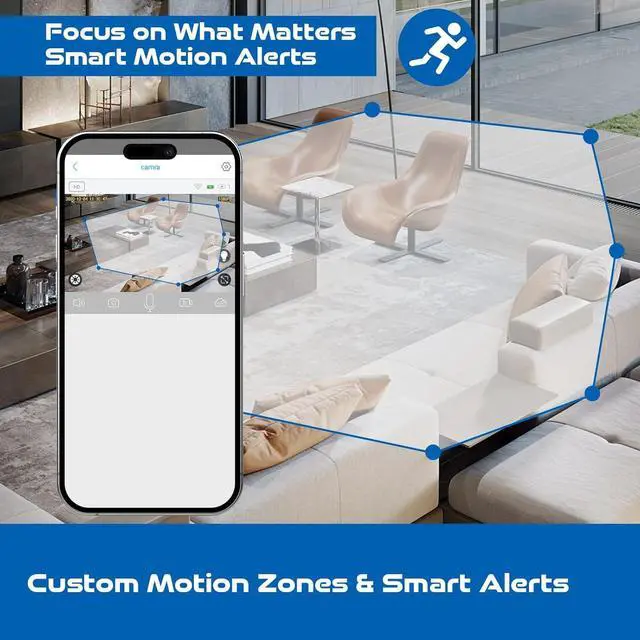
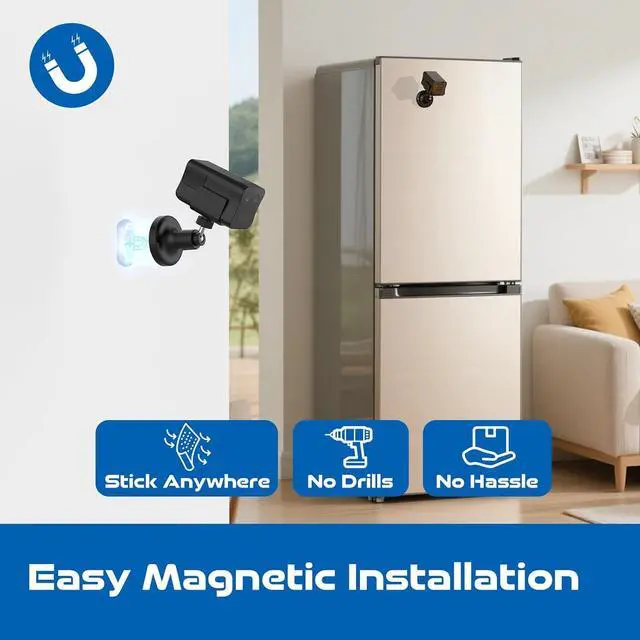
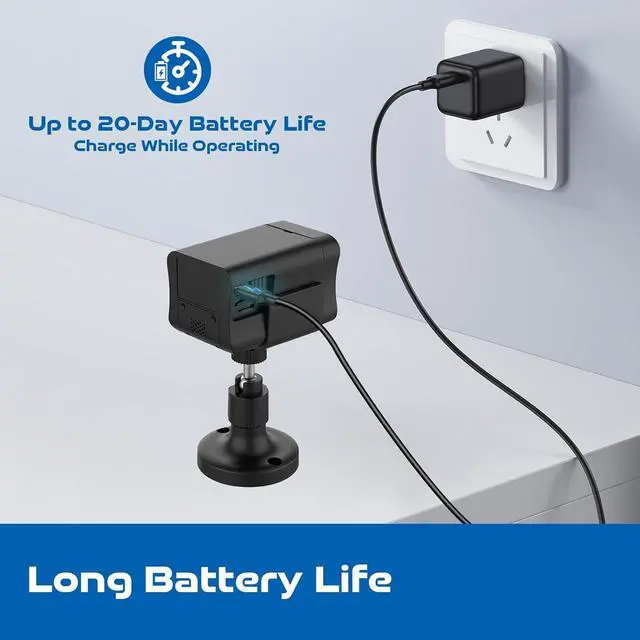
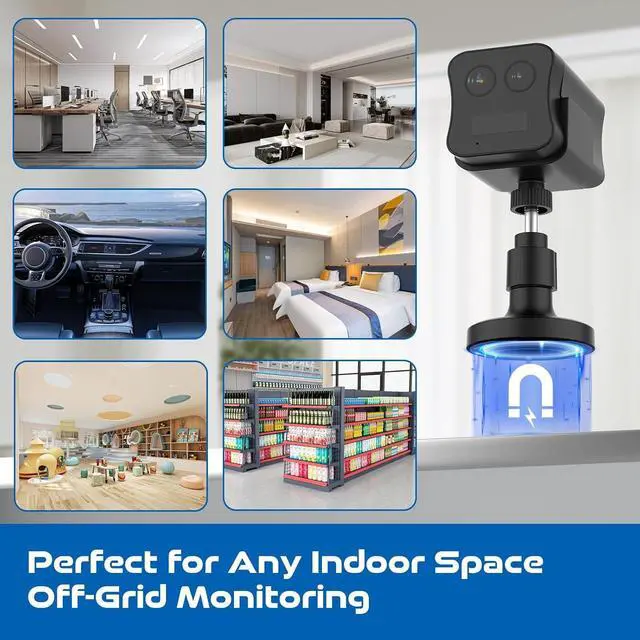
16X Hybrid Zoom2Versatile Usage3Stay Peace of Mind4Subscription Needed5Reliable and Secure ApplicationWorks only with the "UBox" app on Android/iOS devices. Not compatible with PC or NVR.ConnectivityRequires 3G/4G LTE cellular connection. No WiFi support. Each camera needs its own data plan.Power SupplyPowered by a 30000mAh battery. Supports motion-triggered recording.Charging Voltage5V/2A power adapter (charging adapter not included). Fully charge before first use.Alarm Motion detection up to 26ft (8m), with alerts through the UBox app. Optional siren can be activated remotely.Field of View150° wide-angleMotion DetectionDetects motion up to 26ft (8m). Best installed 4.9-6.6ft (1.5-2m) above the ground.StorageSupports up to 128GB memory card and 30-day free cloud storage trial. Does not support RTSP/ONVIF/NVR/FTP.Video Resolution 2K HD video with black-and-white night vision.Memory Card InsertionInsert memory card as shown on the camera. SIM card is pre-installed; memory card not included.Additional Costs19.90USD for 30 Day Unlimited Data Plan, 99.90USD for 6 Month Unlimited Data Plan, 169.90USD for 12 Month Unlimited Data PlanOperating Temperature-10°C to 60°C (14°F to 140°F).Package Includes1 x 4G Cellular Security Camera with 7 day unlimited data plan trial, 1 x Magnetic Bracket with screw kit,1 x 1m USB-C charging cable,1 x Instruction manualKindly ReminderThe pre-installed EiotClub SIM card is only for FUVISION 4G cameras. Using it in other devices may lock the SIM card. How to Set Up Your 4G LTE Cellular Security Camera?
1. Download and install the UBox app from Google Play or the App Store.
2. Power on the camera and reset it. Wait until the LED indicator turns blue
3. Open the UBox app, select "Add The Camera", scan the code on the camera
Which countries is this 4G LTE security camera available for? Can it be used with WiFi?
This 4G LTE camera is compatible only in the US. It does not support WiFi or hotspot connections, and can only be used with built-in 4G SIM card.
How much data will this 4G security camera use monthly?
The data usage depends on the cameras actual usage. Typically, 2-3GB of data is sufficient per month.
Data Package with built-in EiotClub Unlimited SIM card: Approximately $19.90 for a 30-day plan.
Is it possible to use my personal SIM card with this camera?
No, this cellular security camera is compatible only with the built-in SIM card. Using a different SIM card may prevent network connection or damage the device.
What to do if your 4G camera goes offline:
1.Check your 4G data. If needed, top it up and restart the camera.
2.Check the battery. Recharge it if it's low.
3.Restore factory settings and reconnect the camera.
4.Ensure the camera has a strong 4G signal (at least 3 bars).
dual lens 4g lte security camera Specifications How to Set Up Your 4G LTE Cellular Security Camera?
Which countries is this 4G LTE security camera available for? Can it be used with WiFi?
How much data will this 4G security camera use monthly?
Is it possible to use my personal SIM card with this camera?
What to do if your 4G camera goes offline: