• $162.99
  • Free 30-day Returns
  • Price alert
    Shop it at NeweggBusiness.

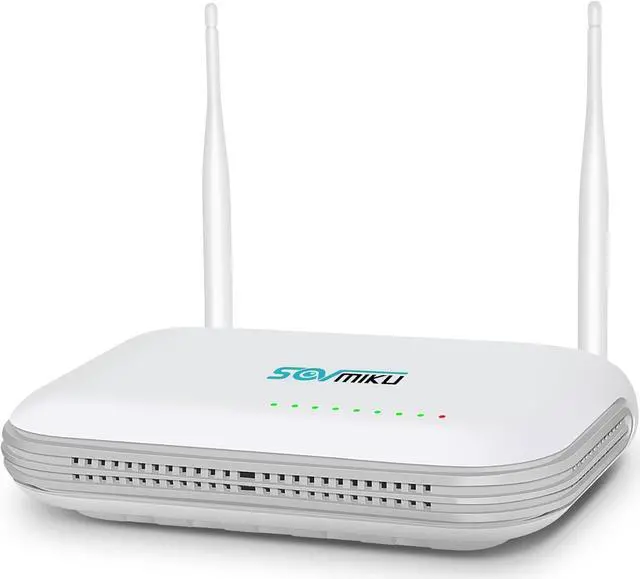
    SOVMIKU NVR Without Hard Drive,with Power Adapter, Wireless Network Video Recorder, 8CH Expandable Cameras, Only Work with Sovmiku Wireless Cameras,Motion Detection, Full Color Night Vision

    • Only Compatible with SOVMIKU CameraSOVMIKU Wireless Network Video Recorder Only Work with Sovmiku wireless cameras:B09C1G318X,B0CLJBFPQB,B0CD6Z3YBY,B0CNVWM56L
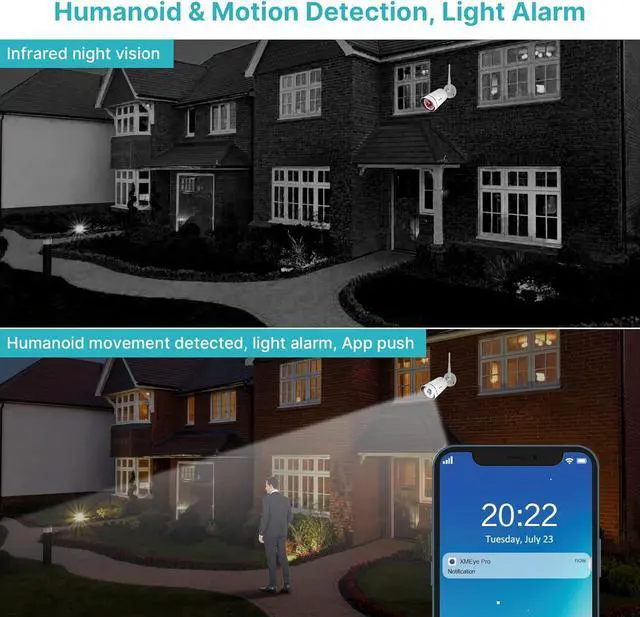
    • Maximum supported 8.0M megapixel The new look NVR supports work with 5MP cameras and 8channels, SOVMIKU 3MP camera support human detection function, more clearly image, less false motion detection notification. 3MP and 1080P camera still support.
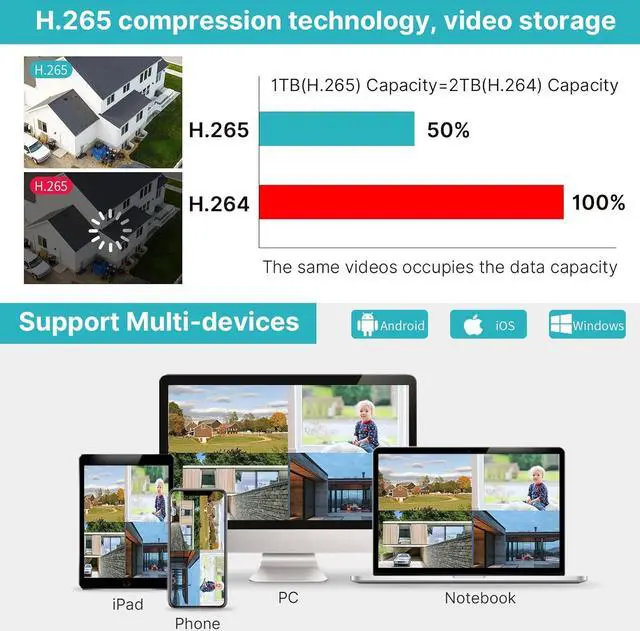
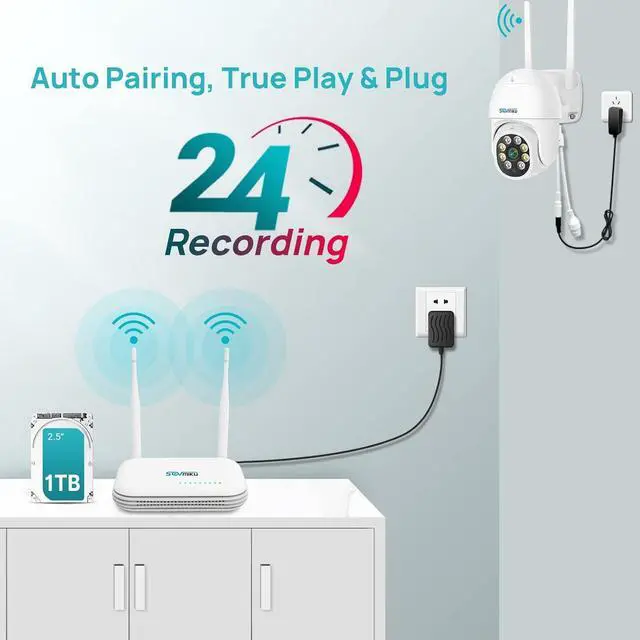
    • No hard driveSOVMIKU single NVR without hard drive, if u need check playback video, need install hard drive at first, it can only support internal hard drive and up to 3TB capacity.
    • How to connect new camera to the NVRNew camera is not paired with your NVR, so please refer below steps to add the new camera to your NVR Please right click your NVR mouse choose Channel Set,Press camera reset button about 10s, click QuickPair,wait for new IP address show up, then click Continue, if no IP address show up click Search again
    • Work with 12V2A or 12V3A output power cordEnsure the nv
    +
    +
    Overview
    Specs
    Reviews
    avatar

    Any questions? Our AI beta will help you find out quickly.

    Only Compatible with SOVMIKU CameraSOVMIKU Wireless Network Video Recorder Only Work with Sovmiku wireless cameras:B09C1G318X,B0CLJBFPQB,B0CD6Z3YBY,B0CNVWM56L
    Maximum supported 8.0M megapixel The new look NVR supports work with 5MP cameras and 8channels, SOVMIKU 3MP camera support human detection function, more clearly image, less false motion detection notification. 3MP and 1080P camera still support.
    No hard driveSOVMIKU single NVR without hard drive, if u need check playback video, need install hard drive at first, it can only support internal hard drive and up to 3TB capacity.
    How to connect new camera to the NVRNew camera is not paired with your NVR, so please refer below steps to add the new camera to your NVR Please right click your NVR mouse choose Channel Set,Press camera reset button about 10s, click QuickPair,wait for new IP address show up, then click Continue, if no IP address show up click Search again
    Work with 12V2A or 12V3A output power cordEnsure the nvr's power supply must be 12V2A output or 12V3A output, If you connect the 12V 1A cameras' power supply to the NVR, the NVR box will not provide enough power to drive the hard drive.

    Warranty & Returns

    Warranty, Returns, And Additional Information

    Warranty

    • Please contact the Seller directly for warranty information. Warranty information may also be found on the Manufacturer's website.
    • CONTACT

    Return Policies

    Manufacturer Contact Info

    LOADING...