• $116.99
  • Price alert
    Shop it at NeweggBusiness.

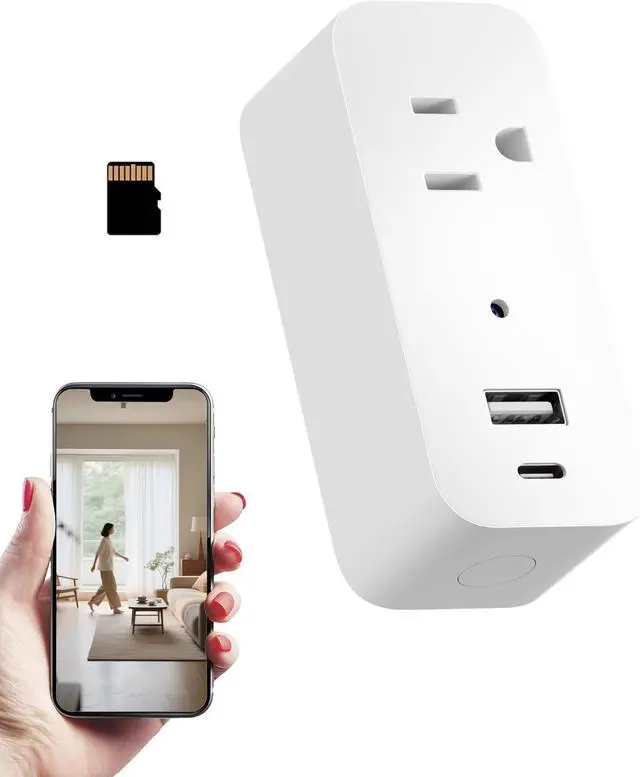
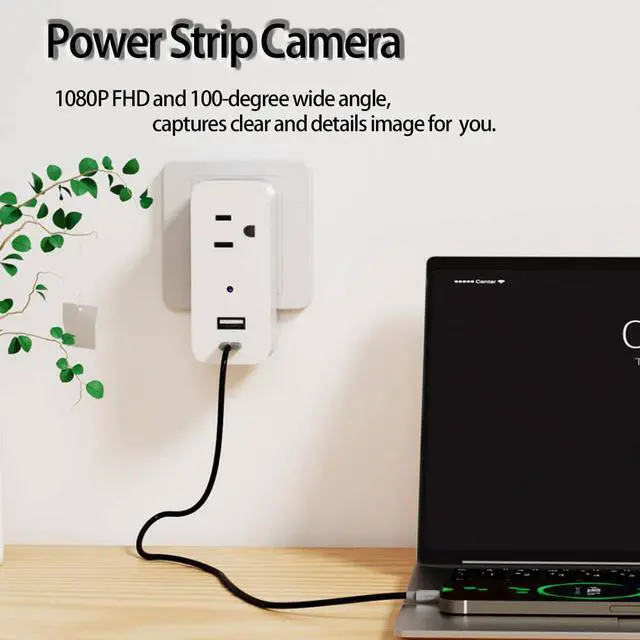
    1080P Power Strip Mini Camera Wireless WiFi Connection App View Pictures Taking Plug Cam for Indoor Security Built-in 32GB SD Card Wall Outlet (No Audio)

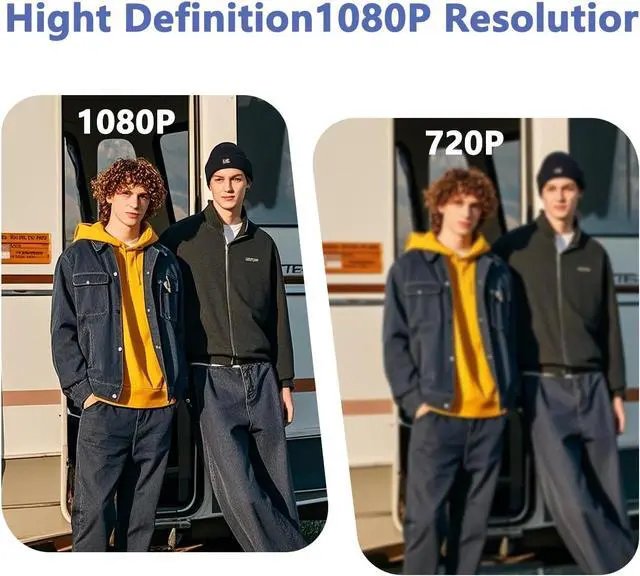
    • 1080P clear image viewing, you can monitor the image from app, which has 100° wide view, plug-play, easy to use.
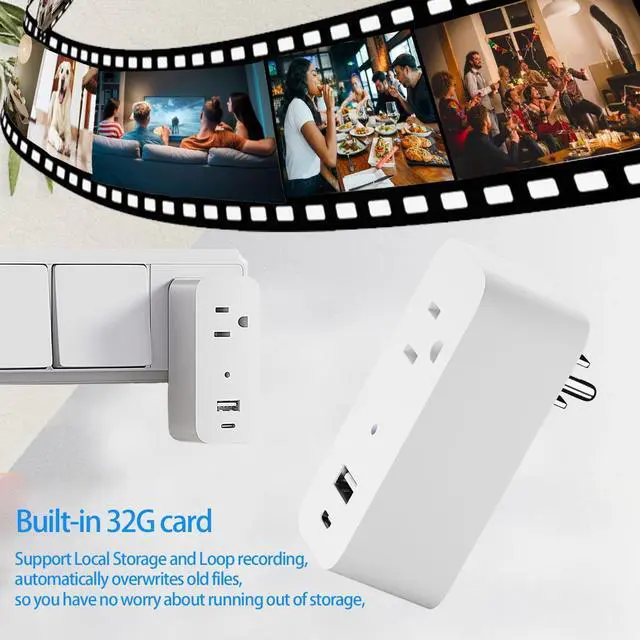
    • Built-in 32GB SD card, no card slot and no need other action. Local Storage and Loop recording that automatically overwrites old footage.
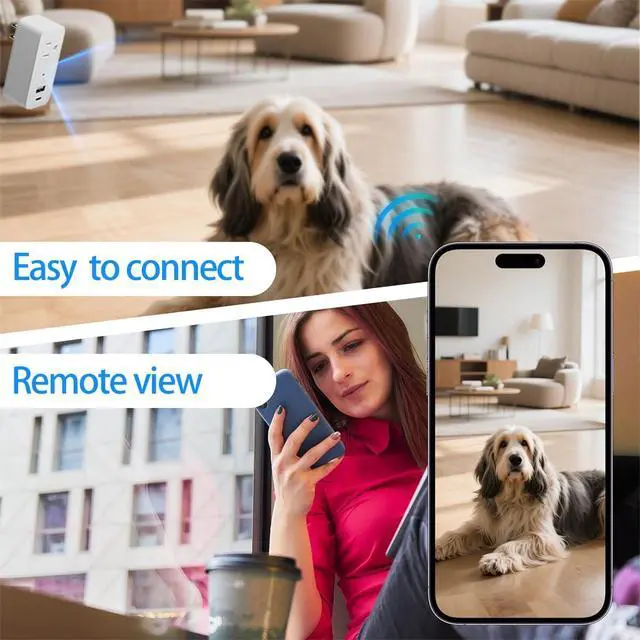
    • Reliable WiFi Connectivity, Compatible with 2.4GHz WiFi networks, you can remotely view the camera via WiFi wherever you are.
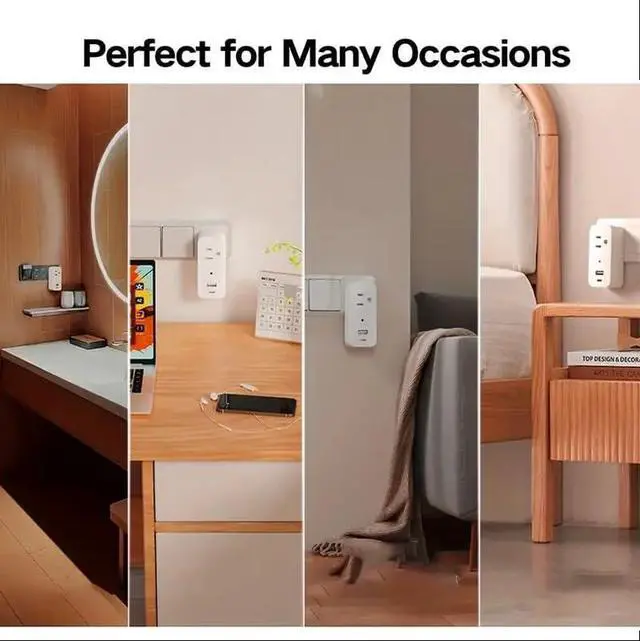
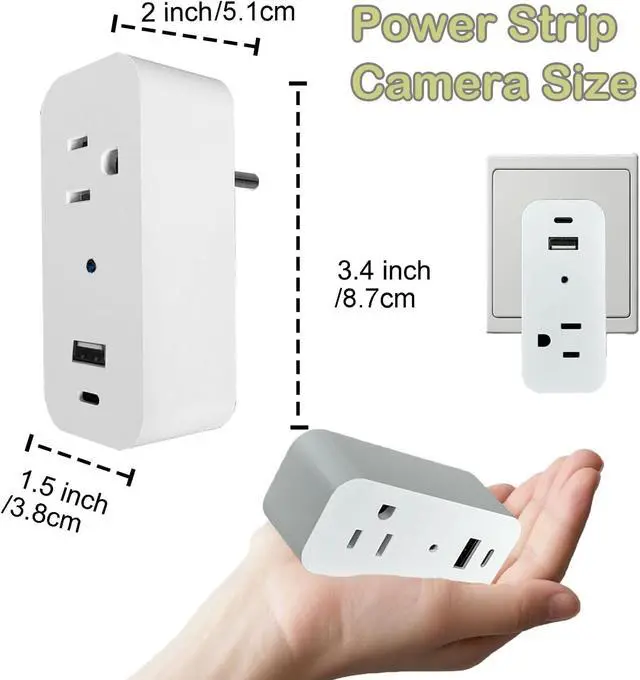
    • Versatile Multi-Scene; Plug into Indoor wall outlets for Charging plug, also can be used for surveillance. Ideal for homes and pet room.
    • How to connect: Step1, Plug in the camera and the indicator light blinking, then Press and hold the reset button waiting the indicator light blinks rapidly. Step 2, Turn on your WiFi and bluetooth of your phone, turn to the App to 'add device', select your home WiFi that your phone is connected and completed the Wifi Seting. Step 3, The App will found the device and add it to your App soon so that you can remote view the camera now.

    +
    +
    Overview
    Specs
    Reviews
    avatar

    Any questions? Our AI beta will help you find out quickly.

    1080P clear image viewing, you can monitor the image from app, which has 100° wide view, plug-play, easy to use.
    Built-in 32GB SD card, no card slot and no need other action. Local Storage and Loop recording that automatically overwrites old footage.
    Reliable WiFi Connectivity, Compatible with 2.4GHz WiFi networks, you can remotely view the camera via WiFi wherever you are.
    Versatile Multi-Scene; Plug into Indoor wall outlets for Charging plug, also can be used for surveillance. Ideal for homes and pet room.
    How to connect: Step1, Plug in the camera and the indicator light blinking, then Press and hold the reset button waiting the indicator light blinks rapidly. Step 2, Turn on your WiFi and bluetooth of your phone, turn to the App to 'add device', select your home WiFi that your phone is connected and completed the Wifi Seting. Step 3, The App will found the device and add it to your App soon so that you can remote view the camera now.

    Warranty & Returns

    Warranty, Returns, And Additional Information

    Warranty

    • Please contact the Seller directly for warranty information. Warranty information may also be found on the Manufacturer's website.
    • CONTACT

    Return Policies

    Manufacturer Contact Info

    LOADING...