

Your Browsing History
- Free 30-day Returns
$162.99

Meet Your Seller

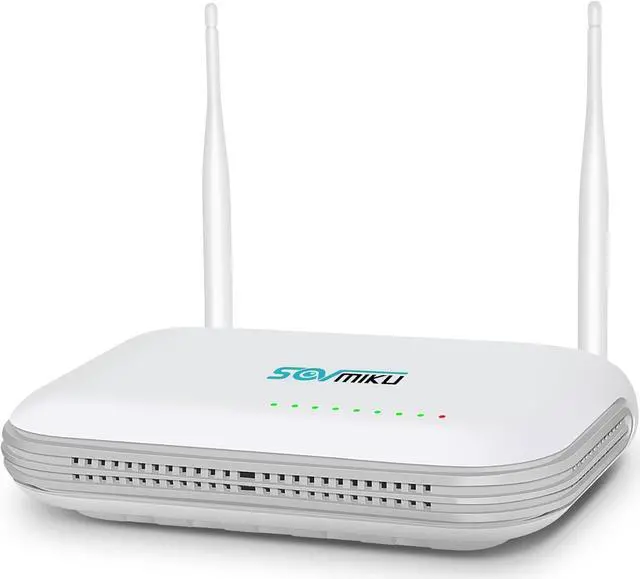
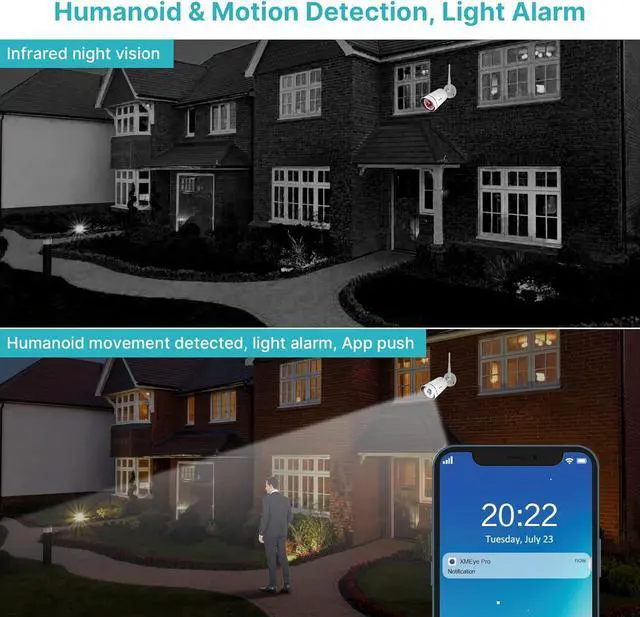


SOVMIKU NVR Without Hard Drive,with Power Adapter, Wireless Network Video Recorder, 8CH Expandable Cameras, Only Work with Sovmiku Wireless Cameras,Motion Detection, Full Color Night Vision
- Only Compatible with SOVMIKU CameraSOVMIKU Wireless Network Video Recorder Only Work with Sovmiku wireless cameras:B09C1G318X,B0CLJBFPQB,B0CD6Z3YBY,B0CNVWM56L
- Maximum supported 8.0M megapixel The new look NVR supports work with 5MP cameras and 8channels, SOVMIKU 3MP camera support human detection function, more clearly image, less false motion detection notification. 3MP and 1080P camera still support.
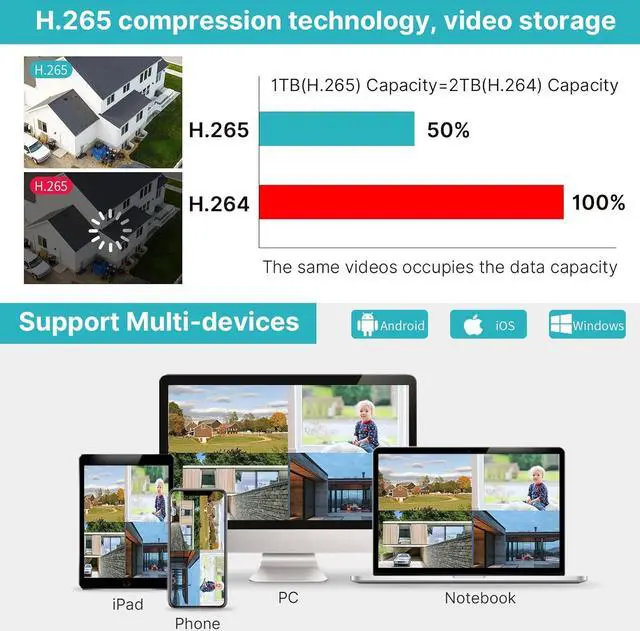
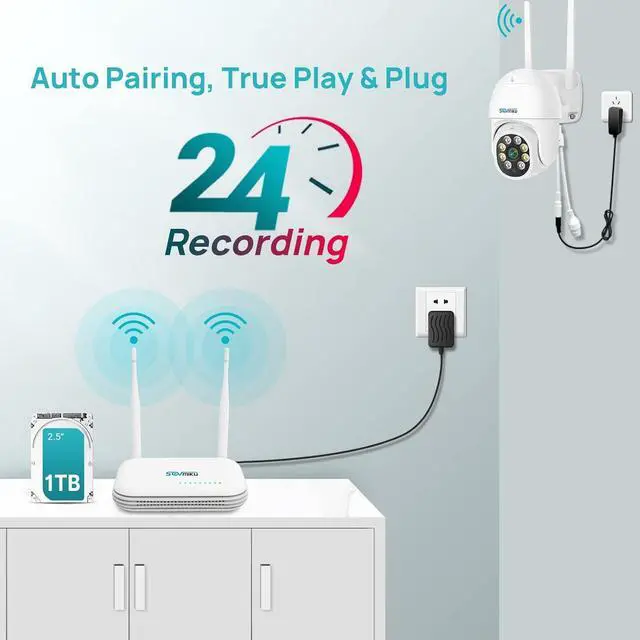
- No hard driveSOVMIKU single NVR without hard drive, if u need check playback video, need install hard drive at first, it can only support internal hard drive and up to 3TB capacity.
- How to connect new camera to the NVRNew camera is not paired with your NVR, so please refer below steps to add the new camera to your NVR Please right click your NVR mouse choose Channel Set,Press camera reset button about 10s, click QuickPair,wait for new IP address show up, then click Continue, if no IP address show up click Search again
- Work with 12V2A or 12V3A output power cordEnsur
+
+
Overview
Reviews

Any questions? Our AI mode will help you find out quickly.
Try me now
Only Compatible with SOVMIKU CameraSOVMIKU Wireless Network Video Recorder Only Work with Sovmiku wireless cameras:B09C1G318X,B0CLJBFPQB,B0CD6Z3YBY,B0CNVWM56L
Maximum supported 8.0M megapixel The new look NVR supports work with 5MP cameras and 8channels, SOVMIKU 3MP camera support human detection function, more clearly image, less false motion detection notification. 3MP and 1080P camera still support.
No hard driveSOVMIKU single NVR without hard drive, if u need check playback video, need install hard drive at first, it can only support internal hard drive and up to 3TB capacity.
How to connect new camera to the NVRNew camera is not paired with your NVR, so please refer below steps to add the new camera to your NVR Please right click your NVR mouse choose Channel Set,Press camera reset button about 10s, click QuickPair,wait for new IP address show up, then click Continue, if no IP address show up click Search again
Work with 12V2A or 12V3A output power cordEnsure the nvr's power supply must be 12V2A output or 12V3A output, If you connect the 12V 1A cameras' power supply to the NVR, the NVR box will not provide enough power to drive the hard drive.
Maximum supported 8.0M megapixel The new look NVR supports work with 5MP cameras and 8channels, SOVMIKU 3MP camera support human detection function, more clearly image, less false motion detection notification. 3MP and 1080P camera still support.
No hard driveSOVMIKU single NVR without hard drive, if u need check playback video, need install hard drive at first, it can only support internal hard drive and up to 3TB capacity.
How to connect new camera to the NVRNew camera is not paired with your NVR, so please refer below steps to add the new camera to your NVR Please right click your NVR mouse choose Channel Set,Press camera reset button about 10s, click QuickPair,wait for new IP address show up, then click Continue, if no IP address show up click Search again
Work with 12V2A or 12V3A output power cordEnsure the nvr's power supply must be 12V2A output or 12V3A output, If you connect the 12V 1A cameras' power supply to the NVR, the NVR box will not provide enough power to drive the hard drive.
Warranty & Returns
Warranty, Returns, And Additional Information
Warranty
- Please contact the Seller directly for warranty information. Warranty information may also be found on the Manufacturer's website.
- CONTACT
Return Policies
- Return for refund within: 30 days
- Return for replacement within: 30 days
- This item is covered by Zhanfu Technology Co., Limited Return Policy
Manufacturer Contact Info
- For a directory of all our manufacturers, please click below.
- Manufacturers Directory
LOADING...