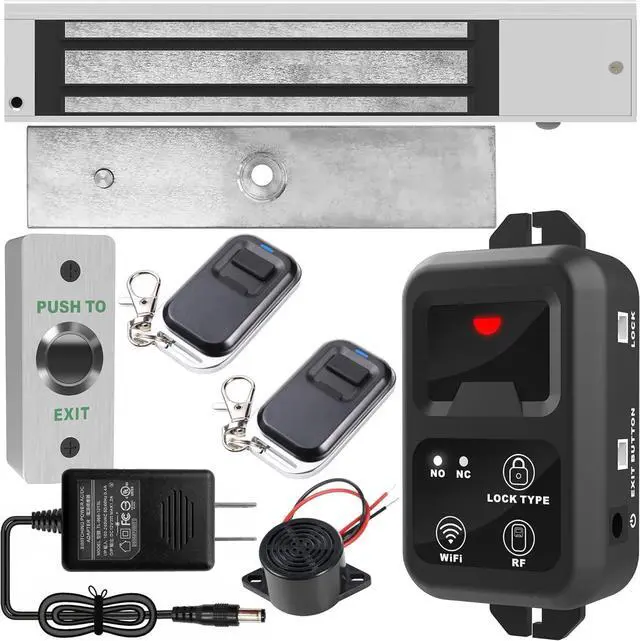
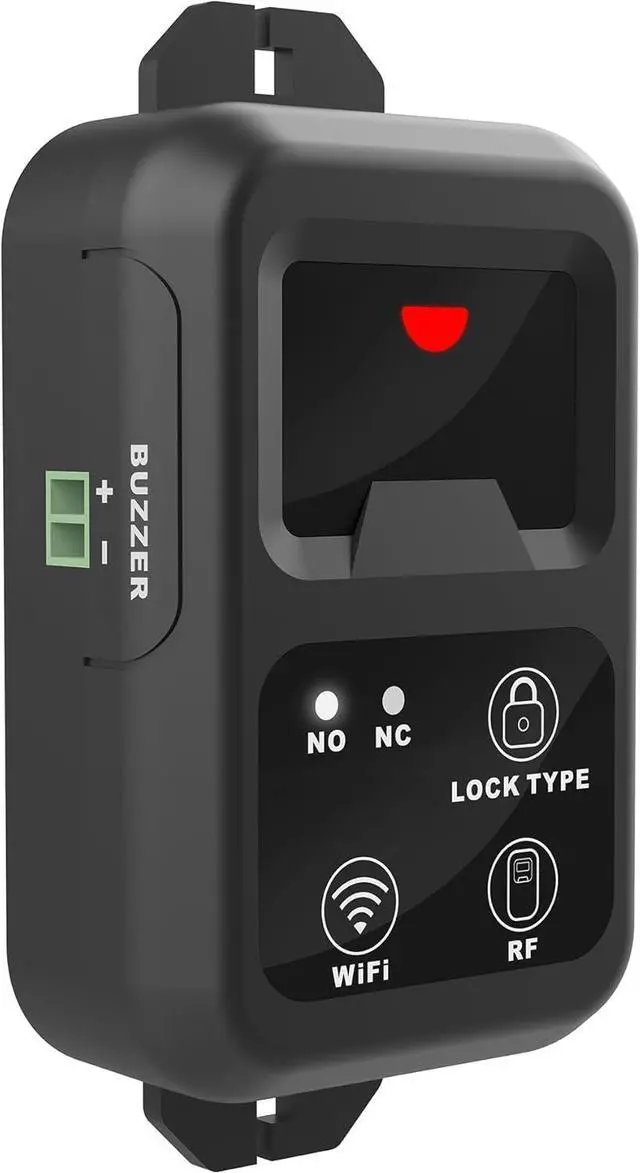
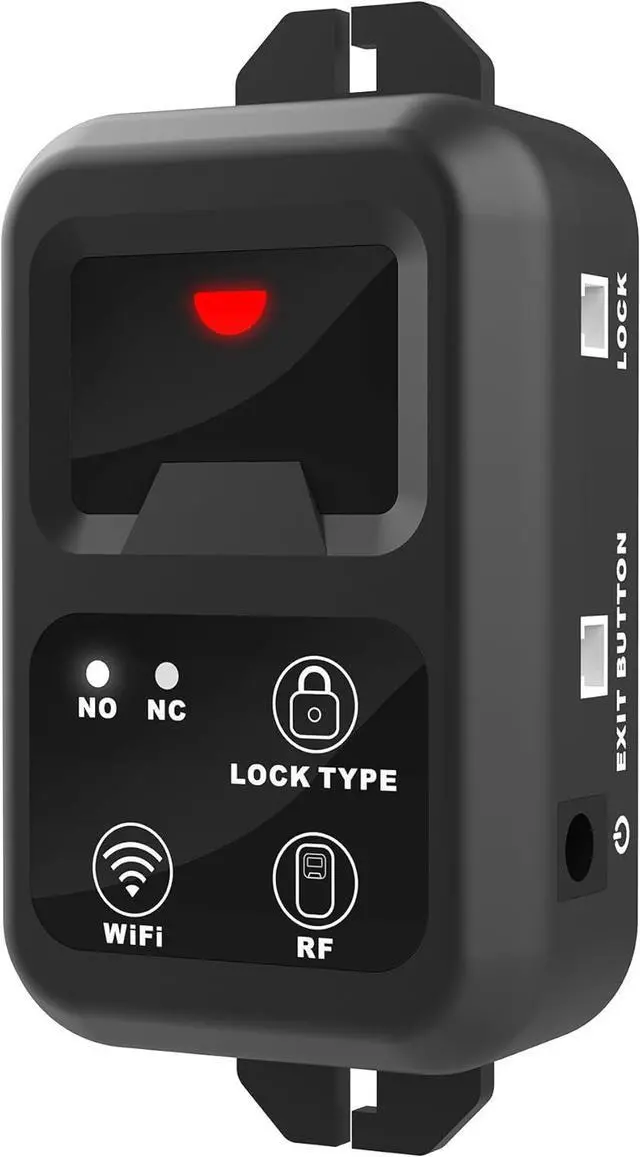
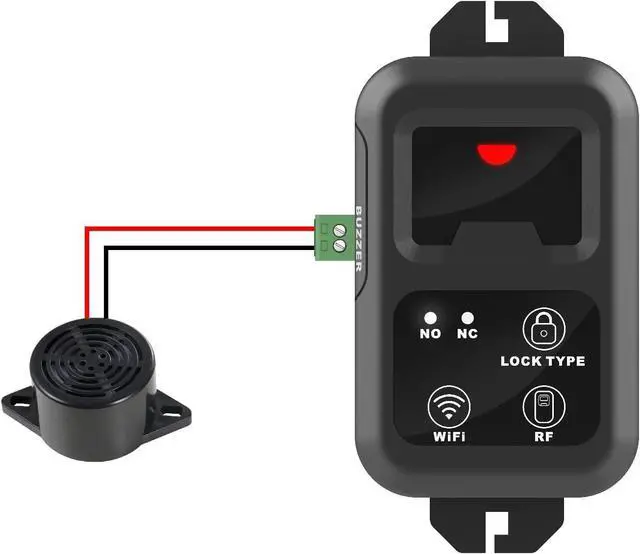
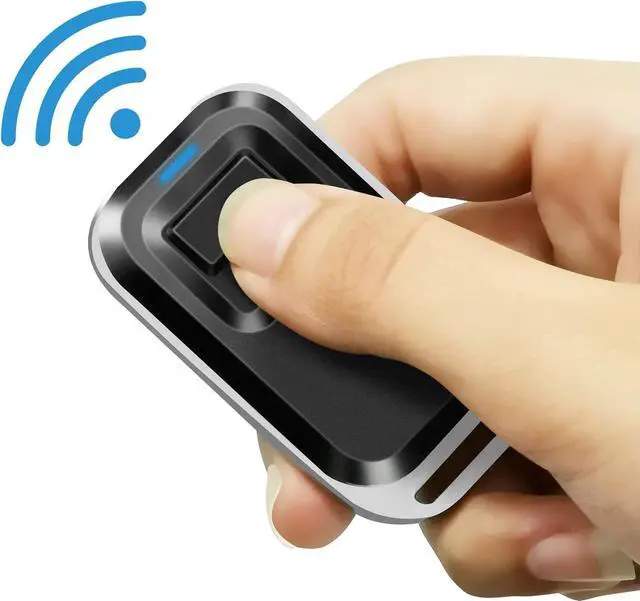
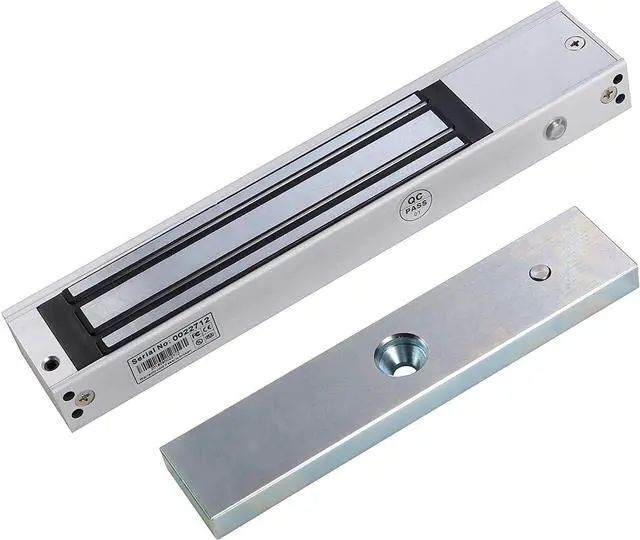
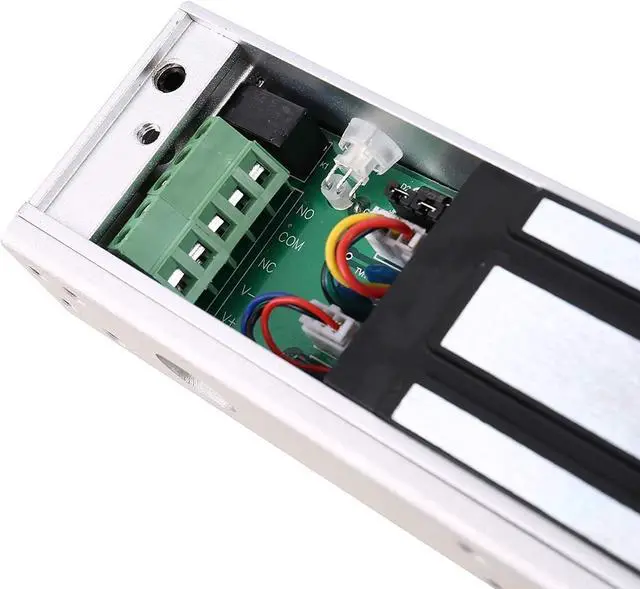
The main feature of this kit is that it allows you to open the door simply by pressing the wireless RF remote instead of moving to the door physically when someone visits. The remote communicates with the receiver,which can program up to 40 transmitters, and it has a range of 160 feet.
The function of the receiver is that when the power is on, the lock of yourkit is locked and when you press the remote the lock will unlock temporarily to open the door.
Requires 2.4GHz Wi-Fi connection. Quick & easy installation without the need of a professional.
Tuya is a smart home center that can let you control and manage your favorite smart devices of different brands in a single APP.
Easy Use: Transmits data to a cloud platform through the Wi-Fi Router, which enables you to remotely control the connected appliances via freeTuya Smart App. You can download the iOS version in App Store and theAndroid version in Google Play.
Grouping Function: It allows users to assign all added devices to different groups so that they can easily check and manage the devices. To use this feature, simply click the drop-down menu on the top of device list.
Smart Scene: The smart scene allows users to use one device to automatically trigger ON/OFF one or more devices.
Share Control: Device owners can share control of their own devices to other Tuya users. Invite your family members to control your smart hometogether!
Scheduled Timing: User can reset repeat or single timing schedules to turn on/off devicesaccording to your needs.Imaging that the door is off in the evening and on in the morning every day automatically.
Loop Timing: A loop timer allows users to turn on/off the door at preset intervals.
Tuya provides a multi-language version, which supports Chinese, English, Danish, French, Russian, Italian, Polish, Deutsch, Spanish, Japaneseetc.
Tuya offers cloud service at a global scale, ranging from Asia, North America, South America to Europe, etc.
An exit button is included in this magnetic lock system kit, and you could exit from indoors easily by pushing it once.
Dimensions (LxWxH): 3-35/64"x1-3/8"x1-3/64" (90x35x26.5mm)
Standard Structure: Stainless steel panel, steel button
Mechanical Life: 500000 tests
Current Rating: 3A@36VDC Max.
Output Contact: NO/COM
Operating Temp: 14~131 (-10~55)
Operating Humidity: 0-95% (relative humidity)
Panel Material: Stainless steel panel, wire drawing finished
Suitable for hollow door
Clear Code: Tap and hold RF icon for 8 seconds until the indicator changes from green to red, indicating the clear code is successful.
Pairing Transmitter and Receiver: Tap RF icon followed by press the button on the remote transmitter within 20 seconds.
Tuya APP INSTRUCTION
Download Tuya app in APP Store for iOS or in Google play for Android.
Cut off the power before installing the device. Then power it up after completing the installation.
Tap and hold the WiFi icon for 8 seconds until the green LED flashing fast.
The APP will auto-search and connect the remote receiver around you.
Input home WiFi SSID & password. (If no password, keep it blank).
Tuya Smart will search the device and add it to your account, it takes 1-3minutes. When this complete, you can give your device a name.
FEATURES PUSH to EXIT BUTTON WIRING DIAGRAM OPERATING SETTING