



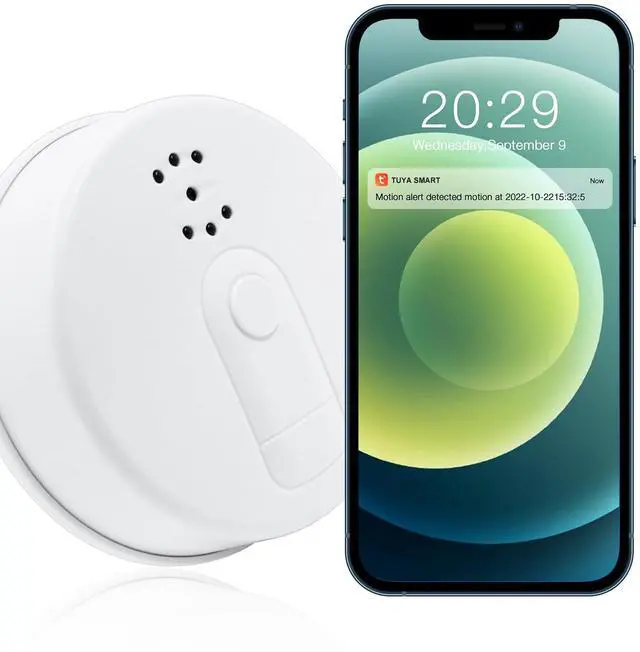


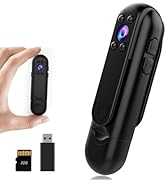
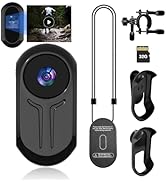
mini body camera

ABOUT US
Specializing in the manufacturing of mini body camera, we own our independent production lines and meticulously craft every body camera. From core components to final assembly, we maintain strict quality control throughout the entire process, ensuring that our products provide clear recordings and robust durability when it matters most.

1.This device does not include smoke detection functionality; it is solely a camera.
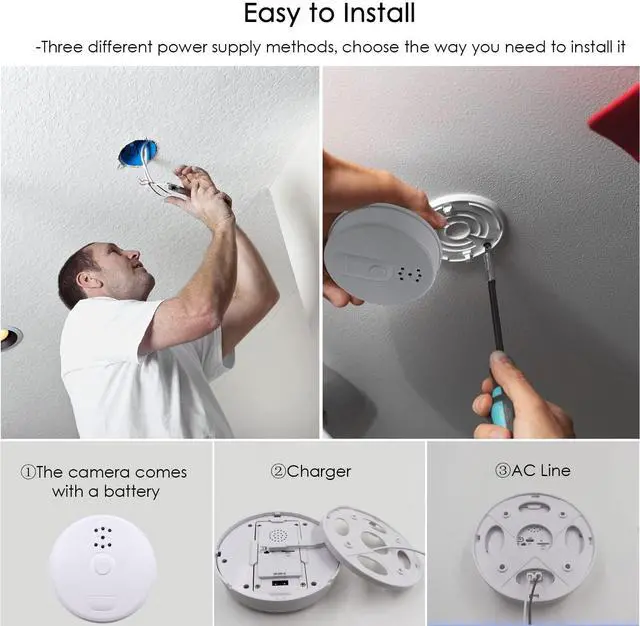
2.After being fully charged, the camera can be used for approximately 4 hours. We recommend using the camera while it is charging.
3.You can connect the camera directly to AC power to keep it charged.
4. If the camera goes offline, we recommend resetting it.
5.According to USA law, sound is forbidden, our camera has no sound.


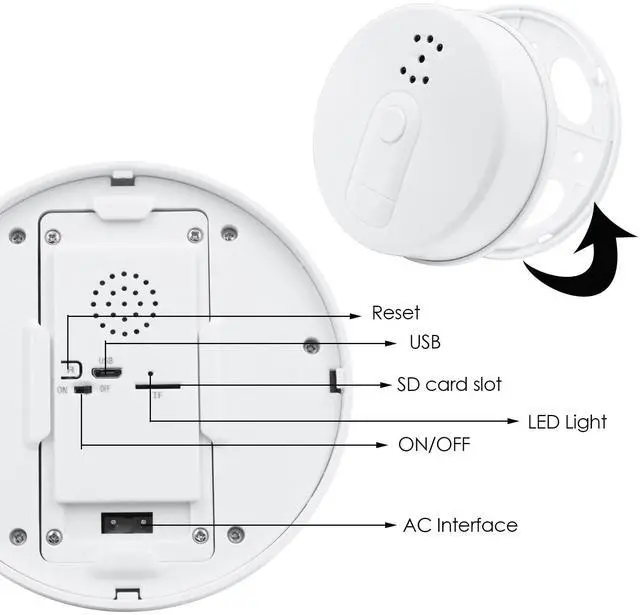
When you first configure the camera, you need to reset the camera.
Connecting the camera to power switch the ON/OFF to the ON position, you will see the blue indicator light is always on, wait 30 seconds, you will see the blue indicator light flashing.
Please hold the Reset button for 7-8 seconds, then release button. The BLUE light goes off and on again, which means reset has completed.
Then the indicator light is always on, wait 30 seconds the indicator light will start flashing again, you can configure the camera.

mini body camera
ABOUT US
Specializing in the manufacturing of mini body camera, we own our independent production lines and meticulously craft every body camera. From core components to final assembly, we maintain strict quality control throughout the entire process, ensuring that our products provide clear recordings and robust durability when it matters most.
1.This device does not include smoke detection functionality; it is solely a camera.
2.After being fully charged, the camera can be used for approximately 4 hours. We recommend using the camera while it is charging.
3.You can connect the camera directly to AC power to keep it charged.
4. If the camera goes offline, we recommend resetting it.
5.According to USA law, sound is forbidden, our camera has no sound.
| Video Format: | MP4 |
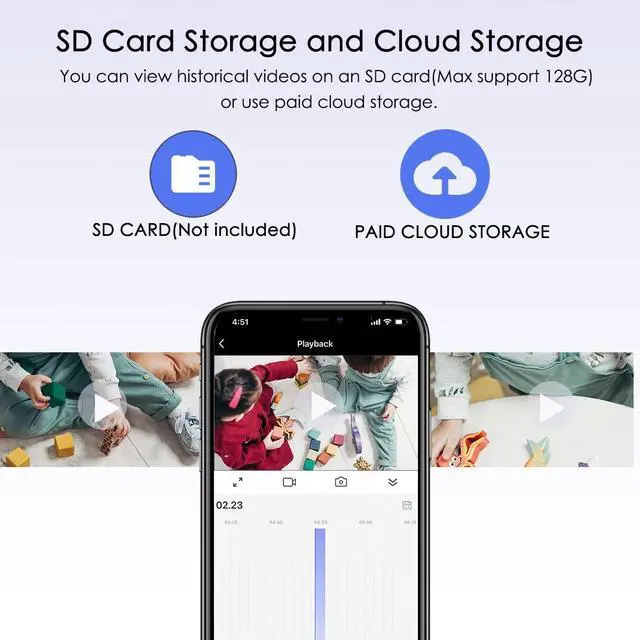
| Storeage Type: | Micro SD Card (128G Max),SD card not included |
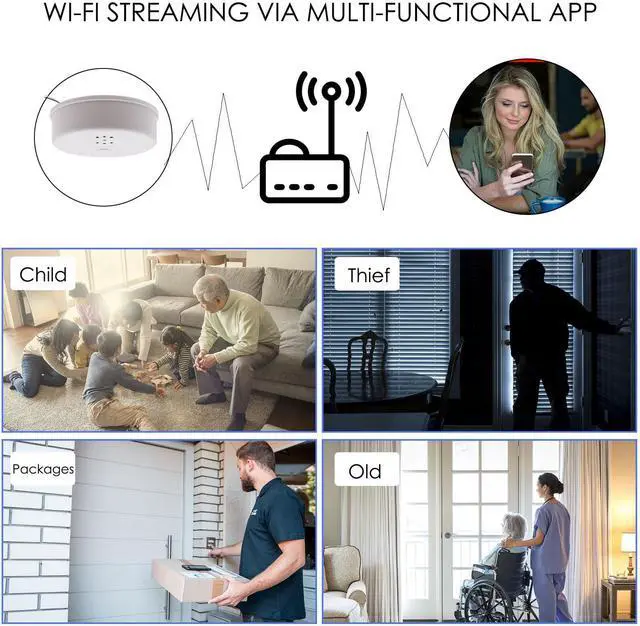
| Smartphone Compatible: | Android and iOS |
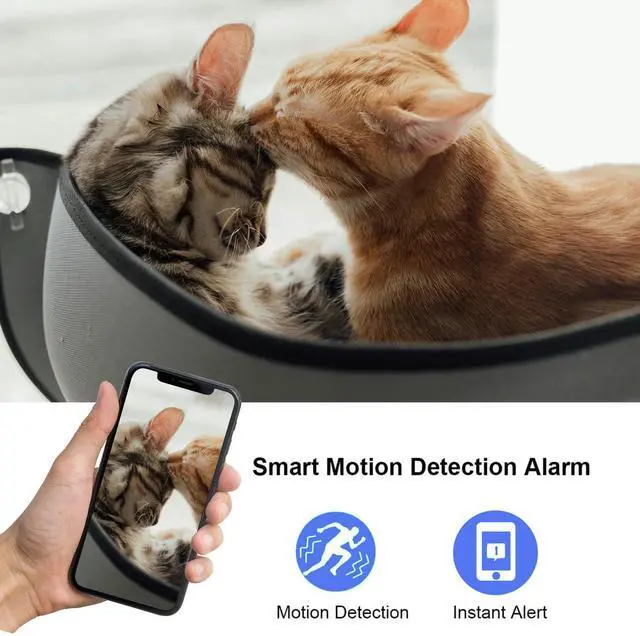
| Motion Detection: | Yes |
| Charging time (very important) | 8 hours |
| Note | According to USA law, sound is forbidden, our camera has no sound. |
When you first configure the camera, you need to reset the camera.
Connecting the camera to power switch the ON/OFF to the ON position, you will see the blue indicator light is always on, wait 30 seconds, you will see the blue indicator light flashing.
Please hold the Reset button for 7-8 seconds, then release button. The BLUE light goes off and on again, which means reset has completed.
Then the indicator light is always on, wait 30 seconds the indicator light will start flashing again, you can configure the camera.