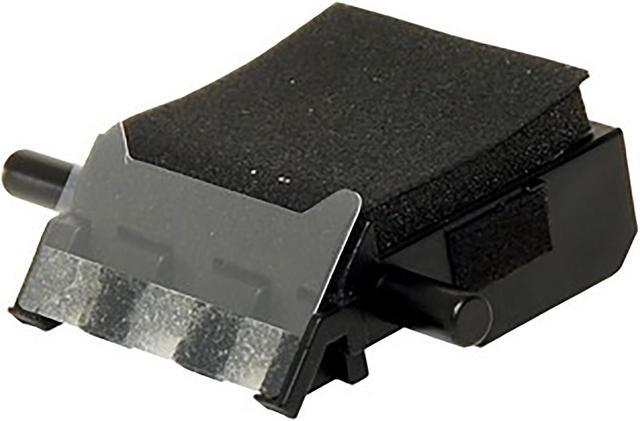
The HP Scanjet Roller Replacement Kit is a maintenance replacement kit for the HP Scanjet Pro 3000 s3 sheet-feed scanner, suited to owners maintaining that scanner with replacement rollers.
Recommended For
- Owners of an HP ScanJet Pro 3000 s3 who scan frequently and are approaching HP’s recommended roller-replacement interval of about 100,000 scans.
- Small-office or workgroup users of the ScanJet Pro 3000 s3 who are experiencing repeated document jams and need to replace worn feeder rollers.
- Administrators maintaining a ScanJet Pro 3000 s3 for ongoing batch-document scanning who want to restore its pickup and separation rollers as routine maintenance.
Real-World Use Scenarios
- When the ScanJet Pro 3000 s3 repeatedly jams during batches of paperwork, replace the pickup and separation rollers if they are worn; this can help restore reliable feeding and reduce interruptions.
- When HP Scanner Tools Utility recommends maintenance—or the scanner is approaching HP’s recommended 100,000-scan roller replacement interval—replace the kit as preventive maintenance to help avoid feeding problems during everyday scanning.
- If pages are no longer picked up or fed consistently, replacing worn pickup and separation rollers can address a roller-related feed problem and help the scanner handle document stacks more reliably.
- For planned office maintenance, a user or technician can replace the rollers using the kit’s instructions, then record the replacement in HP Scanner Tools Utility on Windows so the maintenance history is updated.




 here!