


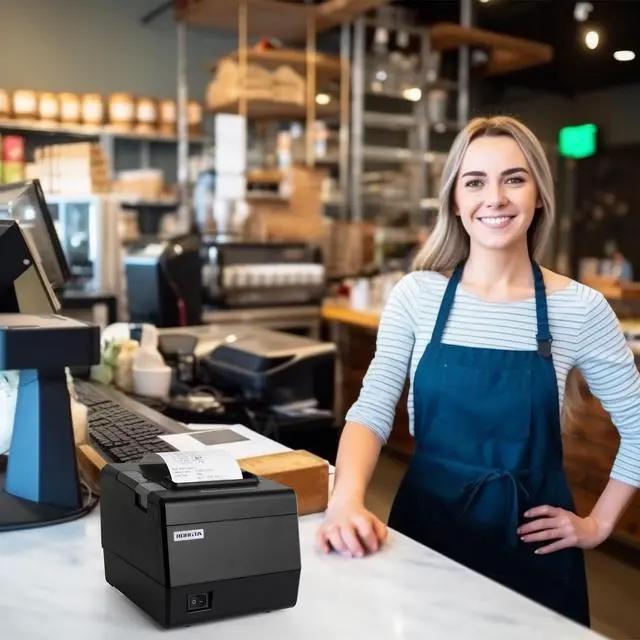
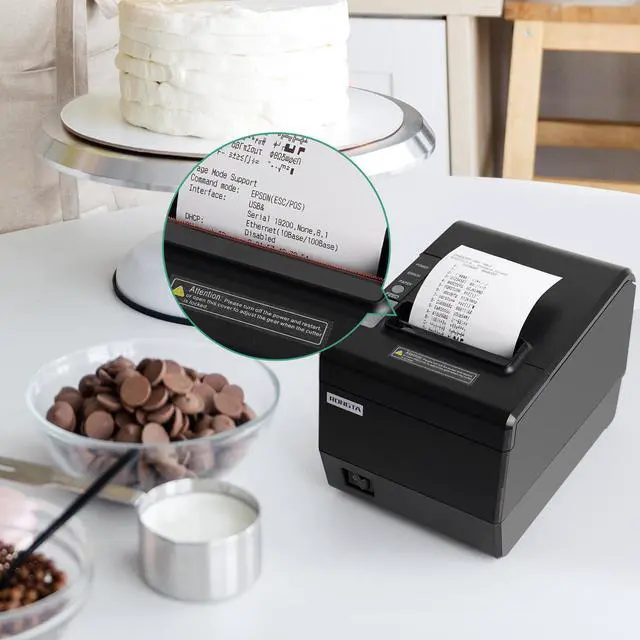
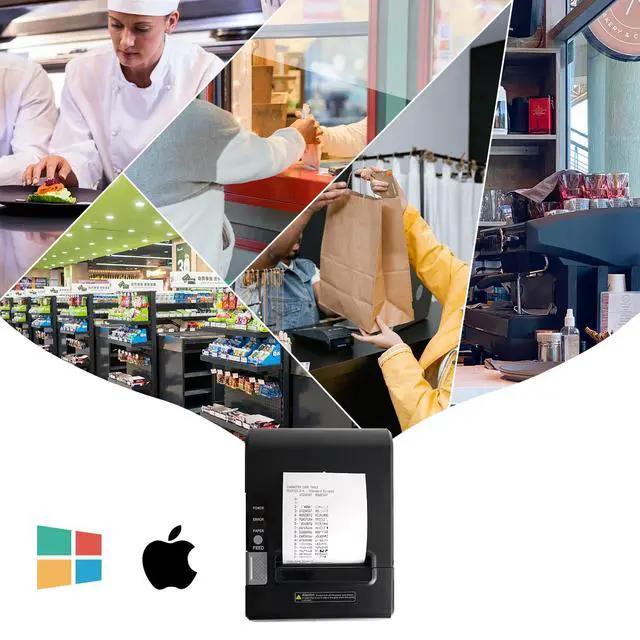


 Rongta POS Printer, 80mm Direct Thermal Receipt Printer with Auto Cutter, USB... |  Rongta POS Printer, 80mm Thermal Receipt Printer, Restaurant Kitchen Printer ... |  Rongta Kitchen Restaurant POS Printer RP850P, 80mm Thermal Receipts Printer w... |  Rongta 80mm POS Printer, 350mm/s Thermal Receipt Printer with Auto Cutter, US... | |
|---|---|---|---|---|
| Customer Reviews | — | — | — | — |
| Price | — | — | — | — no data |
| Interface | USB+Serial+Ethernet | USB+Serial+Ethernet | USB+Serial+Ethernet | USB+Serial+Ethernet |
| Resolution | 203 dpi | 203 dpi | 203 dpi | 203 dpi |
| Printing Speed | 250 mm/s | 300 mm/s | 300 mm/s | 350 mm/s |
| Auto Cutter | 1.5 million cuts | 2 million cuts | 2 million cuts | 2.5 million cuts |
| Sound Light Remind | no data | ? | no data | no data |
| Emulation | ESC/POS | ESC/POS | ESC/POS | ESC/POS |
| Driver Support | WIN2003/WINXP/WIN7/WIN8/WIN10/LINUX/MAC | WIN2003/WINXP/WIN7/WIN8/WIN10/LINUX/MAC | WIN2003/WINXP/WIN7/WIN8/WIN10/LINUX/MAC | WIN2003/WINXP/WIN7/WIN8/WIN10/LINUX/MAC |
How to print selftest page?
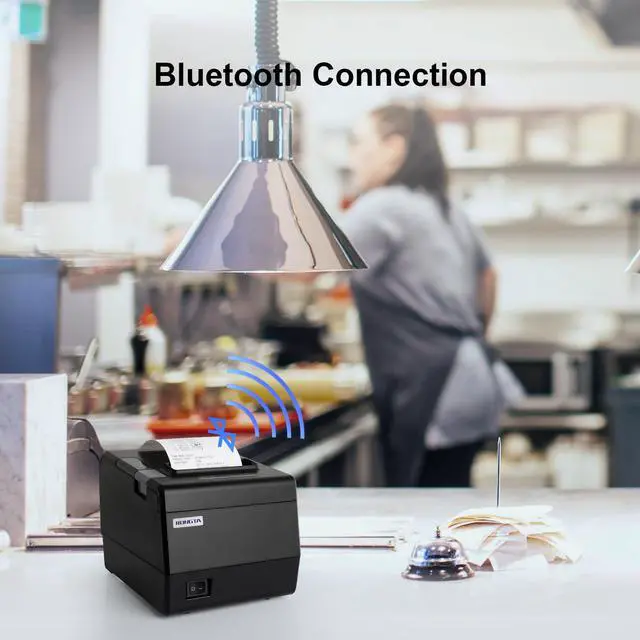
First of all, please print the printer's self test page, which contains the basic settings of the printer, including the Bluetooth name and password.
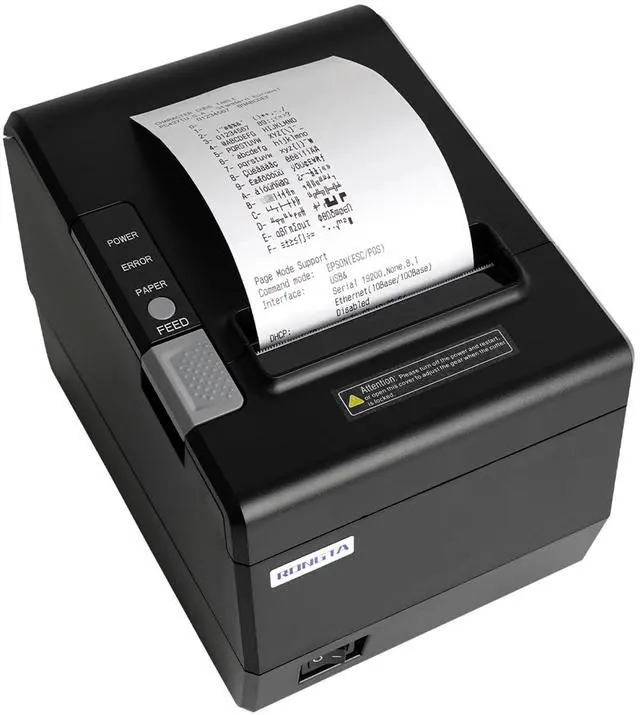
The method for printing a self checking page on a screenless printer: First turn off the printer, then press and hold the "FEED" button on the printer without releasing it, then turn on the printer power, wait for the printer to run for 3s, and then release the "FEED" button.

Q. What should i do when my app can not recognize the printer?
A: 1.Enter the setting port of the printing software printer on Android and select the port (USB port/serial port/parallel port). The IP link of the printer will be added to the network port;
2.Windows needs to be identified through the device manager. If it is not identified, check whether the cable connection is abnormal, the hardware is faulty, or the port is not properly inserted.
Q. How to install the printer driver?
A: 1.Android does not need a driver.
2.To install the Windows driver, select the 80mm driver and install the port step by step as prompted.
Q. How to connect the printer to the PC through an ethernet cable?
A: First, use the printer tool to change the printer IP address to the same network segment as the computer device, and then add the printer IP port connection in the Windows computer driver.
Q. How do I connect the printer to the cash drawer?
A: Go to Printer driver right click printer preferences select "Paper/Quality" inside there is a "media (M)" for cash drawer Settings.

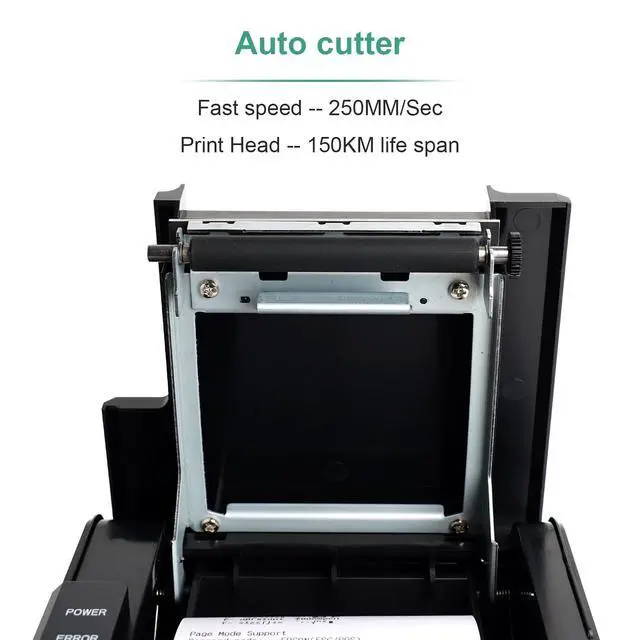
Auto cutter
With auto cutter, save time and take easy

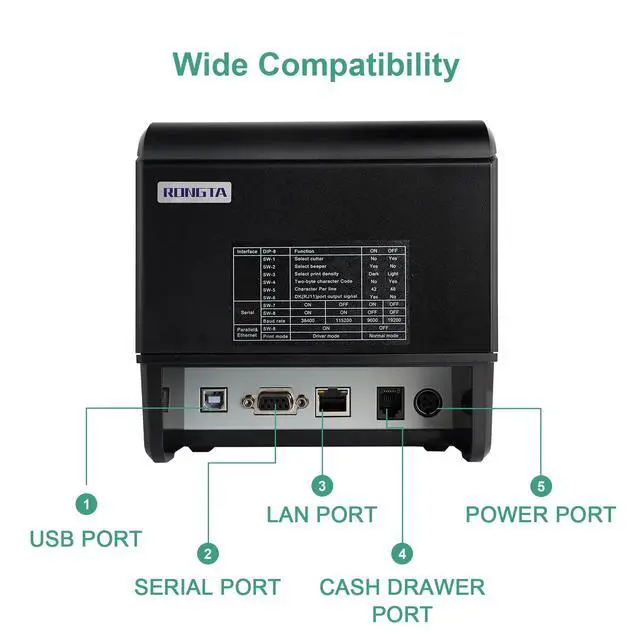
Interface: USB+Serial+Ethernet
With three interface, compatible with almost POS system

Applicable width: 80mm/58mm
Support print 80mm or 58mm receipts

Rongta Thermal Printers
Rongta was founded in 2010, is specialized in printing equipment, ideal is provide more innovative and valuable products for customer.
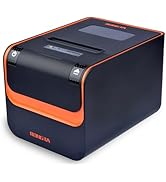
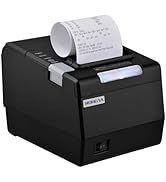
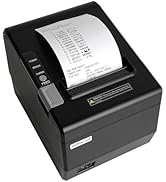
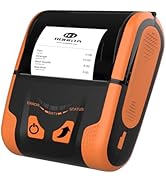
Rongta POS Printer, 80mm Direct Thermal Receipt Printer with Auto Cutter, USB... | Rongta POS Printer, 80mm Thermal Receipt Printer, Restaurant Kitchen Printer ... | Rongta Kitchen Restaurant POS Printer RP850P, 80mm Thermal Receipts Printer w... | Rongta 80mm POS Printer, 350mm/s Thermal Receipt Printer with Auto Cutter, US... | |
|---|---|---|---|---|
| Customer Reviews | — | — | — | — |
| Price | — | — | — | — no data |
| Interface | USB+Serial+Ethernet | USB+Serial+Ethernet | USB+Serial+Ethernet | USB+Serial+Ethernet |
| Resolution | 203 dpi | 203 dpi | 203 dpi | 203 dpi |
| Printing Speed | 250 mm/s | 300 mm/s | 300 mm/s | 350 mm/s |
| Auto Cutter | 1.5 million cuts | 2 million cuts | 2 million cuts | 2.5 million cuts |
| Sound Light Remind | no data | ? | no data | no data |
| Emulation | ESC/POS | ESC/POS | ESC/POS | ESC/POS |
| Driver Support | WIN2003/WINXP/WIN7/WIN8/WIN10/LINUX/MAC | WIN2003/WINXP/WIN7/WIN8/WIN10/LINUX/MAC | WIN2003/WINXP/WIN7/WIN8/WIN10/LINUX/MAC | WIN2003/WINXP/WIN7/WIN8/WIN10/LINUX/MAC |
How to print selftest page?
First of all, please print the printer's self test page, which contains the basic settings of the printer, including the Bluetooth name and password.
The method for printing a self checking page on a screenless printer: First turn off the printer, then press and hold the "FEED" button on the printer without releasing it, then turn on the printer power, wait for the printer to run for 3s, and then release the "FEED" button.
Q. What should i do when my app can not recognize the printer?
A: 1.Enter the setting port of the printing software printer on Android and select the port (USB port/serial port/parallel port). The IP link of the printer will be added to the network port;
2.Windows needs to be identified through the device manager. If it is not identified, check whether the cable connection is abnormal, the hardware is faulty, or the port is not properly inserted.
Q. How to install the printer driver?
A: 1.Android does not need a driver.
2.To install the Windows driver, select the 80mm driver and install the port step by step as prompted.
Q. How to connect the printer to the PC through an ethernet cable?
A: First, use the printer tool to change the printer IP address to the same network segment as the computer device, and then add the printer IP port connection in the Windows computer driver.
Q. How do I connect the printer to the cash drawer?
A: Go to Printer driver right click printer preferences select "Paper/Quality" inside there is a "media (M)" for cash drawer Settings.
Auto cutter
With auto cutter, save time and take easy
Interface: USB+Serial+Ethernet
With three interface, compatible with almost POS system
Applicable width: 80mm/58mm
Support print 80mm or 58mm receipts
| Method | Direct Thermal |
| Printing Width | 72mm or 48mm (Compatible 58mm receipt) |
| Resolution | 203 dpi |
| Printing Speed | 300mm/s |
| Paper Width | 80mm |
| Printer Head | 150km |
| Auto Cutter | 2 million cuts |
| Interface | USB+Serial+Ethernet |
| Emulation | ESC/POS |
| Driver | WIN2003/WINXP/WIN7/WIN8/WIN10/LINUX/MAC |
| Dimension(L*W*H) | 200*145*142mm |
| Weight | 1.37kg |
Rongta Thermal Printers
Rongta was founded in 2010, is specialized in printing equipment, ideal is provide more innovative and valuable products for customer.
Label Printer& Thermal Labels
Portable Printer&Thermal Paper
Thermal Labels
Tatto Printer&Mini Printer
Portable Thermal Printer
80mm Thermal Receipt Printer