




Experience Effortless Cash Management

At NUCOUN, we bring the advanced technology of grand banks to small business counter—without taking it over.
We focuse on what modern merchants need: Precision without the bulk. By integrating our proprietary BLINK CIS Technology into compact designs, we’ve made mixed-denomination counting faster and more accessible than ever.
We don't just build money counters; we build time-savers. NUCOUN ensures your cash is counted with surgical precision.
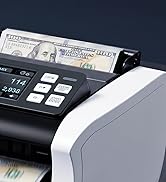
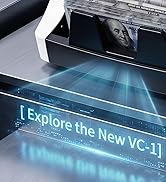
Explore the New VC-1
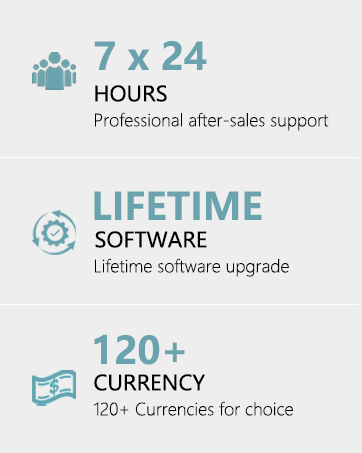
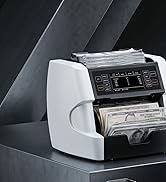
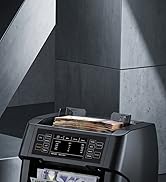
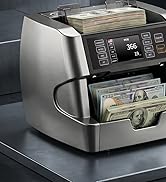
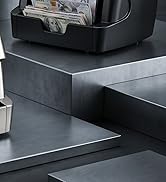
Professional Money Coutners
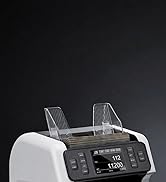
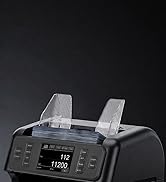
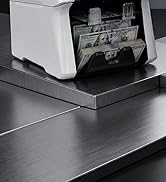
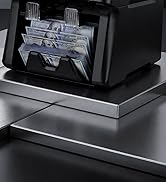
Bank-grade Money Sorter
Everything stays in-house
We're an integrated factory with in-house R&D, production, and sales teams, ensuring full control over our product development and delivery.
Fresh perspectives
80% of our employees are young, passionate, and creative individuals who bring fresh ideas to our operations.
Sales service
Discover our after-sales service points across the USA and Europe for exceptional post-purchase support.
Making breakthroughs
We've developed the world's smallest front-loading bill sorter. This product is a testament to our unwavering commitment to making cash handling effortlessly efficient for businesses everywhere.
Premium products
We prioritize product design, partnering with top design teams for functionality and aesthetics. Rejecting low-end options, we innovate with cutting-edge technology like BLINK CIS for detecting counterfeit notes.
Looking toward the future
We plan to extend our product line to include coin series products, expanding our market reach and fulfilling more customer needs.
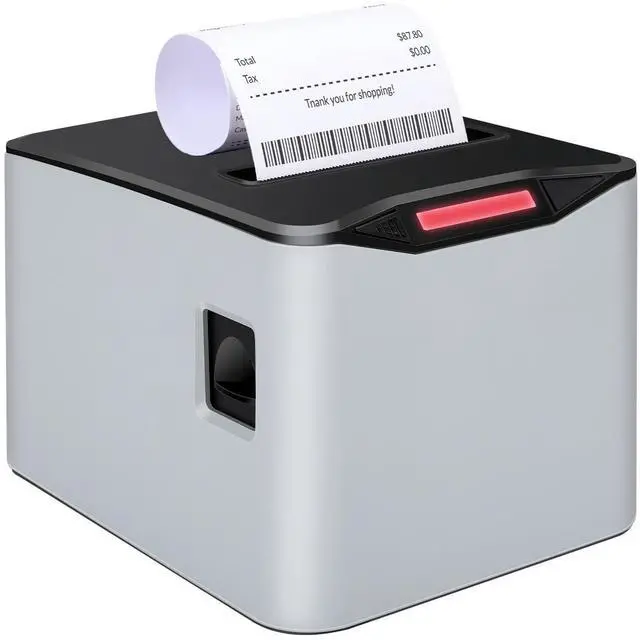
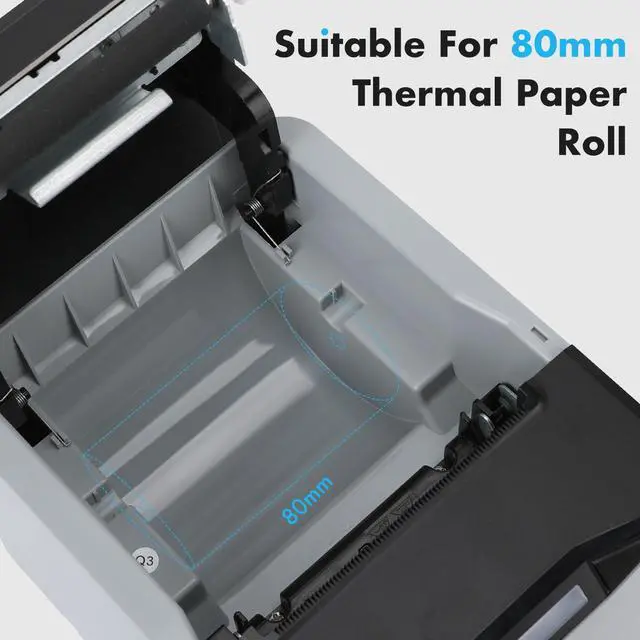
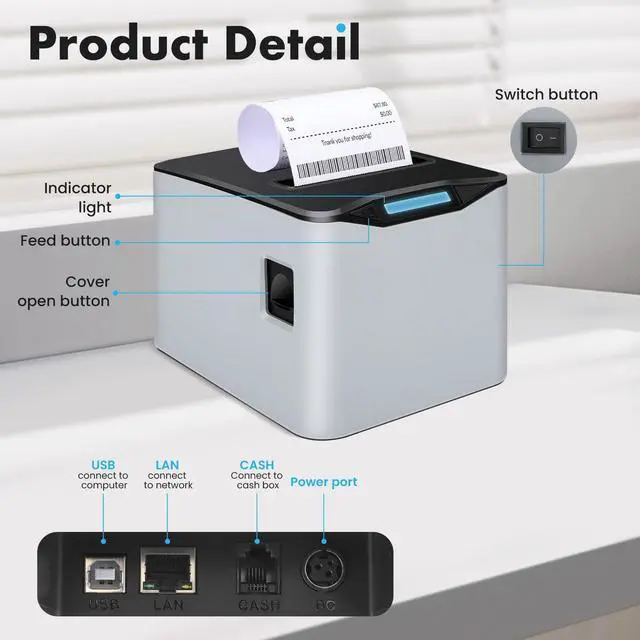
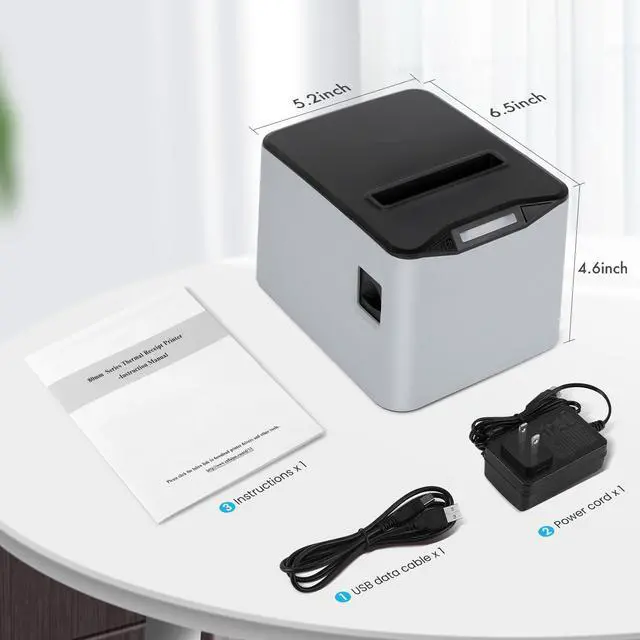
NUCOUN VCP-8370 80MM THERMAL RECRIPT PRINTER

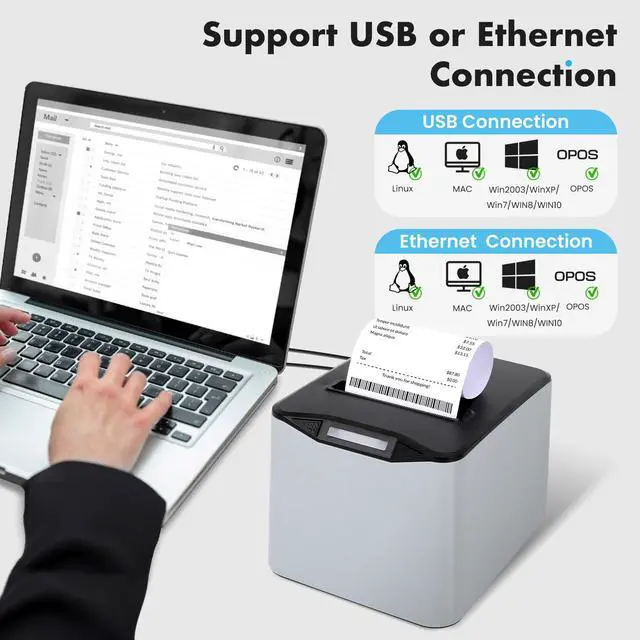
Two Connection Meathods for NUCOUN Ticket Printer

The VCP-8370 thermal printer supports USB and port connections and is suitable for a variety of systems: Linux, Mac, OPOS, Win 2003, Win XP, Windows 2007, Windows 2008, Windows 2010 (based on ESC/POS command).
Note:Please download the driver installation software from the NUCOUN official website.


New Generation 80 Thermal Receipt POS Printer

Auto Cutter------Can effectively avoid damaging the label paper during use; Wall-mounted design------Can be installed on the wall to save space; No ribbons/ink------Uses thermal printing technology, eliminating the need to replace ribbons and ink cartridges, saving costs

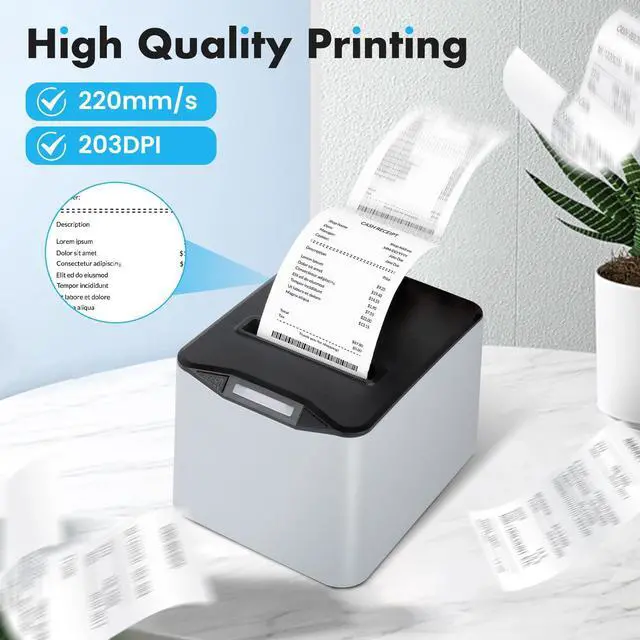
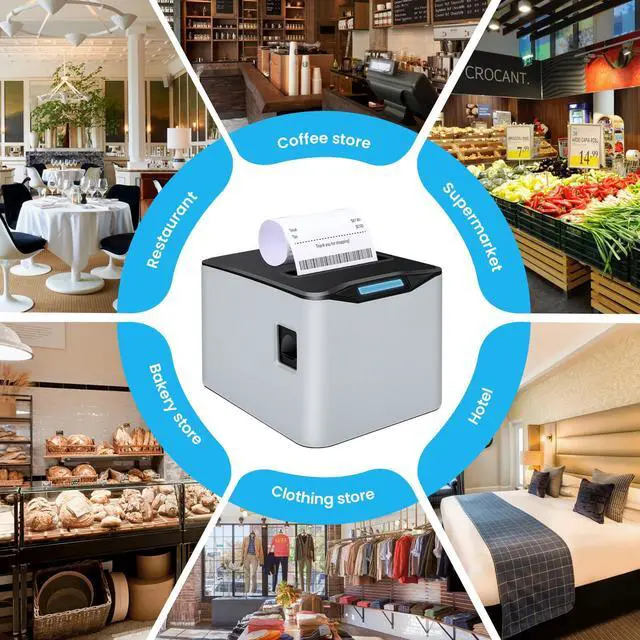
The new generation 80 thermal printer has the characteristics of good printing quality,fast printing speed and strong stability.Suitable for various commercial retail POS systems,catering systems, industrial control systems and other fields.
How to get printer IP?
Switch off the printer,press “FEED” button and do not release.Press the “POWER” button at the same time till the “ERROR” indicators on,release the button,the self-test page will be printed out.The Default IP Address of our printer is 192.168.1.100
How to install it?
Our products have professional installation instructions, which can be downloaded on . You can also come to us for help via eamil or whatsapp.
NUCOUN Thermal Receipt Printer
 NUCOUN VCP-8270 |  NUCOUN VCP-80 |  NUCOUN VCP-58PLUS |  NUCOUN VCP-9200-U+B |  NUCOUN VCP-9200 | |
|---|---|---|---|---|---|
Customer Reviews | — | — | — | — | — |
Price | — | — | — | — | — |
Type | Receipt Printer | Receipt Printer | Receipt Printer | Label Printer | Label Printer |
Connection Method | USB+LAN+Cash Box | USB+RS232+LAN+Cash Box | RS232+Cash Box | USB+Bluetooth | USB |
Printing Paper Width | 80mm(3.15") | 80mm(3.15") | 58mm(2.28") | 40mm(1.57")-110mm(4.33") | 40mm(1.57")-110mm(4.33") |
Compatibility System | Windows/Mac/Linux/OPOS | Windows/Mac/Linux | Windows/Mac/Linux | Windows/Mac/Android/IOS | Windows/Mac |
Printing Speed | 220mm/s | 250mm/s | 250mm/s | 160mm/s | 160mm/s |
Resolution Ratio | 203 DPI | 203 DPI | 203 DPI | 203 DPI | 203 DPI |
Auto-Cutter | ? | ? | ? | ? | ? |
External bracket | ? | ? | ? | ? | ? |
Connect NUCOUN Money Counter | ? | ? | ? | ? | ? |
NUCOUN VCP-8370 80MM THERMAL RECRIPT PRINTER

Two Connection Meathods for NUCOUN Ticket Printer

The VCP-8370 thermal printer supports USB and port connections and is suitable for a variety of systems: Linux, Mac, OPOS, Win 2003, Win XP, Windows 2007, Windows 2008, Windows 2010 (based on ESC/POS command).
Note:Please download the driver installation software from the NUCOUN official website.


New Generation 80 Thermal Receipt POS Printer

Auto Cutter------Can effectively avoid damaging the label paper during use; Wall-mounted design------Can be installed on the wall to save space; No ribbons/ink------Uses thermal printing technology, eliminating the need to replace ribbons and ink cartridges, saving costs

The new generation 80 thermal printer has the characteristics of good printing quality,fast printing speed and strong stability.Suitable for various commercial retail POS systems,catering systems, industrial control systems and other fields.
How to get printer IP?
Switch off the printer,press “FEED” button and do not release.Press the “POWER” button at the same time till the “ERROR” indicators on,release the button,the self-test page will be printed out.The Default IP Address of our printer is 192.168.1.100
How to install it?
Our products have professional installation instructions, which can be downloaded on . You can also come to us for help via eamil or whatsapp.
NUCOUN Thermal Receipt Printer
NUCOUN VCP-8270 | NUCOUN VCP-80 | NUCOUN VCP-58PLUS | NUCOUN VCP-9200-U+B | NUCOUN VCP-9200 |
|---|---|---|---|---|
| Customer Reviews | ||||
| — | — | — | — | — |
| Price | ||||
| — | — | — | — | — |
| Type | ||||
| Receipt Printer | Receipt Printer | Receipt Printer | Label Printer | Label Printer |
| Connection Method | ||||
| USB+LAN+Cash Box | USB+RS232+LAN+Cash Box | RS232+Cash Box | USB+Bluetooth | USB |
| Printing Paper Width | ||||
| 80mm(3.15") | 80mm(3.15") | 58mm(2.28") | 40mm(1.57")-110mm(4.33") | 40mm(1.57")-110mm(4.33") |
| Compatibility System | ||||
| Windows/Mac/Linux/OPOS | Windows/Mac/Linux | Windows/Mac/Linux | Windows/Mac/Android/IOS | Windows/Mac |
| Printing Speed | ||||
| 220mm/s | 250mm/s | 250mm/s | 160mm/s | 160mm/s |
| Resolution Ratio | ||||
| 203 DPI | 203 DPI | 203 DPI | 203 DPI | 203 DPI |
| Auto-Cutter | ||||
| ? | ? | ? | ? | ? |
| External bracket | ||||
| ? | ? | ? | ? | ? |
| Connect NUCOUN Money Counter | ||||
| ? | ? | ? | ? | ? |
Experience Effortless Cash Management
At NUCOUN, we bring the advanced technology of grand banks to small business counter—without taking it over.
We focuse on what modern merchants need: Precision without the bulk. By integrating our proprietary BLINK CIS Technology into compact designs, we’ve made mixed-denomination counting faster and more accessible than ever.
We don't just build money counters; we build time-savers. NUCOUN ensures your cash is counted with surgical precision.
Explore the New VC-1
Professional Money Coutners
Bank-grade Money Sorter
Everything stays in-house
We're an integrated factory with in-house R&D, production, and sales teams, ensuring full control over our product development and delivery.
Fresh perspectives
80% of our employees are young, passionate, and creative individuals who bring fresh ideas to our operations.
Sales service
Discover our after-sales service points across the USA and Europe for exceptional post-purchase support.
Making breakthroughs
We've developed the world's smallest front-loading bill sorter. This product is a testament to our unwavering commitment to making cash handling effortlessly efficient for businesses everywhere.
Premium products
We prioritize product design, partnering with top design teams for functionality and aesthetics. Rejecting low-end options, we innovate with cutting-edge technology like BLINK CIS for detecting counterfeit notes.
Looking toward the future
We plan to extend our product line to include coin series products, expanding our market reach and fulfilling more customer needs.