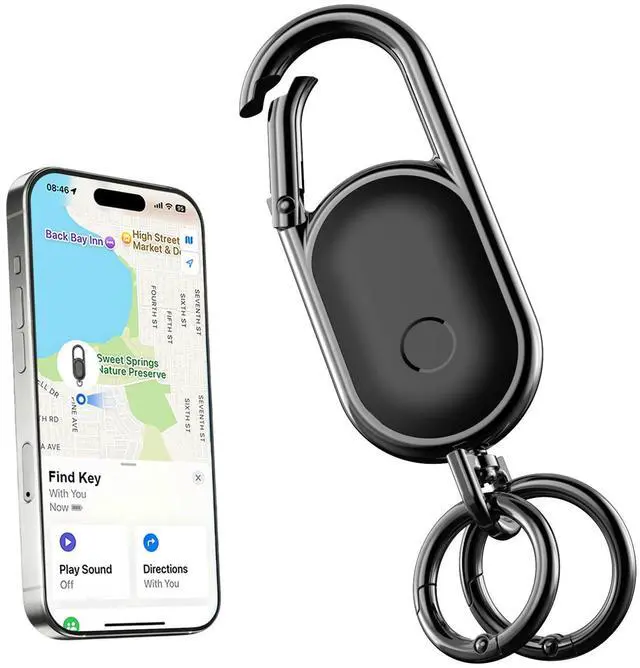
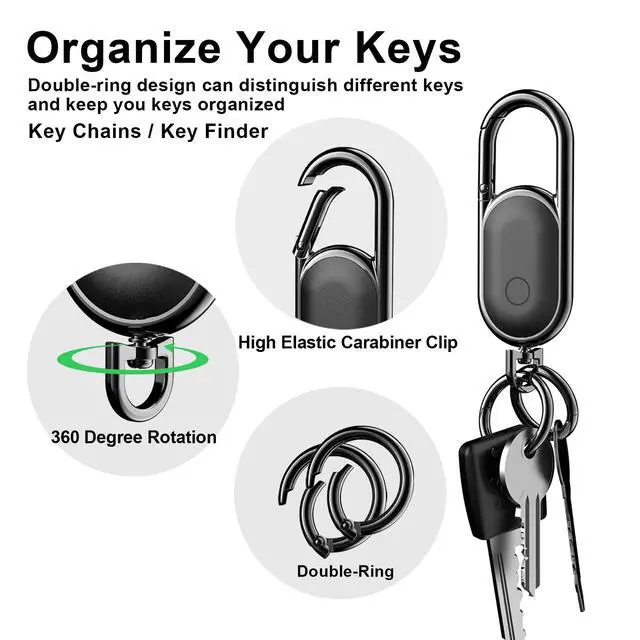
Keychain,Key Finder Built-in Anti-Loss Tracker,Works with Apple Find My (iOS Only), Tracker Tag Locator for Keys,Luggage,Backpack,and More, Sound Alert & Global Tracking, Black
Apple Find My Integration: Built-in tracker works seamlessly with Apple's Find My network (iOS only) to help you locate your keys, luggage, backpack, and other belongings using your iPhone or iPad
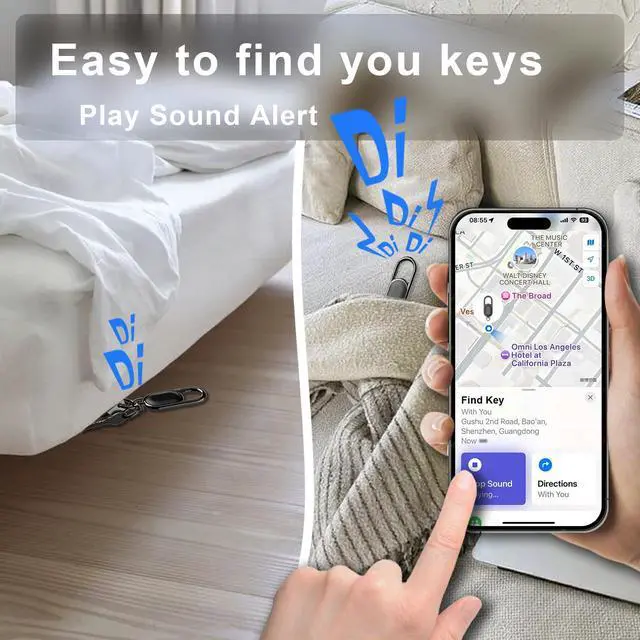
Sound Alert Feature: Activate a loud sound alert through the Find My app to quickly locate your items when they're nearby, making it easy to find misplaced keys or bags in your home or office
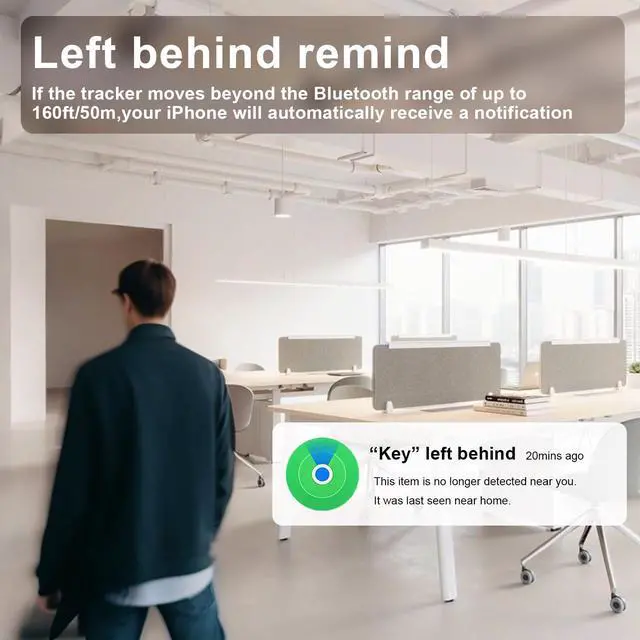
Global Tracking Network: Leverage Apple's vast Find My network of millions of devices worldwide to help locate your items even when they're far away, providing peace of mind for your valuables
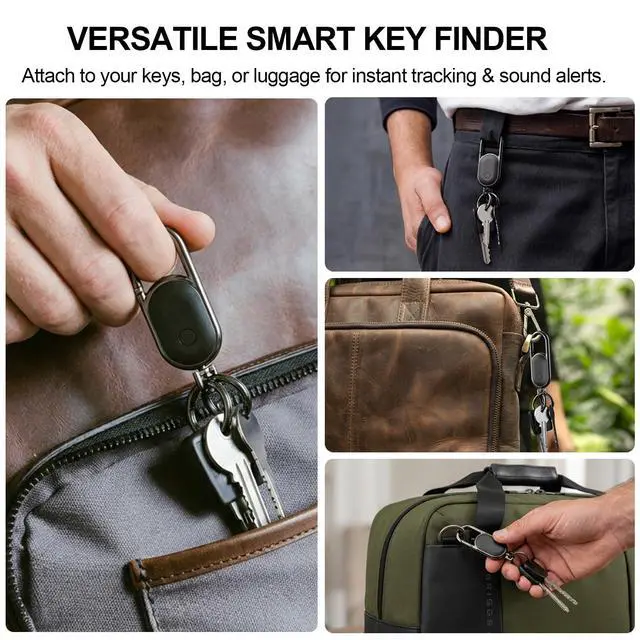
Convenient Carabiner Design: Features a durable carabiner clip and swivel keyring attachment that easily secures to keys, bags, luggage, and backpacks for versatile everyday carry
Compact and Portable: Sleek black keychain design with Bluetooth connectivity that's lightweight and unobtrusive, perfect for attaching to your essential items without adding bulk
Attractive and Useful Design: The Keychain Finder is equipped with a built-in button cell battery, lasting up to one year and allowing for easy replacement when needed. Both the key ring and clip feature spring-loaded mechanisms. It can be quickly help you store car keys and home keys, or other items.
+
+
Overview
Specs
Reviews
Any questions? Our AI mode will help you find out quickly.
Try me now
Secure your keys,Secure your trip
Simple to pair with Apple Find My
Turn on Bluetooth and “Find My” app
Turn to “Item”Page,and than tap “Other Supported Item”
Press and hold the button on the keychain for 5 seconds until the connection interface appears on the screen.
Enter the item name and select an emoji
Replace Battery Easily
Turn the screw and pull it out. (With your fingers or a screwdriver)
Lift the lid from the handle position
Replace with a new CR2032 battery and close the cover
Secure your keys,Secure your trip
Simple to pair with Apple Find My
Turn on Bluetooth and “Find My” app
Turn to “Item”Page,and than tap “Other Supported Item”
Press and hold the button on the keychain for 5 seconds until the connection interface appears on the screen.
Enter the item name and select an emoji
Replace Battery Easily
Turn the screw and pull it out. (With your fingers or a screwdriver)
Lift the lid from the handle position
Replace with a new CR2032 battery and close the cover
Keychain, Key Finder Built-in Anti-Loss Tracker, Works with Apple Find My (iOS Only), Tracker Tag Locator for Keys, Luggage, Backpack, and More, Sound Alert & Global Tracking, Black
Learn more about the Detailed Specifications
Additional Information
First Listed on Newegg
June 23, 2026
There are no reviews yet.
Do you own this product?
Warranty & Returns
Warranty, Returns, And Additional Information
Warranty
Please contact the Seller directly for warranty information. Warranty information may also be found on the Manufacturer's website.