






We are premium sellers full of passion, creativity and insight, each product is carefully designed by us, covering multiple categories. We are committed to providing high quality goods and creating a good shopping experience for consumers. With over 12 years of manufacturing and design experience, we provide consumers with professional installation guidance and after-sales service, just to make consumers more satisfied.
Computers Battery

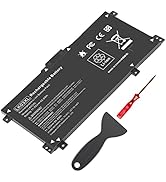
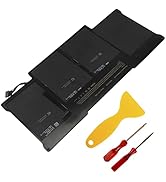
Laptop Batteries
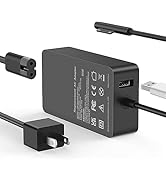
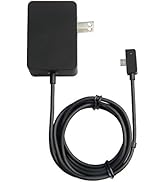
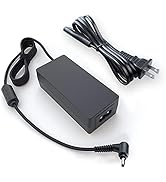
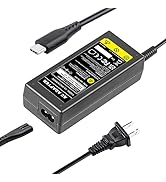
Chargers and Adapters
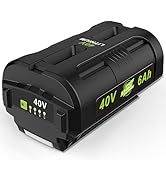
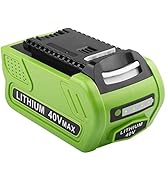
Power Tool Battery

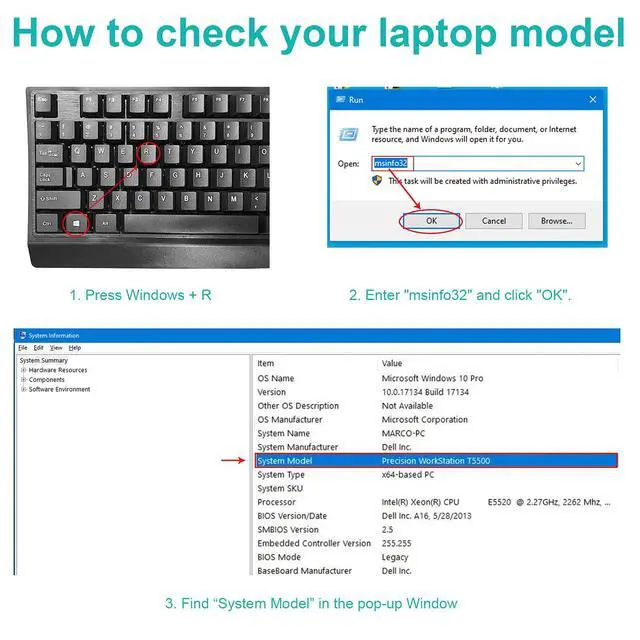
Please use Ctrl+F to search for your battery model or computer model before purchasing.
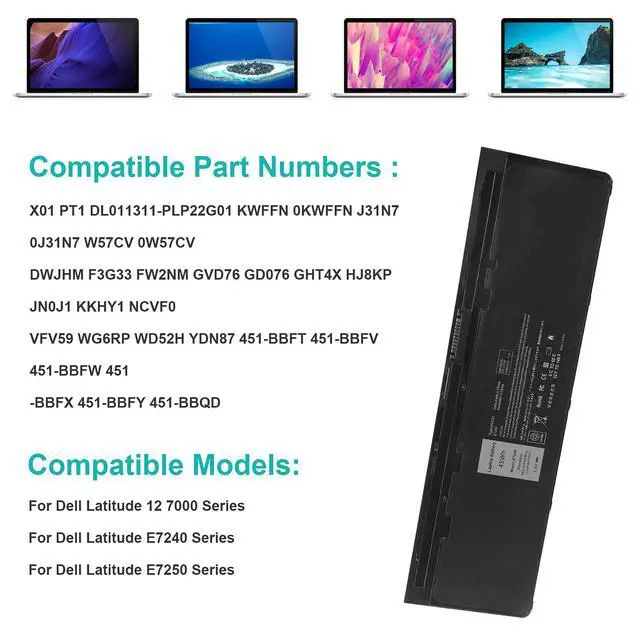
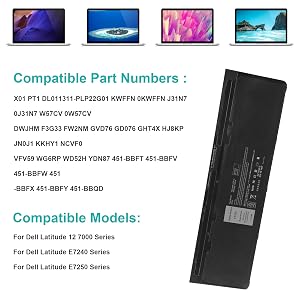
Compatible with Part Number:
X01 PT1 DL011311-PLP22G01 KWFFN 0KWFFN J31N7 0J31N7 W57CV 0W57CV
DWJHM F3G33 FW2NM GVD76 GD076 GHT4X HJ8KP JN0J1 KKHY1 NCVF0
VFV59 WG6RP WD52H YDN87 451-BBFT 451-BBFV 451-BBFW 451-BBFX 451-BBFY 451-BBQD
Compatible With Laptop Models:
For Dell Latitude 12 7000 Series
For Dell Latitude E7240 Series
For Dell Latitude E7250 Series
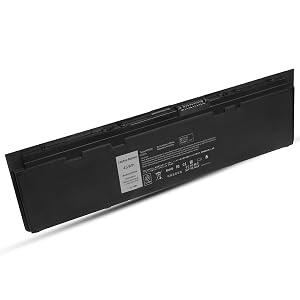
Direct from Manufacturer. High performance.
You will find the value from TREE.NB.
ABOUT US: We have been manufacturing the laptop battery and charger for many years. And We Promise the Quality for Customer. Direct from Manufacturer. OEM factory product .When it comes to laptop batteries TREE.NB is your best bet!
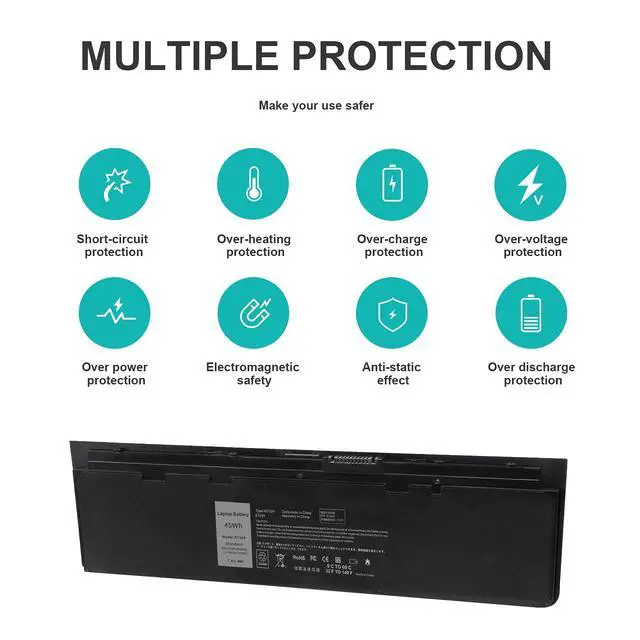
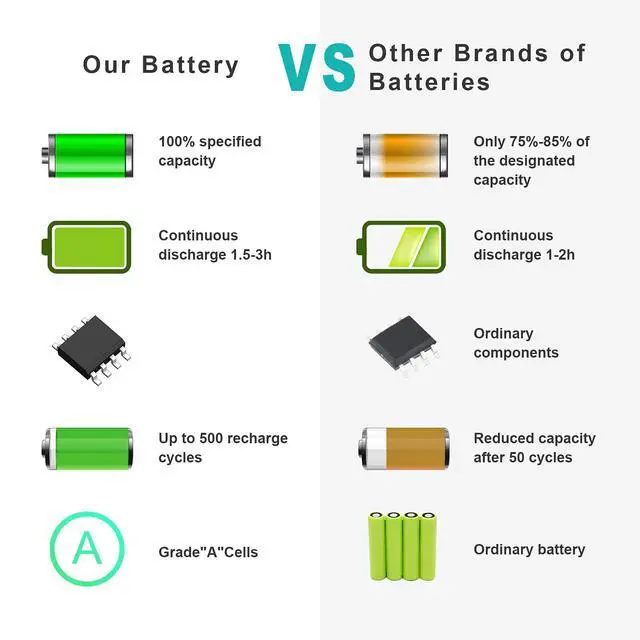
Our batteries are assembled from top quality material and circuit boards to ensure fast charges and low power consumption, 100% New from Manufacturer, Overcharge and Overdischarge Circuit Protection, Over-temperature and Short-circuit Protection, up to 500 recharge cycles over the life of the battery, meet OEM standard.
Specification:
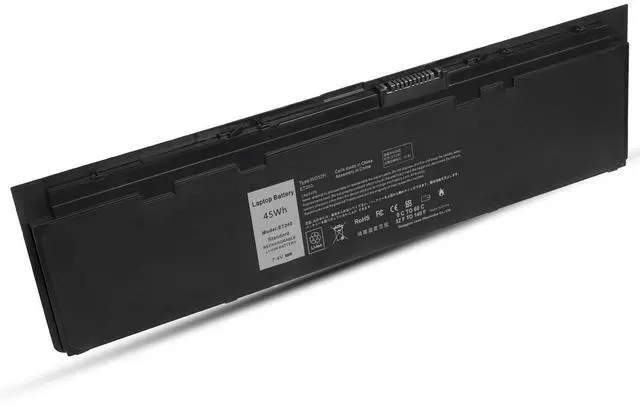
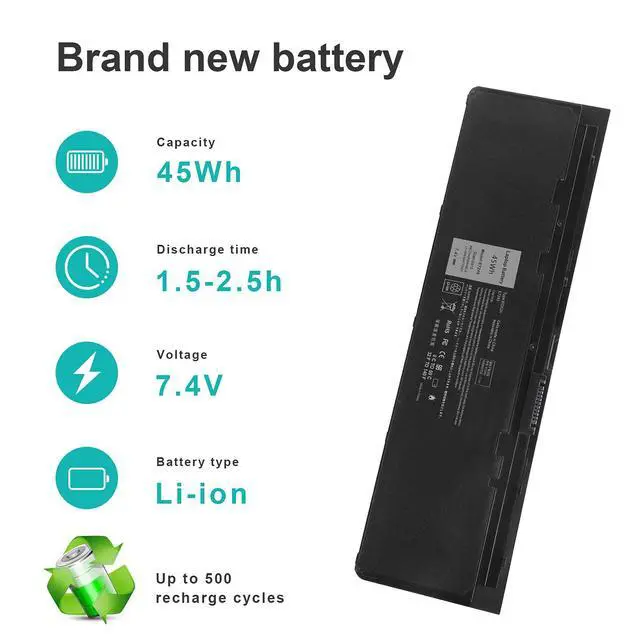
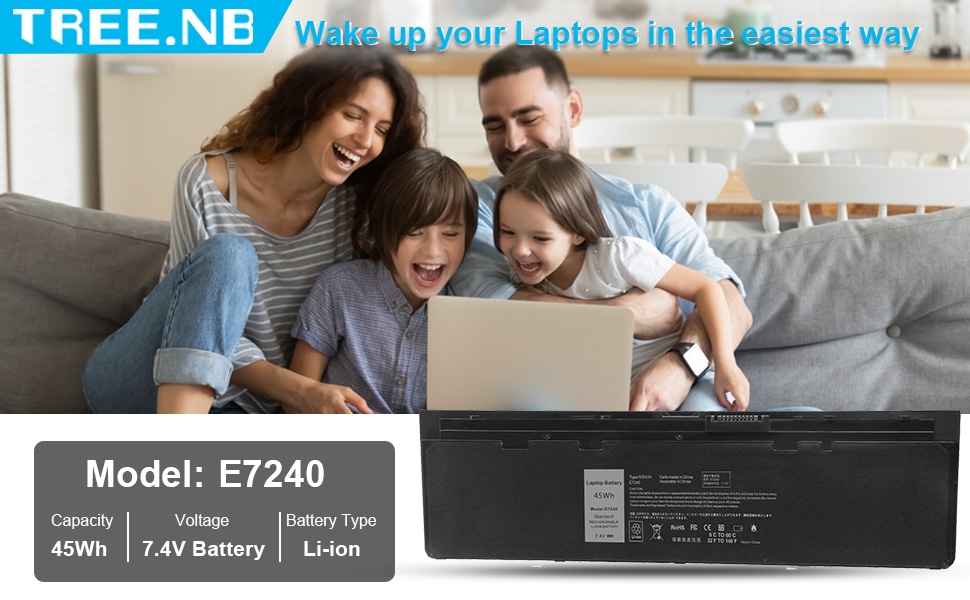
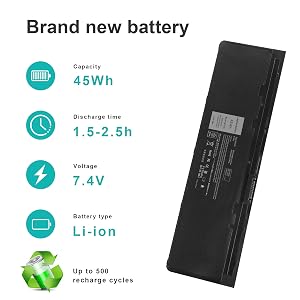
- Model: E7240
- Capacity: 45Wh
- Voltage: 7.4V
- Cells: 6-cells
- Recharge Cycles: 500
- Easy & Quick Installation, Reliable performance, Extended battery life

100% Fit
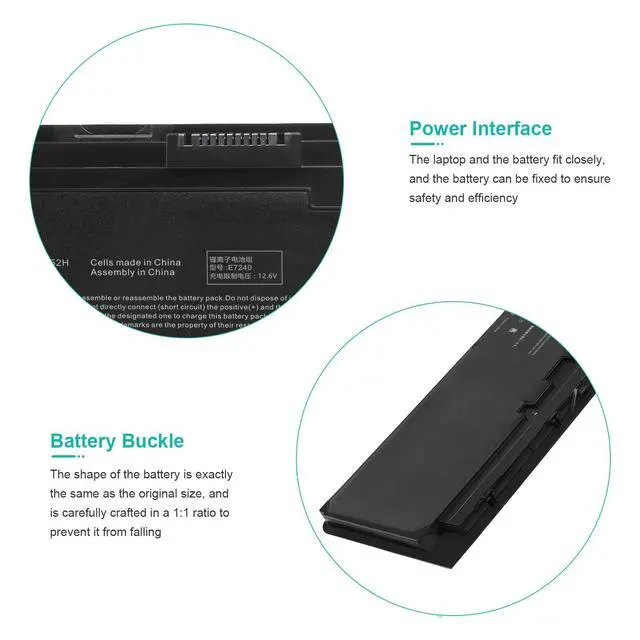
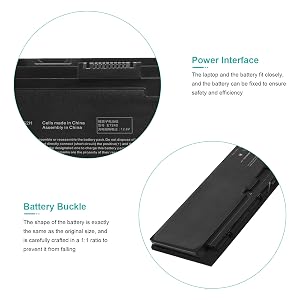
All of our batteries are brand new and are 100% compatible to meet OEM specifications for safety and efficiency. Same size as original battery, Don't worry about assembly and adaptation issues

Multi Safety Protect Features
A suite of safeguards 100% protect your devices while charging. Including overcurrent, short-circuit, overdischarge & high temperature protections.

Grade "A" cells Top Quality Battery
Reliable performance
Extended battery life

Install A New Battery:
- You need to turn off your laptop and disconnect the power.
- Remove the old battery, carefully install the new battery on the battery case, and connect the wiring of the new battery.
- If you don't understand the above steps, you can search for the video about laptop battery installation on YouTube. Maybe it will help you.
Laptop Maintenance Tips:
- New battery: For use a new battery, you’d better try a few cycles of discharging to 5%. then charging up to 95%. So that it can be activated completely
- Overuse: Do not always run out of a battery to 0%, this would make it damaged or usage life shortened
- Charging sequence: when charging, first install the battery, then turn on the power, when fully charged, first cut off the power, then pull the power plug.
- Long-term storage:Please store the unused battery fully charged.(Charge it once a month) Do not store at low power to prevent reduce the lifespan of a battery
- Charger: Do not replace the laptop adapter casually. If the original adapter cannot be applied due to malfunction or damage, please replace the models, so as not to reduce the service life of the battery due to incompatibility.
Please use Ctrl+F to search for your battery model or computer model before purchasing.
Compatible with Part Number:
X01 PT1 DL011311-PLP22G01 KWFFN 0KWFFN J31N7 0J31N7 W57CV 0W57CV
DWJHM F3G33 FW2NM GVD76 GD076 GHT4X HJ8KP JN0J1 KKHY1 NCVF0
VFV59 WG6RP WD52H YDN87 451-BBFT 451-BBFV 451-BBFW 451-BBFX 451-BBFY 451-BBQD
Compatible With Laptop Models:
For Dell Latitude 12 7000 Series
For Dell Latitude E7240 Series
For Dell Latitude E7250 Series
Direct from Manufacturer. High performance.
You will find the value from TREE.NB.
ABOUT US: We have been manufacturing the laptop battery and charger for many years. And We Promise the Quality for Customer. Direct from Manufacturer. OEM factory product .When it comes to laptop batteries TREE.NB is your best bet!
Our batteries are assembled from top quality material and circuit boards to ensure fast charges and low power consumption, 100% New from Manufacturer, Overcharge and Overdischarge Circuit Protection, Over-temperature and Short-circuit Protection, up to 500 recharge cycles over the life of the battery, meet OEM standard.
Specification:
- Model: E7240
- Capacity: 45Wh
- Voltage: 7.4V
- Cells: 6-cells
- Recharge Cycles: 500
- Easy & Quick Installation, Reliable performance, Extended battery life
100% Fit
All of our batteries are brand new and are 100% compatible to meet OEM specifications for safety and efficiency. Same size as original battery, Don't worry about assembly and adaptation issues
Multi Safety Protect Features
A suite of safeguards 100% protect your devices while charging. Including overcurrent, short-circuit, overdischarge & high temperature protections.
Grade "A" cells Top Quality Battery
Reliable performance
Extended battery life
Install A New Battery:
- You need to turn off your laptop and disconnect the power.
- Remove the old battery, carefully install the new battery on the battery case, and connect the wiring of the new battery.
- If you don't understand the above steps, you can search for the video about laptop battery installation on YouTube. Maybe it will help you.
Laptop Maintenance Tips:
- New battery: For use a new battery, you’d better try a few cycles of discharging to 5%. then charging up to 95%. So that it can be activated completely
- Overuse: Do not always run out of a battery to 0%, this would make it damaged or usage life shortened
- Charging sequence: when charging, first install the battery, then turn on the power, when fully charged, first cut off the power, then pull the power plug.
- Long-term storage:Please store the unused battery fully charged.(Charge it once a month) Do not store at low power to prevent reduce the lifespan of a battery
- Charger: Do not replace the laptop adapter casually. If the original adapter cannot be applied due to malfunction or damage, please replace the models, so as not to reduce the service life of the battery due to incompatibility.
We are premium sellers full of passion, creativity and insight, each product is carefully designed by us, covering multiple categories. We are committed to providing high quality goods and creating a good shopping experience for consumers. With over 12 years of manufacturing and design experience, we provide consumers with professional installation guidance and after-sales service, just to make consumers more satisfied.
Computers Battery
Laptop Batteries
Chargers and Adapters
Power Tool Battery
