






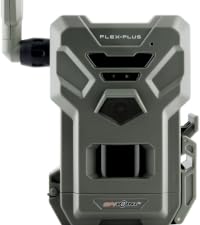
FLEX-PLUS
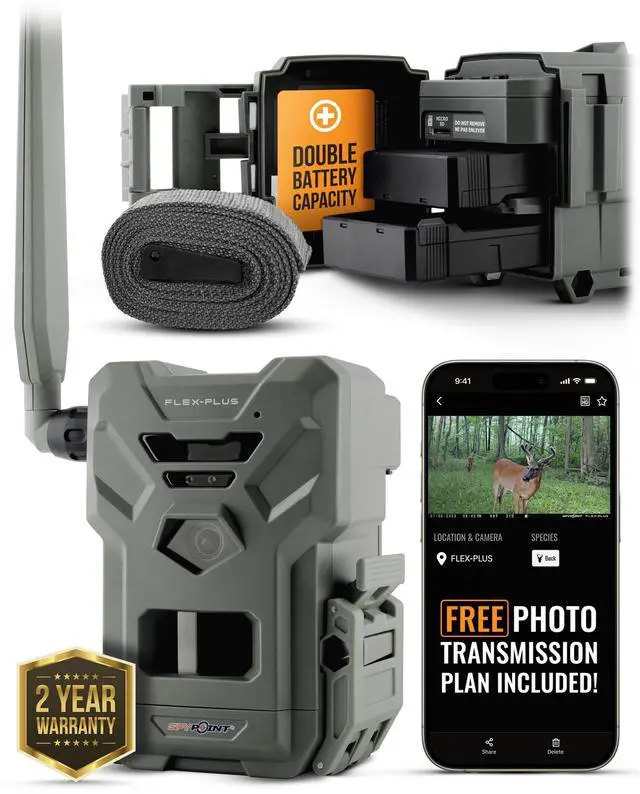
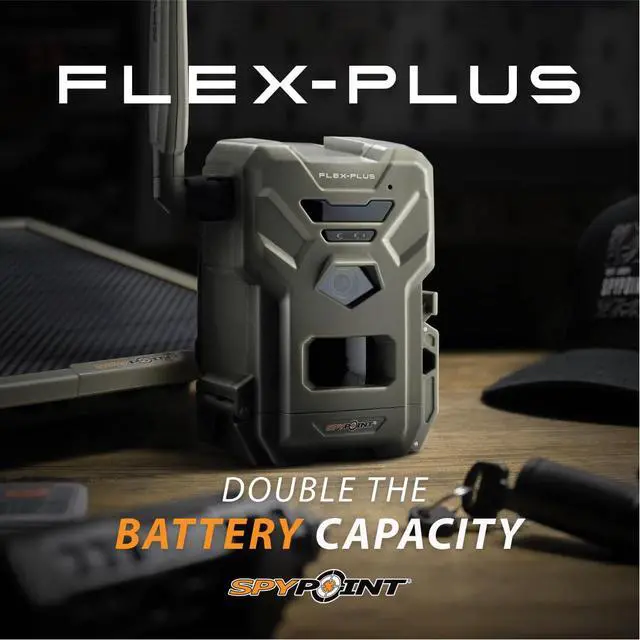
DOUBLE THE BATTERY CAPACITY
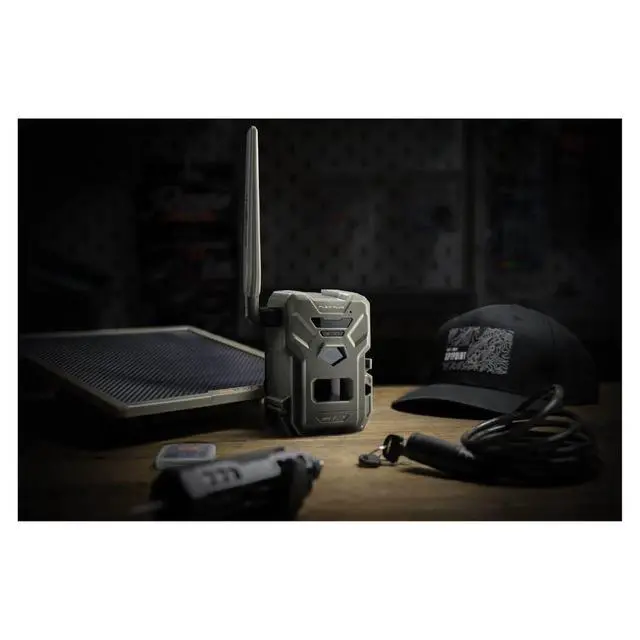
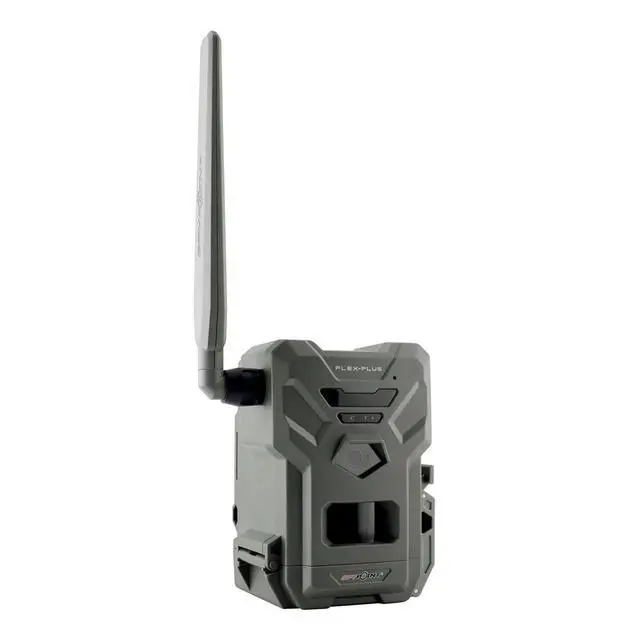
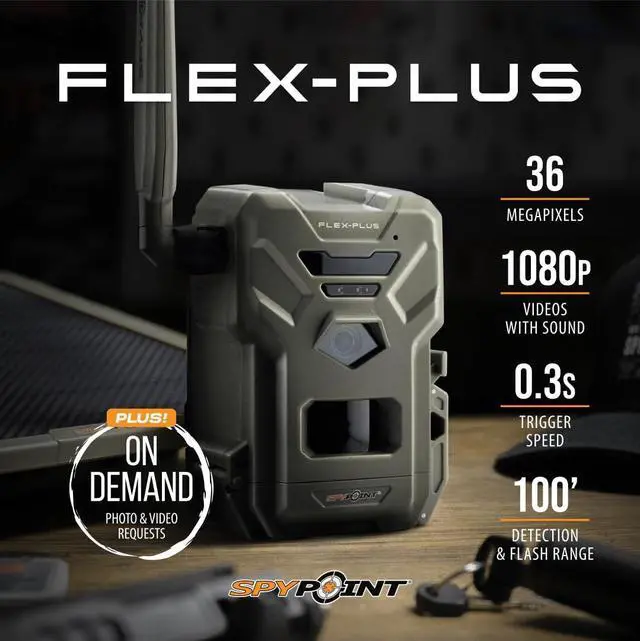
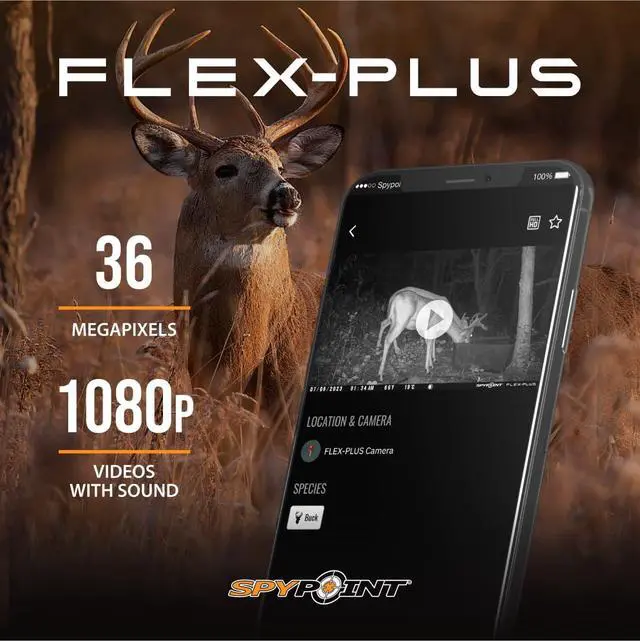
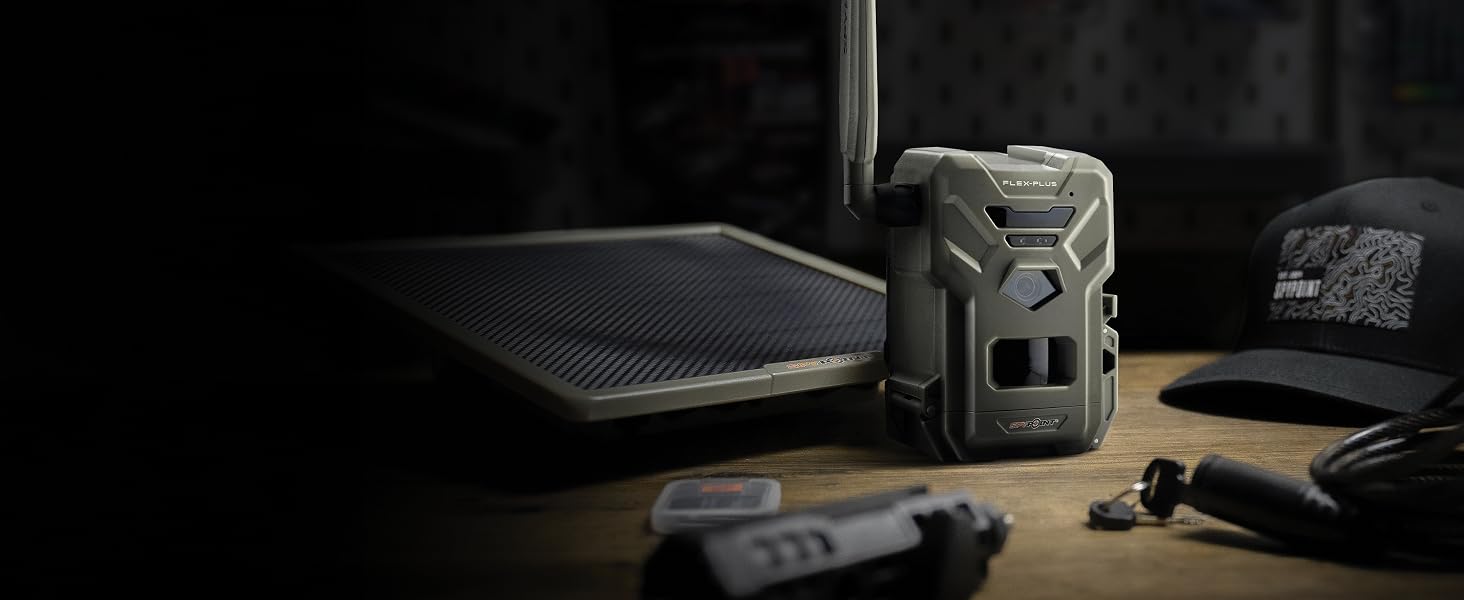
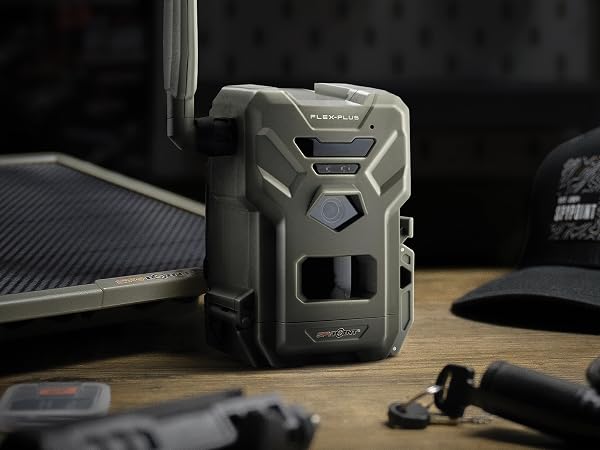
The FLEX-PLUS reliably delivers rich photos and video with sound directly to the SPYPOINT app and features double the battery capacity to enable Instant Mode and on-demand requests.
KEY FEATURES



aplus content video
STEP 1 - Activate Your Camera
Login to the SPYPOINT APP and Add Your Camera
- First, ensure that your camera has a power source.
- Next, open the SPYPOINT app and login or create a new account.
- Select the cameras tab, then press the + icon at the bottom right of the screen.
- Follow the instructions to add a new device.
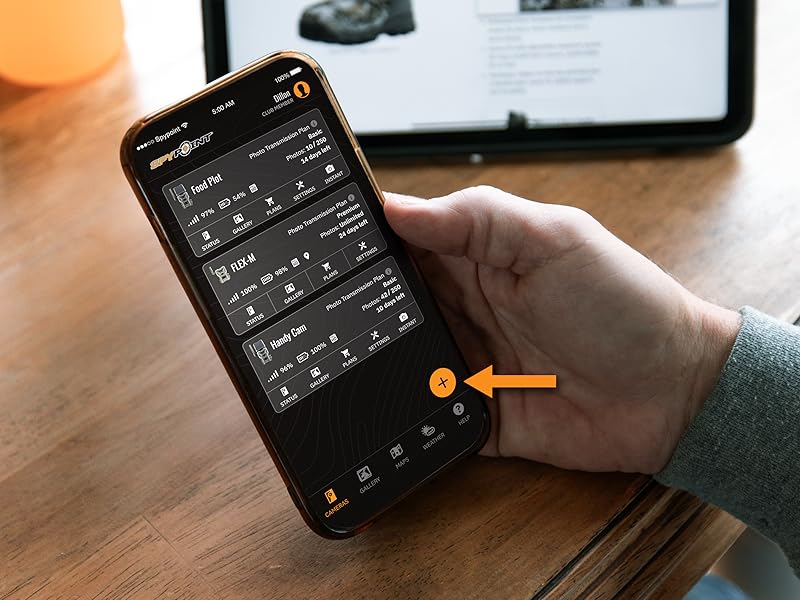
STEP 2 - Activate Your Camera
Activate Your Camera
- Follow the instructions in the SPYPOINT app.
- Scan your camera's QR code.
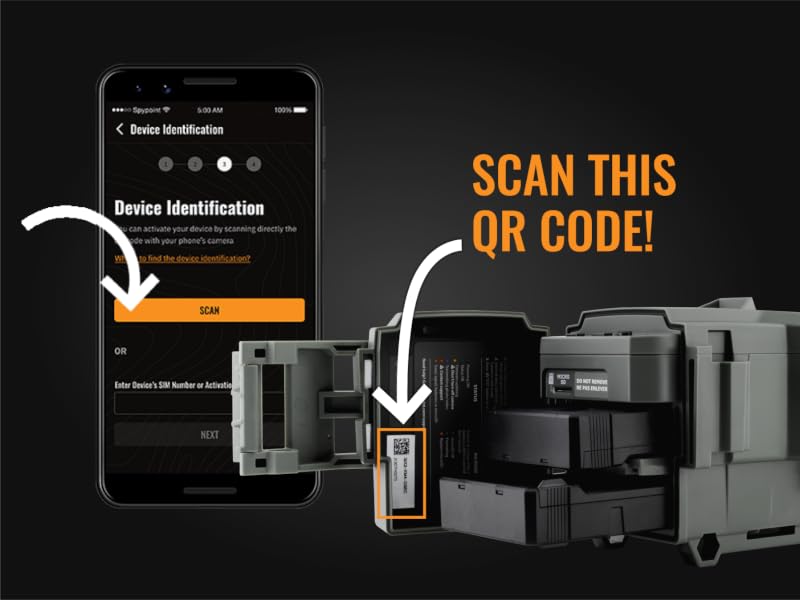
STEP 3 - Activate Your Camera
Prepare and Power On Your Camera
- A: Screw in the antenna.
- B: Insert the required microSD card (sold separately). Text on the microSD card should be face-up when inserted.
- C: Turn on your camera. The first power on sequence will initiate a remote download of the latest firmware. Please note, this process can take up to 15 minutes to complete. Your camera is ready when all lights are off.
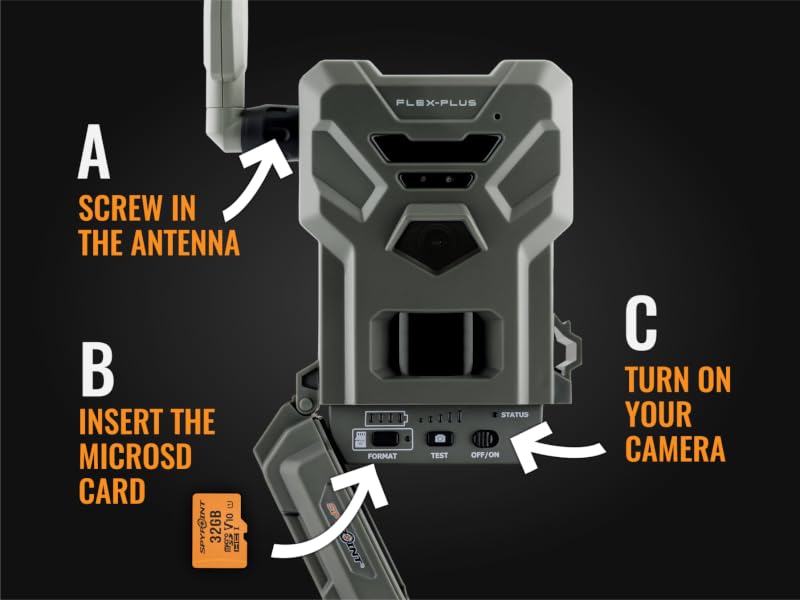
STEP 4 - Activate Your Camera
Format Your microSD Card and Test Your Camera
- A: Immediately hold the FORMAT button for five seconds. The FORMAT LED light will blink green until the microSD card has finished formatting.
- B: Press the TEST button to receive a photo on your SPYPOINT app to ensure the camera is functioning.
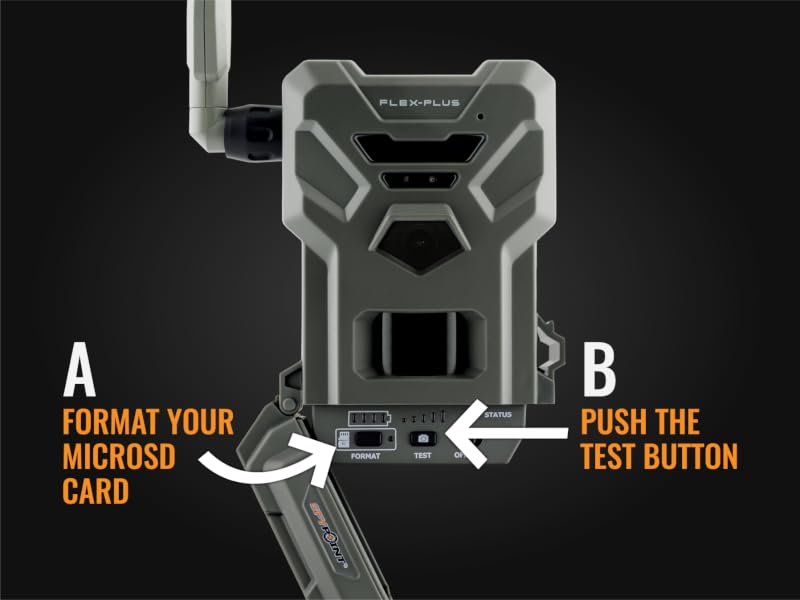
STEP 5 - Activate Your Camera
Make Sure Your Camera Reports?
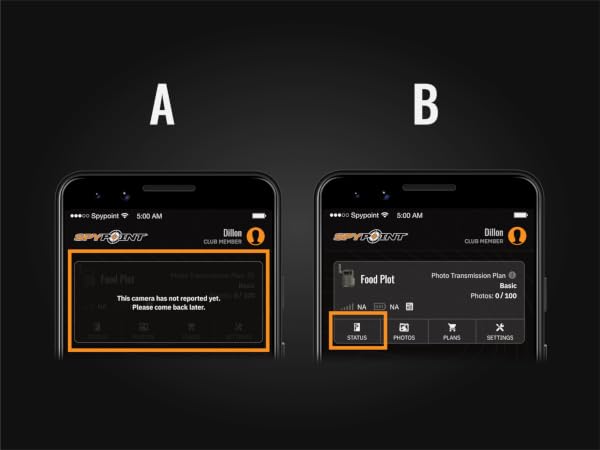
- A: Wait for your camera to report. This may take up to 30 minutes.
- B: Once your camera reports, check the camera’s status.
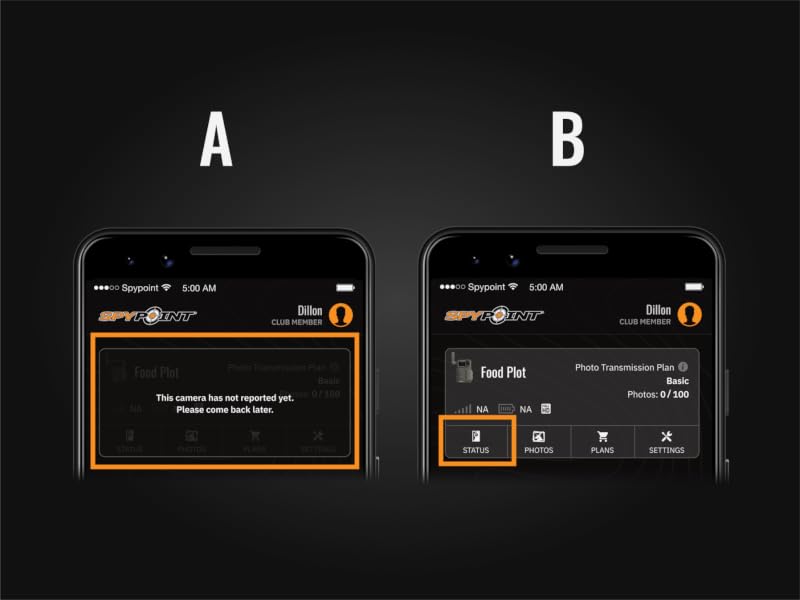
status and report STEP 6 - Activate Your Camera
That's It! You're Ready to Install Your Camera!
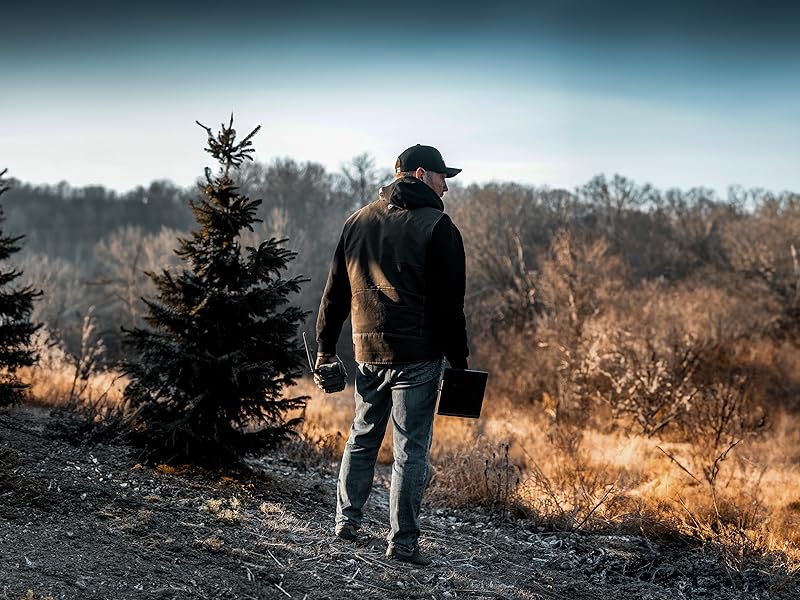
- Once your camera has sent you a test photo, you're ready to put it in the woods.
- Keep your camera off until you are ready to install it in the field.
COMPATIBLE ACCESSORIES (NOT INCLUDED WITH PURCHASE)

LIT-22 Lithium Battery Pack
The LIT-22 battery is a convenient and rechargeable power option for all FLEX series cameras.
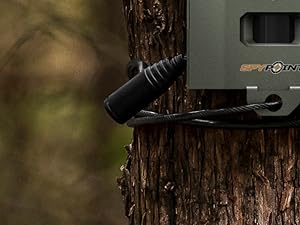
CLM-6FT Cable Lock
Whether on public ground or just a spot prone to trespassers, security is a major concern. This cable lock fits all SPYPOINT cameras. 2 keys included.
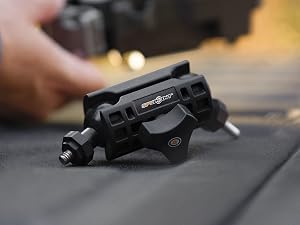
MA-500 Adjustable Mounting Arm
The MA-500 grips tighter than ever, swivels and rotates 360° and tilts to 90° so you can optimize your camera placement in every situation.

32GB microSD Memory Card
The 32 GB microSD card helps capture the best quality content possible with fewer trips to the woods to switch out cards.
Compare Cellular Models


FLEX-PLUS
DOUBLE THE BATTERY CAPACITY
The FLEX-PLUS reliably delivers rich photos and video with sound directly to the SPYPOINT app and features double the battery capacity to enable Instant Mode and on-demand requests.
KEY FEATURES
| CELLULAR NETWORK | Multi-network LTE with true Dual SIM technology |
|---|---|
| INSTANT MODE | On Demand Photo and Video Requests |
| VIDEO RESOLUTION | 1080P video with sound |
| PHOTO RESOLUTION | 36MP |
| FLASH RANGE | 100' |
| DETECTION RANGE | 100' |
| TRIGGER SPEED | 0.3s |
| CAPTURE MODES | Photo, Video, Timelapse, Timelapse+ |
| ACCESSORIES INCLUDED | Installation Strap |


aplus content video



STEP 1 - Activate Your Camera
Login to the SPYPOINT APP and Add Your Camera
- First, ensure that your camera has a power source.
- Next, open the SPYPOINT app and login or create a new account.
- Select the cameras tab, then press the + icon at the bottom right of the screen.
- Follow the instructions to add a new device.
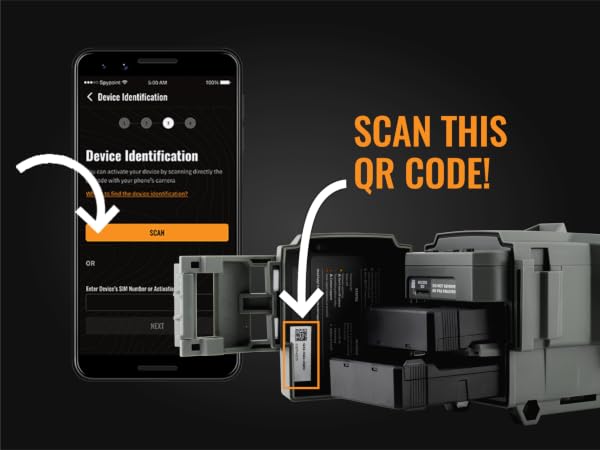
STEP 2 - Activate Your Camera
Activate Your Camera
- Follow the instructions in the SPYPOINT app.
- Scan your camera's QR code.
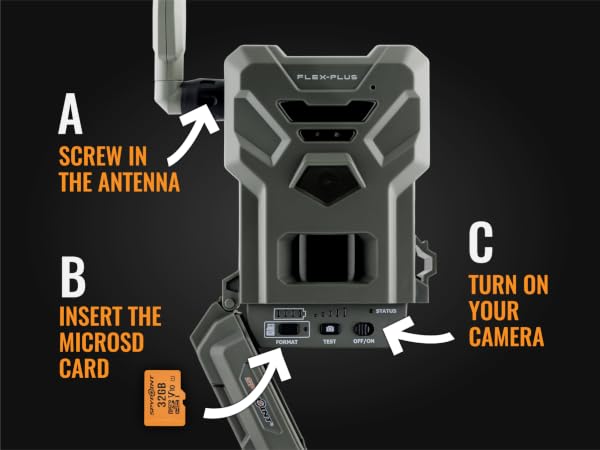
STEP 3 - Activate Your Camera
Prepare and Power On Your Camera
- A: Screw in the antenna.
- B: Insert the required microSD card (sold separately). Text on the microSD card should be face-up when inserted.
- C: Turn on your camera. The first power on sequence will initiate a remote download of the latest firmware. Please note, this process can take up to 15 minutes to complete. Your camera is ready when all lights are off.
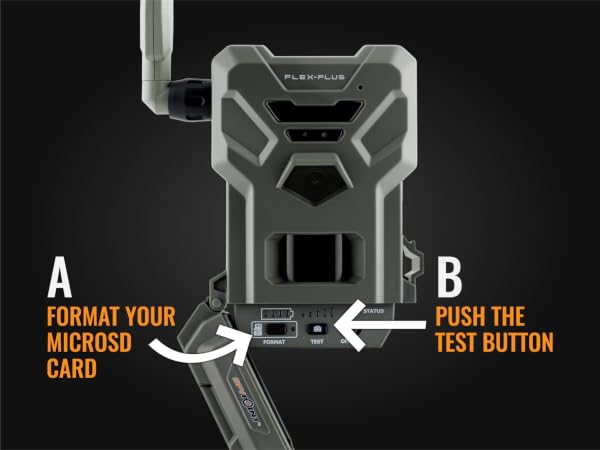
STEP 4 - Activate Your Camera
Format Your microSD Card and Test Your Camera
- A: Immediately hold the FORMAT button for five seconds. The FORMAT LED light will blink green until the microSD card has finished formatting.
- B: Press the TEST button to receive a photo on your SPYPOINT app to ensure the camera is functioning.
STEP 5 - Activate Your Camera
Make Sure Your Camera Reports?
- A: Wait for your camera to report. This may take up to 30 minutes.
- B: Once your camera reports, check the camera’s status.
status and report STEP 6 - Activate Your Camera
That's It! You're Ready to Install Your Camera!
- Once your camera has sent you a test photo, you're ready to put it in the woods.
- Keep your camera off until you are ready to install it in the field.
COMPATIBLE ACCESSORIES (NOT INCLUDED WITH PURCHASE)
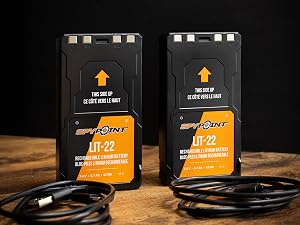
LIT-22 Lithium Battery Pack
The LIT-22 battery is a convenient and rechargeable power option for all FLEX series cameras.
CLM-6FT Cable Lock
Whether on public ground or just a spot prone to trespassers, security is a major concern. This cable lock fits all SPYPOINT cameras. 2 keys included.
MA-500 Adjustable Mounting Arm
The MA-500 grips tighter than ever, swivels and rotates 360° and tilts to 90° so you can optimize your camera placement in every situation.
32GB microSD Memory Card
The 32 GB microSD card helps capture the best quality content possible with fewer trips to the woods to switch out cards.