




 here!
here!
I’m your shopping assistant for PC builds, upgrades, and everything tech.
Got questions? Ask away!
Start a conversation
here!
I’m your shopping assistant for PC builds, upgrades, and everything tech.
Got questions? Ask away!
Start a conversation


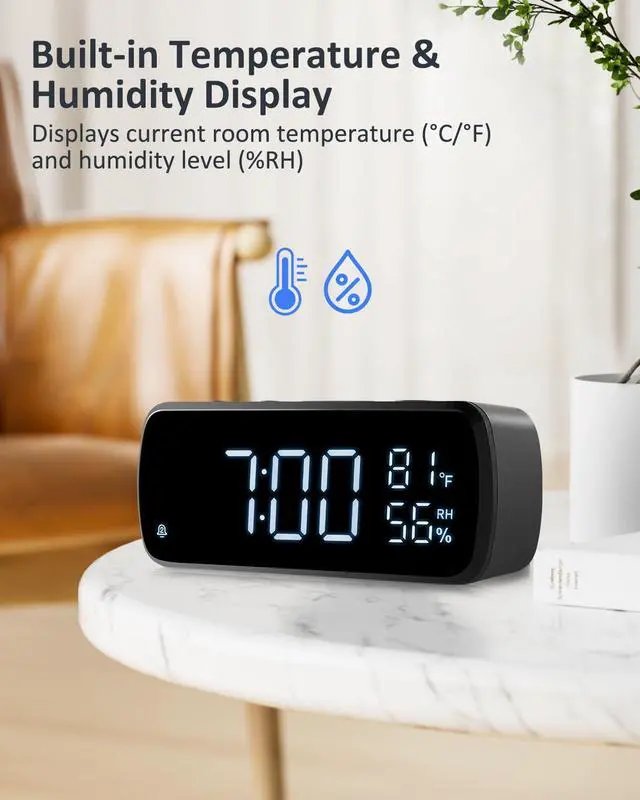



Any questions? Ask CelesteSM will help you find out quickly.

How do I set the time?
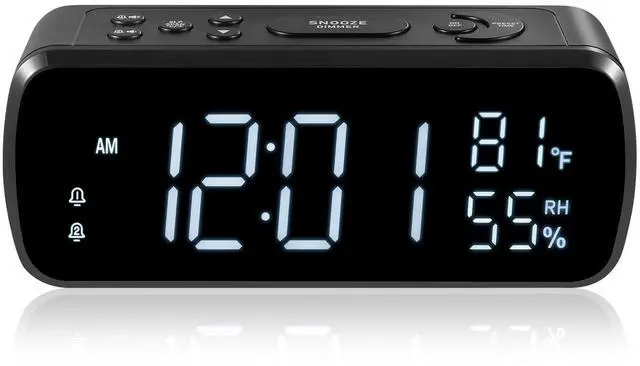
Press and hold PRESET/TIME for 2 seconds. Use TUN+ or TUN- to select 12H/24H, then press PRESET/TIME to confirm. Set the hour and minute the same way, then press PRESET/TIME to finish.
How do I set an alarm for my morning wake-up time?
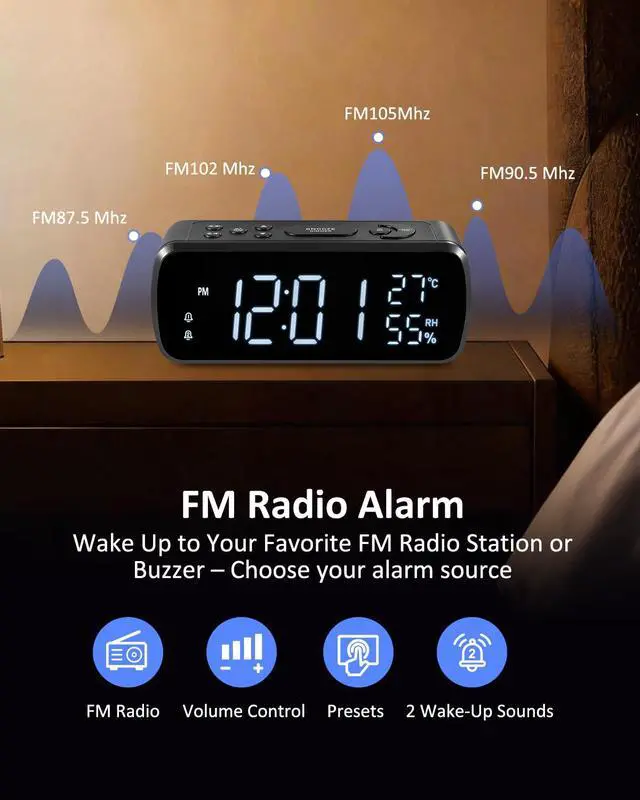
Hold ALARM1 for 2 seconds in Clock mode. Set the hour and minute with TUN+ or TUN-, pressing ALARM1 after each to save. When “bb” flashes, use TUN+ or TUN- to choose Buzzer or FM. FM uses the last station played. Press ALARM1 to save.
How do I adjust the alarm and FM radio volume?
In FM mode, use VOL+/ALARM1 or VOL-/ALARM2 to set radio volume (0–15). If FM is selected for the alarm, U08 flashes; use TUN+ or TUN- to set its volume, then press ALARM1 or ALARM2 to save. The bb buzzer volume is fixed.
How do I dim the display if it is too bright at night?
Press SNOOZE/DIMMER repeatedly to cycle through five brightness levels: HI, 03, 02, LO, and OFF. Stop pressing the button; after 3 seconds, the setting is saved and the display returns to its previous screen.
What should I do if the screen freezes during daily use?
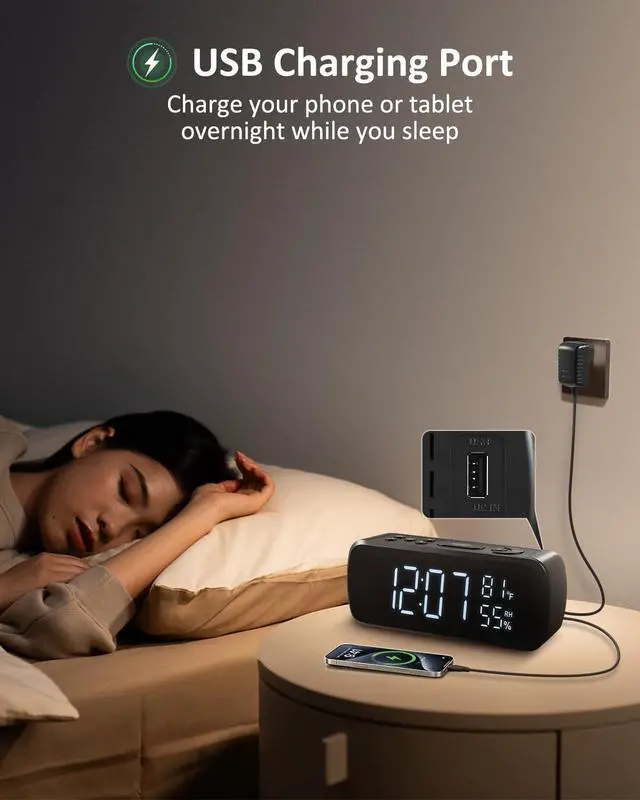
Fast or repeated button presses may cause the system to stop responding and freeze the screen. Unplug the adapter and remove both AAA batteries. Wait a few seconds, then reconnect the adapter and reinstall the batteries.



We G Keni always offer our best service to each of our customers, and we will let our customers be 100% satisfied!
We will always do our best to create the simplest and most convenient product for customers and experience original happiness in a fast-paced life. We will never stop developing and improving our pruducts in the future!
We enjoy creating something new and we are fortunate to make a living now doing something we find challenging and inspiring.

We G Keni always offer our best service to each of our customers, and we will let our customers be 100% satisfied!
We will always do our best to create the simplest and most convenient product for customers and experience original happiness in a fast-paced life. We will never stop developing and improving our pruducts in the future!
We enjoy creating something new and we are fortunate to make a living now doing something we find challenging and inspiring.

How do I set the time?
Press and hold PRESET/TIME for 2 seconds. Use TUN+ or TUN- to select 12H/24H, then press PRESET/TIME to confirm. Set the hour and minute the same way, then press PRESET/TIME to finish.
How do I set an alarm for my morning wake-up time?
Hold ALARM1 for 2 seconds in Clock mode. Set the hour and minute with TUN+ or TUN-, pressing ALARM1 after each to save. When “bb” flashes, use TUN+ or TUN- to choose Buzzer or FM. FM uses the last station played. Press ALARM1 to save.
How do I adjust the alarm and FM radio volume?
In FM mode, use VOL+/ALARM1 or VOL-/ALARM2 to set radio volume (0–15). If FM is selected for the alarm, U08 flashes; use TUN+ or TUN- to set its volume, then press ALARM1 or ALARM2 to save. The bb buzzer volume is fixed.
How do I dim the display if it is too bright at night?
Press SNOOZE/DIMMER repeatedly to cycle through five brightness levels: HI, 03, 02, LO, and OFF. Stop pressing the button; after 3 seconds, the setting is saved and the display returns to its previous screen.
What should I do if the screen freezes during daily use?
Fast or repeated button presses may cause the system to stop responding and freeze the screen. Unplug the adapter and remove both AAA batteries. Wait a few seconds, then reconnect the adapter and reinstall the batteries.


