here!
here!
I’m your shopping assistant for PC builds, upgrades, and everything tech.
Got questions? Ask away!
Start a conversation
here!
I’m your shopping assistant for PC builds, upgrades, and everything tech.
Got questions? Ask away!
Start a conversation



Any questions? Ask CelesteSM will help you find out quickly.









What should I do if the SSD is not detected?
Reconnect the cable firmly, try another compatible USB port and avoid unpowered hubs. If the drive is new, check Disk Management on Windows or Disk Utility on macOS to confirm that it is initialized and formatted.
Why am I not getting the advertised speed?
For the best performance, connect the SSD directly to a compatible high-speed USB port using the supplied cable. USB hubs, older USB ports, small files and some mobile devices may reduce transfer speeds.
Why is the available capacity lower than the advertised capacity?
Storage manufacturers calculate capacity using decimal measurement, while operating systems may display capacity differently. Formatting and system files also use a small amount of space.
Is it normal for the SSD to become warm?
Mild warmth during large or continuous file transfers is normal. Keep the drive in a ventilated area and avoid covering it while it is in use.
Does it work with both USB-C and USB-A devices?
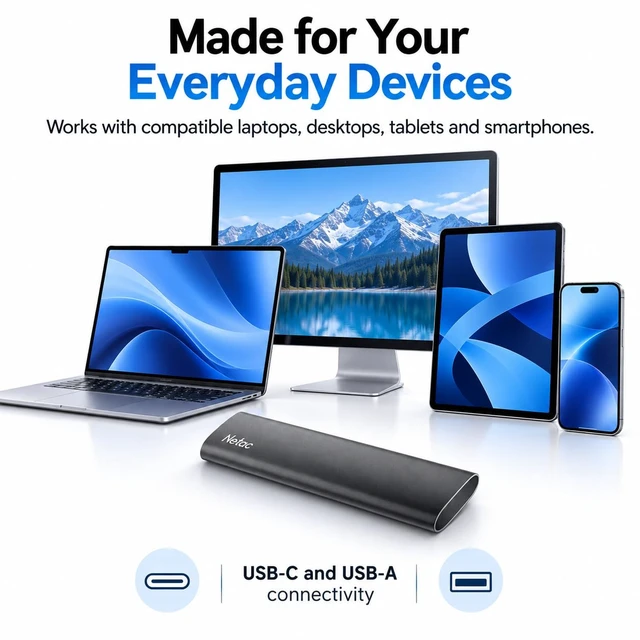
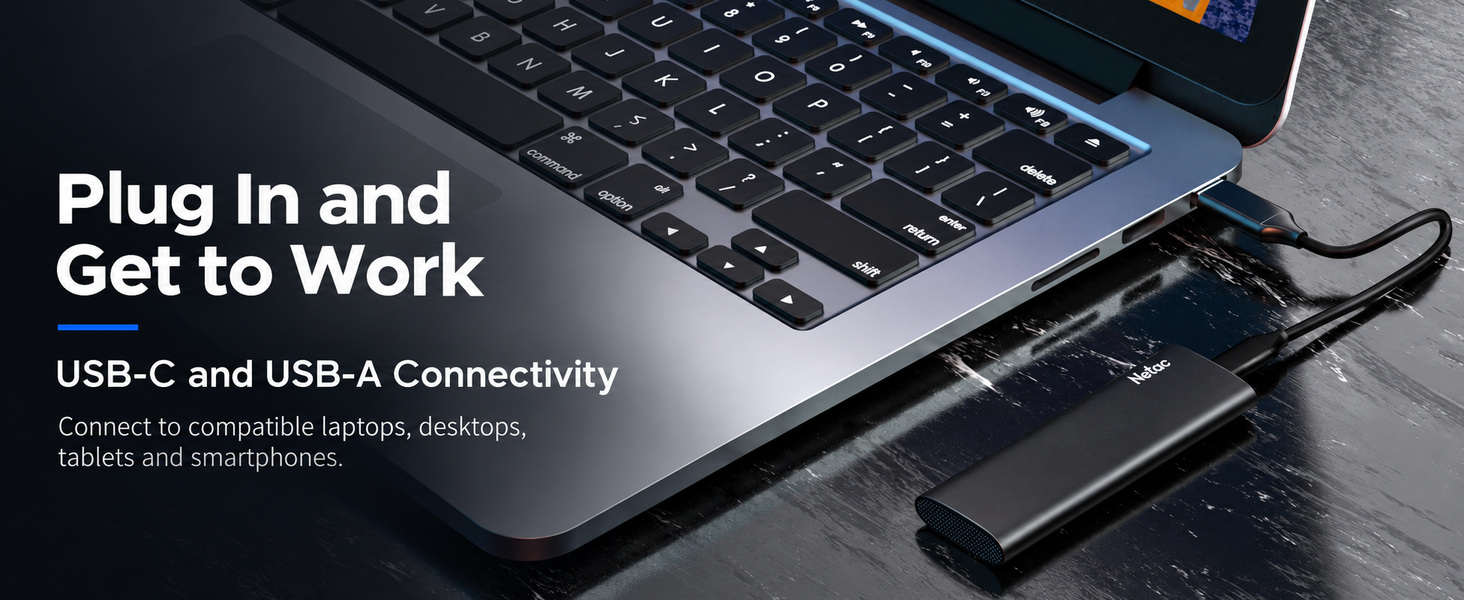
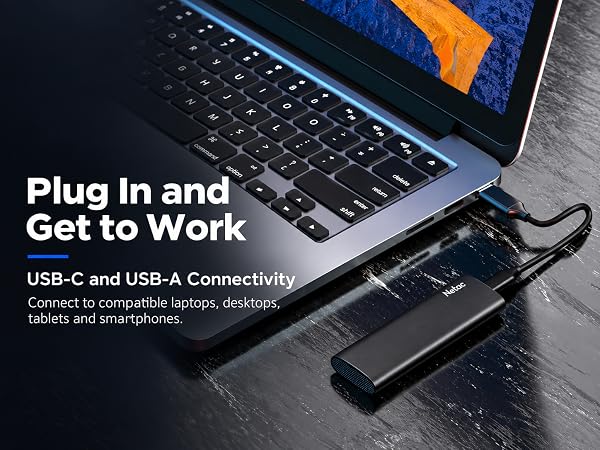
Yes. The included connection options support compatible USB-C and USB-A computers and devices. Please note that the connector type alone does not determine the available transfer speed.
 ZX20III EVO |  ZX20 |  ZX20V |
|---|---|---|
Product Style Lightweight | Product Style Compact High Speed | Product Style High Speed with Added Protection |
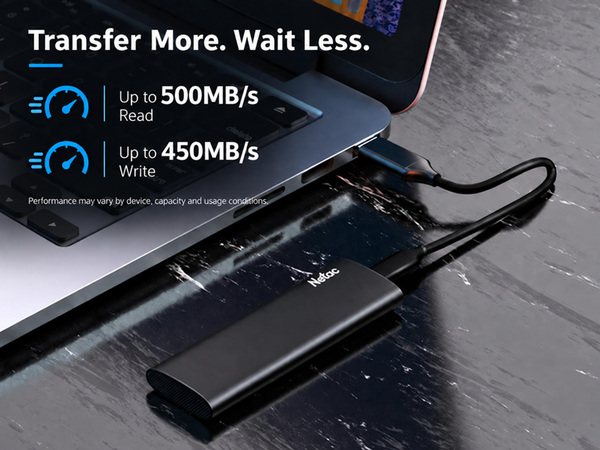
Read Speed Up to 550MB/s | Read Speed Up to 2,000MB/s | Read Speed Up to 2,000MB/s |
Interface USB-C | Interface USB 3.2 Gen 2x2 | Interface USB 3.2 Gen 2x2 |
Best For Daily Backup | Best For Large File Transfers | Best For Creative Workflows |
What should I do if the SSD is not detected?
Reconnect the cable firmly, try another compatible USB port and avoid unpowered hubs. If the drive is new, check Disk Management on Windows or Disk Utility on macOS to confirm that it is initialized and formatted.
Why am I not getting the advertised speed?
For the best performance, connect the SSD directly to a compatible high-speed USB port using the supplied cable. USB hubs, older USB ports, small files and some mobile devices may reduce transfer speeds.
Why is the available capacity lower than the advertised capacity?
Storage manufacturers calculate capacity using decimal measurement, while operating systems may display capacity differently. Formatting and system files also use a small amount of space.
Is it normal for the SSD to become warm?
Mild warmth during large or continuous file transfers is normal. Keep the drive in a ventilated area and avoid covering it while it is in use.
Does it work with both USB-C and USB-A devices?
Yes. The included connection options support compatible USB-C and USB-A computers and devices. Please note that the connector type alone does not determine the available transfer speed.
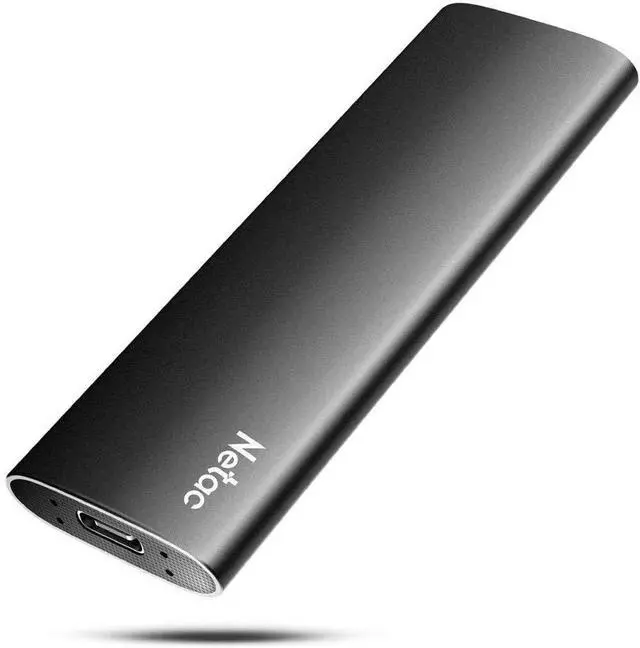
| Capacities | 250GB / 500GB / 1TB / 2TB |
|---|---|
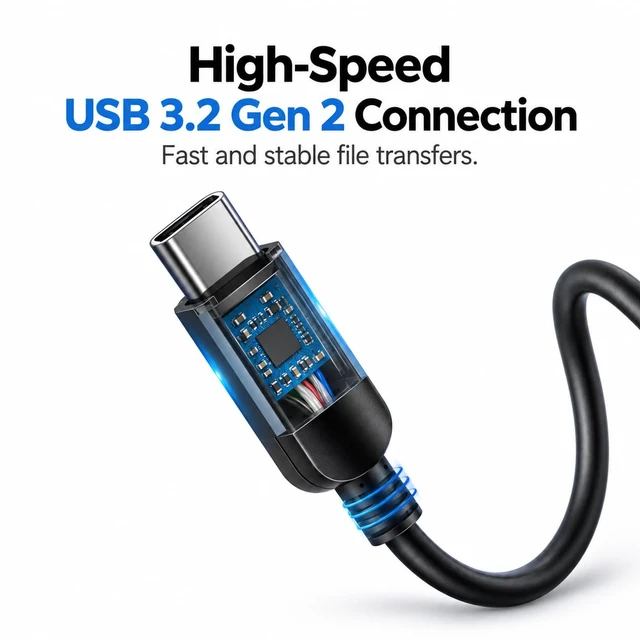
| Interface | USB 3.2 Gen 2 Type-C |
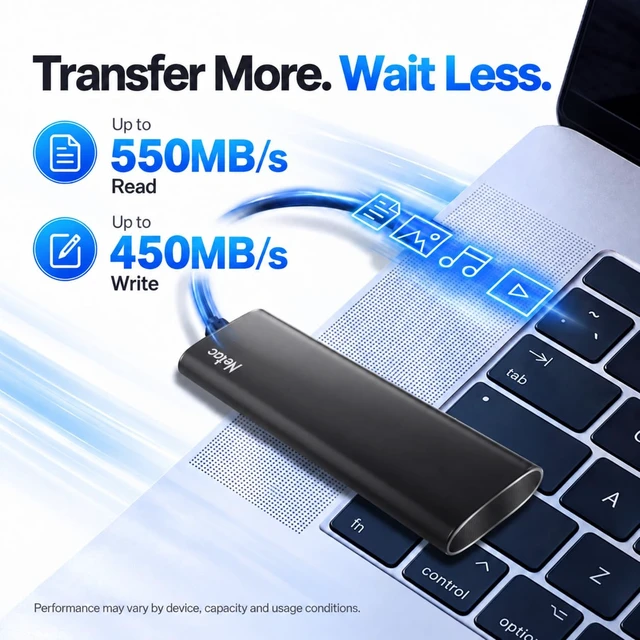
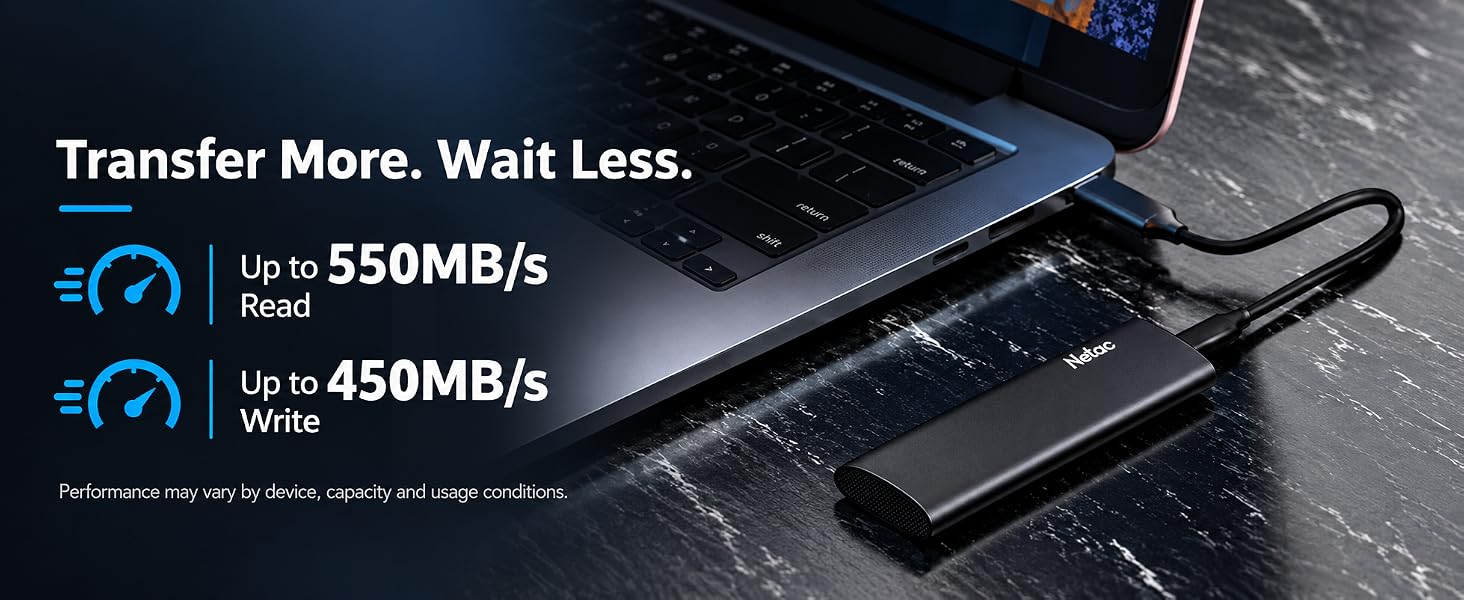
| Read Speed | Up to 550MB/s |
| Write Speed | Up to 450MB/s |
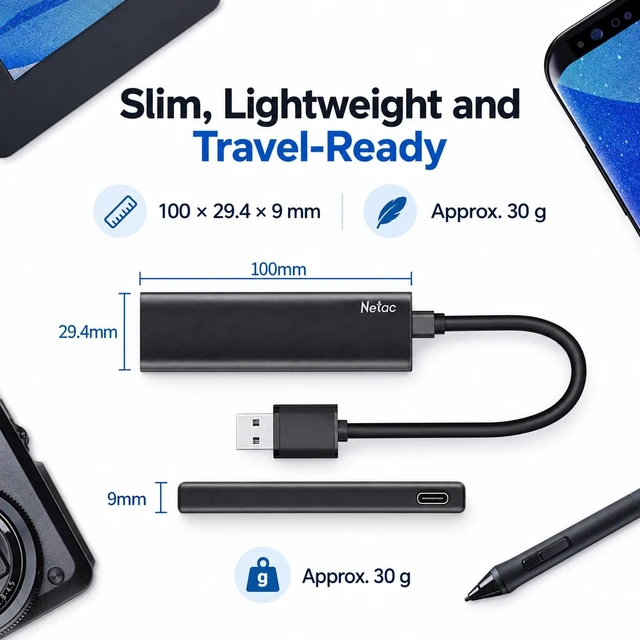
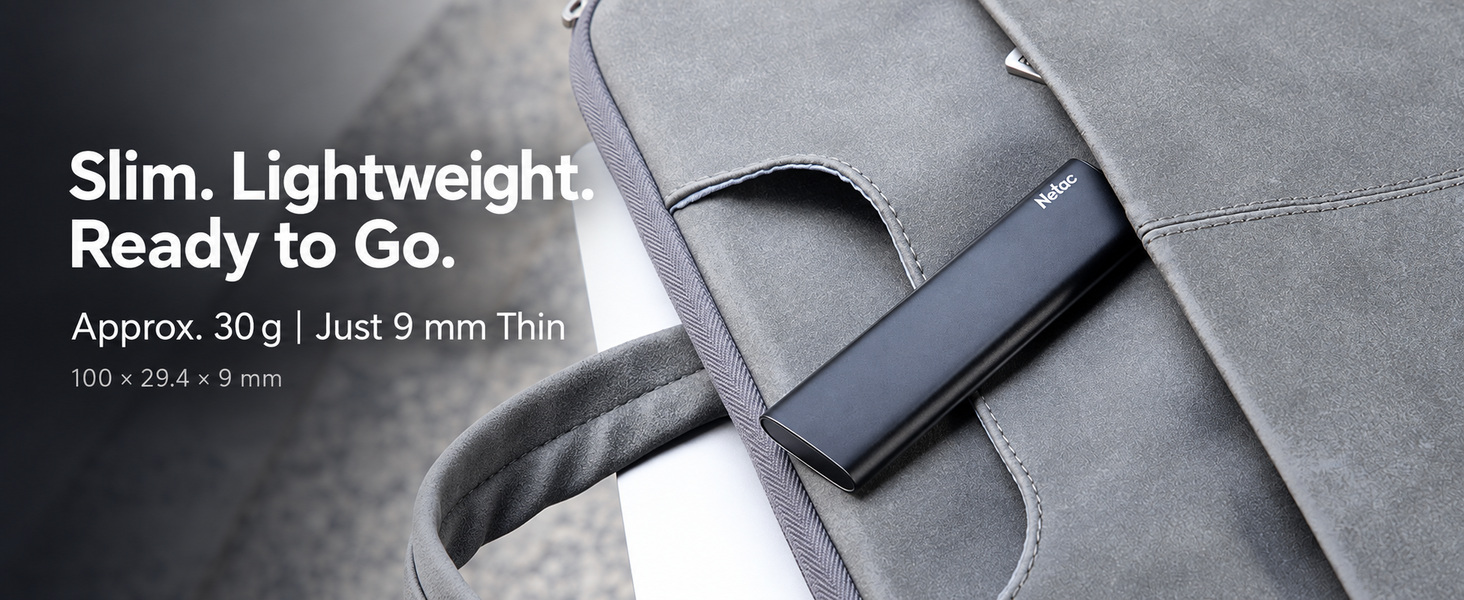
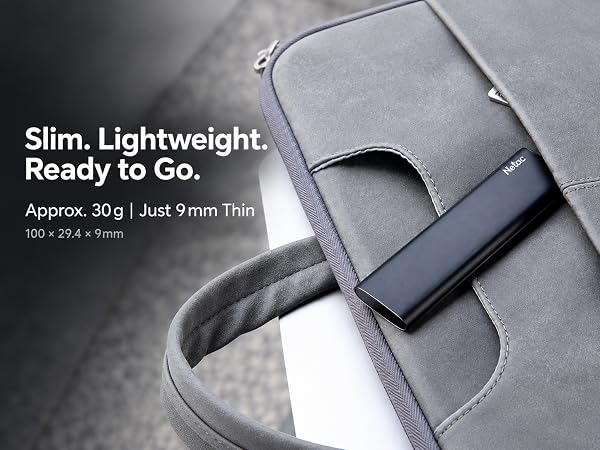
| Dimensions | 100 × 29.4 × 9mm |
| Weight | Approx. 30g |
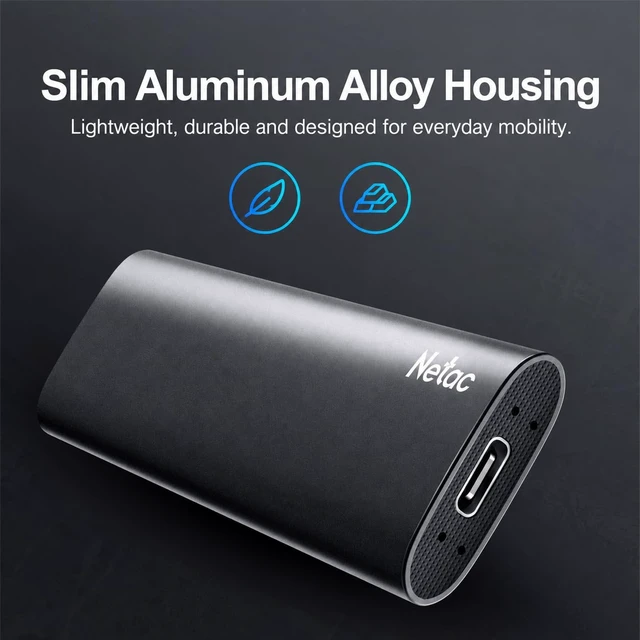
| Enclosure | Aluminum Alloy |
| System Support | Windows / macOS / Linux / Android |
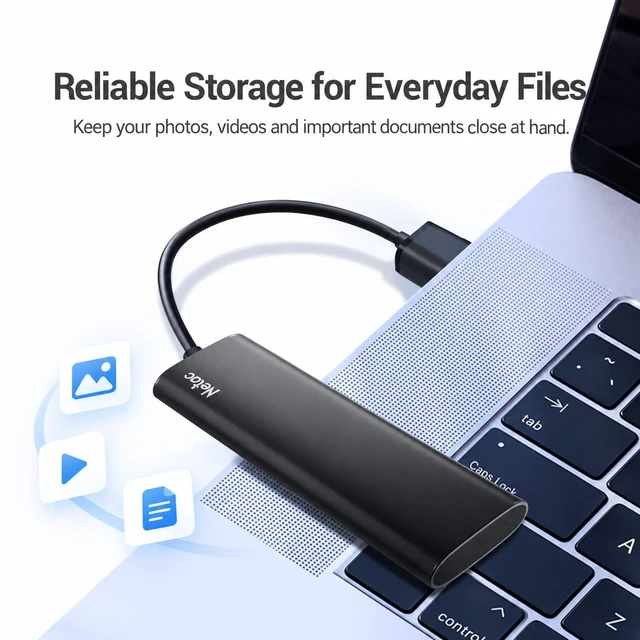
| Included | ZSlim SSD, USB Type-C-to-A Cable, USB-A-to-C Adapter, User Guide |