here!
here!
I’m your shopping assistant for PC builds, upgrades, and everything tech.
Got questions? Ask away!
Start a conversation
here!
I’m your shopping assistant for PC builds, upgrades, and everything tech.
Got questions? Ask away!
Start a conversation



Any questions? Ask CelesteSM will help you find out quickly.


How do I know if my car is compatible?
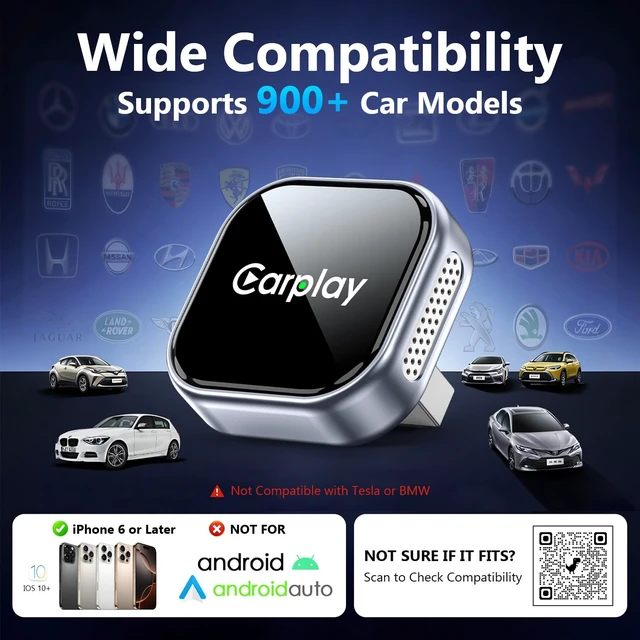
This adapter requires a 2016+ vehicle with factory-wired Apple CarPlay, a USB data port, and a compatible iPhone (iOS 10+). It converts wired CarPlay to wireless CarPlay and does not add CarPlay to unsupported vehicles or support Android Auto.
Can I use navigation, music, Siri, and steering wheel controls?
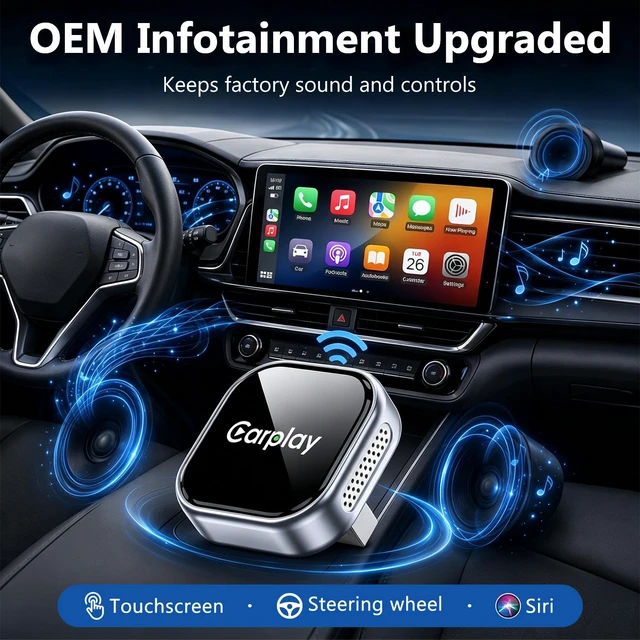
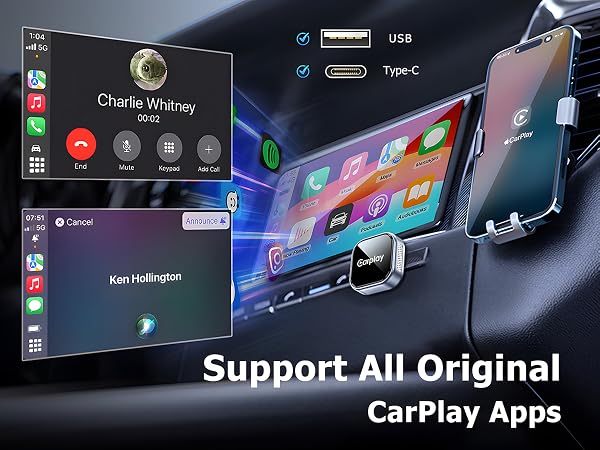
Yes. The adapter keeps your original CarPlay features, including navigation, music, Siri voice control, hands-free calls, and steering wheel controls.
What should I do if it disconnects or fails to pair?
Connection issues are usually caused by previous Bluetooth connections or phone settings. Try unplugging and reconnecting the adapter, make sure Bluetooth and WiFi are enabled, remove old CarPlay connections, and pair again.
The adapter gets warm during use. Is this normal?
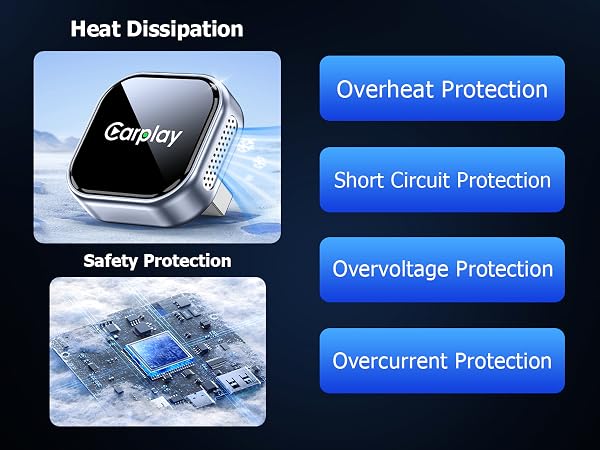
Yes. A slight increase in temperature during use is normal, especially during wireless CarPlay streaming with navigation and music. The aluminum alloy housing helps dissipate heat and maintain stable performance during daily driving.
Can multiple iPhones connect to this adapter?
Yes. You can pair multiple iPhones with the adapter, but only one iPhone can be connected at the same time. When multiple paired iPhones are nearby, it will automatically reconnect to the previously connected iPhone first.
How do I know if my car is compatible?
This adapter requires a 2016+ vehicle with factory-wired Apple CarPlay, a USB data port, and a compatible iPhone (iOS 10+). It converts wired CarPlay to wireless CarPlay and does not add CarPlay to unsupported vehicles or support Android Auto.
Can I use navigation, music, Siri, and steering wheel controls?
Yes. The adapter keeps your original CarPlay features, including navigation, music, Siri voice control, hands-free calls, and steering wheel controls.
What should I do if it disconnects or fails to pair?
Connection issues are usually caused by previous Bluetooth connections or phone settings. Try unplugging and reconnecting the adapter, make sure Bluetooth and WiFi are enabled, remove old CarPlay connections, and pair again.
The adapter gets warm during use. Is this normal?
Yes. A slight increase in temperature during use is normal, especially during wireless CarPlay streaming with navigation and music. The aluminum alloy housing helps dissipate heat and maintain stable performance during daily driving.
Can multiple iPhones connect to this adapter?
Yes. You can pair multiple iPhones with the adapter, but only one iPhone can be connected at the same time. When multiple paired iPhones are nearby, it will automatically reconnect to the previously connected iPhone first.
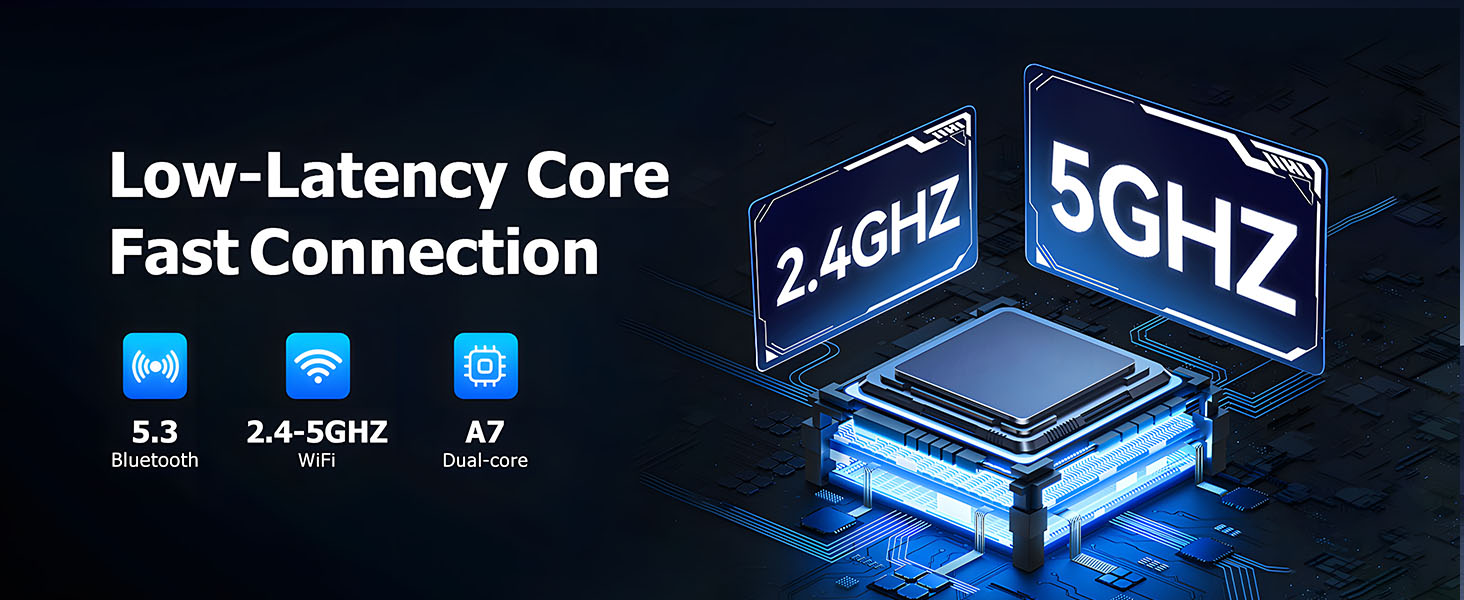
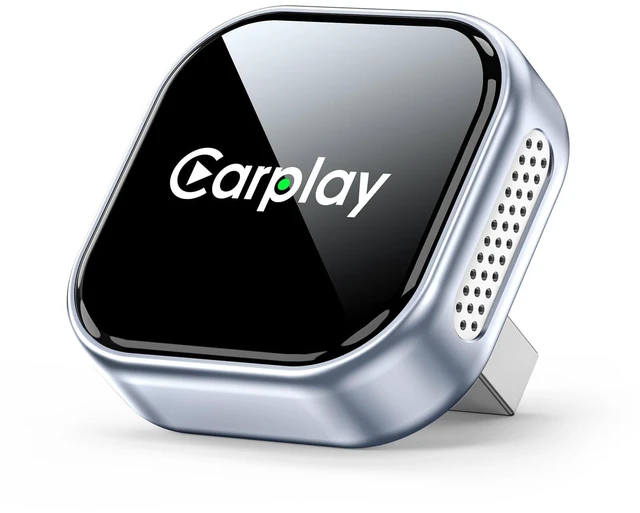
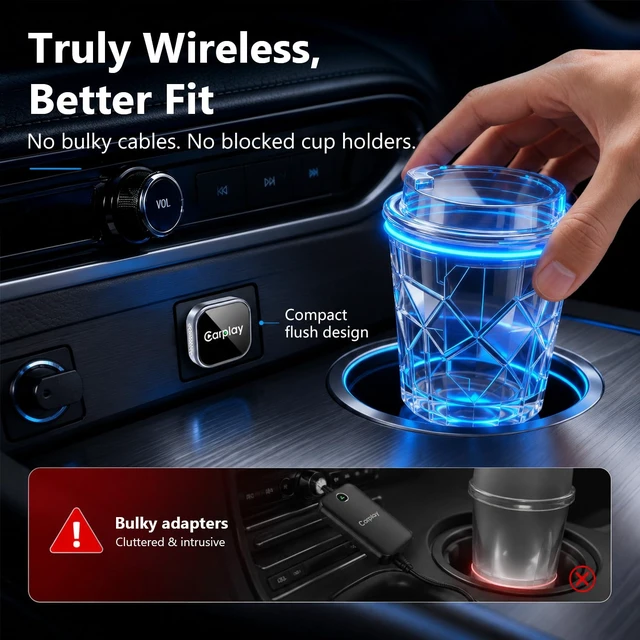
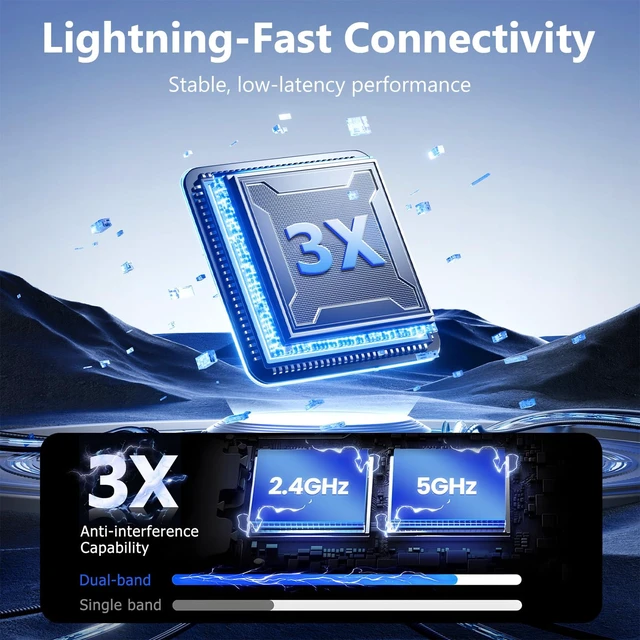
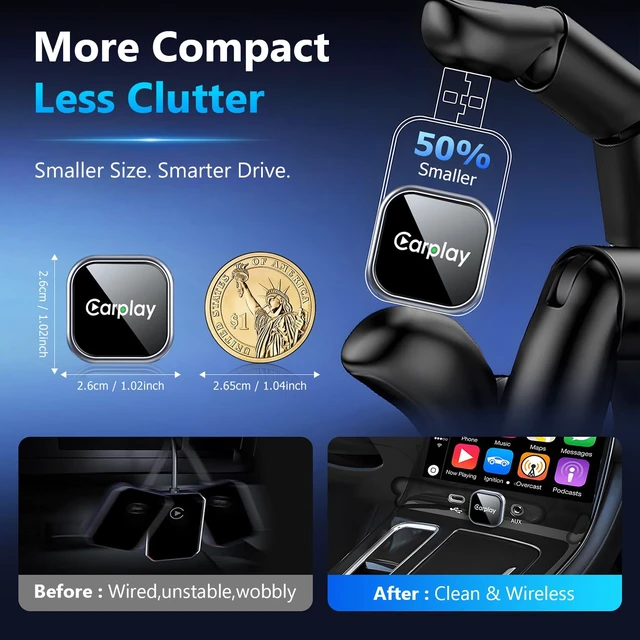
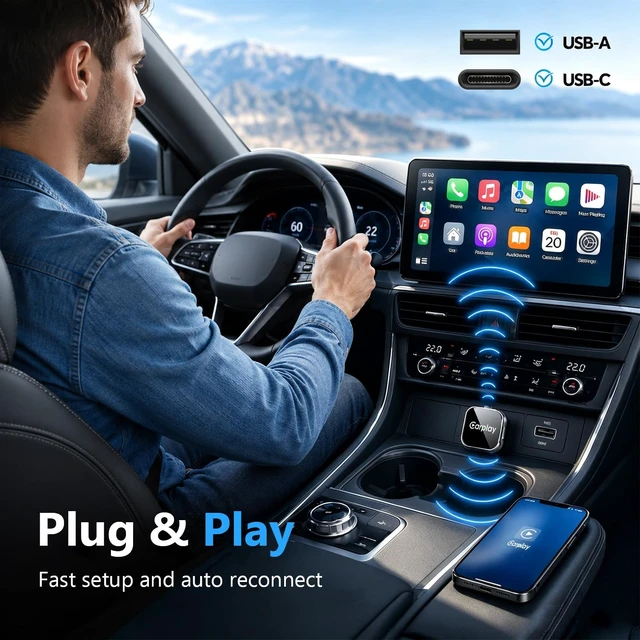
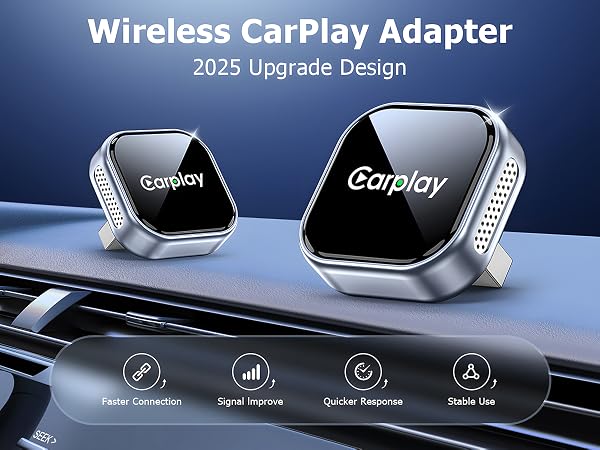
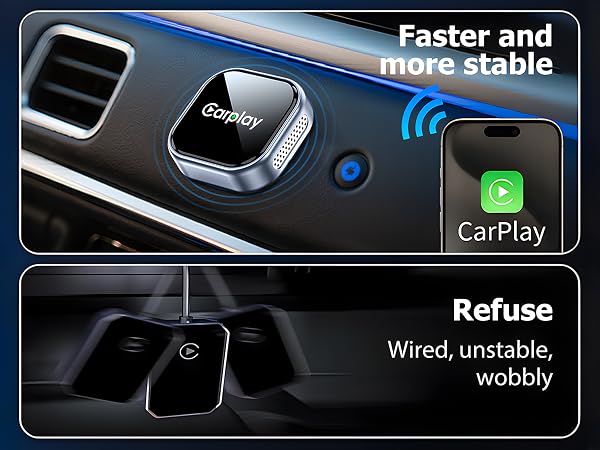
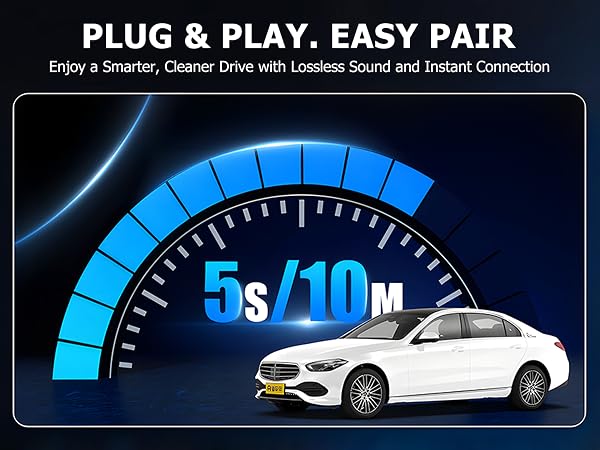
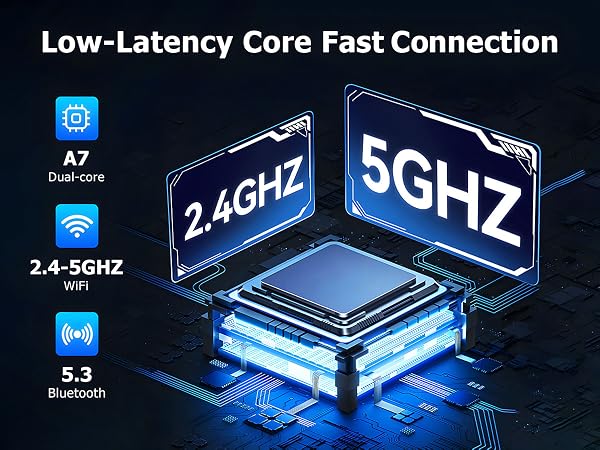
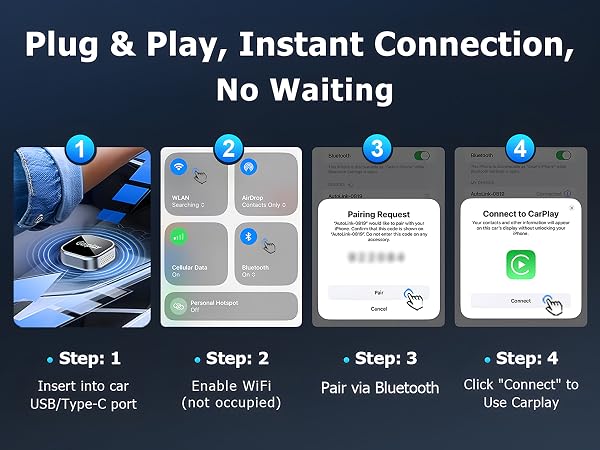
Wireless CarPlay Adapter for iPhone is designed to upgrade vehicles with factory wired Apple CarPlay into a smoother wireless CarPlay experience. This compact carplay wireless adapter lets you keep the original CarPlay interface while removing the need to plug in your iPhone every time you drive. After the first Bluetooth pairing, the wireless carplay adapter reconnects automatically through Wi-Fi for everyday navigation, calls, music, Siri voice control, and messages. Built for convenience and stable daily use, this apple carplay wireless adapter supports iPhone with iOS 10+ and works with most cars that already have built-in wired CarPlay. The plug and play design makes setup simple: connect the carplay adapter to your vehicles USB port, pair your iPhone, and enjoy wireless apple CarPlay on future drives. Its low-latency connection helps keep maps, audio, and controls responsive, while the mini body fits neatly in your car without cluttering the console. Please note: this wireless carplay adapter for iPhone only converts existing wired CarPlay to wireless CarPlay. It does not add CarPlay to vehicles without factory wired CarPlay and is not designed for Android Auto. For best results, confirm that your car supports wired Apple CarPlay before purchase. ROLRAFIC provides reliable after-sales support to help with setup, compatibility questions, and product use.
| Special Feature | Hands-Free Calls, Low Latency |
| Brand | ROLRAFIC |
| Connectivity Technology | Bluetooth, USB, Wi-Fi |
| Power Source | Corded Electric |
| Material | Aluminum |
| Additional Features | Hands-Free Calls, Low Latency |
| Enclosure Material | Aluminum |
| Color | Dark Black |
| Supported Media Type | bluetooth |
| Mounting Type | Dashboard Mount |
| Installation Type | External |
| UPC | 717956380512 |
| Unit Count | 1 Count |
| Manufacturer | ROLRAFIC |
| Warranty Description | 1 Year |
| Audio Output Type | Headphone, Speaker |
| Audio Output Mode | Stereo |
| Wireless Compability | 802.11ac, Bluetooth |
| Item Dimensions L x W x H | 1.02"L x 1.02"W x 1.02"H |
| Item Weight | 1.6 ounces |
| Compatible Devices | Car Stereo System, Headphone, Smartphone, Speaker |
| Supported Standards | IEEE 802.11ac |
| Compatibility Options | Headphones, Smartphone, Stereo system |
| Hardware Interface | USB 3.0 Type A, USB Type C |
| Connector Type Used on Cable | USB Type A, USB Type C |
| Number of Ports | 1 |
| Control Type | Voice Control |
| Control Method | App, Push Button, Voice |