




 here!
here!
I’m your shopping assistant for PC builds, upgrades, and everything tech.
Got questions? Ask away!
Start a conversation
here!
I’m your shopping assistant for PC builds, upgrades, and everything tech.
Got questions? Ask away!
Start a conversation



Any questions? Ask CelesteSM will help you find out quickly.


Is this adapter compatible with my iPhone and vehicle?
Works with iPhones running iOS 10 or later and vehicles with factory-wired CarPlay. It cannot add CarPlay to unsupported vehicles. Not compatible with BMW, Tesla, or Mazda. Check the compatibility chart before ordering.
What should I do if the adapter won't connect?
Use the USB port for wired CarPlay. Turn on Bluetooth and Wi-Fi; turn off VPN and Low Power Mode. Remove old Bluetooth and CarPlay connections, restart your iPhone and car system, then pair again.
What should I do if the connection keeps dropping?
Keep Bluetooth and Wi-Fi on. In Settings > Wi-Fi, set Ask to Join Networks to Off and Auto-Join Hotspot to Never. Make sure the adapter is fully plugged in. If it disconnects again, restart both systems and reconnect.
What should I do if the audio is delayed or too quiet?
Check media and call volume on your iPhone and car. Turn off VPN and Personal Hotspot, restart both systems, then reconnect. If the issue continues, update the firmware.
How do I update the adapter firmware?
Keep the adapter powered and disconnect CarPlay. Join SmartBox-xxxx Wi-Fi; use 88888888 or 12345678 if asked. In Safari, open 192.168.1.101 and tap OTA Update. Do not unplug until complete. Restart both systems. Need help? Contact support.


Is this adapter compatible with my iPhone and vehicle?
Works with iPhones running iOS 10 or later and vehicles with factory-wired CarPlay. It cannot add CarPlay to unsupported vehicles. Not compatible with BMW, Tesla, or Mazda. Check the compatibility chart before ordering.
What should I do if the adapter won't connect?
Use the USB port for wired CarPlay. Turn on Bluetooth and Wi-Fi; turn off VPN and Low Power Mode. Remove old Bluetooth and CarPlay connections, restart your iPhone and car system, then pair again.
What should I do if the connection keeps dropping?
Keep Bluetooth and Wi-Fi on. In Settings > Wi-Fi, set Ask to Join Networks to Off and Auto-Join Hotspot to Never. Make sure the adapter is fully plugged in. If it disconnects again, restart both systems and reconnect.
What should I do if the audio is delayed or too quiet?
Check media and call volume on your iPhone and car. Turn off VPN and Personal Hotspot, restart both systems, then reconnect. If the issue continues, update the firmware.
How do I update the adapter firmware?
Keep the adapter powered and disconnect CarPlay. Join SmartBox-xxxx Wi-Fi; use 88888888 or 12345678 if asked. In Safari, open 192.168.1.101 and tap OTA Update. Do not unplug until complete. Restart both systems. Need help? Contact support.
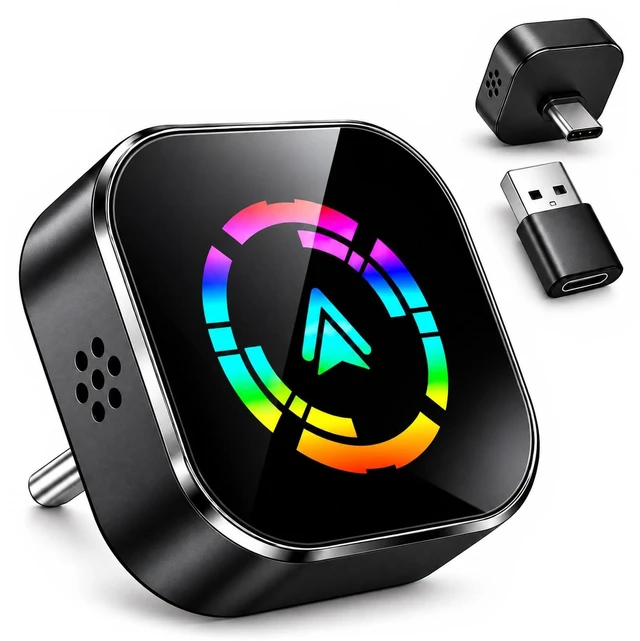
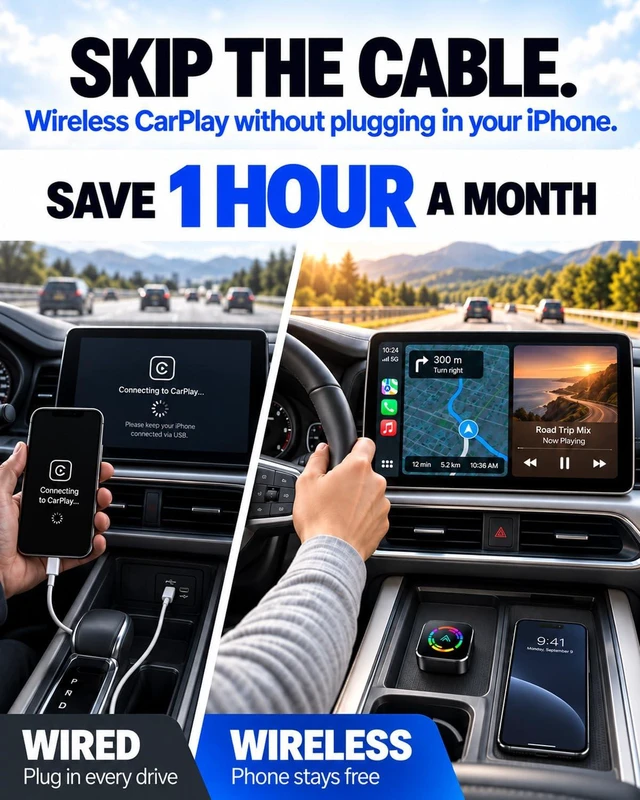
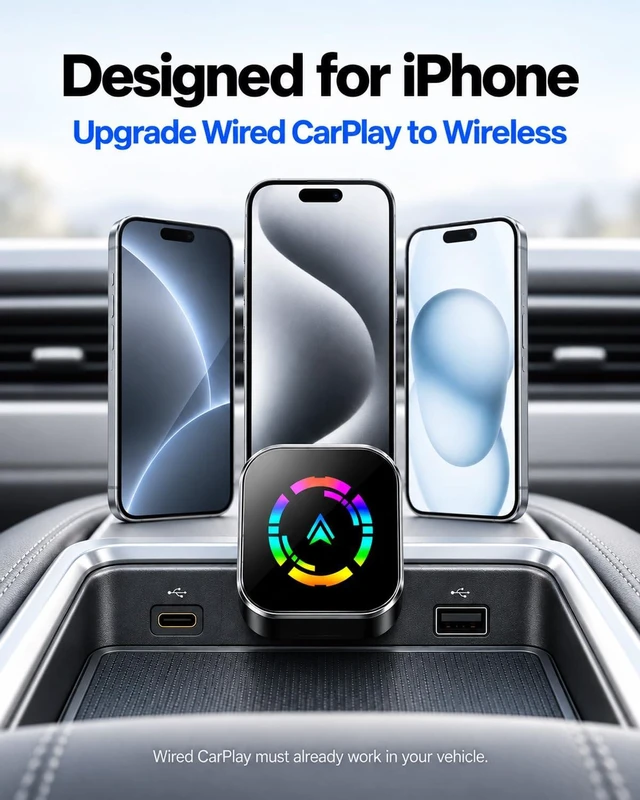
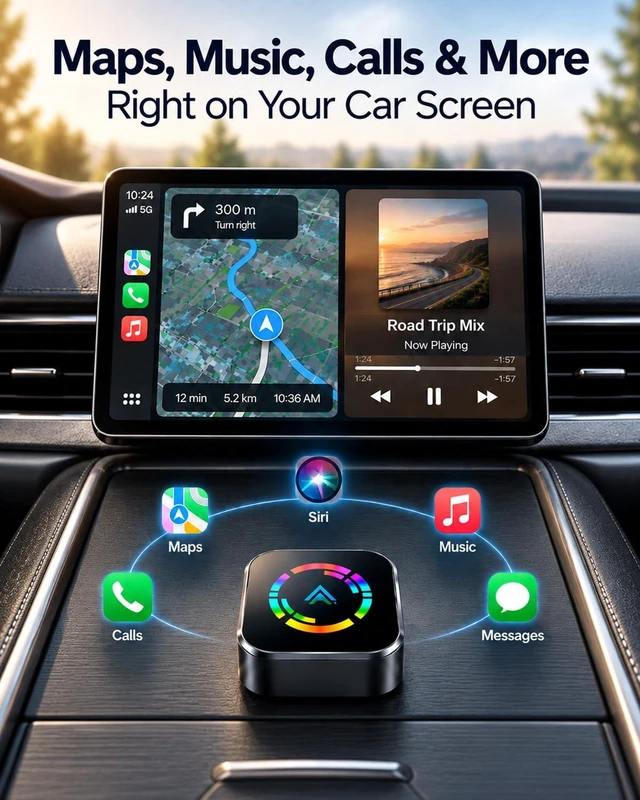
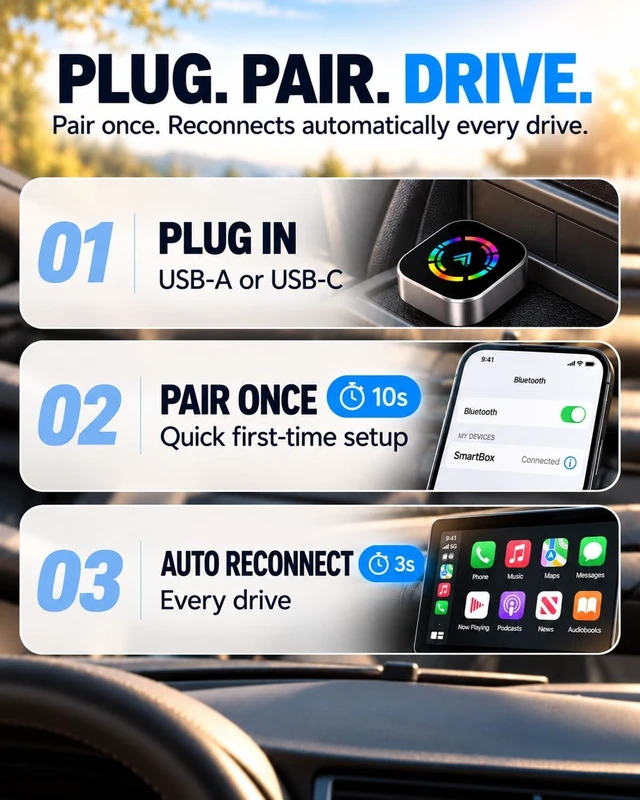
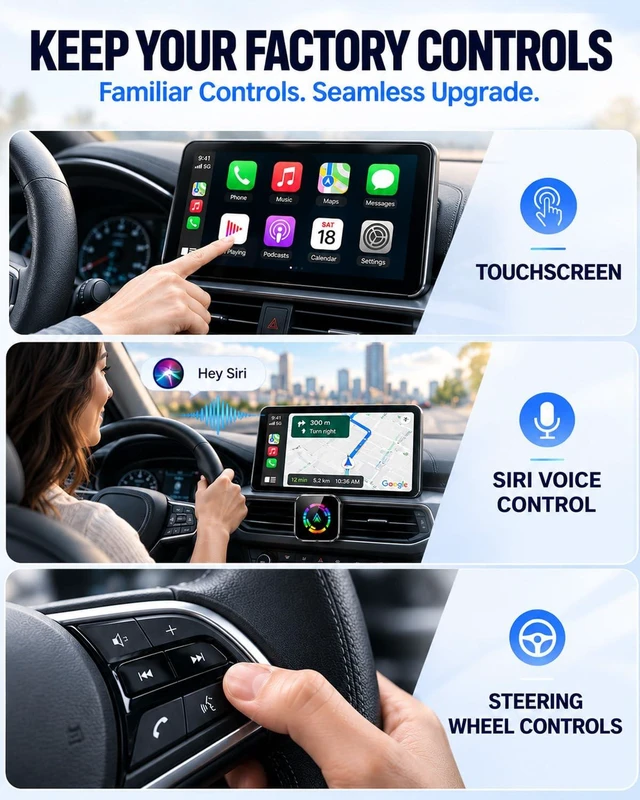
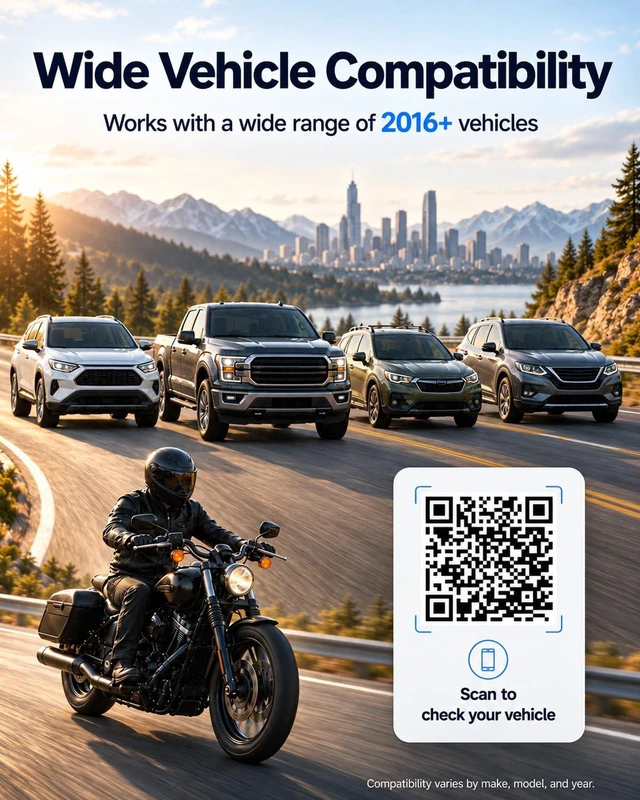
Make Every Start Simpler Enjoy wireless Apple CarPlay without connecting a phone cable for every trip. This wireless CarPlay adapter for iPhone converts a compatible factory-wired Apple CarPlay system into a wireless connection, keeping supported maps, music, calls, messages and Siri voice control available through your original vehicle display. Wired to Wireless CarPlay for iPhone Designed for compatible iPhone X and later models, including the iPhone 11, 12, 13, 14, 15, 16 and 17 families, iPhone Air, and iPhone SE (2nd and 3rd generation). Your vehicle must already launch Apple CarPlay when your iPhone is connected by a USB data cable. This wired to wireless CarPlay adapter does not add CarPlay to a vehicle that does not already have it. Check Your Vehicles Wired CarPlay Compatibility Checking fit for a Toyota Camry, Corolla or RAV4; Honda Civic, Accord or CR-V; Ford F-150, Escape or Explorer; Chevrolet Silverado or Equinox; Hyundai Elantra or Tucson; Kia Sportage or Sorento; or Nissan Rogue or Altima? First confirm that your specific vehicle already supports factory-wired Apple CarPlay through its USB data port. Model names alone do not confirm compatibility. Availability and adapter compatibility depend on the model year, trim, original infotainment system and software version. Tesla, BMW and Mazda vehicles are not supported by this adapter. Mini USB-C Design with Included USB-A Adapter This mini wireless CarPlay adapter measures just 1.14 × 1.14 × 0.47 inches. The compact body plugs directly into a supported USB-C vehicle data port, helping keep your center console tidy without a long adapter cable or bulky box. For vehicles with a supported USB-A data port, connect using the included USB-A adapter. Both connection options are for the vehicle sideyour compatible iPhone connects wirelessly, whether it has a Lightning or USB-C connector. A charging-only USB port will not work. Set Up Once for Easier Daily Drives 1. Start your vehicle and plug the adapter into the same USB data port used for wired CarPlay. 2. Turn on Bluetooth and Wi-Fi on your compatible iPhone. 3. Pair your iPhone with the adapter via Bluetooth and follow any on-screen prompts to enable wireless CarPlay. After the initial setup, the adapter is designed to reconnect automatically on later drives. Connection time may vary by vehicle, iPhone and system settings. Keep the CarPlay Features You Already Use Bluetooth 5.0 supports initial pairing, while 2.4/5.8 GHz dual-band Wi-Fi maintains the wireless connection. Enjoy supported navigation, playlists, hands-free calls, messages and Siri through your original vehicle interface. Supported touchscreen controls, steering-wheel buttons and rotary knobs remain available where provided by the original system. Available functions depend on your vehicles infotainment system, connected iPhone and supported apps. Compact Convenience for Everyday Driving From commutes and errands to longer road trips, this compact wireless Apple CarPlay adapter reduces the repeated phone plug-in routine. Your iPhone can stay in a pocket or bag while supported navigation, audio and hands-free features remain accessible through the vehicle display. Before You Buy Requires a compatible vehicle with existing factory-wired Apple CarPlay. Confirm that CarPlay works when your iPhone is connected directly to the vehicle using a USB data cable. Use the vehicles CarPlay-enabled USB data port, not a charging-only port. Not supported: Tesla, BMW and Mazd




