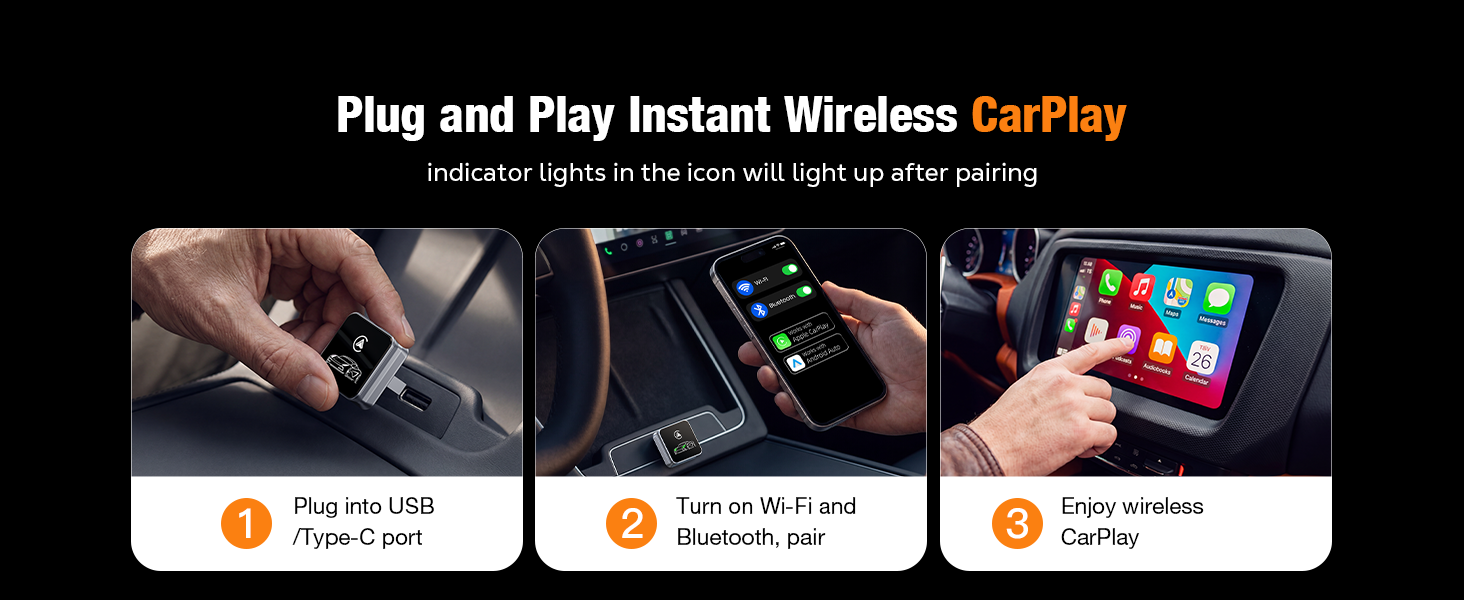
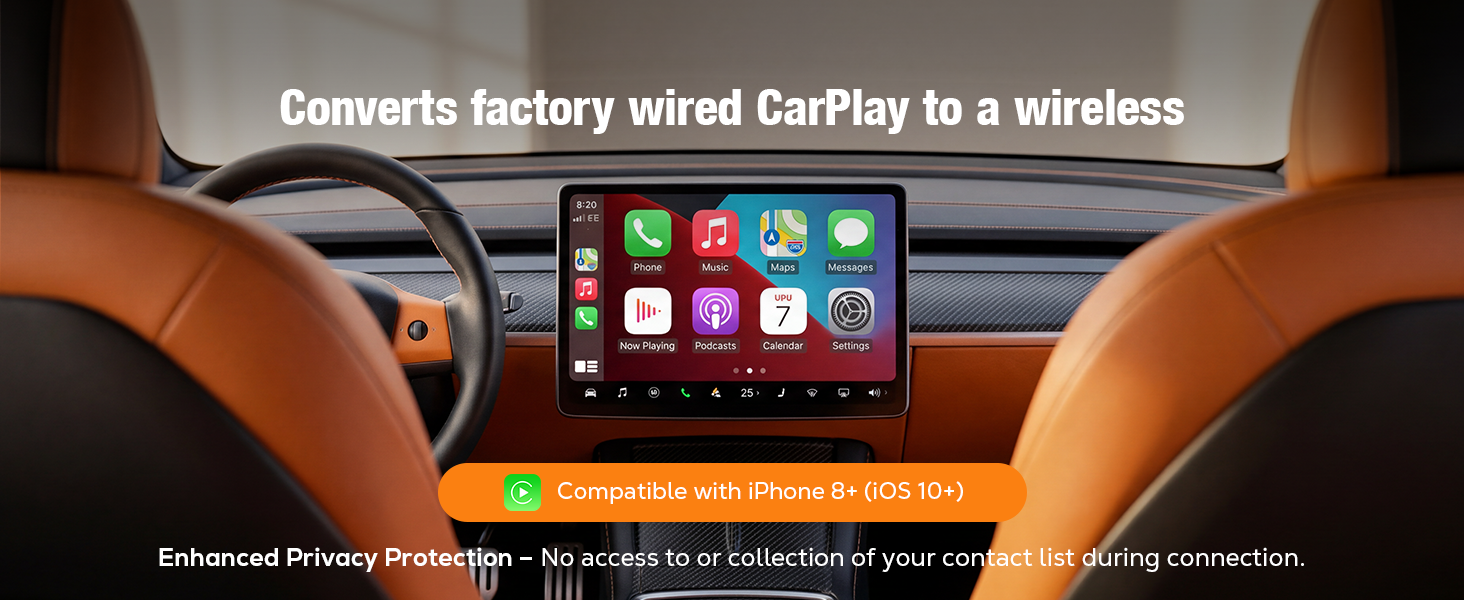
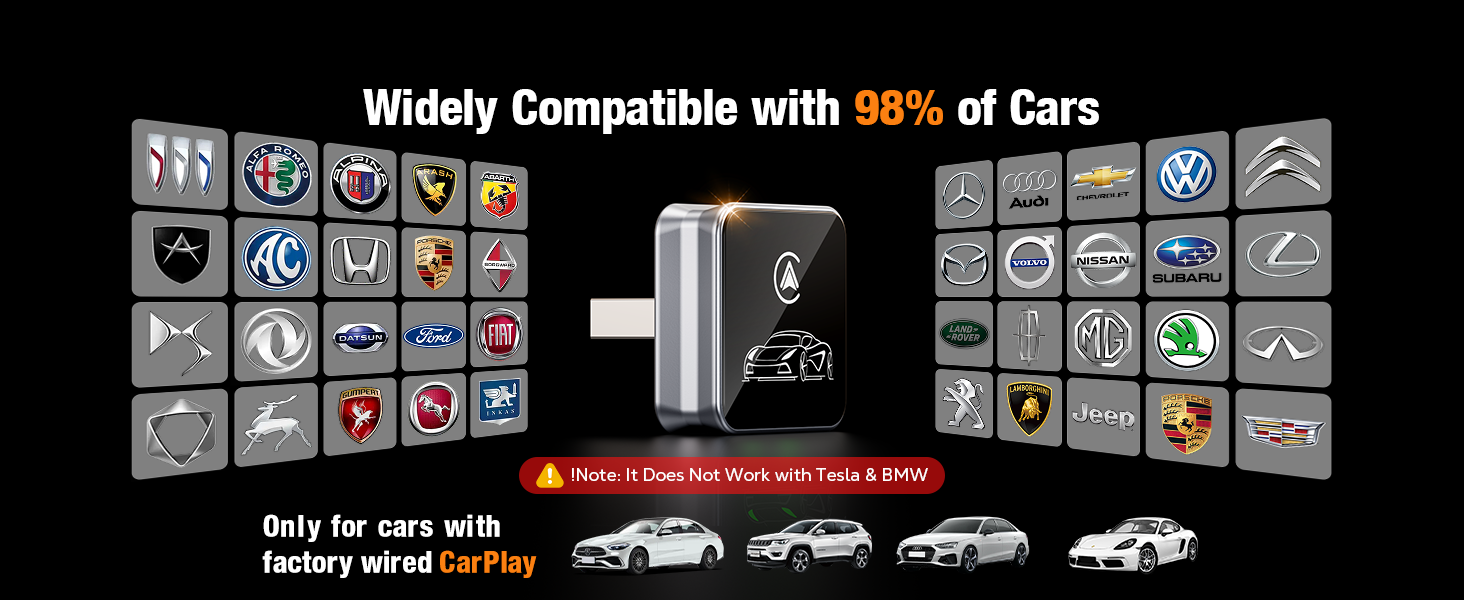
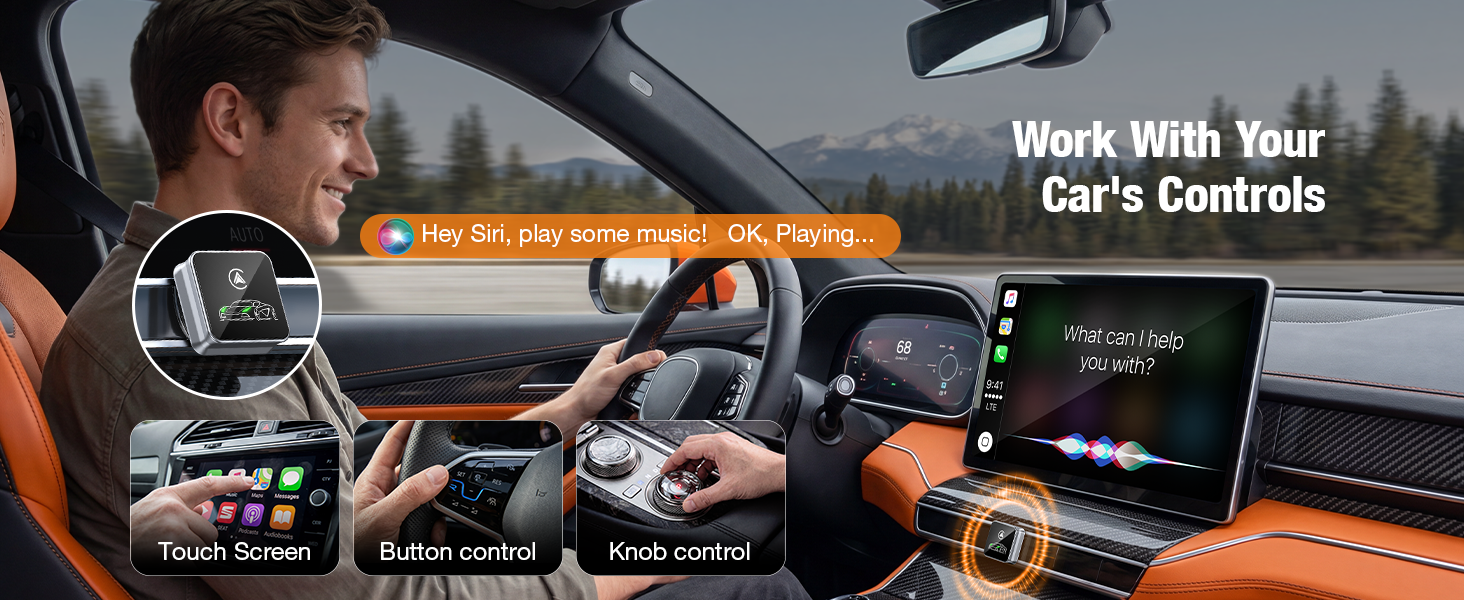
here!
here!
I’m your shopping assistant for PC builds, upgrades, and everything tech.
Got questions? Ask away!
Start a conversation
here!
I’m your shopping assistant for PC builds, upgrades, and everything tech.
Got questions? Ask away!
Start a conversation
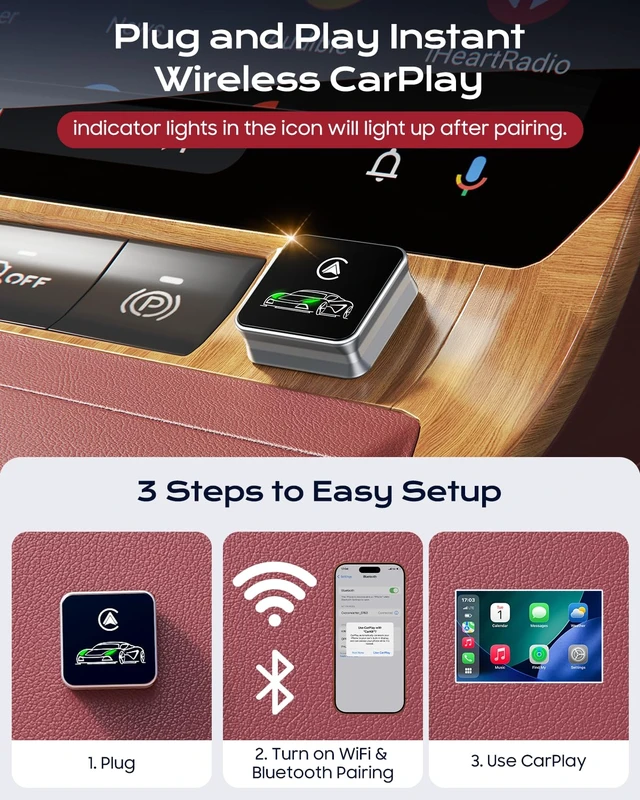
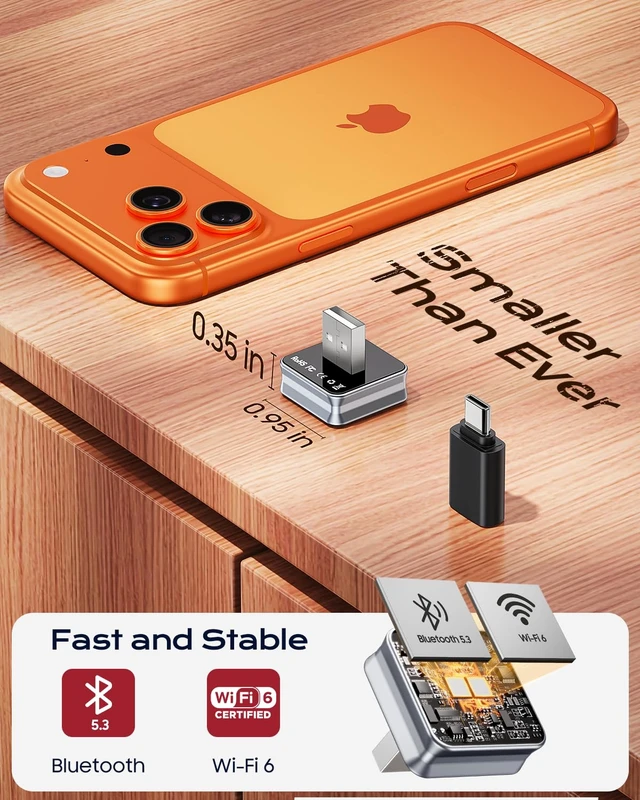
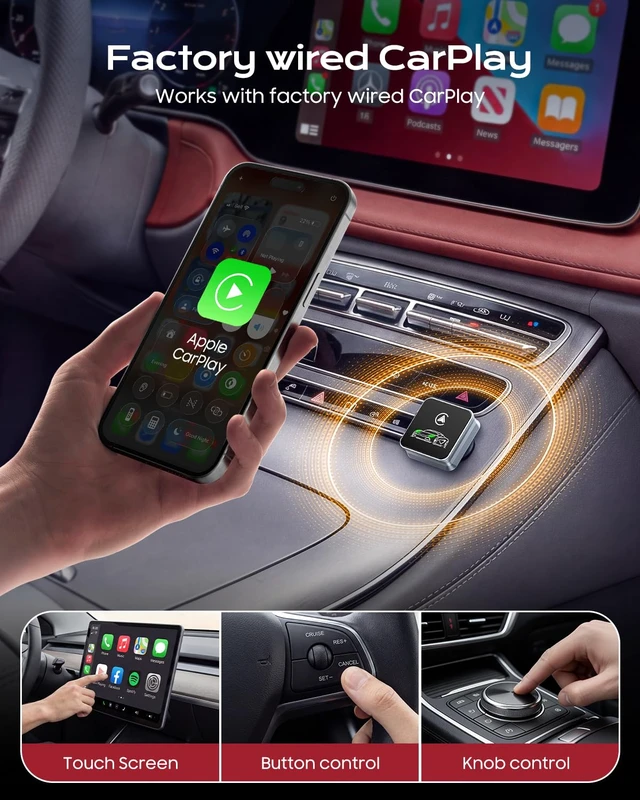
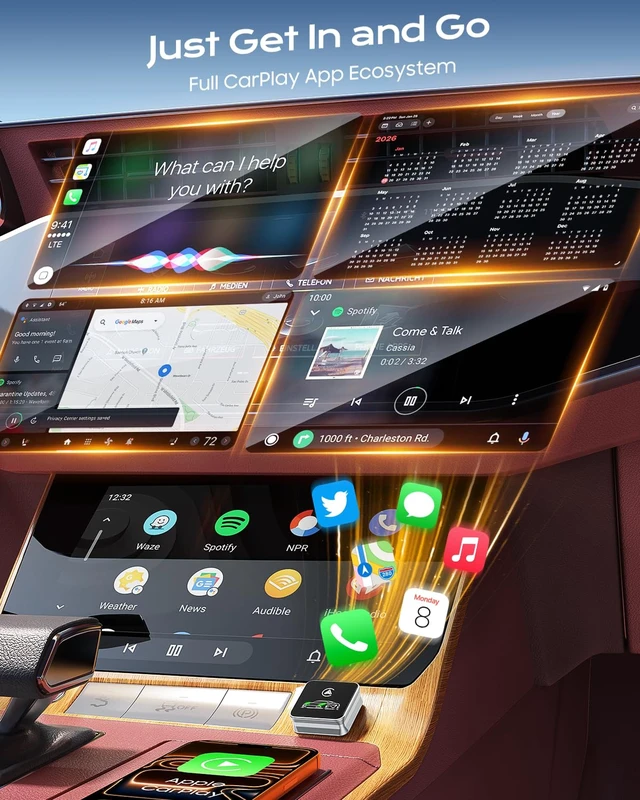



Any questions? Ask CelesteSM will help you find out quickly.
How do I know if my car is compatible?
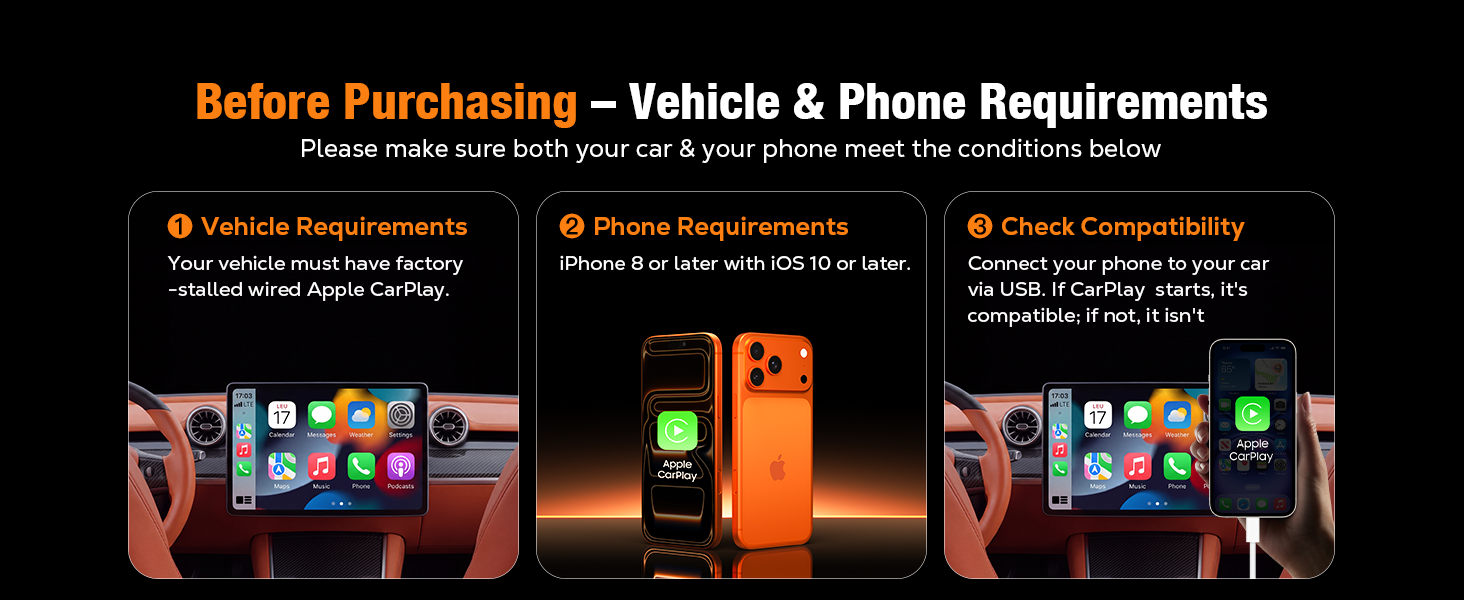
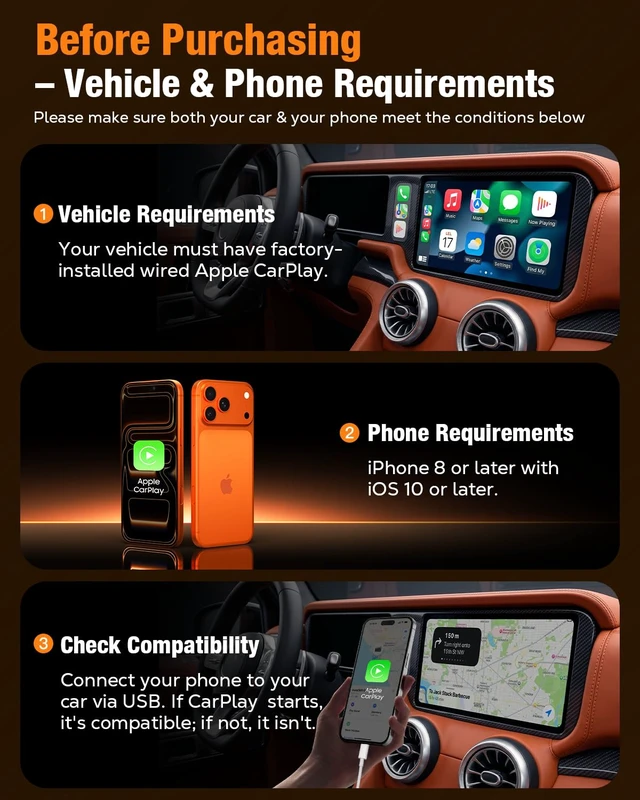
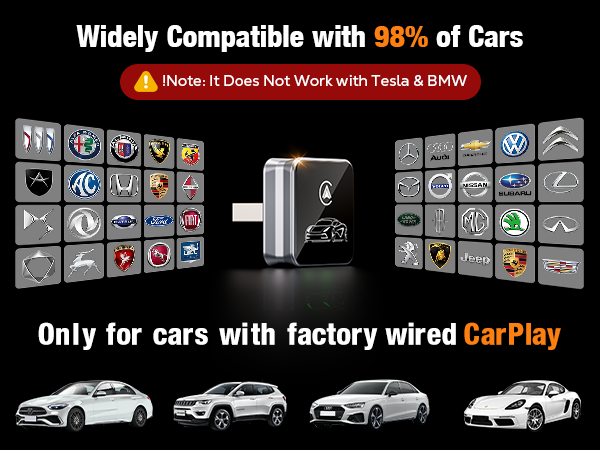
Connect your iPhone to your vehicle's USB port using a USB cable. If Apple CarPlay launches automatically, your vehicle is compatible. This adapter works only with factory-installed wired Apple CarPlay systems; it is not compatible otherwise.
What if my car doesn't connect after pairing?
Please try unplugging the adapter, waiting a few seconds, and then plugging it back in. If the issue persists, please consult the user manual for instructions on firmware updates.
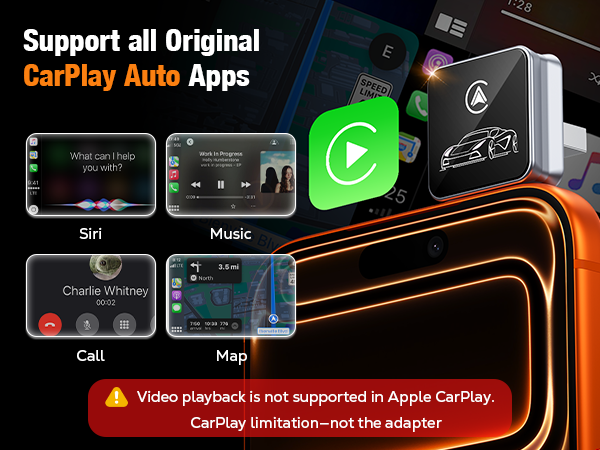
Does this adapter support YouTube or other video streaming apps?
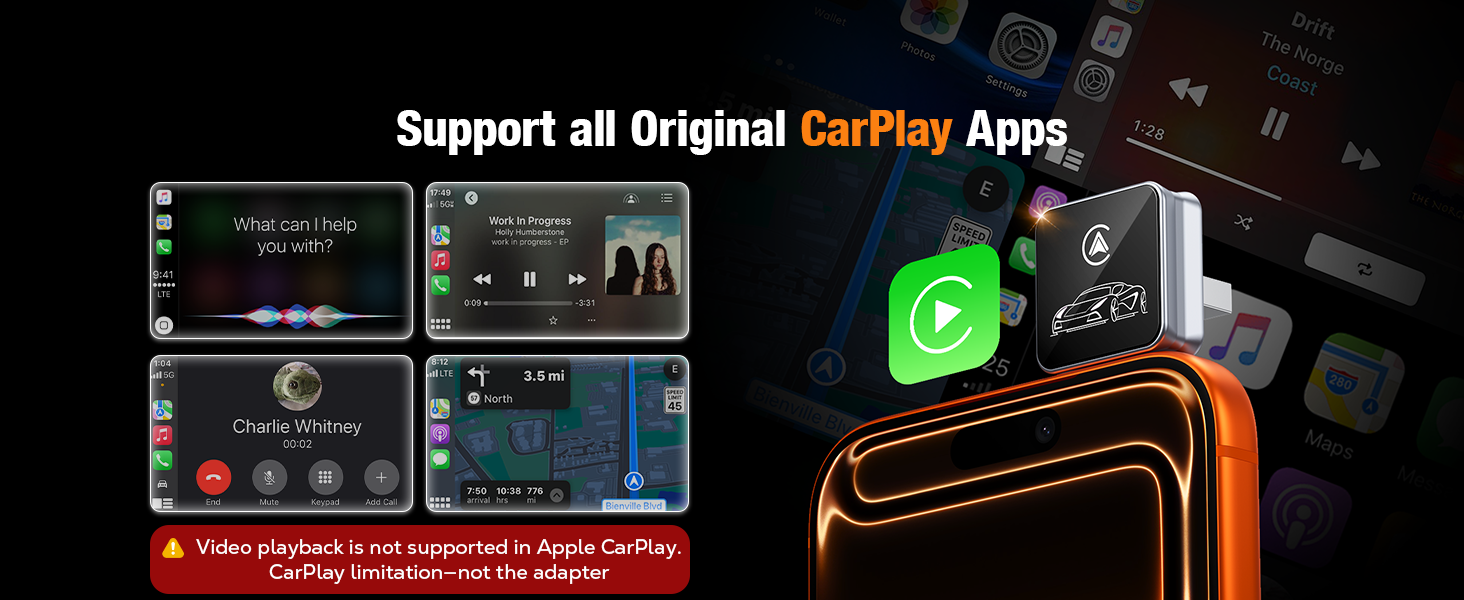
No. Apple CarPlay does not support YouTube or other video streaming apps. This is a limitation of the Apple CarPlay system, not the adapter. The adapter preserves all features supported by your vehicle's factory-installed Apple CarPlay.
Can I use the adapter with more than one iPhone?
Yes. The adapter remembers multiple iPhones and automatically reconnects to the last paired device. To switch to another iPhone, turn off Bluetooth and Wi-Fi on the current phone, then pair the other iPhone.
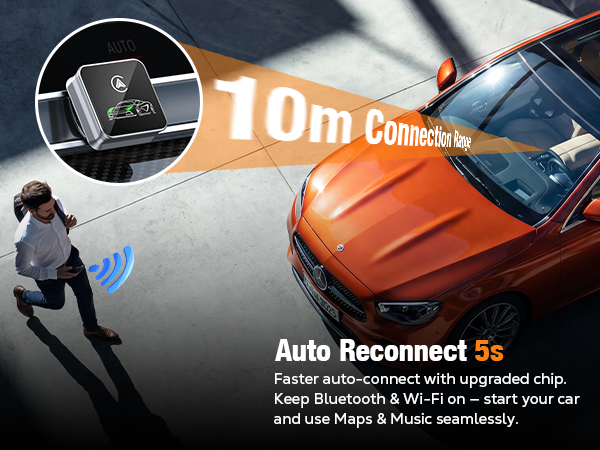
Will it connect automatically every time I start the car?
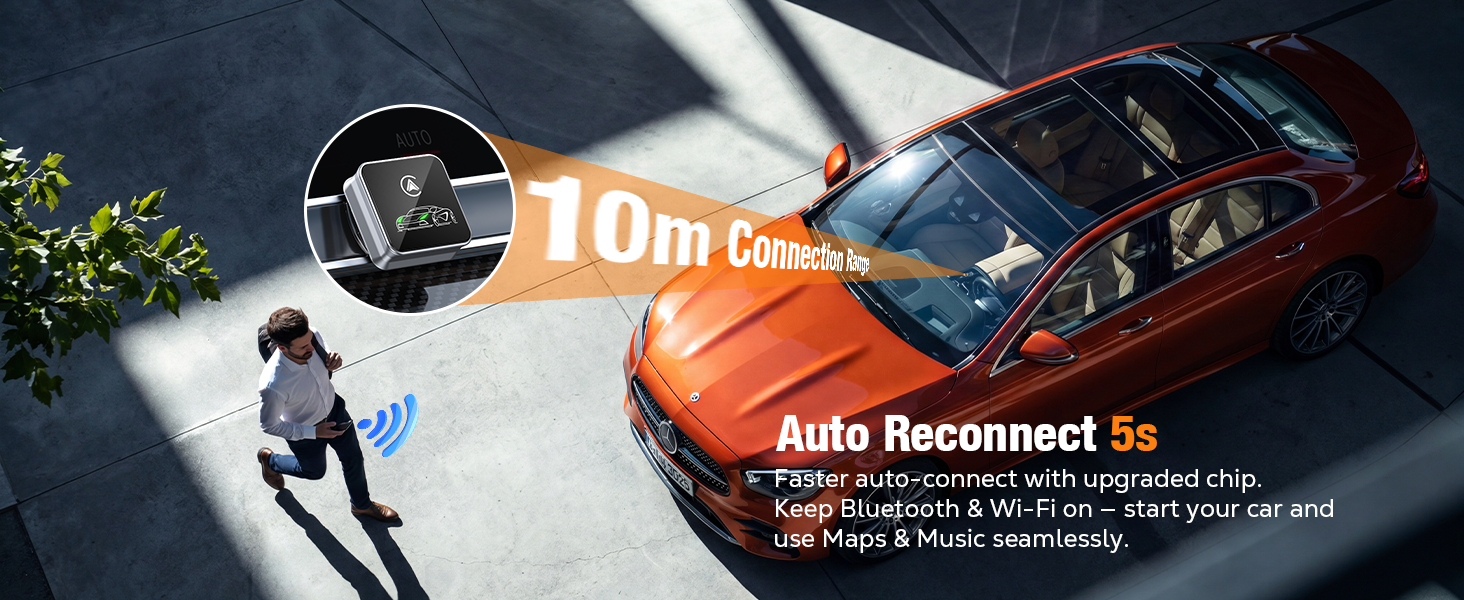
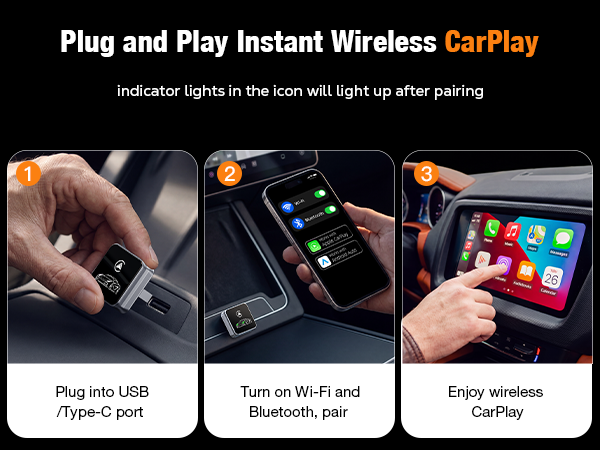
Yes. After the initial pairing, simply start your car and wait a few seconds for the infotainment system to initialize. The adapter will automatically reconnect to your last connected iPhone once the system is ready.
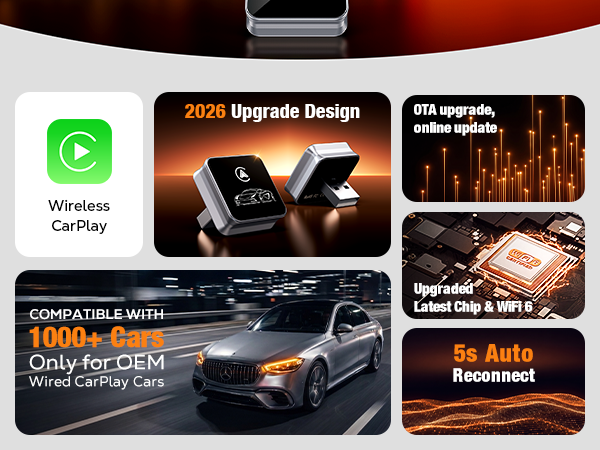
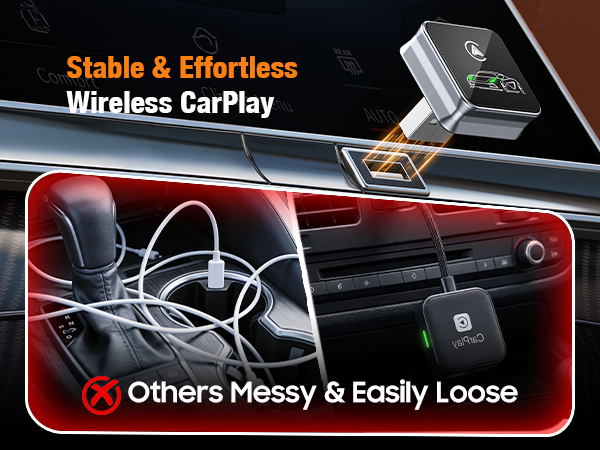
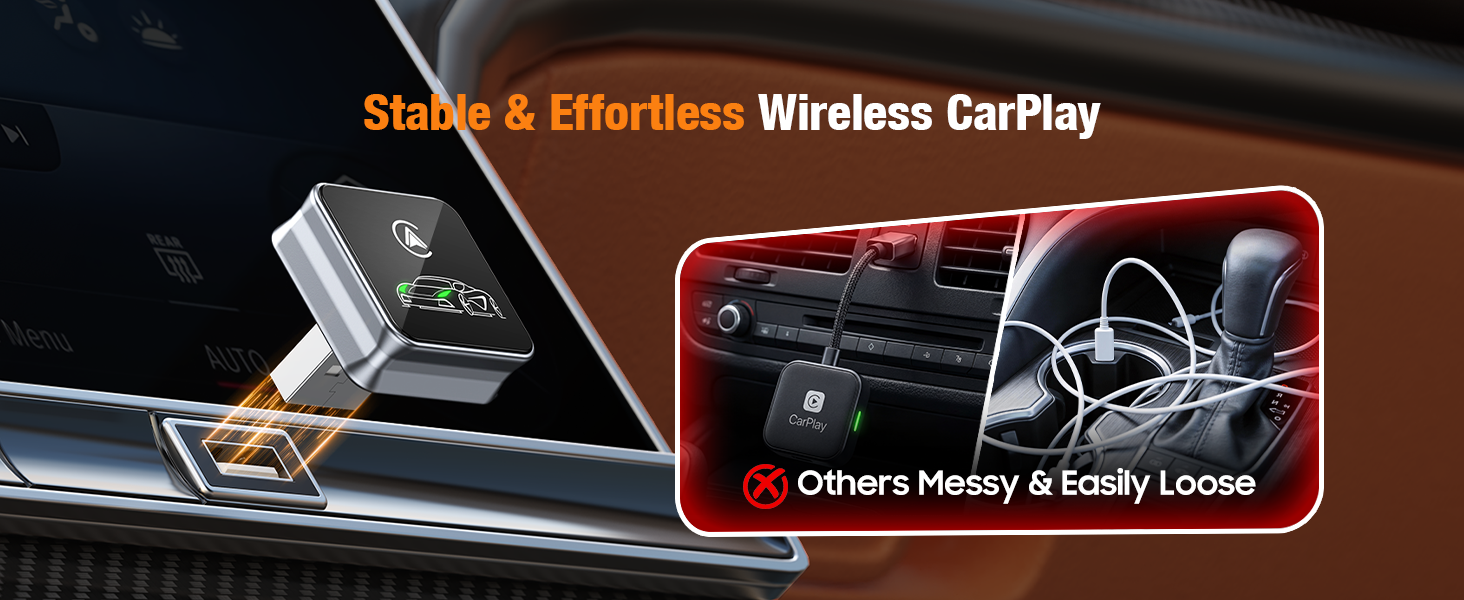
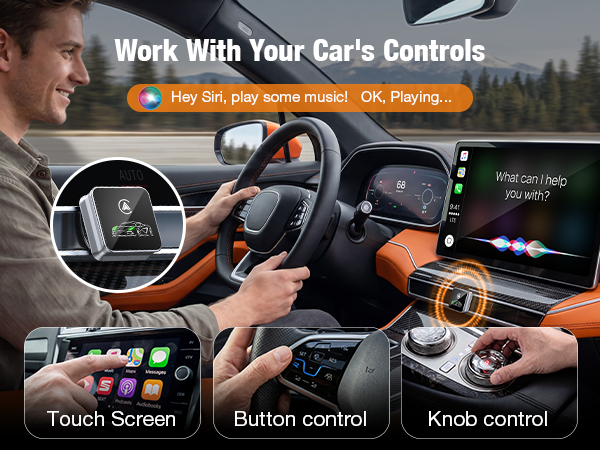
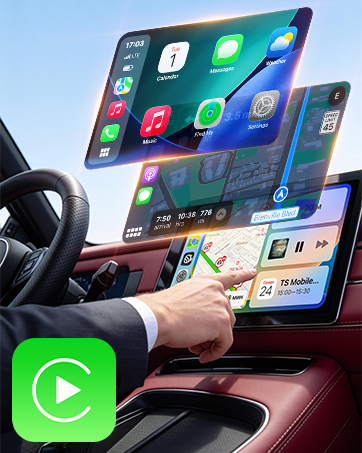
Enjoy instant wireless CarPlay every time you drive. No more plugging in your iPhone.
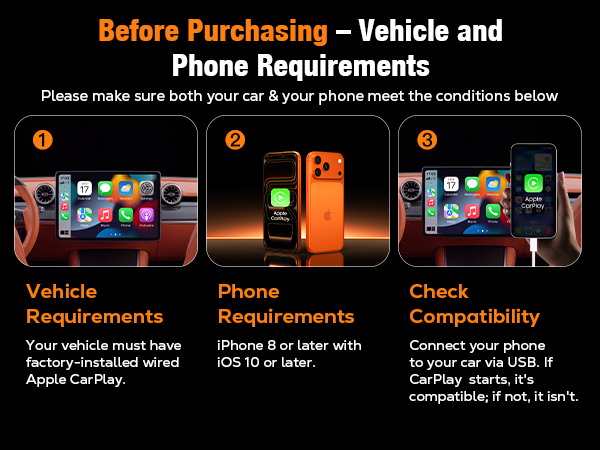
How do I know if my car is compatible?
Connect your iPhone to your vehicle's USB port using a USB cable. If Apple CarPlay launches automatically, your vehicle is compatible. This adapter works only with factory-installed wired Apple CarPlay systems; it is not compatible otherwise.
What if my car doesn't connect after pairing?
Please try unplugging the adapter, waiting a few seconds, and then plugging it back in. If the issue persists, please consult the user manual for instructions on firmware updates.
Does this adapter support YouTube or other video streaming apps?
No. Apple CarPlay does not support YouTube or other video streaming apps. This is a limitation of the Apple CarPlay system, not the adapter. The adapter preserves all features supported by your vehicle's factory-installed Apple CarPlay.
Can I use the adapter with more than one iPhone?
Yes. The adapter remembers multiple iPhones and automatically reconnects to the last paired device. To switch to another iPhone, turn off Bluetooth and Wi-Fi on the current phone, then pair the other iPhone.
Will it connect automatically every time I start the car?
Yes. After the initial pairing, simply start your car and wait a few seconds for the infotainment system to initialize. The adapter will automatically reconnect to your last connected iPhone once the system is ready.



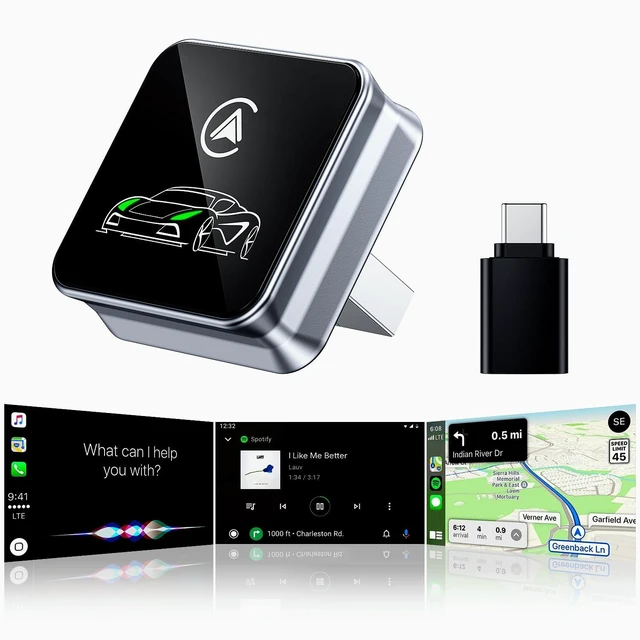
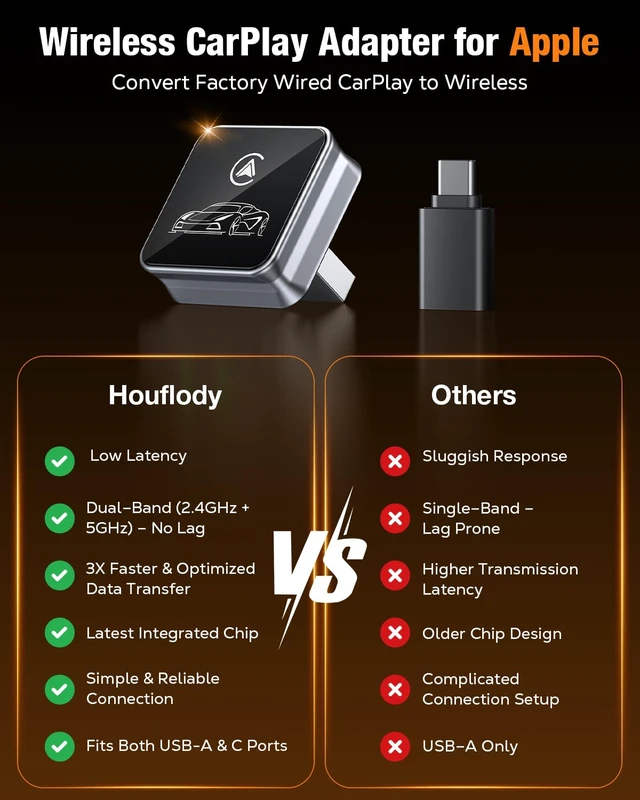
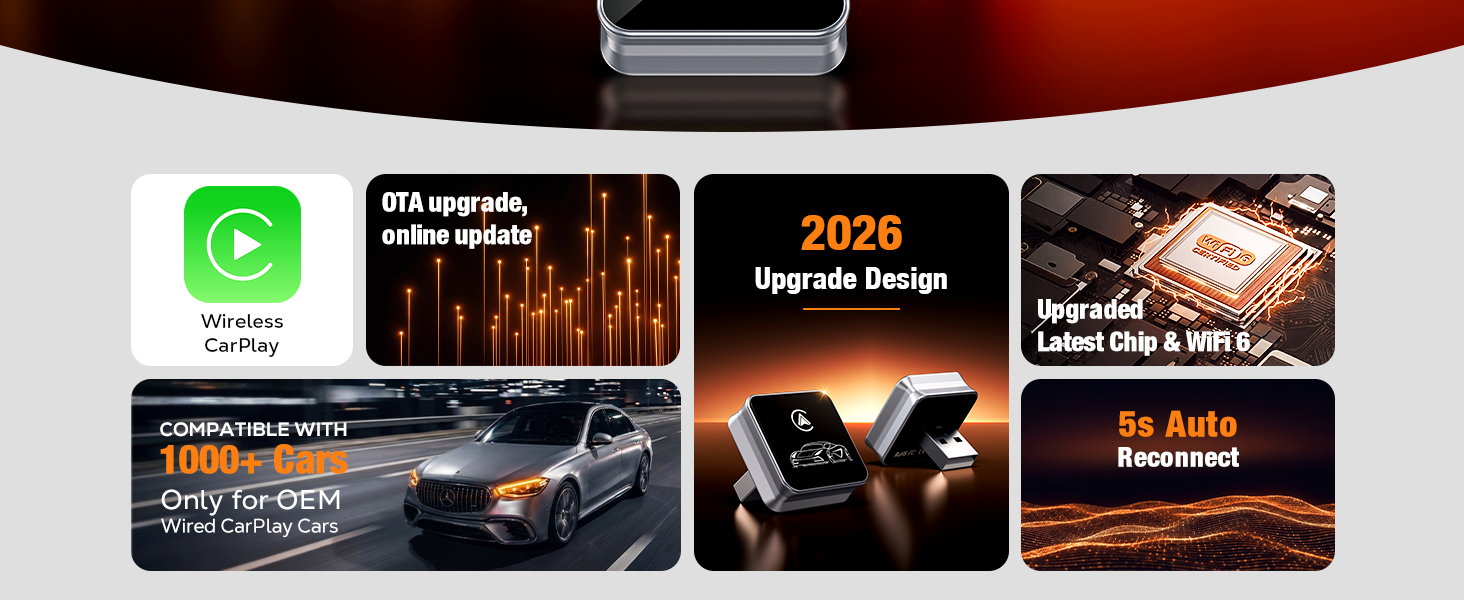
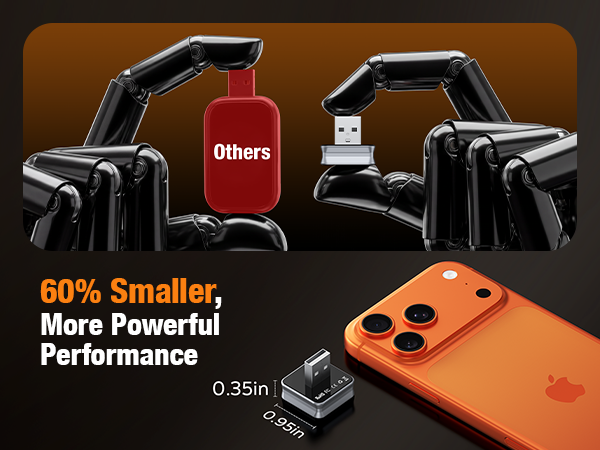
Houflody Wireless CarPlay Adapter for iPhone Apple (Latest Upgraded Chip) Stable, Low-Latency, Auto Reconnect, Supports Convert Factory Wired CarPlay to Wireless, Ultra-Compact Design & Plug-and-Play
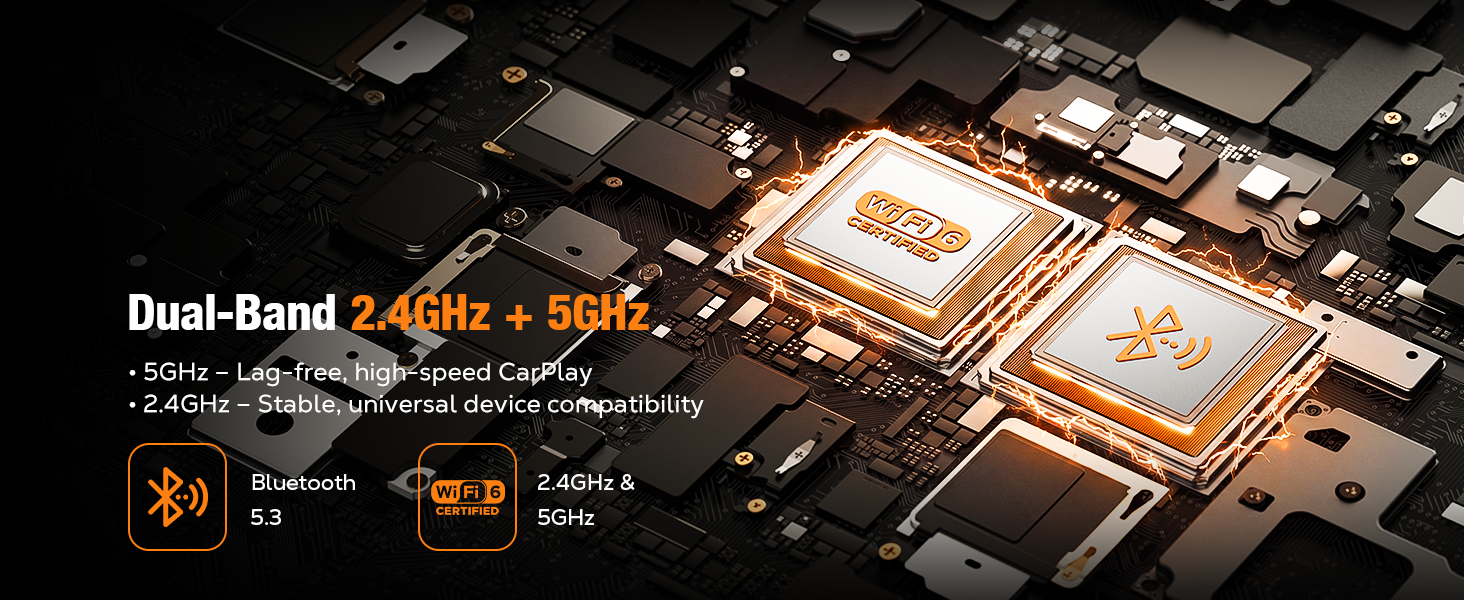
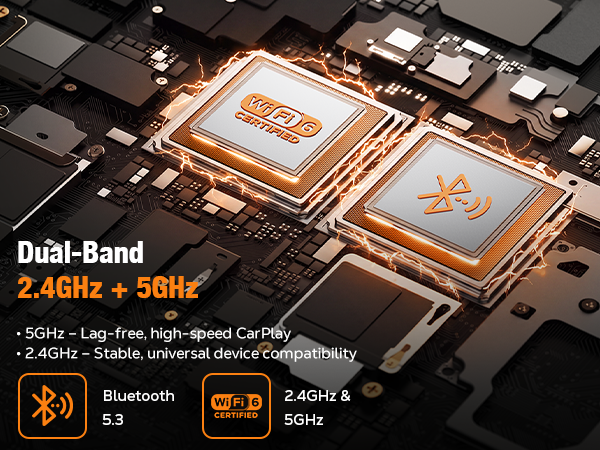
| Special Feature | Hands-Free Calls, Low Latency, Upgraded Wi-Fi 6 Chip, Wireless CarPlay |
| Brand | Houflody |
| Connectivity Technology | Bluetooth, Wi-Fi |
| Material | Aluminum, Latest Upgraded Chip |
| Color | Gray |
| Additional Features | Hands-Free Calls, Low Latency, Upgraded Wi-Fi 6 Chip, Wireless CarPlay |
| Enclosure Material | Aluminum, Latest Upgraded Chip |
| Supported Media Type | wifi |
| Mounting Type | Plug & Play |
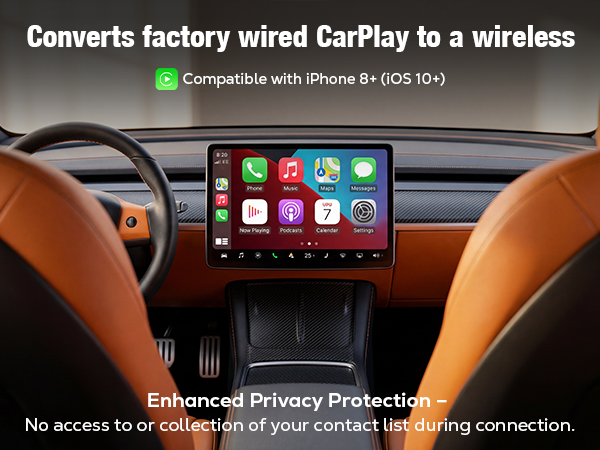
| Compatible Devices | Vehicle Compatibility: Most factory-installed wired Apple CarPlay vehicles; Phone Compatibility: iPhone (iOS 10+) |
| Compatibility Options | Phone Compatibility: iPhone (iOS 10+), Vehicle Compatibility: Most factory-installed wired CarPlay |
| Hardware Interface | Bluetooth |
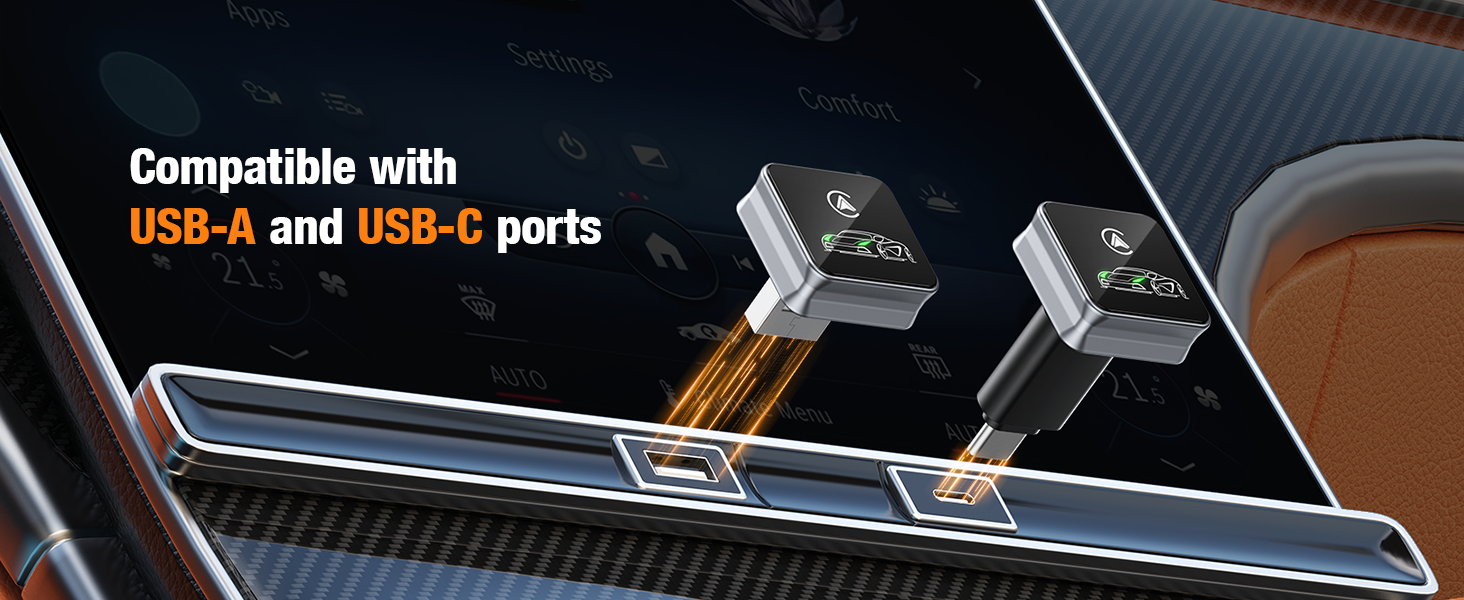
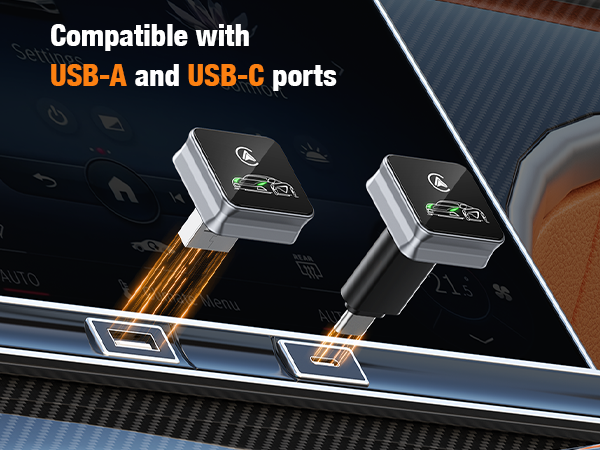
| Connector Type Used on Cable | USB Type A |
| Wireless Compability | Bluetooth |
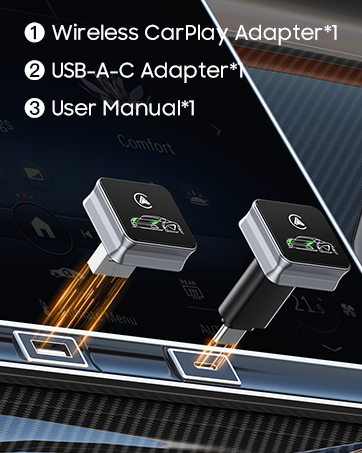
| Unit Count | 1 Count |
| Manufacturer | Shenzhen Ningtengda Technology Co., Ltd. |
| Audio Output Type | bluetooth |