

Your Browsing History

Meet Your Seller

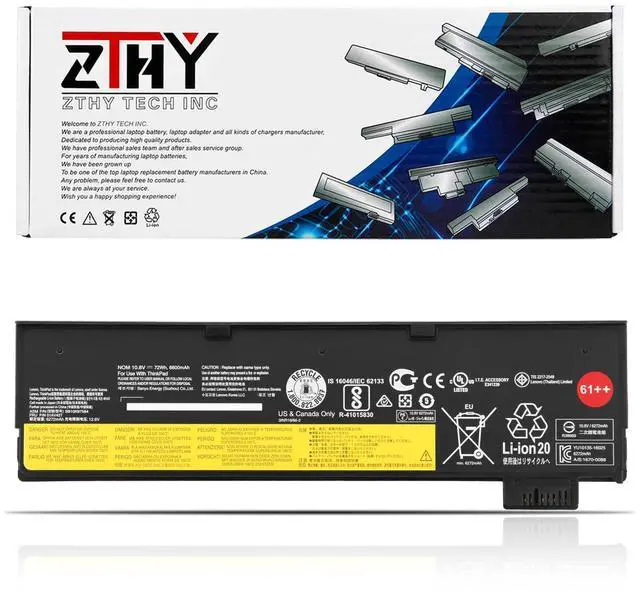
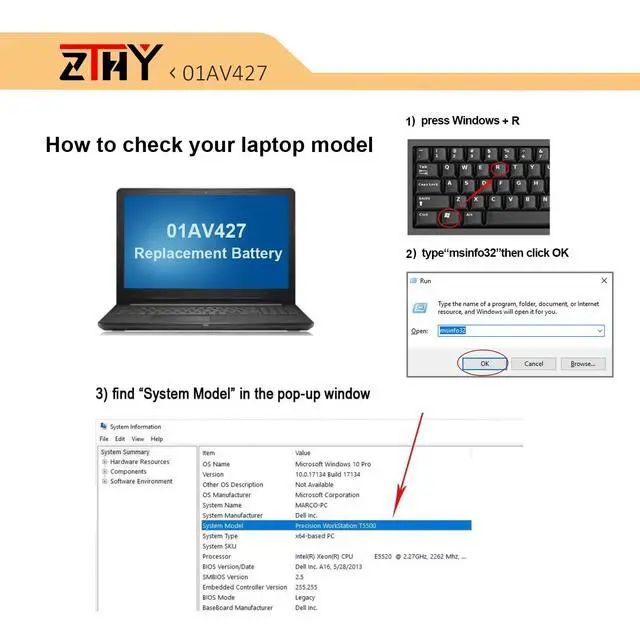
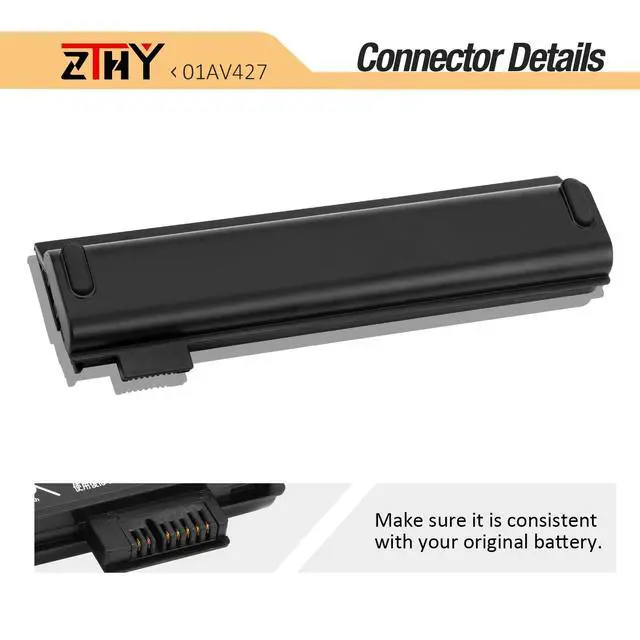
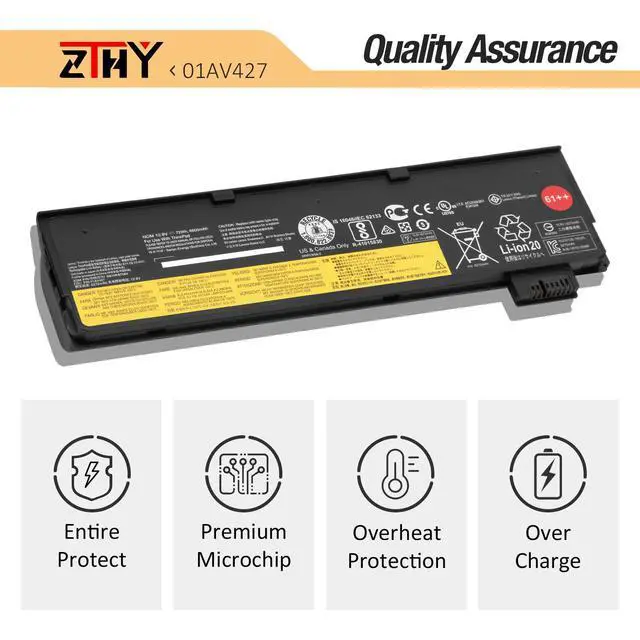
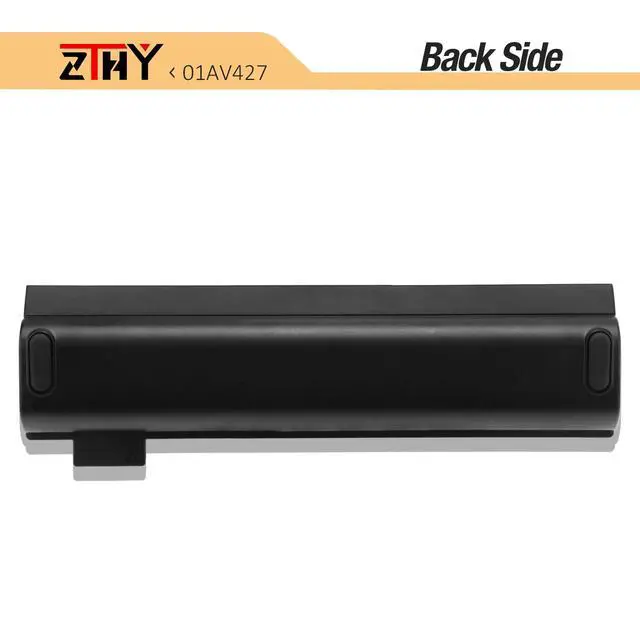


61++ 01AV427 01AV425 Laptop Battery Replacement for Lenovo ThinkPad T480 | T470 P51S P52S T570 T580 A485 A475 TP25 Series 4X50M08812 01AV422 01AV423 01AV424 01AV428 01AV490 01AV492 01AV452 10.8V 72Wh
Limited time offer, ends 09/07 By Brightflag Electronics
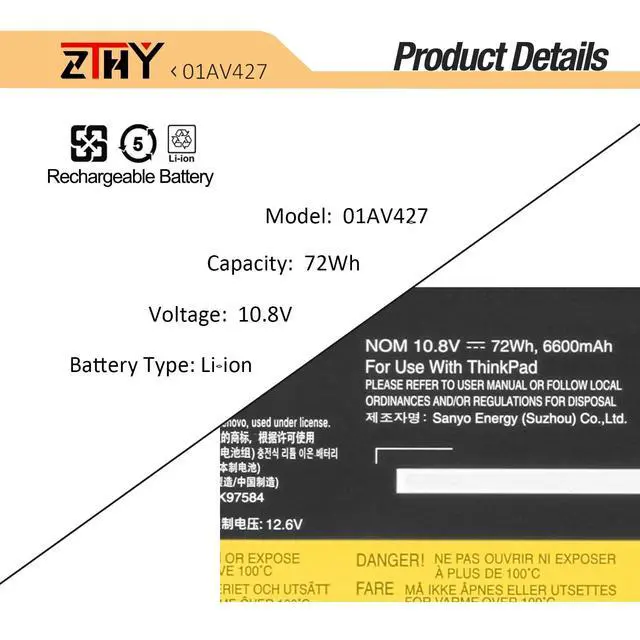
- Specifications: Battery type: Li-ion. Color: Black. Voltage: 10.8V. Capacity: 72Wh/6600mAh/6-Cell/61++ (Substantially Higher Capacity than 24Wh/48Wh). Replacement Part Number: 61 61+ 61++ 01AV422 01AV423 01AV424 01AV425 01AV426 01AV427 01AV428 01AV452 01AV490 01AV491 01AV492 02DL023 SB10K97579 SB10K97580 SB10K97581 SB10K97582 SB10K97583 SB10K97584 SB10K97585 SB10K97597 SB10K97661 4X50M08810 4X50M08811 4X50M08812. Compatible Models: Replacement for Lenovo ThinkPad A475, A485, TP25, T470, T480, T570, T580, P51S, and P52S Series. Not compatible with the P51, T470P, or T570p Series. Note: If the new battery is not recognized during the initial installation, please reinstall and check if the interface is fully connected. Discharge the new battery to 10-20% (not 0%), then charge and cycle 3-4 times to wake up the new battery
+
+
Overview
Specs
Reviews

Any questions? Our AI mode will help you find out quickly.
Try me now
Specifications
: Batterytype: Li-ion.
Color: Black.
Voltage: 10.8V.
Capacity: 72Wh/6600mAh/6-Cell/61++ (Substantially Higher Capacity than 24Wh/48Wh).
Replacement Part Number: 61 61+ 61++ 01AV422 01AV423 01AV424 01AV425 01AV426 01AV427 01AV428 01AV452 01AV490 01AV491 01AV492 02DL023 SB10K97579 SB10K97580 SB10K97581 SB10K97582 SB10K97583 SB10K97584 SB10K97585 SB10K97597 SB10K97661 4X50M08810 4X50M08811 4X50M08812.
Compatible Models: Replacement for Lenovo ThinkPad A475, A485, TP25, T470, T480, T570, T580, P51S, and P52S Series. Not compatible with the P51, T470P, or T570p Series.
Note: If the new battery is not recognized during the initial installation, please reinstall and check if the interface is fully connected. Discharge the new battery to 10-20% (not 0%), then charge and cycle 3-4 times to wake up the new battery
Warranty & Returns
Warranty, Returns, And Additional Information
Warranty
- Please contact the Seller directly for warranty information. Warranty information may also be found on the Manufacturer's website.
- CONTACT
Return Policies
- Return for refund within: 30 days
- Return for replacement within: 30 days
- This item is covered by Brightflag Electronics Return Policy
Manufacturer Contact Info
- For a directory of all our manufacturers, please click below.
- Manufacturers Directory
LOADING...