

Your Browsing History

Meet Your Seller

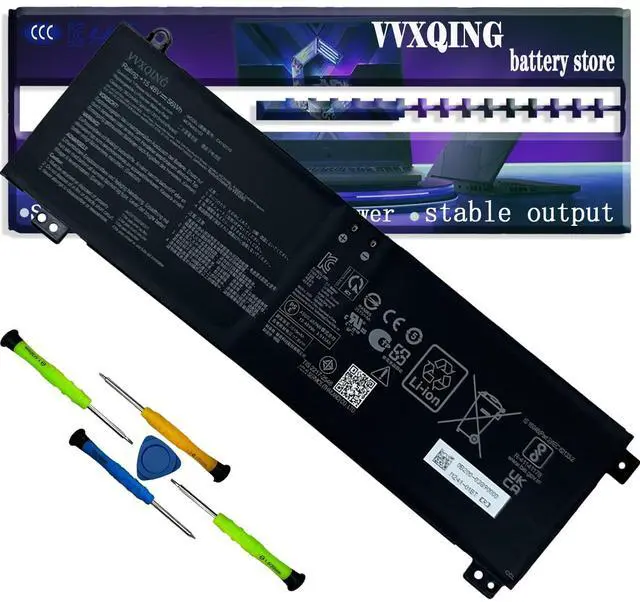
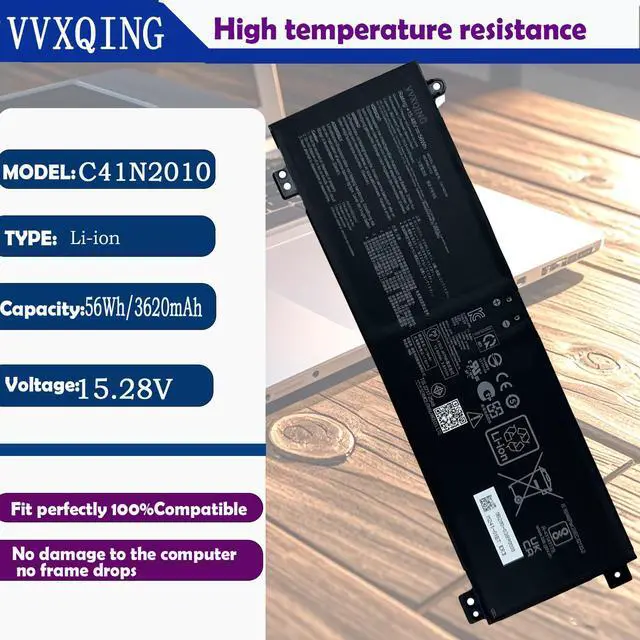
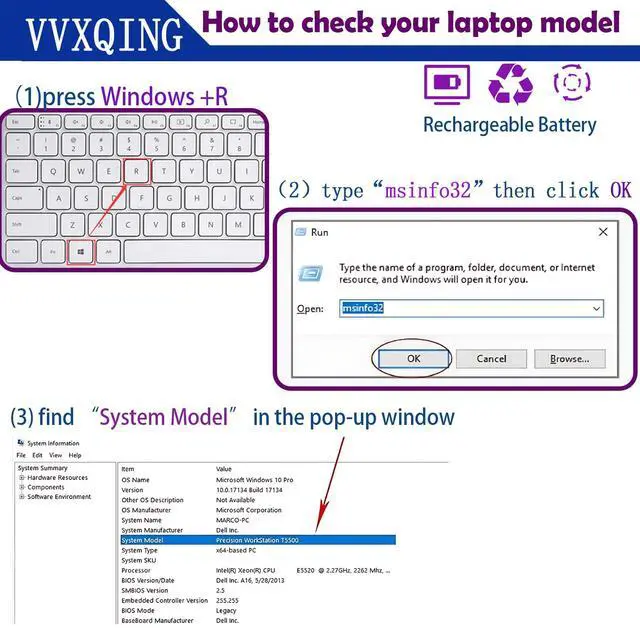
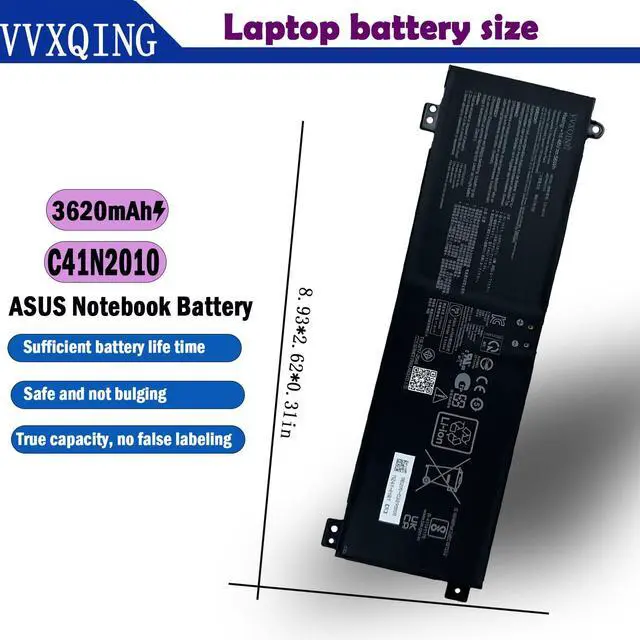


C41N2010 Laptop Battery Replacement 15.48V for ASUS ROG G15 G513IC G513IH G513QC G513QE G17 G713QE G513IC-HN055T G513QC-HF002T G513IH-HN086T G513QE-HN010T G713QE-RB74 G513QE-WH96 56WH 3620mAh
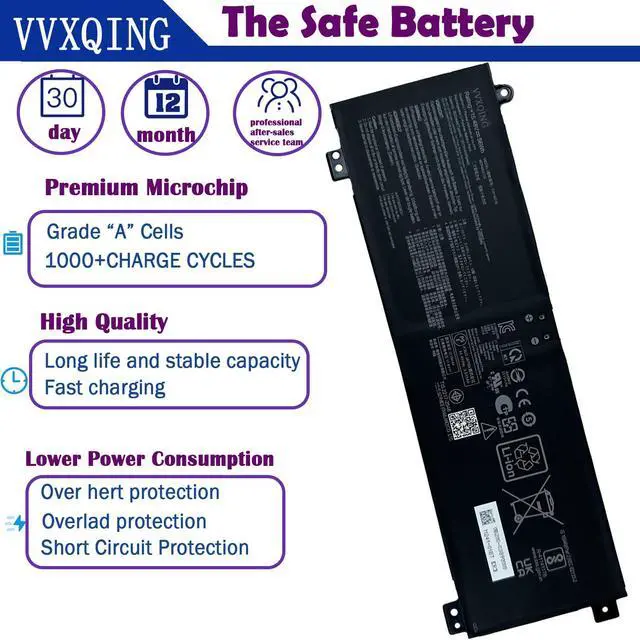
- Specifications Model: C41N2010. Voltage: 15.48V. Capacity: 56Wh/3620mAh. Condition: 100% brand New. Compatible P/NC41N2010 0B20003890000 0B200-03890000 4ICP4/63/103 Compatible laptop Modelsfor ASUS ROG Strix G15 G513IC G513IC-HN002T G513IC-DS71-CA G513IC-HN003T Series; for ASUS ROG Strix G15 G513QC G513QC-HF002T G513QC-HF061 G513QC-HN001 Series; for ASUS ROG Strix G15 G513QE G513QE-0031C5900HX G513QE-DB91-CA G513QE-DS99-CA Series; for ASUS ROG Strix G15 G513IH G513IH-GTX1650T G513IH-HN002 G513IH-HN002T Series; for ASUS ROG Strix G17 G713QE G713QE-HX009T G713QE-HX013 G713QE-HX008T G713QE-HX008T G713QE-HX016 Series TipsIf the new battery is not recognized during the initial installation, please reinstall and check if the interface is fully connected. Discharge the new battery to 5% (not 0%), then charge and cycle 3-4 times to wake up the new battery. This battery delivers true, stable current with low self-discharge
+
+
Overview
Specs
Reviews

Any questions? Our AI mode will help you find out quickly.
Try me now
Specifications
Model: C41N2010.Voltage: 15.48V.
Capacity: 56Wh/3620mAh.
Condition: 100% brand New. Compatible P/NC41N2010 0B20003890000 0B200-03890000 4ICP4/63/103 Compatible laptop Modelsfor ASUS ROG Strix G15 G513IC G513IC-HN002T G513IC-DS71-CA G513IC-HN003T Series; for ASUS ROG Strix G15 G513QC G513QC-HF002T G513QC-HF061 G513QC-HN001 Series; for ASUS ROG Strix G15 G513QE G513QE-0031C5900HX G513QE-DB91-CA G513QE-DS99-CA Series; for ASUS ROG Strix G15 G513IH G513IH-GTX1650T G513IH-HN002 G513IH-HN002T Series; for ASUS ROG Strix G17 G713QE G713QE-HX009T G713QE-HX013 G713QE-HX008T G713QE-HX008T G713QE-HX016 Series TipsIf the new battery is not recognized during the initial installation, please reinstall and check if the interface is fully connected. Discharge the new battery to 5% (not 0%), then charge and cycle 3-4 times to wake up the new battery. This battery delivers true, stable current with low self-discharge
Warranty & Returns
Warranty, Returns, And Additional Information
Warranty
- Please contact the Seller directly for warranty information. Warranty information may also be found on the Manufacturer's website.
- CONTACT
Return Policies
- Return for refund within: 30 days
- Return for replacement within: 30 days
- This item is covered by Brightflag Electronics Return Policy
Manufacturer Contact Info
- For a directory of all our manufacturers, please click below.
- Manufacturers Directory
LOADING...