

Your Browsing History

Meet Your Seller

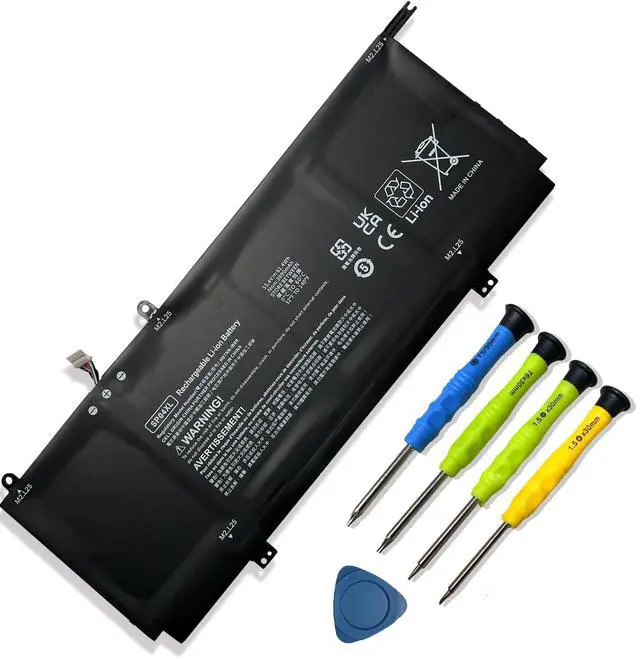
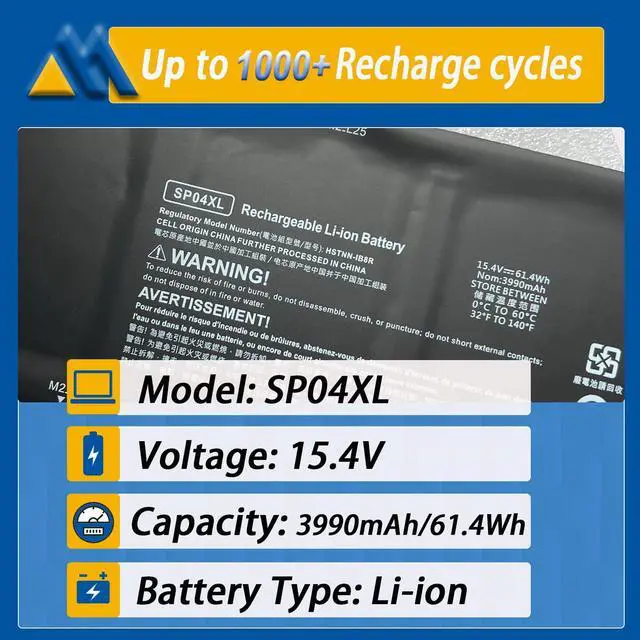


61.4Wh SP04XL L28764-005 Laptop Battery Replacement for HP Spectre X360 13T-AP000 13-AP0XXX 13-AP0013DX 13-AP0045NR 13-AP0053DX Series HSTNN-IB8R HSTNN-OB1B L28538-AC1 TPN-Q203 15.4V 3990mAh
Limited time offer, ends 09/30 By Brightflag Electronics
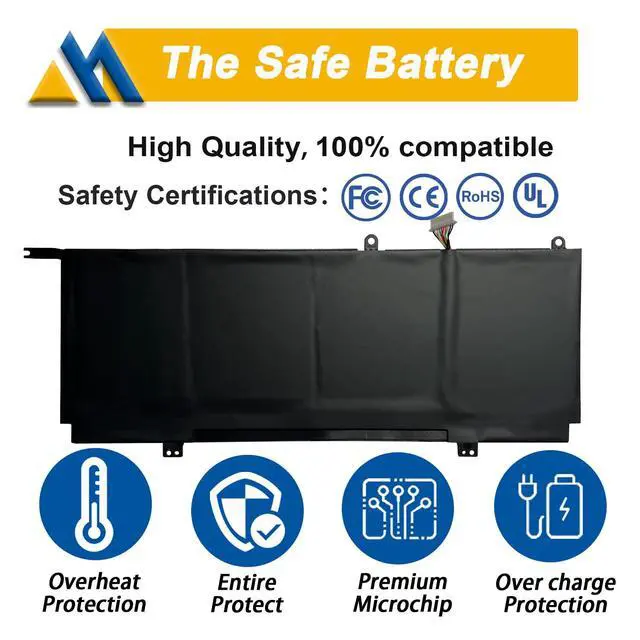
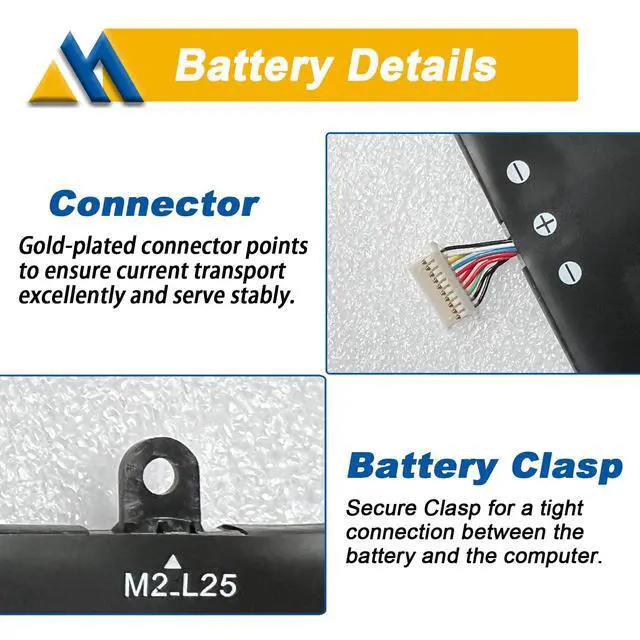
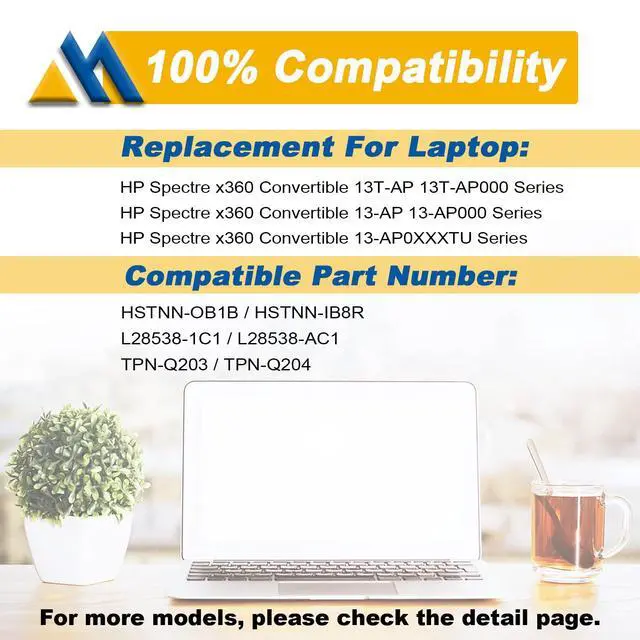
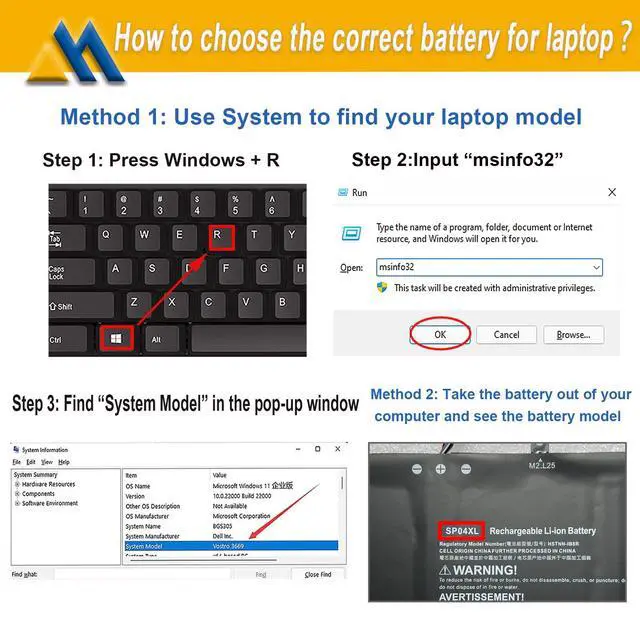
- Tech SpecsModel: SP04XL | Voltage: 15.4V | Capacity: 61.4Wh / 3990mAh | Battery type: Li-ion (Grade A battery cells rated for up to 500 recharge cycles. Screwdrivers included.) Compatible Part NumberFit for SP04XL / HSTNN-OB1B / HSTNN-IB8R / L28538-1C1 / L28538-AC1 / L28764-005 / SP04061XL / TPN-Q185 / TPN-Q203 / TPN-Q204 Replacement For LaptopFit for HP Spectre x360 Convertible 13T-AP000 Series; Fit for HP Spectre x360 Convertible 13-AP0XXX Series; Fit for HP Spectre x360 Convertible 13-AP0XXXTU Series; Fit for HP Spectre x360 Convertible 13-AP0053DX Series SafetyCertified by UL / CE / FCC / RoHS for safety, including short circuit, overheat, and overload protections. TipsIf the new battery is not recognized during the initial installation, please reinstall and check if the interface is fully connected. Discharge the new battery to 5% (not 0%), then charge and cycle 3-4 times to wake up the new battery
+
+
Overview
Specs
Reviews

Any questions? Our AI mode will help you find out quickly.
Try me now
Tech SpecsModel: SP04XL |
Voltage: 15.4V |
Capacity: 61.4W h / 3990mAh |
Battery type: Li-ion (Grade A battery cells rated for up to 500 recharge cycles. Screwdrivers included. ) Compatible Part NumberFit for SP04XL / HSTNN-OB1B / HSTNN-IB8R / L28538-1C1 / L28538-AC1 / L28764-005 / SP04061XL / TPN-Q185 / TPN-Q203 / TPN-Q204 Replacement For LaptopFit for HP Spectre x360 Convertible 13T-AP000 Series; Fit for HP Spectre x360 Convertible 13-AP0XXX Series; Fit for HP Spectre x360 Convertible 13-AP0XXXTU Series; Fit for HP Spectre x360 Convertible 13-AP0053DX Series SafetyCertified by UL / CE / FCC / RoHS for safety, including short circuit, overheat, and overload protections. TipsIf the new battery is not recognized during the initial installation, please reinstall and check if the interface is fully connected. Discharge the new battery to 5% (not 0%), then charge and cycle 3-4 times to wake up the new battery
Voltage: 15.4V |
Capacity: 61.4W h / 3990mAh |
Battery type: Li-ion (Grade A battery cells rated for up to 500 recharge cycles. Screwdrivers included. ) Compatible Part NumberFit for SP04XL / HSTNN-OB1B / HSTNN-IB8R / L28538-1C1 / L28538-AC1 / L28764-005 / SP04061XL / TPN-Q185 / TPN-Q203 / TPN-Q204 Replacement For LaptopFit for HP Spectre x360 Convertible 13T-AP000 Series; Fit for HP Spectre x360 Convertible 13-AP0XXX Series; Fit for HP Spectre x360 Convertible 13-AP0XXXTU Series; Fit for HP Spectre x360 Convertible 13-AP0053DX Series SafetyCertified by UL / CE / FCC / RoHS for safety, including short circuit, overheat, and overload protections. TipsIf the new battery is not recognized during the initial installation, please reinstall and check if the interface is fully connected. Discharge the new battery to 5% (not 0%), then charge and cycle 3-4 times to wake up the new battery
Warranty & Returns
Warranty, Returns, And Additional Information
Warranty
- Please contact the Seller directly for warranty information. Warranty information may also be found on the Manufacturer's website.
- CONTACT
Return Policies
- Return for refund within: 30 days
- Return for replacement within: 30 days
- This item is covered by Brightflag Electronics Return Policy
Manufacturer Contact Info
- For a directory of all our manufacturers, please click below.
- Manufacturers Directory
LOADING...