[Dual 4K Display for
MacBook Pro/Air]:
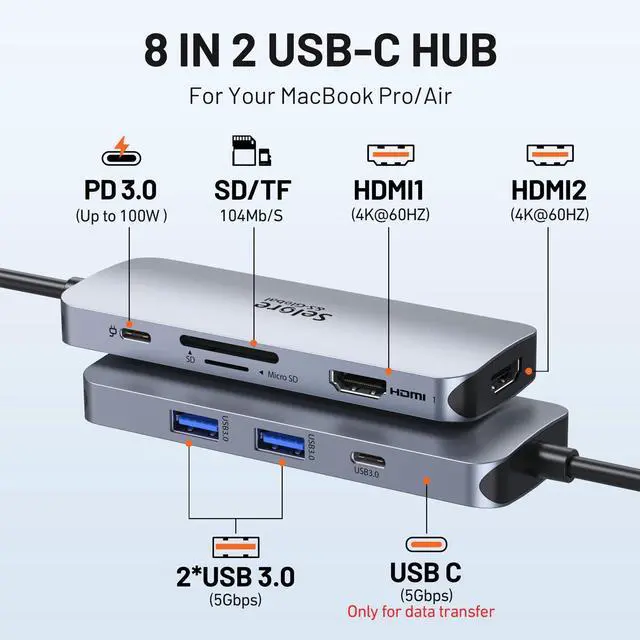
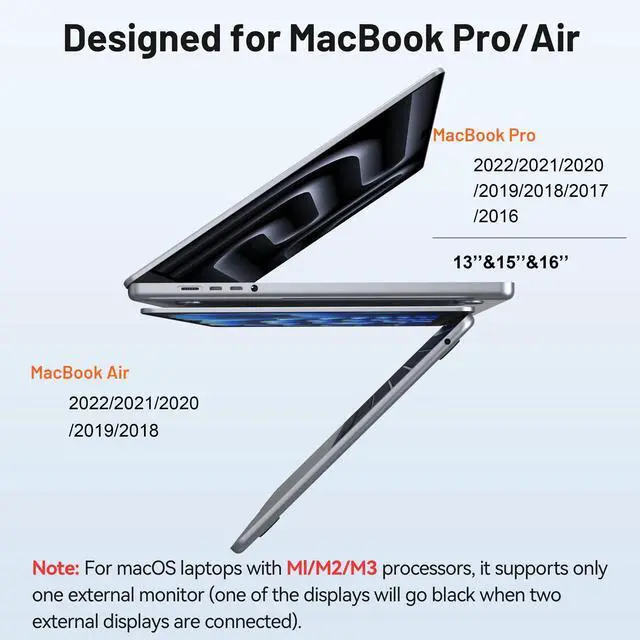
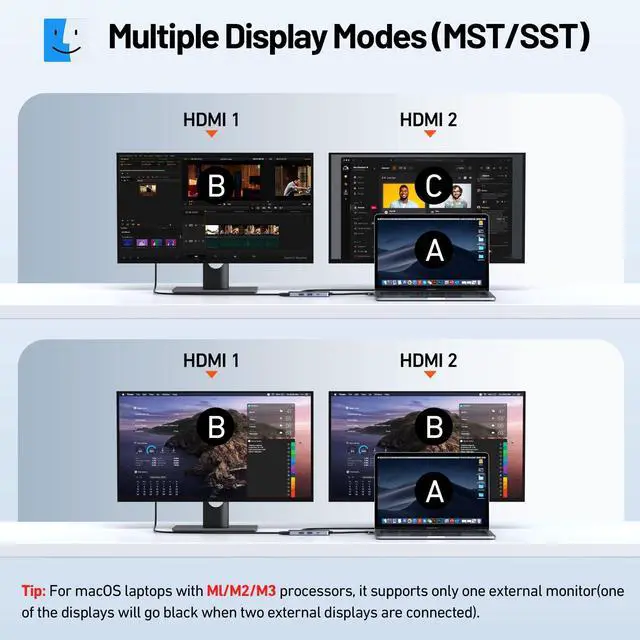
Note: (M1, M2, M3 chips only support 1 extra monitor; when 2 extra monitors are connected, 1 monitor will go black). The docking station for MacBook Pro/Air extends to dual HDMI displays up to 4K@60Hz via 2 USB-C ports. This USB-C hub for MacBook supports MST, allowing you to output different content to 2 external monitors. [8-in-2 USB-C Hub for
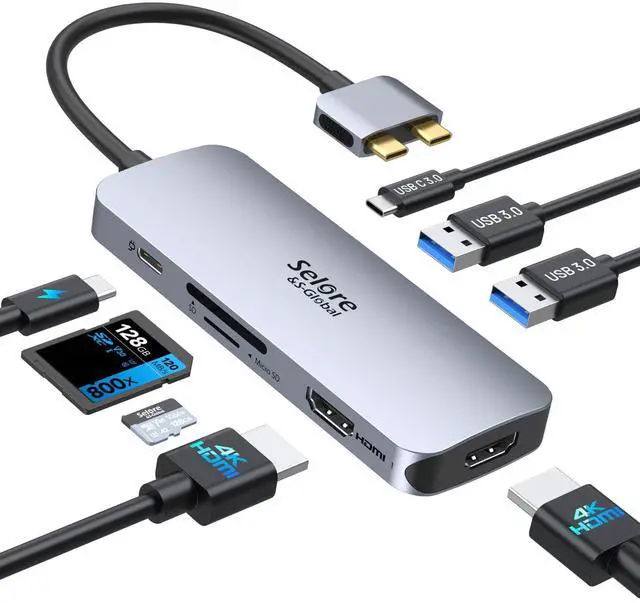
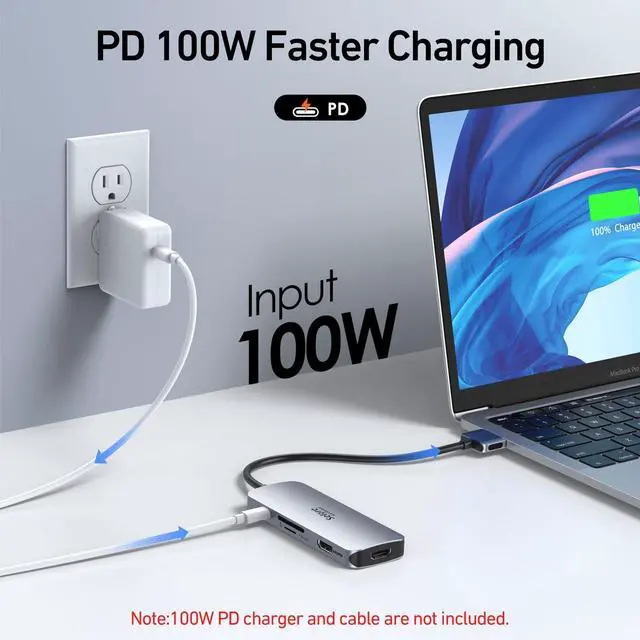
MacBook Pro/Air]: The USB-C adapter for MacBook is equipped with 2 HDMI, 1 USB-C, 2 USB-A, 100W PD, and an SD/TF card reader. It is the most convenient solution to expand the limited ports on your
MacBook: you can transform 2 USB-C ports of your MacBook into 8 functional ports, suitable for home and office use for efficient work.
Please note: The host laptop must support Thunderbolt or USB-C DP Alt Mode. Does NOT support the latest MacBook Neo models. Please check your device ports. [Upgraded Docking Station for
MacBook]: Please
note: Due to limitations of the M1/M2/M3 chipset, M1/M2 only support SST, while M3 supports MST (Multi-Stream Transport) when the lid is closed. This dual-monitor docking station is designed for all MacBook models; the dual USB-C male ports design lets this HDMI adapter work with 13", 14", 15", and 16" MacBook Pro 2017, 2018, 2019, 2020, 2021, etc., and MacBook Air 2020, 2021, 2022, 2023, etc.
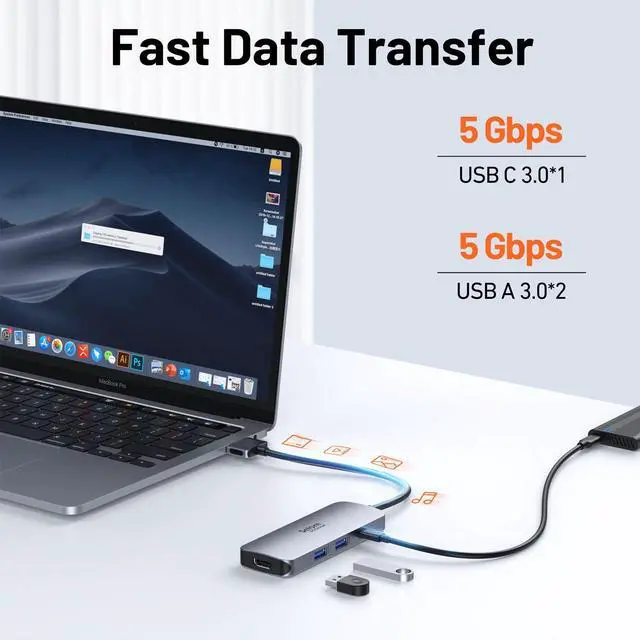
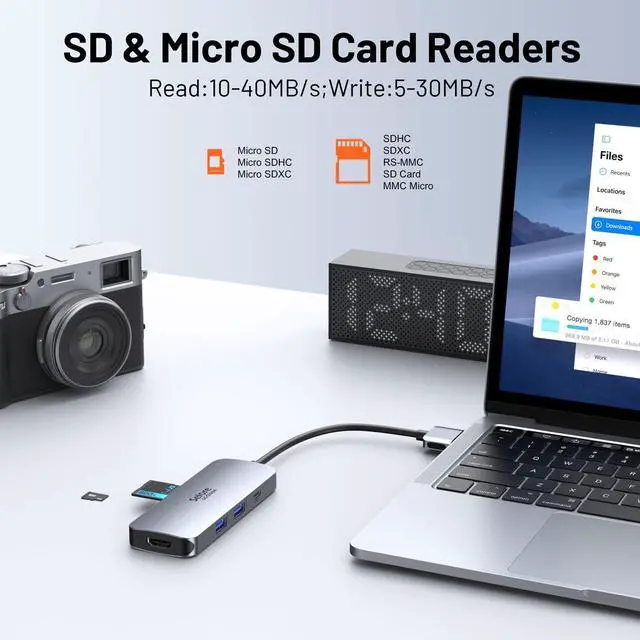
[High-Speed USB-A/C Data Transfer]: This dual-monitor docking station also offers 2x USB-A 3.0 and an SD/TF card reader for fast data transfer. USB-A 3.0 /USB-C support speeds up to 5Gbps and are backward compatible with USB-A 2.0 / 1.1, providing a stable connection. Whether your device uses USB-A or USB-C, it can transfer data quickly. USB 2.0 supports up to 480Mbps (suitable for a keyboard or mouse), SD/TF up to 200Mbps. It allows you to transfer files in seconds from your USB flash drive or USB/USB-C hard drives. [Easy to Carry for Work and
Life]: The dual-monitor docking station for MacBook Pro/Air is compact and portable. The product size is 4.2 x 1.6 x 0.5 inches. Despite its small size, it comes with rich functions for your
MacBook: video output, data transfer, PD charging, and card reading. Just one docking station for MacBook is enough; simply connect it to your MacBook and monitors, and enjoy all the connectivity solutions you need





 here!
here!