Dual 4K USB C
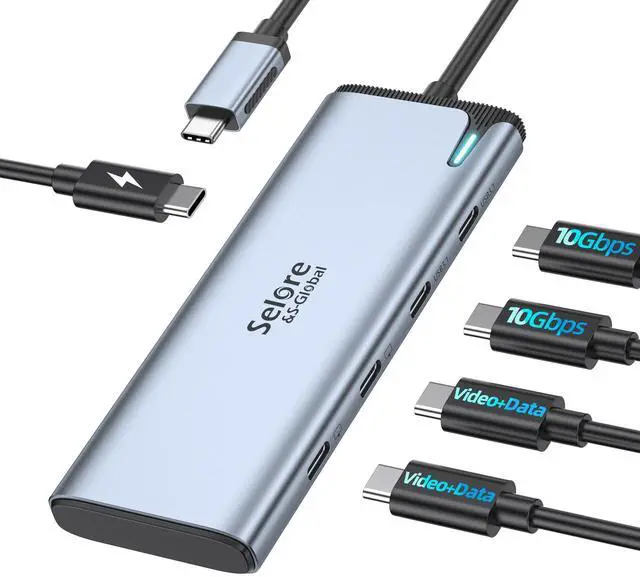
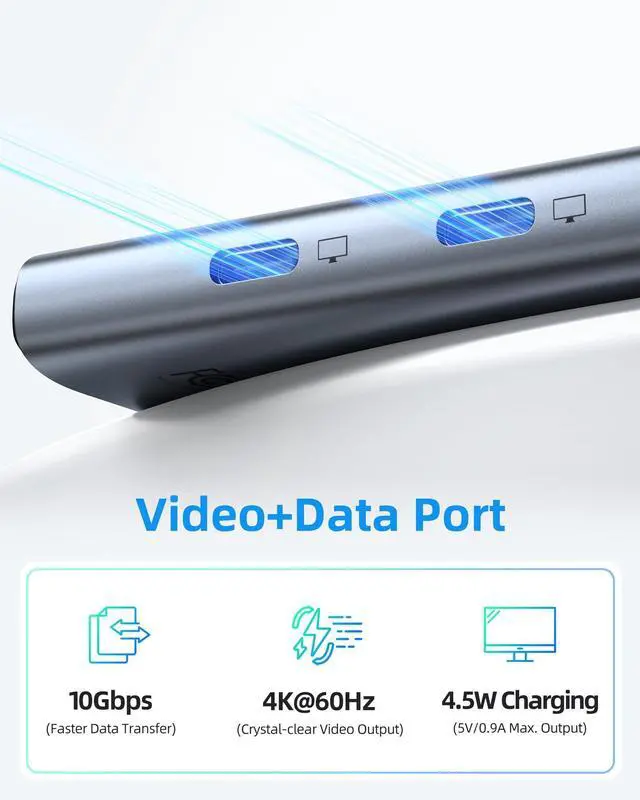
Video Hub Output: USB-C to USB-C hub dual monitor USB C splitter with dual 4K@60Hz video output. Supports DP Alt mode 1.4. You can use this hub to connect your laptop to USB-C monitors. This USB-C hub lets you extend 1 USB-C port to dual USB-C monitors at 4K@60Hz.
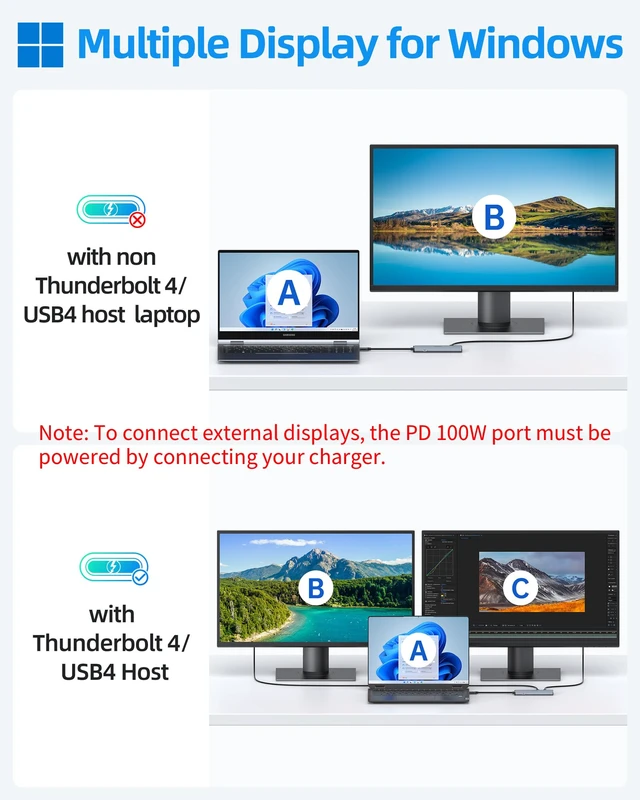
(Note: To connect external displays, the PD 100W port must be powered by connecting your charger. The laptop's USB-C port must be USB4 or Thunderbolt 4, and the monitors must support USB-C Alt Mode. ) Dual Display for USB C Docking Station Dual Monitors: Please
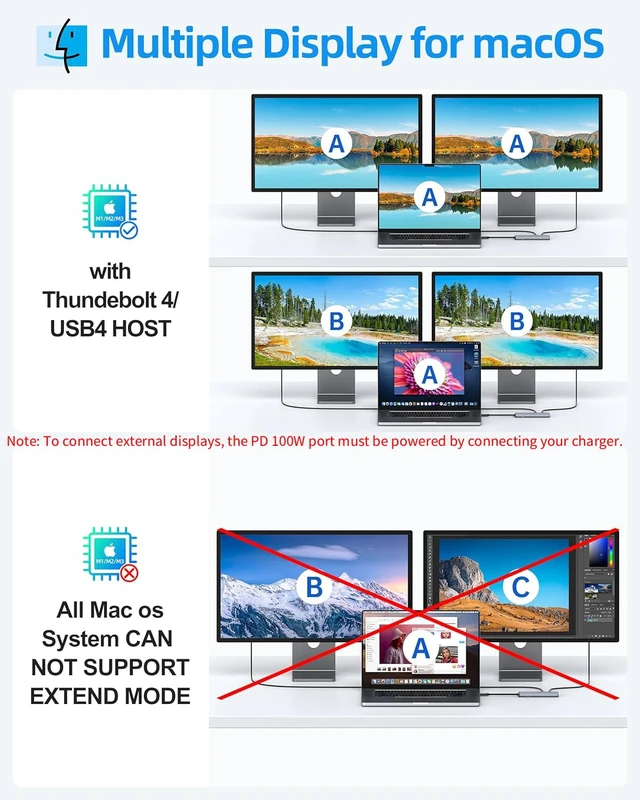
note: macOS DOES NOT SUPPORT MST. DP Alt Mode USB C Hub with Dual Video Supports MST and SST dual display for most usb c monitors. For Thunderbolt 4/USB4 laptops, the USB-C to USB-C hub always outputs 4K@60Hz. 5 IN 1
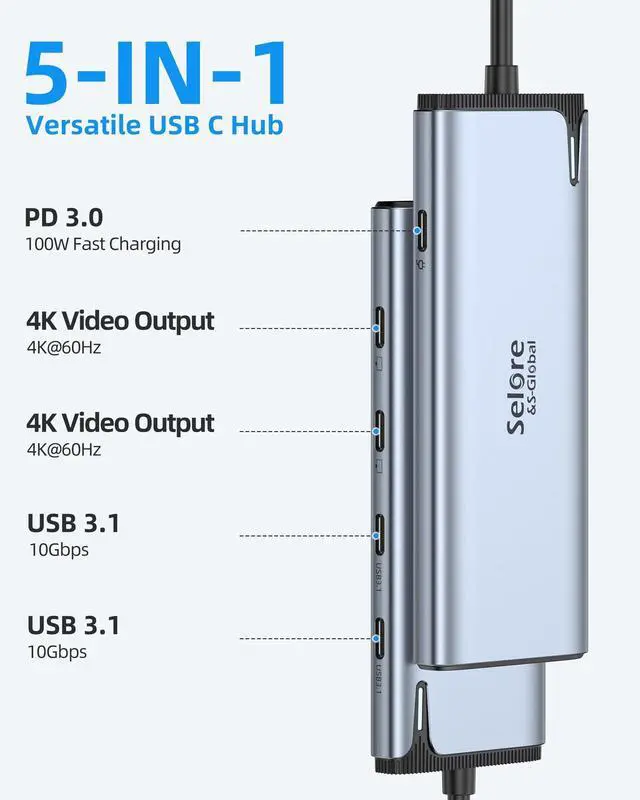
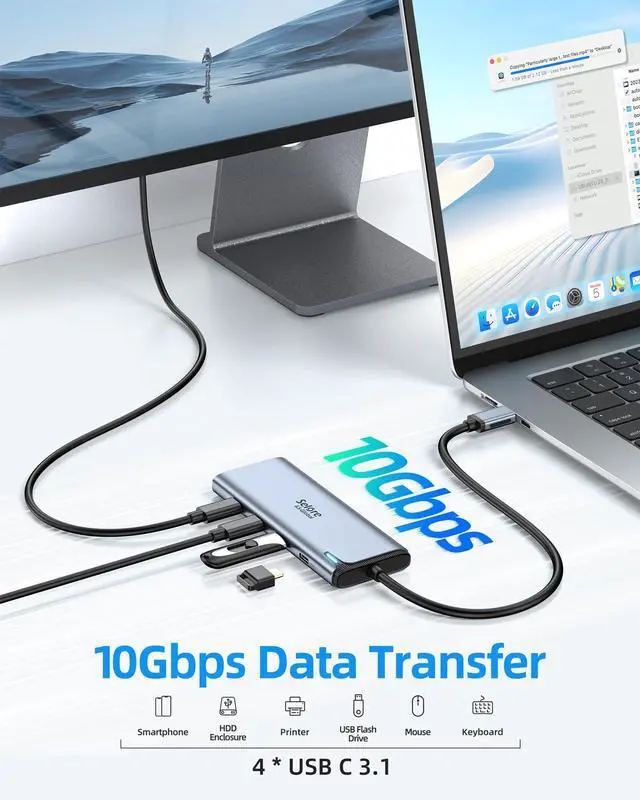
USB C Splitter: Our USB C to USB C hub dual monitor comes with 5 ports including dual 4K usb c dp alt mode port, 2 10Gbps USB-C data transfer (Support 5V 0.9A ), 100W PD charging. You can use this usb c hub to connect more USB-C devices, perfectly solving the needs of multiple port of laptop in people's daily life office. 100W PD Charging Port USB C Dual
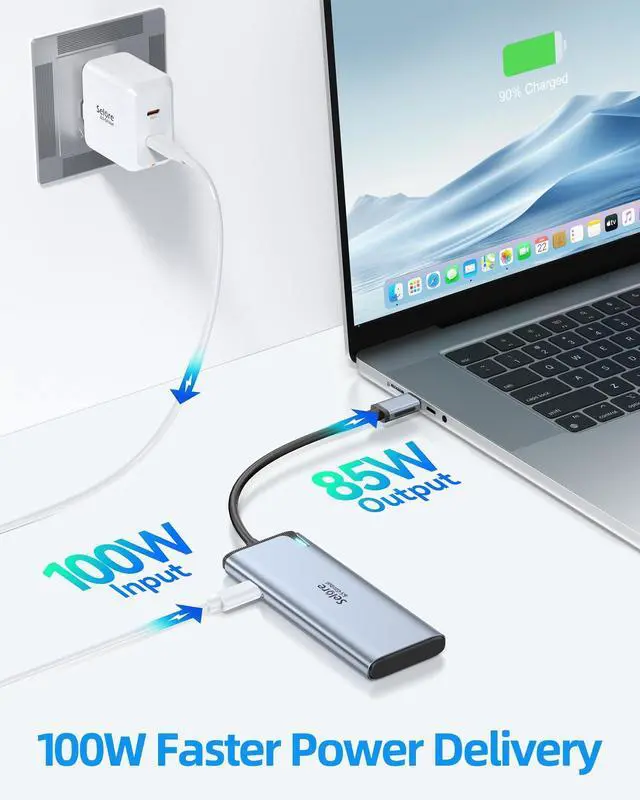
Video Hub: USB C Docking Station Dual Monitors adapter multiport supports up to 87W pass-through charging, Powering your laptop while using USB-C multiport adapter to transfer data greatly improves the stability of data transfer.
Note: Pass-through charging requires a charger (not included) Upgrade USB C Dual Video
Hub for Laptop: All functions usb c hub extend 1 USB-C port to 5 USB-C devices, supports the High specification monitors and other usb c data equipment, Meet the current development needs of the latest equipment. Compatible with all USB C devices (Must Support DP ALT MODE, All function must support Thunderbolt 4 USB4 /USB4). Fully compatible with mainstream brand devices, including popular models such as Apple MacBook Pro/Air, Dell XPS/Inspiron, HP EliteBook/ENVY, Lenovo ThinkPad/LEGION, and Microsoft Surface series. We provide extended support for this USB-C Splitter with Dual 4K@60Hz Video Output, USB-C to USB-C Hub & Dual-Monitor Docking Station. If you need assistance, please contact Selore support





 here!
here!