Your Browsing History
Meet Your Seller
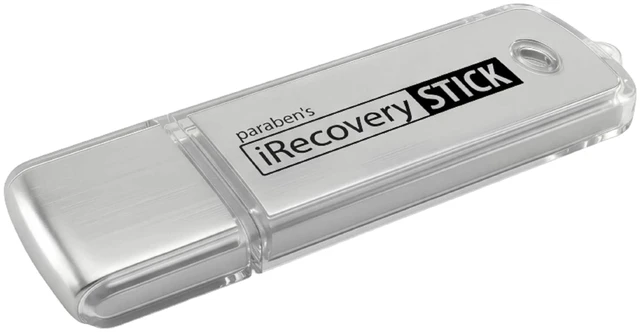
iRecovery Stick - iPhone Recovery Stick for Data Extraction Tool Recovery stick for iPhone, phone recovery stick, extracts messages, contacts, photos, use
Limited time offer, ends 10/16 By MiniJoyBelle Tech
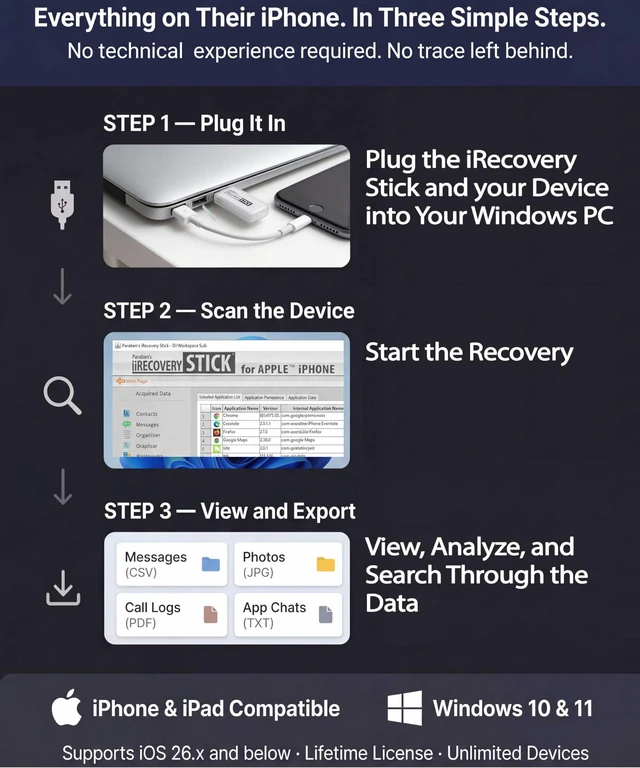
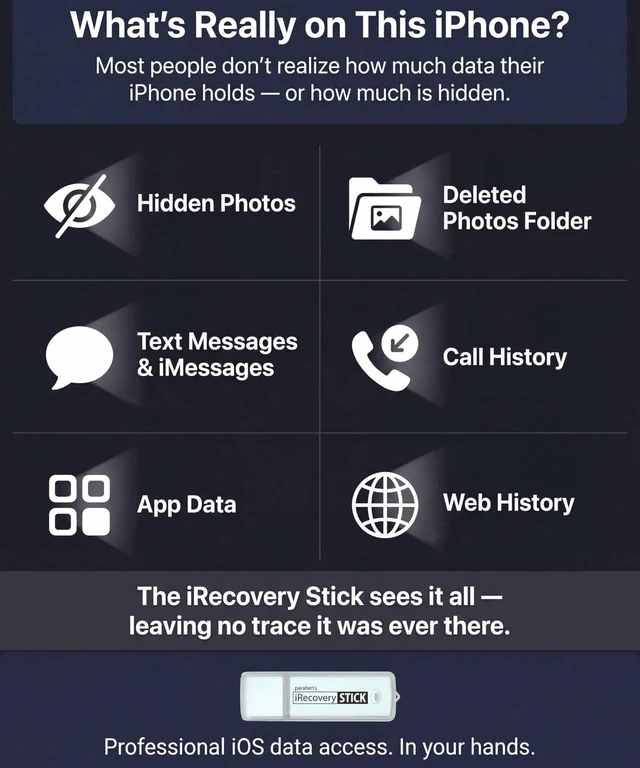
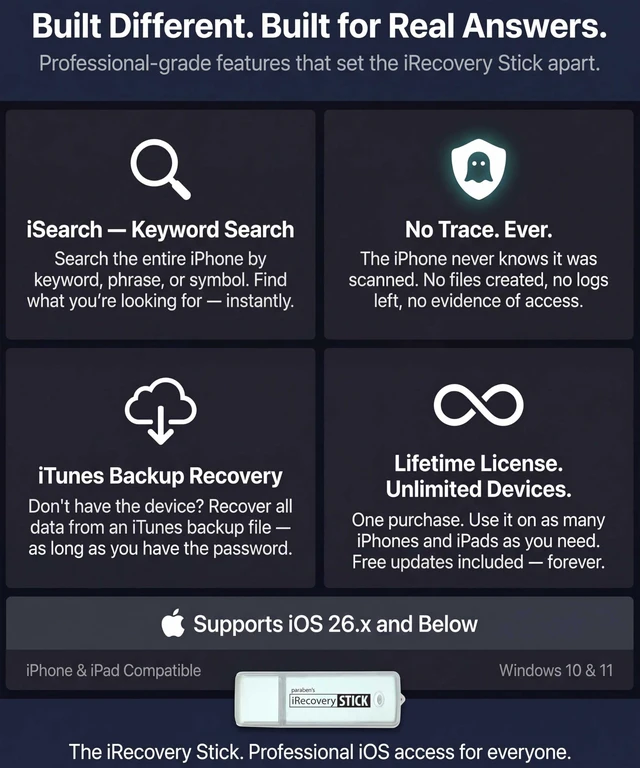
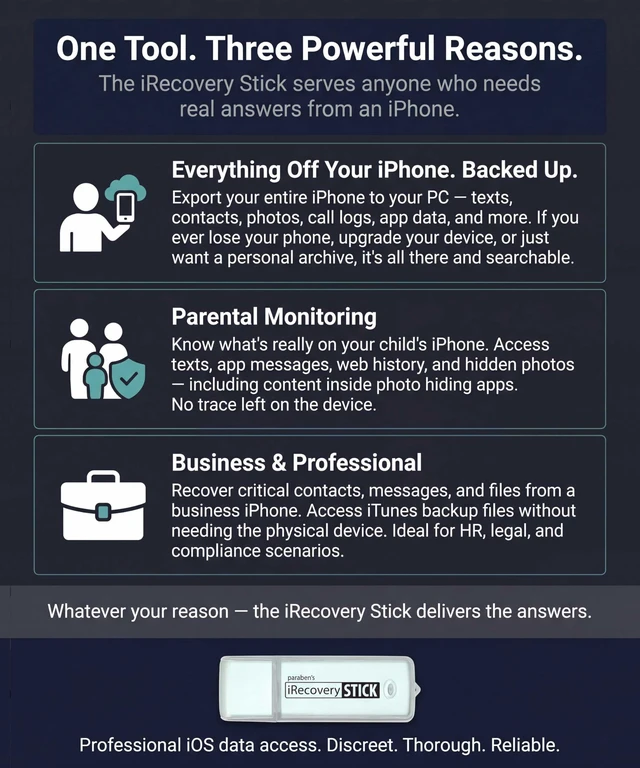
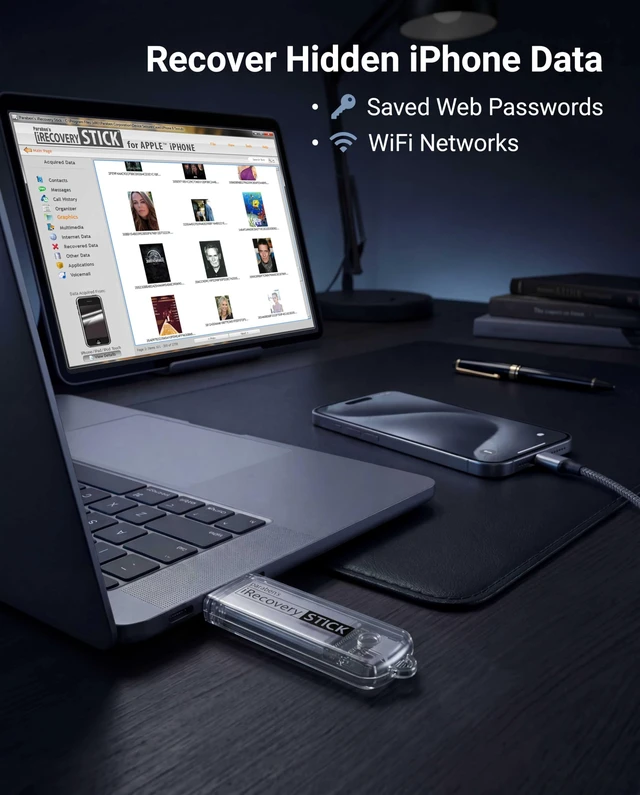
- The iRecovery Stick extracts messages, call history, contacts, web history, calendar appointments, photos, voice memos, email accounts, and map history directly from iPhone and iPad devices. Running entirely from the USB stick with no software installed on the device or computer, it leaves no trace that an extraction was performed. Uncover images concealed using photo-hiding apps and use the iSearch keyword function to search for specific words, names, phone numbers, or symbols across the entire device at once, eliminating the need to manually browse through individual apps and folders. Bookmark important findings and export content for reporting and analysis. The iRecovery Stick processes phone backup files stored on your Windows PC or copied from a Mac computer. If a device was backed up to a computer before items were deleted, those items may still be recoverable from the backup. Photos sent in text message conversations but deleted from the photo library may also be recovered if the conversation was not deleted. The iRecovery Stick requires physical access to the target device. The user must be able to disable the passcode, Touch ID, or Face ID before extraction begins. If the device was previously backed up to a computer using a password, that password will also be required to process the backup data. Use the iRecovery Stick on as many iPhone and iPad devices as needed with no per-device fees

+
+
Overview
Specs
Reviews
Any questions? Our AI mode will help you find out quickly.
Try me now
The iRecovery Stick extracts messages, call history, contacts, web history, calendar appointments, photos, voice memos, email accounts, and map history directly from iPhone and iPad devices. Running entirely from the USB stick with no software installed on the device or computer, it leaves no trace that an extraction was performed. Uncover images concealed using photo-hiding apps and use the iSearch keyword function to search for specific words, names, phone numbers, or symbols across the entire device at once, eliminating the need to manually browse through individual apps and folders.
Bookmark important findings and export content for reporting and analysis. The iRecovery Stick processes phone backup files stored on your Windows PC or copied from a Mac computer. If a device was backed up to a computer before items were deleted, those items may still be recoverable from the backup. Photos sent in text message conversations but deleted from the photo library may also be recovered if the conversation was not deleted. The iRecovery Stick requires physical access to the target device. The user must be able to disable the passcode, Touch ID, or Face ID before extraction begins.
If the device was previously backed up to a computer using a password, that password will also be required to process the backup data. Use the iRecovery Stick on as many iPhone and iPad devices as needed with no per-device fees
Bookmark important findings and export content for reporting and analysis. The iRecovery Stick processes phone backup files stored on your Windows PC or copied from a Mac computer. If a device was backed up to a computer before items were deleted, those items may still be recoverable from the backup. Photos sent in text message conversations but deleted from the photo library may also be recovered if the conversation was not deleted. The iRecovery Stick requires physical access to the target device. The user must be able to disable the passcode, Touch ID, or Face ID before extraction begins.
If the device was previously backed up to a computer using a password, that password will also be required to process the backup data. Use the iRecovery Stick on as many iPhone and iPad devices as needed with no per-device fees
Warranty & Returns
Warranty, Returns, And Additional Information
Warranty
- Please contact the Seller directly for warranty information. Warranty information may also be found on the Manufacturer's website.
- CONTACT
Return Policies
- Return for refund within: 30 days
- Return for replacement within: 30 days
- This item is covered by MiniJoyBelle Tech Return Policy
Manufacturer Contact Info
- For a directory of all our manufacturers, please click below.
- Manufacturers Directory
LOADING...