Your Browsing History
Meet Your Seller
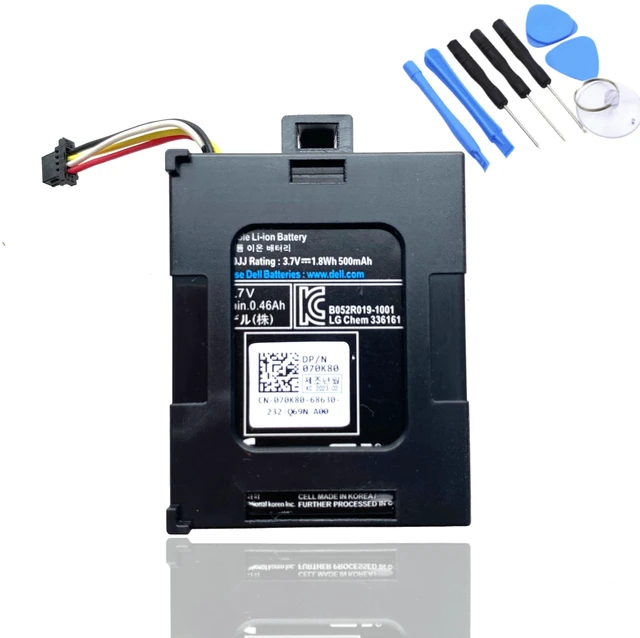
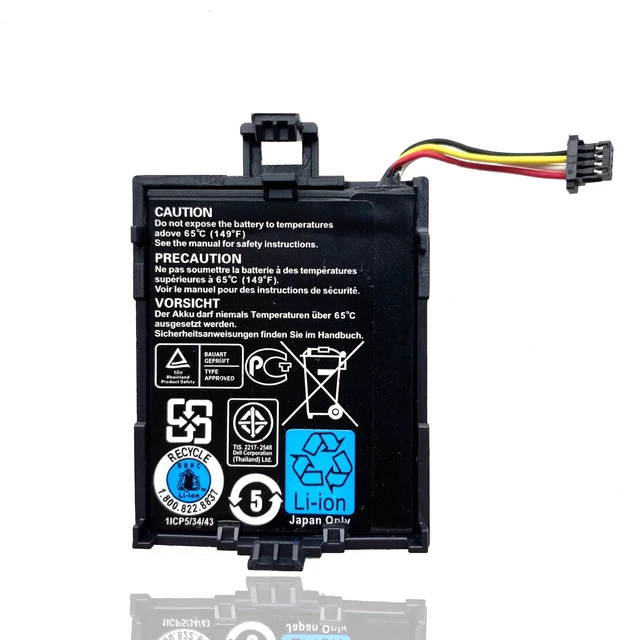
T40JJ Battery for Dell Perc Raid H710 H710P H730 H730p H810 H830 PowerEdge M620 R320 R420 R520 R620 R720 R820 T110 II T420 70K80 H132V
Limited time offer, ends 10/16 By MiniJoyBelle Tech
- Compatible Part Numbers: T40JJ, 070K80, 70K80, H132V, 0H132V Replacement battery for Dell Perc H730p and Dell Perc H730. Fit for: Dell Perc H710, H710P, H810; Dell PowerEdge M620, R320, R420, R520, R620, R720, R820, T110 II, T420. How to Install a New Battery 1. Remove the old battery, carefully install the new battery on the battery box, tighten the screws, and then connect the wires of the new battery. 2. If you have questions about installing a new battery, you can search for the installation of laptop/tablet models on YouTube. This method may help you. For Optimal Use 1. When a new battery is received, discharge the battery to 5% (not 0%) for the first use, then charge and cycle 3-4 times to wake up the new battery. It is important to perform a full discharge and charge every other month to extend the battery life. 2. Do not connect the adapter for a long time while using the battery. It may damage the battery. Avoid artificial shocks, disassembly, crush or puncture. Do not dispose of it in fire or water

+
+
Overview
Specs
Reviews
Any questions? Our AI mode will help you find out quickly.
Try me now
Compatible Part Numbers: T40JJ, 070K80, 70K80, H132V, 0H132V Replacement battery for Dell Perc H730p and Dell Perc H730.
Fit for: Dell Perc H710, H710P, H810; Dell PowerEdge M620, R320, R420, R520, R620, R720, R820, T110 II, T420. How to Install a New Battery 1. Remove the old battery, carefully install the new battery on the battery box, tighten the screws, and then connect the wires of the new battery. 2. If you have questions about installing a new battery, you can search for the installation of laptop/tablet models on YouTube. This method may help you. For Optimal Use 1. When a new battery is received, discharge the battery to 5% (not 0%) for the first use, then charge and cycle 3-4 times to wake up the new battery. It is important to perform a full discharge and charge every other month to extend the battery life. 2. Do not connect the adapter for a long time while using the battery. It may damage the battery. Avoid artificial shocks, disassembly, crush or puncture. Do not dispose of it in fire or water
Warranty & Returns
Warranty, Returns, And Additional Information
Warranty
- Please contact the Seller directly for warranty information. Warranty information may also be found on the Manufacturer's website.
- CONTACT
Return Policies
- Return for refund within: 30 days
- Return for replacement within: 30 days
- This item is covered by MiniJoyBelle Tech Return Policy
Manufacturer Contact Info
- For a directory of all our manufacturers, please click below.
- Manufacturers Directory
LOADING...