





A Friendly USB C to SATA Hard Drive Reader for You, Play and Plug, Easy for Use!
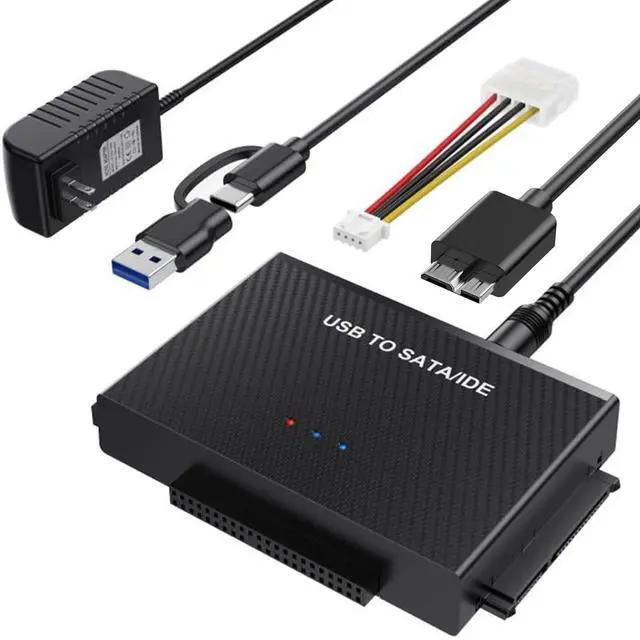
ULXUUN hard drive reader is retrieve old files, backup, cloning and data recovery device tools. Besides, this usb c to sata ide converter allows you to read three hard disk drives simultaneously, more convenient for you!


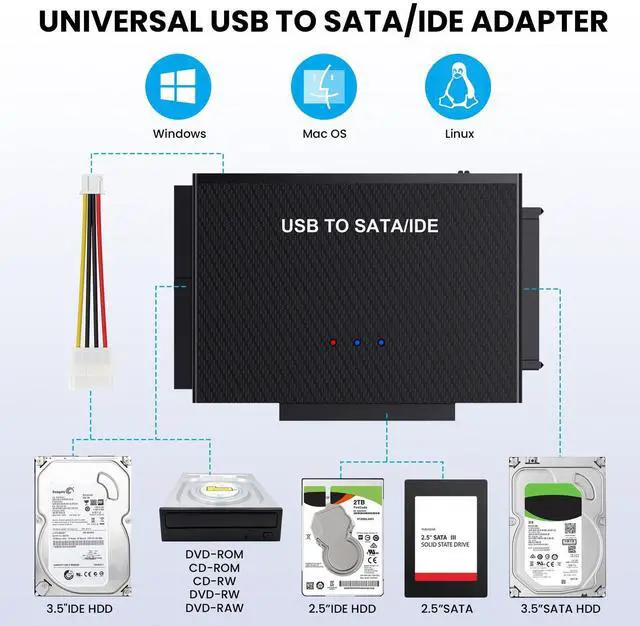
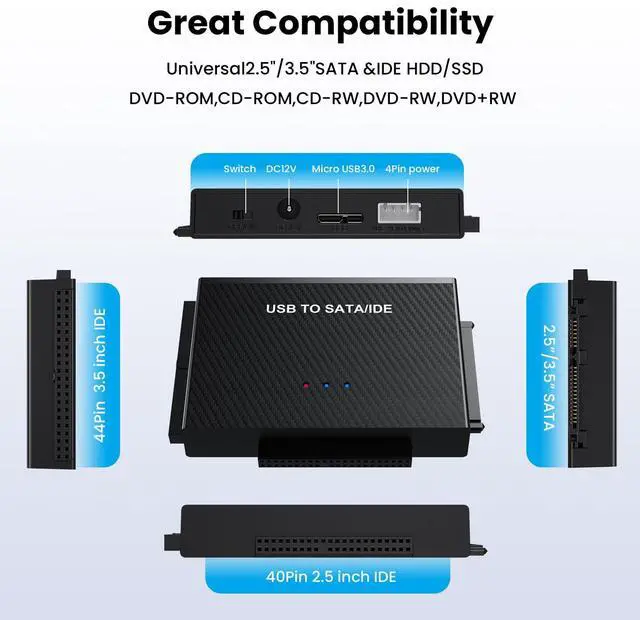
Supports 2.5"/3.5" HDD/SSD, 2.5"/3.5" IDE, 5.25" DVD-ROM, CD-ROM, CD-RW, DVD-RW, DVD + RW optical drive
Supports 2.5"/3.5" HDD/SSD, 2.5"/3.5" IDE, 5.25" DVD-ROM, CD-ROM, CD-RW, DVD-RW, DVD + RW optical drive
Compatible system
- Windows Vista
- Windows 7
- Windows 8.1/8
- Windows 10
- Windows 11
- Mac OS


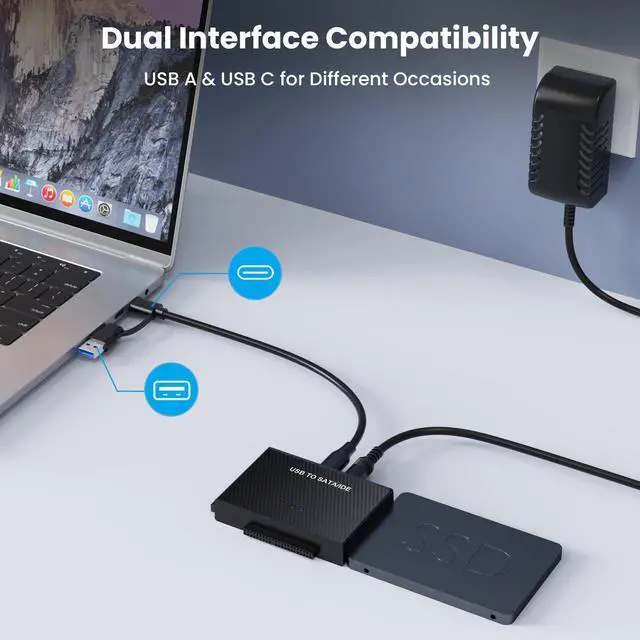
Dual interface compatibility
USB A and USB C are designed to meet the needs of different occasions and release yourself from the constraints of computer models
- Plug and Play
- Hot Swapping
- Led Indicator
- Up to 5Gbps Transmission speed
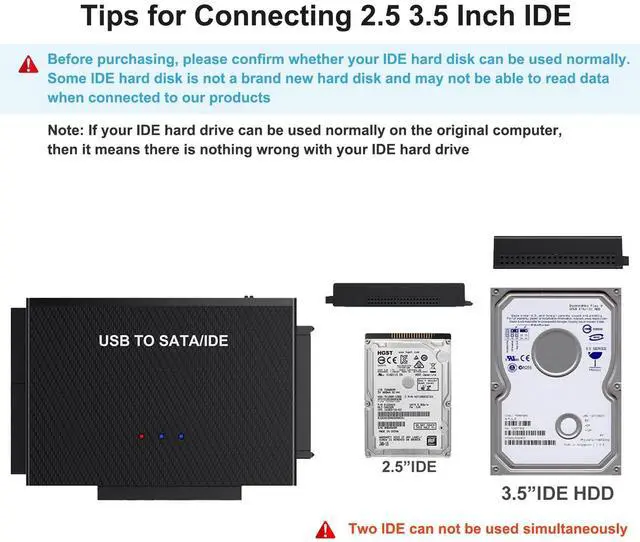
Tips for Use IDE/SATA to USB 3.0 Converter
- If the hard drive is spinning but not appearing in Disk Management, consider performing a format and repartitioning. It's possible that your current partitioning method may not be compatible with this adapter
- The disks should be partitioned before use if they are not already, as this will ensure that the computer recognizes them and they appear in Disk Management.
- ?????????????? ????????
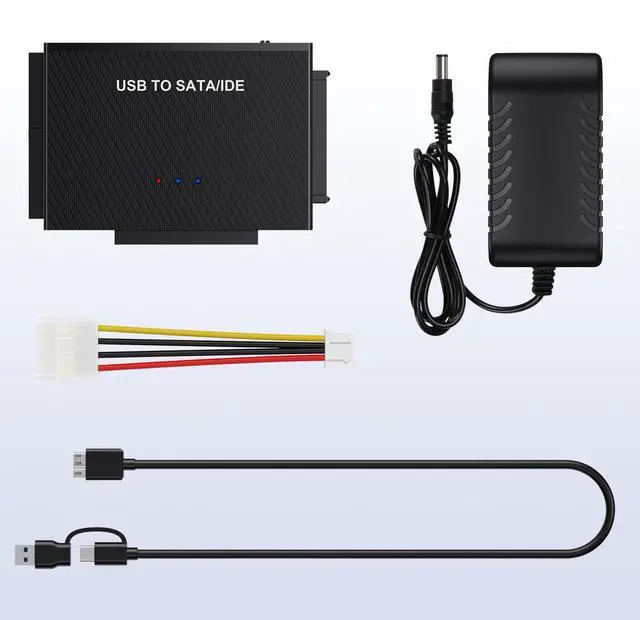
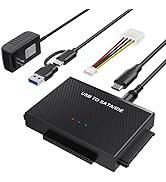
- 1*USB C to IDE to SATA Converter
- 1*12V 2A Power Adapter
- 1* 4 PIN power cable
- 1*USB C + USB A Cable
- 1* User Manual
Why can't the cable be used with my drive(the cable doesn't recognize SSD)?
 USB C to Sata /IDE adapter |  USB 3.0 to Sata /IDE adapter |  USB 3.0 to Sata /IDE adapter |  USB 3.0 to Sata cable |  KVM Switch |  USB Switch | |
|---|---|---|---|---|---|---|
| Customer Reviews | — | — | — | — | — | — |
| Price | — no data | — | — | — | — no data | — |
| Item Name | USB C to Sata /IDE adapter | USB 3.0 to Sata /IDE adapter | USB 3.0 to Sata /IDE adapter | USB 3.0 to Sata cable | KVM Switch for 1 Monitor 2 Computers | USB Switch for 2 Computers |
| USB Port | Type C/ USB 3.0 | Type C/ USB 3.0 | Type C/ USB 3.0 | USB 3.0 | USB 3.0 | USB 3.0 |
| Transmission Speed | 5Gbps | 5Gbps | 5Gbps | 5Gbps | 5Gbps | 5Gbps |
| Indicator Light | ? | ? | ? | / | ? | ? |
| Feature | Simultaneous to Read 3 Drives | Simultaneous to Read 3 Drives | Simultaneous to Read 3 Drives | Quickly Access to 2.5" SSD/HDD | Share Keyboard Mouse with 1 HD Monitor | 2 Computers Share 4 USB Devices |
| Plug and Play | ? | ? | ? | ? | ? | ? |

ULXUUUN
Commitment to Provide the Highest Standard of Service to Every Customer

ULXUUUN provides a lot excellent accessories and peripherals for computer products! Great products allow you to have high efficiency! A productive work environment will make your life easier and happier!
We promise that our products are sold directly from the factory to the customer. With ULXUUUN, let's explore an efficient and convenient work and life together!
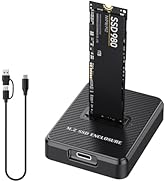
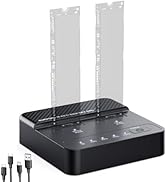
KVM Switch & SSD Dock
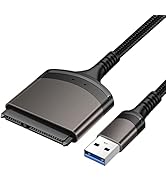
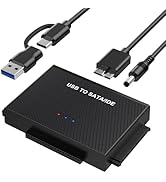
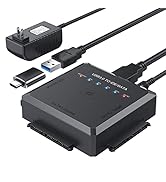
Hard Drive Adapter
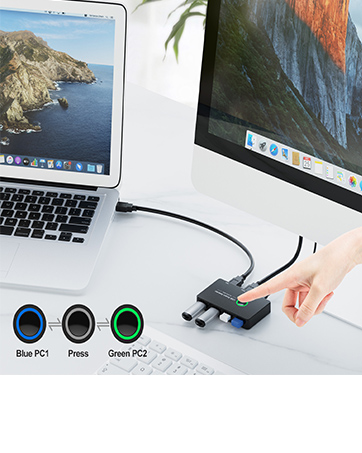
4 Port USB3.0 Switch Selector
Ideal KVM Switch for 2 Computers 1 Monitor Share 4 USB Devices, Free Your Desk Space and Save Your Time!
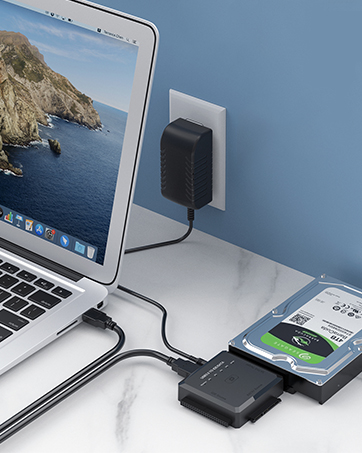
SATA/ IDE to USB 3.0 Adapter
One Touch Backup for 2.5/3.5 Inches SATA/IDE, ideal to upgrade your PC hard drive quickly! Plug and Play
Why choose ULXUUUN?
Stylish appearance, considerate budget, excellent quality, professional support! Let you buy satisfactory products at a preferential budget! Your purchase, we escort!
Why do we love what we do?
We have carried out years of research on the product, the product has a professional analysis, is committed to creating quality products for customers, to meet customer needs! We are confident to do better!
A Friendly USB C to SATA Hard Drive Reader for You, Play and Plug, Easy for Use!
ULXUUN hard drive reader is retrieve old files, backup, cloning and data recovery device tools. Besides, this usb c to sata ide converter allows you to read three hard disk drives simultaneously, more convenient for you!
Supports 2.5"/3.5" HDD/SSD, 2.5"/3.5" IDE, 5.25" DVD-ROM, CD-ROM, CD-RW, DVD-RW, DVD + RW optical drive
Supports 2.5"/3.5" HDD/SSD, 2.5"/3.5" IDE, 5.25" DVD-ROM, CD-ROM, CD-RW, DVD-RW, DVD + RW optical drive
Compatible system
- Windows Vista
- Windows 7
- Windows 8.1/8
- Windows 10
- Windows 11
- Mac OS
Tips for Use IDE/SATA to USB 3.0 Converter
Dual interface compatibility
USB A and USB C are designed to meet the needs of different occasions and release yourself from the constraints of computer models
- Plug and Play
- Hot Swapping
- Led Indicator
- Up to 5Gbps Transmission speed
- If the hard drive is spinning but not appearing in Disk Management, consider performing a format and repartitioning. It's possible that your current partitioning method may not be compatible with this adapter
- The disks should be partitioned before use if they are not already, as this will ensure that the computer recognizes them and they appear in Disk Management.
- ?????????????? ????????
- 1*USB C to IDE to SATA Converter
- 1*12V 2A Power Adapter
- 1* 4 PIN power cable
- 1*USB C + USB A Cable
- 1* User Manual
Why can't the cable be used with my drive(the cable doesn't recognize SSD)?
| One | If you are using a new SSD drive or HDD, you need to initialize it firstand then format it. You can search "How to initialize an external harddrive" for guidance. The instructions differ between Windows 10, 7,and Vista. |
| Two | If it is an old hard disk or a removed hard disk, please confrm whetherthe hard disk is intact. |
| Three | If it is Apple OS mac system, please set the hard disk format. |
| Four | Wrong hard drive type - this cable is not applicable to SAS/SCSl hard drive. |
| Five | The USB port on the computer is damaged. |
USB C to Sata /IDE adapter | USB 3.0 to Sata /IDE adapter | USB 3.0 to Sata /IDE adapter | USB 3.0 to Sata cable | KVM Switch | USB Switch | |
|---|---|---|---|---|---|---|
| Customer Reviews | — | — | — | — | — | — |
| Price | — no data | — | — | — | — no data | — |
| Item Name | USB C to Sata /IDE adapter | USB 3.0 to Sata /IDE adapter | USB 3.0 to Sata /IDE adapter | USB 3.0 to Sata cable | KVM Switch for 1 Monitor 2 Computers | USB Switch for 2 Computers |
| USB Port | Type C/ USB 3.0 | Type C/ USB 3.0 | Type C/ USB 3.0 | USB 3.0 | USB 3.0 | USB 3.0 |
| Transmission Speed | 5Gbps | 5Gbps | 5Gbps | 5Gbps | 5Gbps | 5Gbps |
| Indicator Light | ? | ? | ? | / | ? | ? |
| Feature | Simultaneous to Read 3 Drives | Simultaneous to Read 3 Drives | Simultaneous to Read 3 Drives | Quickly Access to 2.5" SSD/HDD | Share Keyboard Mouse with 1 HD Monitor | 2 Computers Share 4 USB Devices |
| Plug and Play | ? | ? | ? | ? | ? | ? |
ULXUUUN
Commitment to Provide the Highest Standard of Service to Every Customer
ULXUUUN provides a lot excellent accessories and peripherals for computer products! Great products allow you to have high efficiency! A productive work environment will make your life easier and happier!
We promise that our products are sold directly from the factory to the customer. With ULXUUUN, let's explore an efficient and convenient work and life together!
KVM Switch & SSD Dock
Hard Drive Adapter
4 Port USB3.0 Switch Selector
Ideal KVM Switch for 2 Computers 1 Monitor Share 4 USB Devices, Free Your Desk Space and Save Your Time!
SATA/ IDE to USB 3.0 Adapter
One Touch Backup for 2.5/3.5 Inches SATA/IDE, ideal to upgrade your PC hard drive quickly! Plug and Play
Why choose ULXUUUN?
Stylish appearance, considerate budget, excellent quality, professional support! Let you buy satisfactory products at a preferential budget! Your purchase, we escort!
Why do we love what we do?
We have carried out years of research on the product, the product has a professional analysis, is committed to creating quality products for customers, to meet customer needs! We are confident to do better!