

Your Browsing History
- Free 30-day Returns
$31.33
Ships from China.


Meet Your Seller


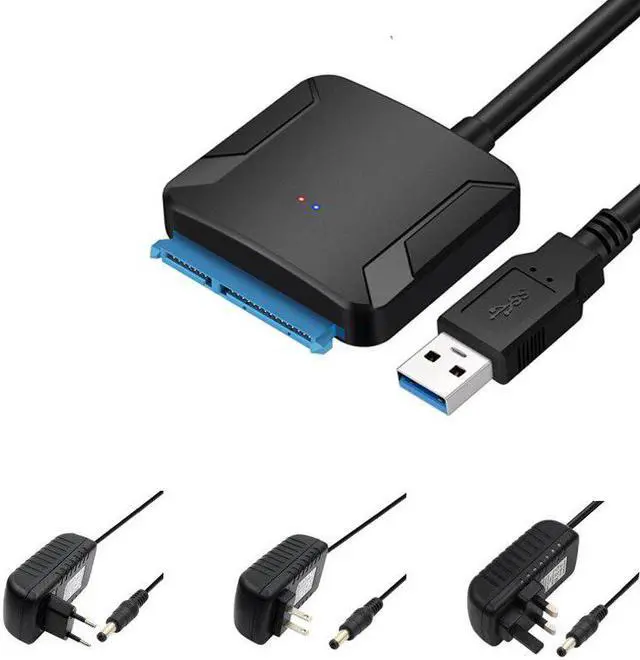



To USB 3.0 Fast Transmission Easy To Use Hard Disk HDD drive Convert Cable Portable with EU US UK power adapter
Limited time offer, ends 10/12 By dazella store
- Good Quality
+
+
Overview
Specs
Reviews

Any questions? Our AI mode will help you find out quickly.
Try me now
Main features:
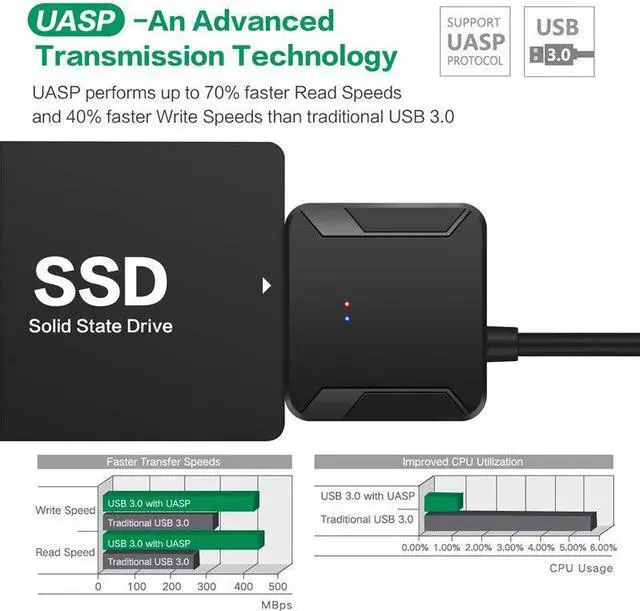
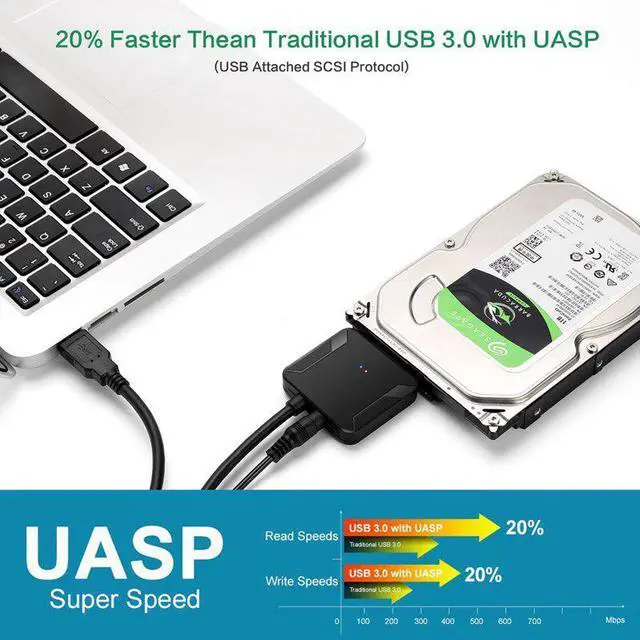
The USB 3.0 to Hard Drive Converter allows you to connect any standard 2.5'' or 3.5'' hard driver to your computer via USB 3.0 port at speed up to 5Gbps.
Supports OS: Windows 98/2000/XP/Vista/Windows 7/8,Mac OS x Plug and Play,Hot Swapping It is ideal for you to backup files or upgrade your notebook hard driver. It with 12V power supply interface, can connecting 3.5" high power drive .
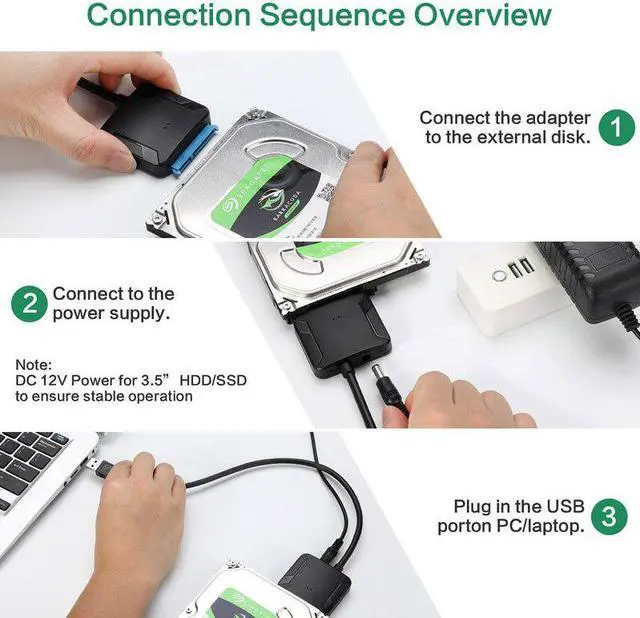
Noted: This item has 12V 2A AC/DC power adapter
Specifications: Support speed up to 5Gbps Backward compatible with USB 2.0/1.1 Support all 2.5"/3.5" HDD/SDD Color: Black Cable Length: 30cm /11.8inCH Weight: 37g /1.3oz
Package weight: 0.1 kg
Package Contents:
1 X USB 3.0 to Converter Adapter
1x 12V 2A AC DC power adapter
RFQS:
Problem 1 : Insufficient power supply
For 3.5-inch hard disk connect with 12V 2A power supply, first connect the hard disk, then connect the power, and finally connect to the host USB port; When you pull out, pull the power first, then pull out the USB interface, and finally pull out the hard disk.
Problem 2: Drive problem
If the product does not recognize the device or the driver is not successfully installed prompt, may the problem of the drive, use the driver to update the usb drive then can use
Problem 3: Partitioning problem
1) If you don't see the hard disk or content in the computer, right-click on Computer Management - Storage - Disk Management and check the status.
3) If it is offline, right-click on the disk's location and select Online from the Properties menu.
All in all:
1) We maintain high standards of excellence and strive for 100% customer satisfaction!
Warranty & Returns
Warranty, Returns, And Additional Information
Warranty
- Please contact the Seller directly for warranty information. Warranty information may also be found on the Manufacturer's website.
- CONTACT
Return Policies
- Return for refund within: 30 days
- Return for replacement within: 30 days
- This item is covered by dazella store Return Policy
Manufacturer Contact Info
- For a directory of all our manufacturers, please click below.
- Manufacturers Directory
LOADING...