Your Browsing History
Meet Your Seller
Visit EmpressTech Store
FOLLOW
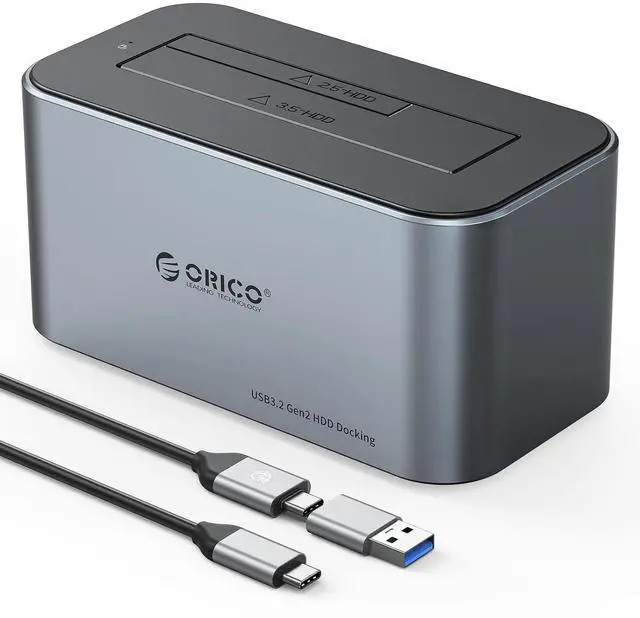
Hard Drive Docking Station Aluminum USB C to SATA 3.0 (6 Gbps) Hard Drive Enclosure for 2.5/3.5 Inch SSD HDD UASP Supported with 12V 2A Power Supply Max Up to 18TB (6616C3)
Limited time offer, ends 07/12 By EmpressTech
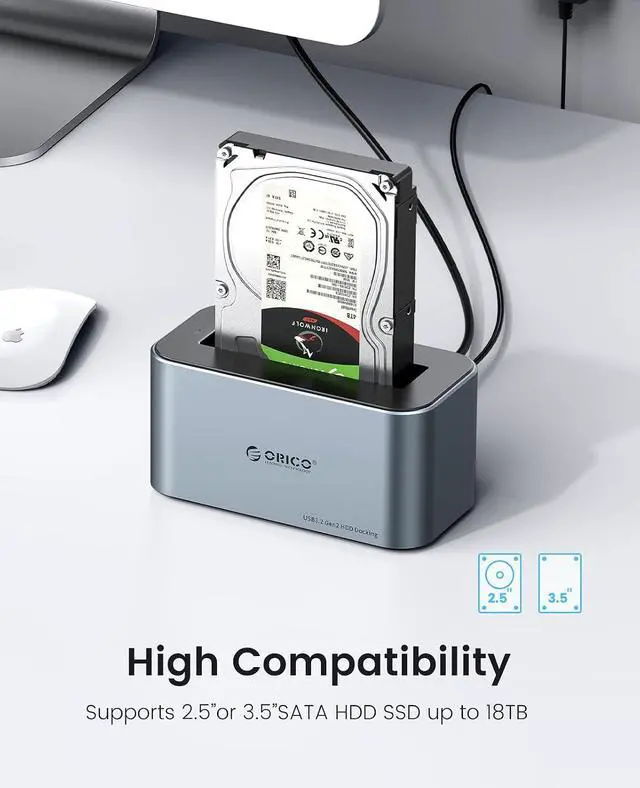
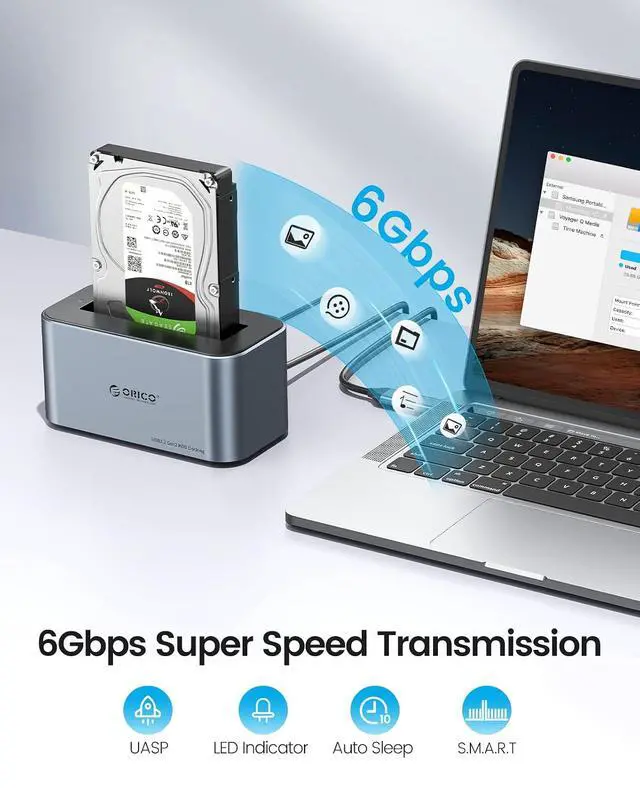
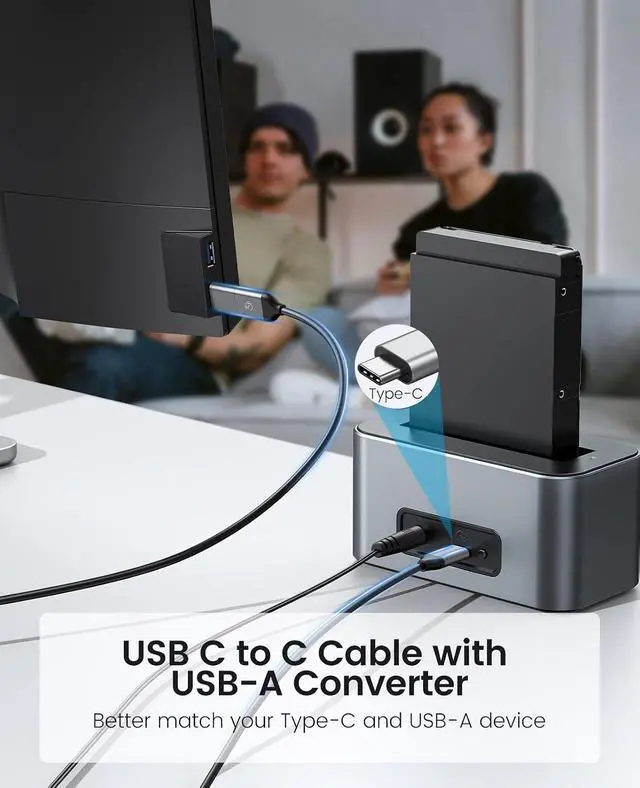
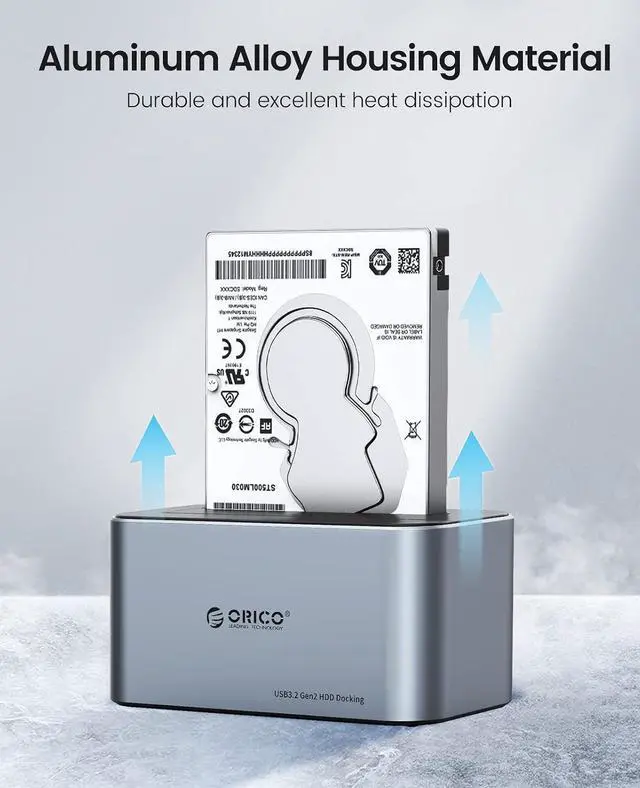
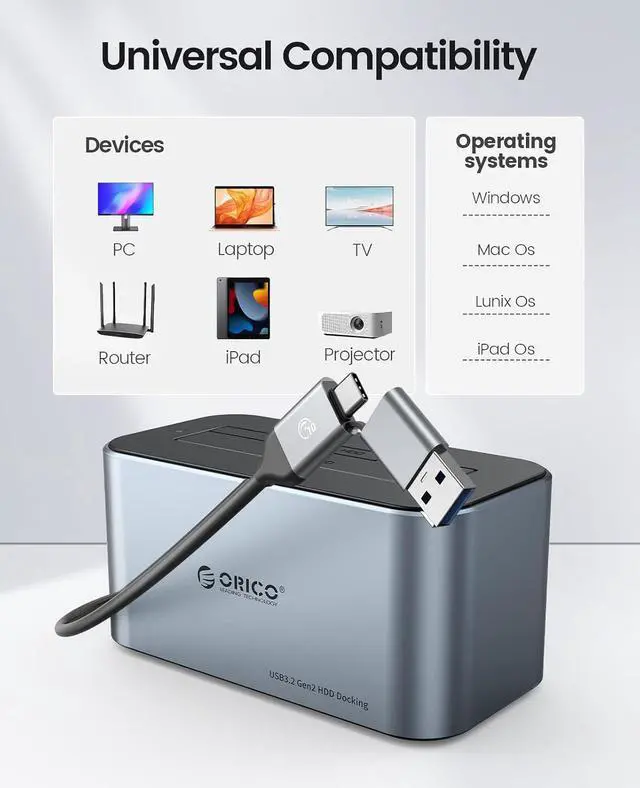
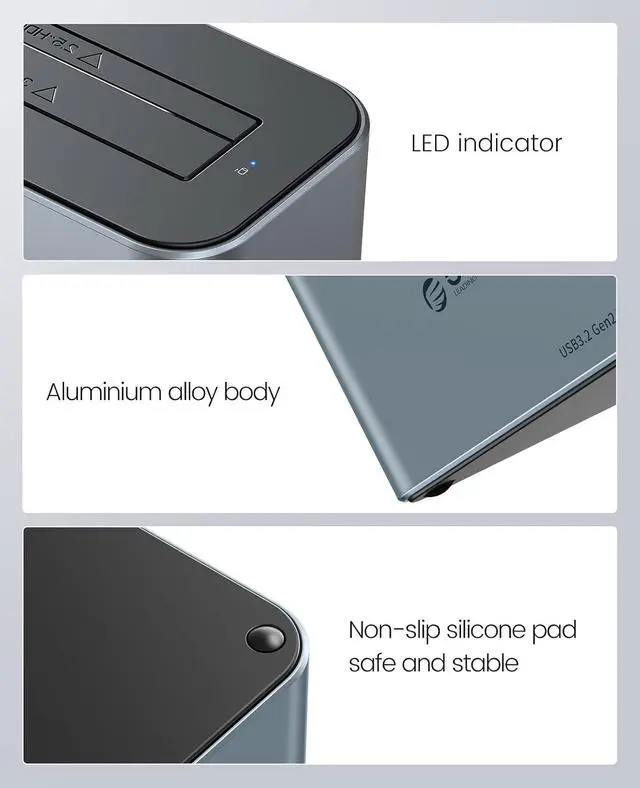
- 18TB SupportedThis 3.5 hard docking station is widely compatible with 2.5/3.5-inch SATA SSD HDD up to 18TB, which is a perfect solution for backup & and processing IT data, batch processing data, formatting, file transfers, etc. Support Windows XP/Vista/7/ 8.1/ 8/10, Mac OS 10 or higher.; 6Gbps with UASP AcceleratedOrico hard drive docking station designed with USB 3.1 Gen 1 interface, supports 6Gbps max transfer speed and UASP accelerated transmission protocol, 70% Faster than conventional USB 3.0 when connected to a computer that also supports UASP. Support TRIM and S.M.A.R.T.; Support USB-C and USB-A DeviceThe sata docking station comes with a USB 3.0 2in1 data cable that can support a wide range of USB-C and USB-A devices such as laptops, computers, tablets, desktops, routers, projectors, etc. Advanced control chip to meet the safety and stability of large-capacity hard disk data transmission. USB-A Adapter included; High-end Aluminum Alloy MaterialThe HDD docking station is made of sturdy and durable Aluminum Alloy material with a vertical design, which provides high performance and fast heat dissipation. Dust-proof socket baffle always keeps the dock station clean and safe. LED indicator lets you know the working status easily.; Plug & Play Just plug this into the device and you're good to go. 12V 2A power adapter is for providing a stable electricity supply, Automatic sleep mode after 10 minutes of inactivity saves energy. Anti-slip silicone foot pads,
+
+
Overview
Specs
Reviews
Any questions? Our AI beta will help you find out quickly.
Try me now
Product description One bay doesn't have a clone function, dual bay has 2 versions with or without a clone function, please choose one that meets your needs. Auto Sleep Mode It will go into sleeping mode automatically if no data activity within 10 mins, but can be easily awakened by with data transmission. Type-C Port Built with USB 3.2 Gen 2 type C ports, which can offer 6Gbps high speed transmission, supports UASP/TRIM for even faster data transfers. Support USB-C /USB-A Device Advanced 10Gbps Type C-C cable with USB-A adapter, easy to connect the docking station to your desktop or laptop directly without any converter.
Shockproof Pads Anti-slip silicone foot pads on all four corners of the bottom, provide shockproof & vibration-resistant functions. The Ultimate Gaming Experience Up to 6 Gbps transmission speed with ridiculously short load times for the extreme gaming experience Simple Backup Files Easily share files and back up in seconds, you can storage and retrieval data at any time. Enjoy High Definition Movies Can be connected to Smart TV, easy to play high definition quality movies music on your hard drive. Build Private Cloud Storage Access and share files from PC and Mac computer over your network.
Plug and play, no driver needed. Game consoles Desktop or Laptop Smart TV Router How to Operate Offline Clone Function 1. Insert Source Disk into hard drive Source bay (A), then insert Target Disk (B) into hard drive Target bay. 2. Make Sure the Target Disk Capacity is larger than the source hard disk (B>A) 3. Make sure that the USB cable is disconnected from your computer. 4. Connect the power supply and switch on the power. 5. Push the button to the Clone side then long press the start button for 3 seconds, when the clone lights are blinking, the clone progress starts.
6. 4 LED indicators will flash and be on one by one to mark 25%-50%-75%-100% cloning progress. 7. When the offline clone is 100% completed, 4 LED lights will stay on until the device is turned off. 8. Finally press the power switch to the OFF position and eject your drives.

Shockproof Pads Anti-slip silicone foot pads on all four corners of the bottom, provide shockproof & vibration-resistant functions. The Ultimate Gaming Experience Up to 6 Gbps transmission speed with ridiculously short load times for the extreme gaming experience Simple Backup Files Easily share files and back up in seconds, you can storage and retrieval data at any time. Enjoy High Definition Movies Can be connected to Smart TV, easy to play high definition quality movies music on your hard drive. Build Private Cloud Storage Access and share files from PC and Mac computer over your network.
Plug and play, no driver needed. Game consoles Desktop or Laptop Smart TV Router How to Operate Offline Clone Function 1. Insert Source Disk into hard drive Source bay (A), then insert Target Disk (B) into hard drive Target bay. 2. Make Sure the Target Disk Capacity is larger than the source hard disk (B>A) 3. Make sure that the USB cable is disconnected from your computer. 4. Connect the power supply and switch on the power. 5. Push the button to the Clone side then long press the start button for 3 seconds, when the clone lights are blinking, the clone progress starts.
6. 4 LED indicators will flash and be on one by one to mark 25%-50%-75%-100% cloning progress. 7. When the offline clone is 100% completed, 4 LED lights will stay on until the device is turned off. 8. Finally press the power switch to the OFF position and eject your drives.
Warranty & Returns
Warranty, Returns, And Additional Information
Warranty
- Please contact the Seller directly for warranty information. Warranty information may also be found on the Manufacturer's website.
- CONTACT
Return Policies
- Return for refund within: 30 days
- Return for replacement within: 30 days
- This item is covered by EmpressTech Return Policy
Manufacturer Contact Info
- For a directory of all our manufacturers, please click below.
- Manufacturers Directory
LOADING...