Your Browsing History
Meet Your Seller
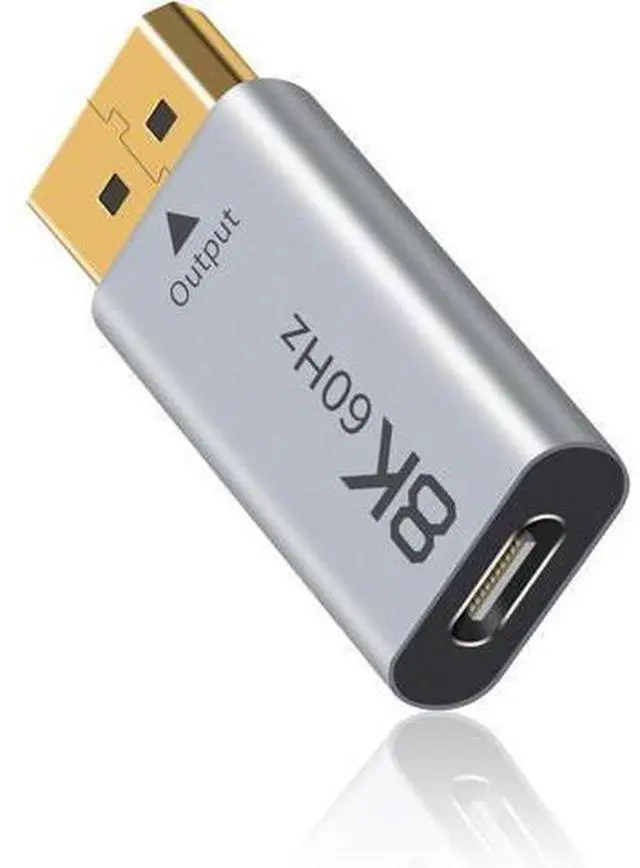
8K USB C to Displayport 1.4 Adapter 1 Pack, (Uni-Directional) USB C Female to DP Male Adapter Compatible with iPhone 16 Pro Max, Galaxy S24, MacBook Pro/Air, iPad, XPS Grey
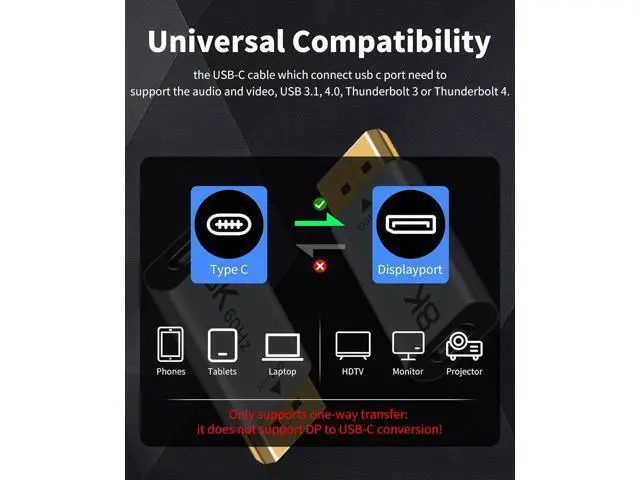
- Please pay attention that the USB C to DisplayPort 1.4 Adapter only supports one-way transfer: it does not support DisplayPort to USB-C conversion! And the USB-C cable which connect usb c port need to support the audio and video, USB 3.1, 4.0, Thunderbolt 3 or Thunderbolt 4.
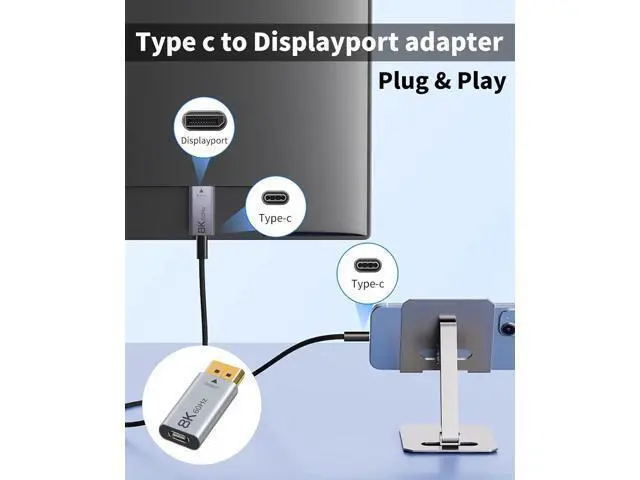
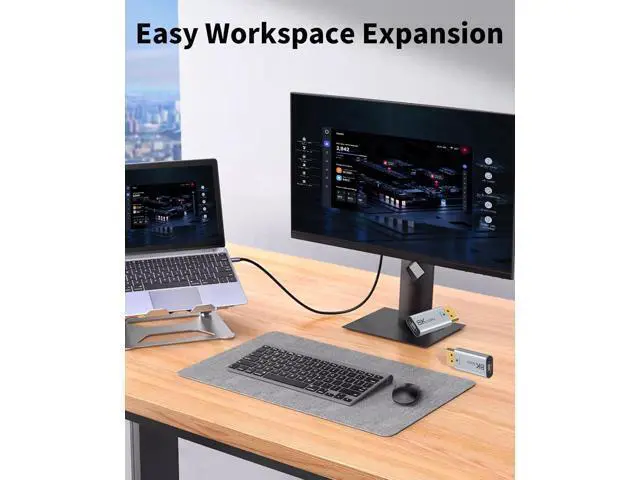
- How to use the thunderbolt 4 to displayPort adapter: Connect the displayPort port to the receiving device such as TV, monitor, projector, HDTV, or other devices with HDMI port (display device). The USB C port is used to plug in a Type-C cable to connect to a computer, desktop, laptop, cell phone.
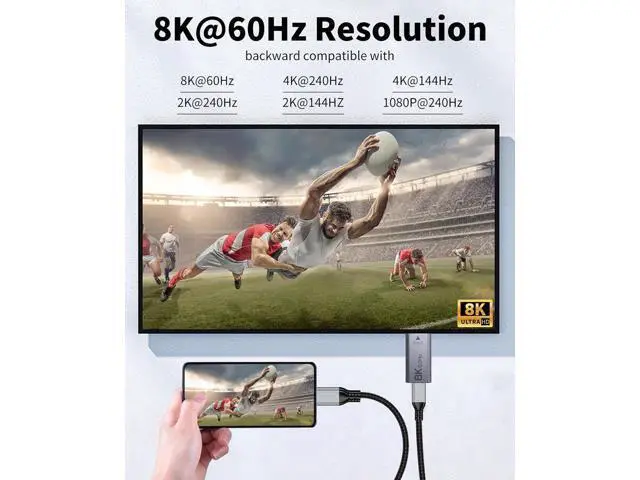
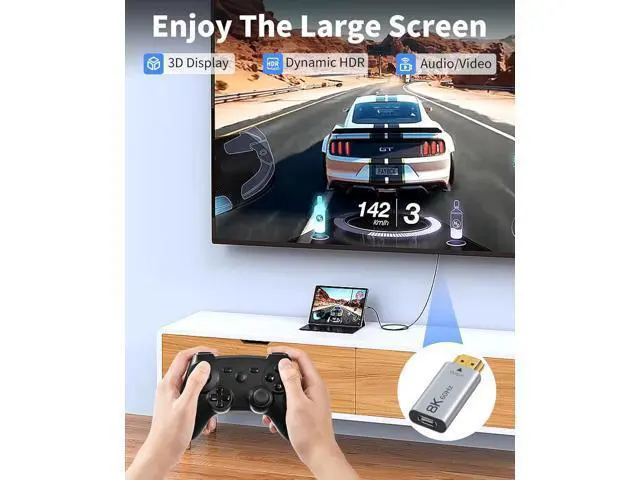
- The USB C to DisplayPort adapter supports 8K@60Hz high resolution and is backward compatible with 4K/144Hz, 2K/165Hz, and 1080p/240Hz. It supports 3D video and both static and dynamic HDR, and delivers clear audio on 32 audio channels. It also features automatic audio/video synchronization and video output.

+
+
Overview
Specs
Reviews
Any questions? Our AI mode will help you find out quickly.
Try me now
Please pay attention that the USB C to DisplayPort 1.4
Adapter only supports one-way transfer: it does not support DisplayPort to USB-C conversion! And the USB-C cable which connect usb c port need to support the audio and video, USB 3.1, 4.0, Thunderbolt 3 or Thunderbolt 4... How to use the thunderbolt 4 to displayPort adapter: Connect the displayPort port to the receiving device such as TV, monitor, projector, HDTV, or other devices with HDMI port (display device). The USB C port is used to plug in a Type-C cable to connect to a computer, desktop, laptop, cell phone... The USB C to DisplayPort adapter supports 8K@60Hz high resolution and is backward compatible with 4K/144Hz, 2K/165Hz, and 1080p/240Hz. It supports 3D video and both static and dynamic HDR, and delivers clear audio on 32 audio channels. It also features automatic audio/video synchronization and video output.
Warranty & Returns
Warranty, Returns, And Additional Information
Warranty
- Please contact the Seller directly for warranty information. Warranty information may also be found on the Manufacturer's website.
- CONTACT
Return Policies
- Return for refund within: 30 days
- Return for replacement within: 30 days
- This item is covered by Zhiyi Technology Return Policy
Manufacturer Contact Info
- For a directory of all our manufacturers, please click below.
- Manufacturers Directory
LOADING...