Your Browsing History
Meet Your Seller
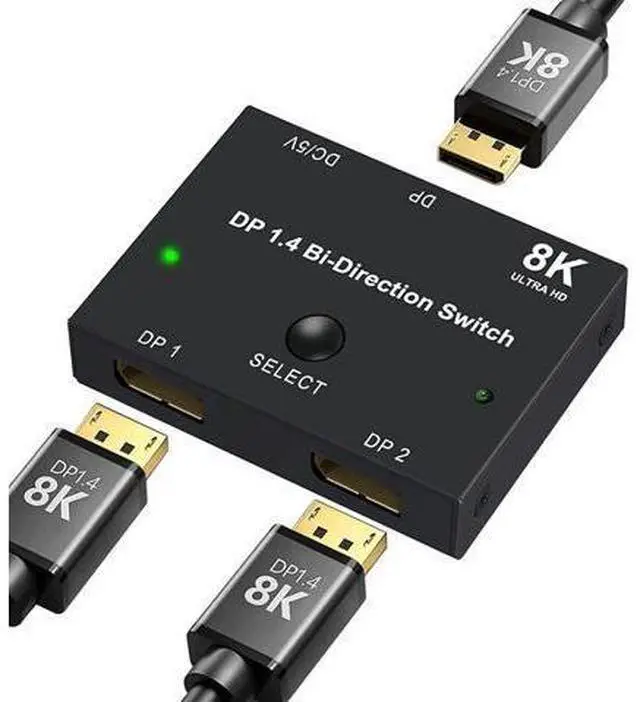
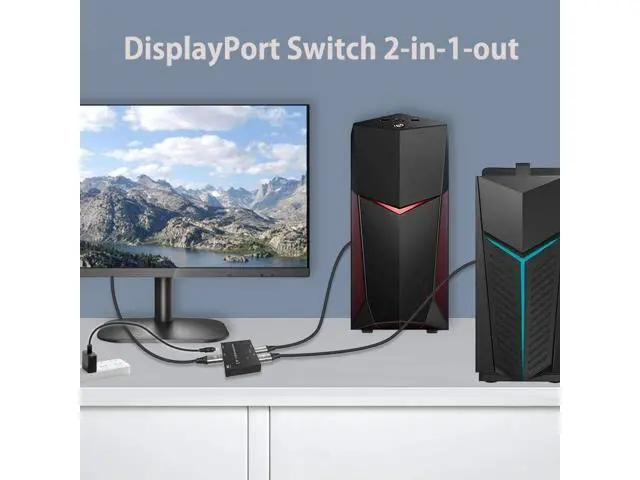
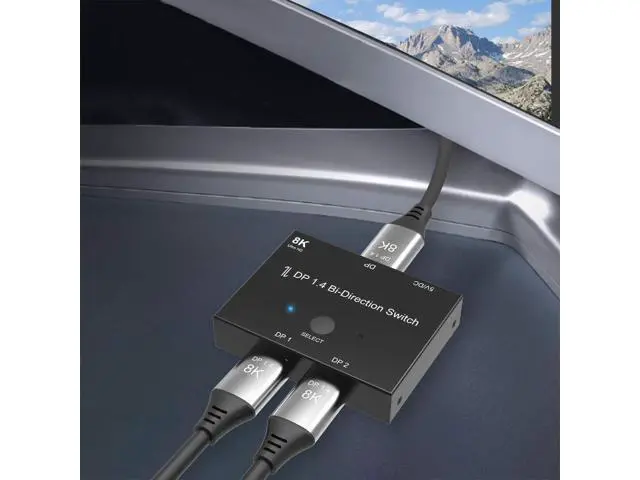
DisplayPort Switch Box 2-in-1-out 8K@30Hz 4K@120Hz DisplayPort 1.4 Switcher Compatible with PC, Laptop, Monitor, Gaming, TV
- NOTE: You need to use a standard DP1.4 cable to connect this displayport switch box to work properly, otherwise it will flicker or the screen will turn black
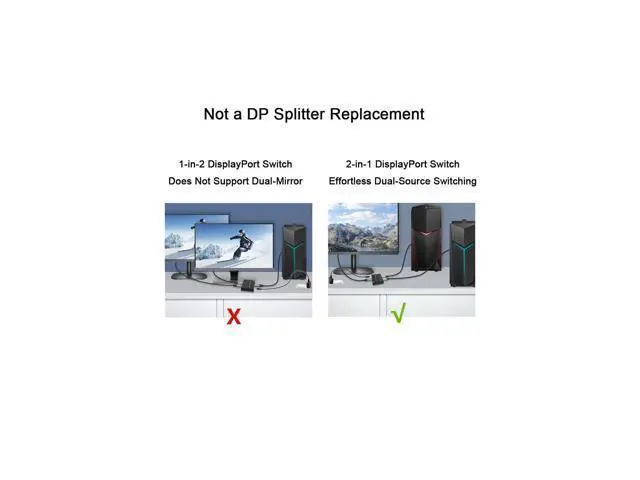
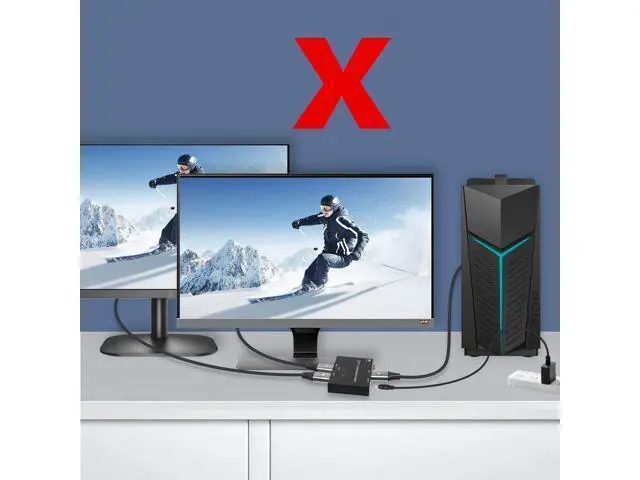
- Two displays CANNOT display simultaneously
- While connecting to Source or Display, you must use the usb cable to power the displayport switch, or your source / display will not show anything
- Do not use too long cable(total 3m) for connection between the displayport switcher and your devices
- High Resolution
- display port switch box supports 8K 30HZ, 4K 120Hz, 1080P 240Hz, 3D resolution and HD audio, the DP switcher will brings you a luxurious and wonderful audio-visual experience
- Plug and Play
- External power required, the DP switch box is easy to setup and operate
- Note: While using, press "select" Button to switch signal between two sources or displays, the indicator lights show the working status
- Two displays CANNOT display simultaneously
+
+
Overview
Specs
Reviews
Any questions? Our AI mode will help you find out quickly.
Try me now
NOTE: You need to use a standard DP 1.4 cable to connect this displayport switch box to work properly, otherwise it will flicker or the screen will turn black.. Two displays CANNOT display simultaneously.. While connecting to Source or Display, you must use the usb cable to power the displayport switch, or your source / display will not show anything.. Do not use too long cable (total 3m) for connection between the displayport switcher and your devices.. High Resolution.. display port switch box supports 8K 30HZ, 4K 120Hz, 1080P 240Hz, 3D resolution and HD audio, the DP switcher will brings you a luxurious and wonderful audio-visual experience.. Plug and Play.. External power required, the DP switch box is easy to setup and operate..
Note: While using, press "select" Button to switch signal between two sources or displays, the indicator lights show the working status.. Two displays CANNOT display simultaneously

Warranty & Returns
Warranty, Returns, And Additional Information
Warranty
- Please contact the Seller directly for warranty information. Warranty information may also be found on the Manufacturer's website.
- CONTACT
Return Policies
- Return for refund within: 30 days
- Return for replacement within: 30 days
- This item is covered by Zhiyi Technology Return Policy
Manufacturer Contact Info
- For a directory of all our manufacturers, please click below.
- Manufacturers Directory
LOADING...