Out of stock
  • $44.99
  • Free 30-day Returns

Shipped by Pingquan Store

Price alert
Shop it at NeweggBusiness.

Meet Your Seller

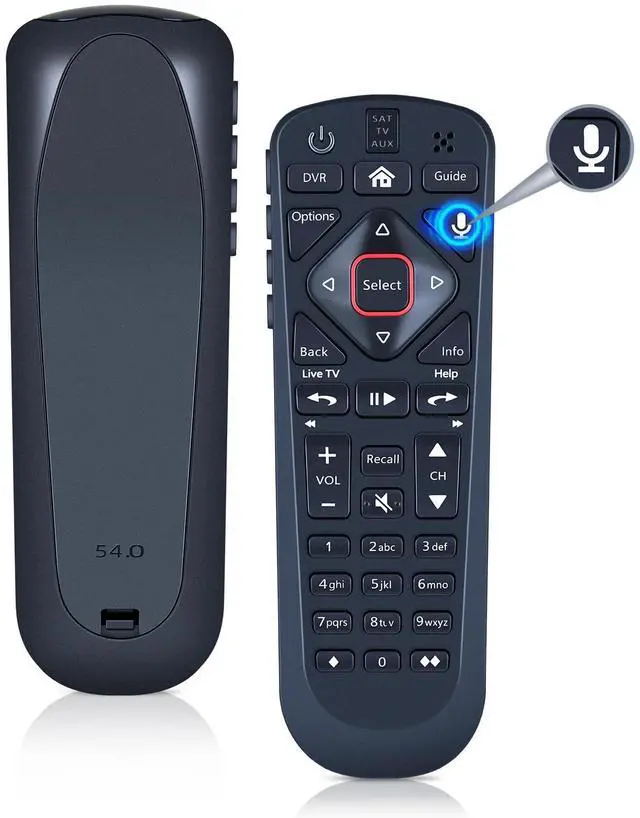
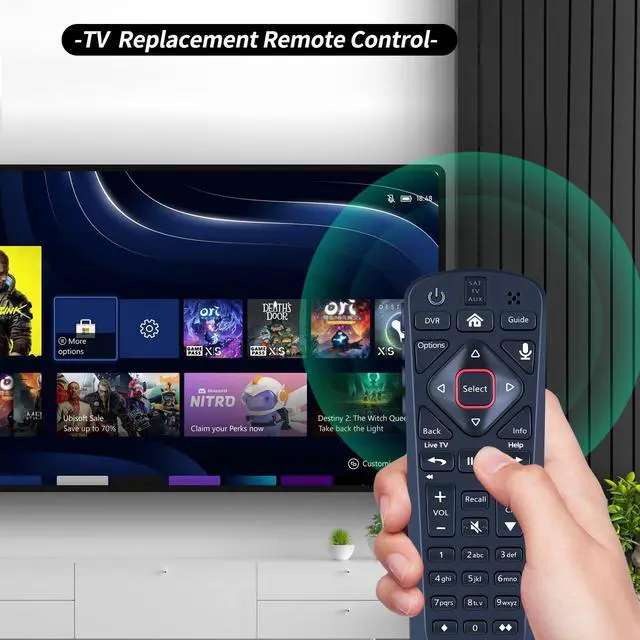
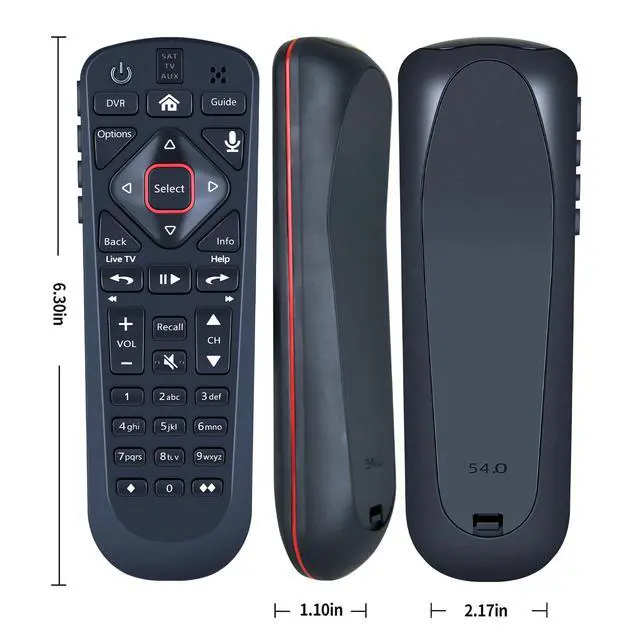
Remote Control for Dish Network Upgraded 54 Series 54.0 54.1 54.2 54.3 UHF | Compatible with The Hopper, Wally, Joey Receivers, with Voice Search Function

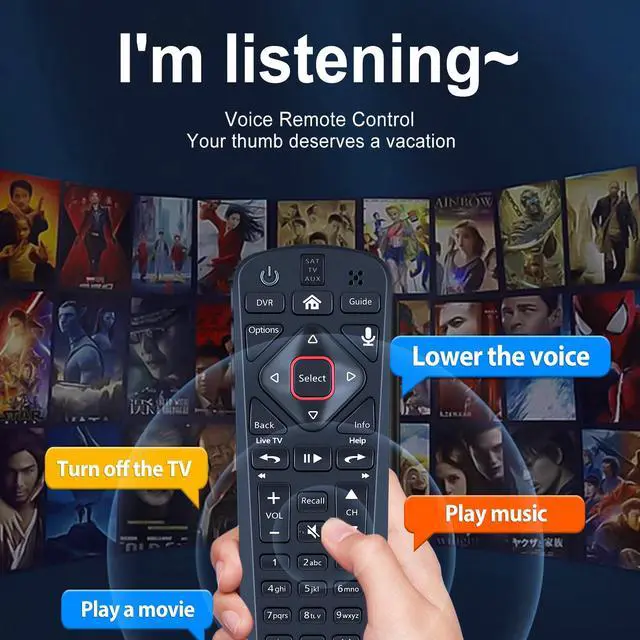
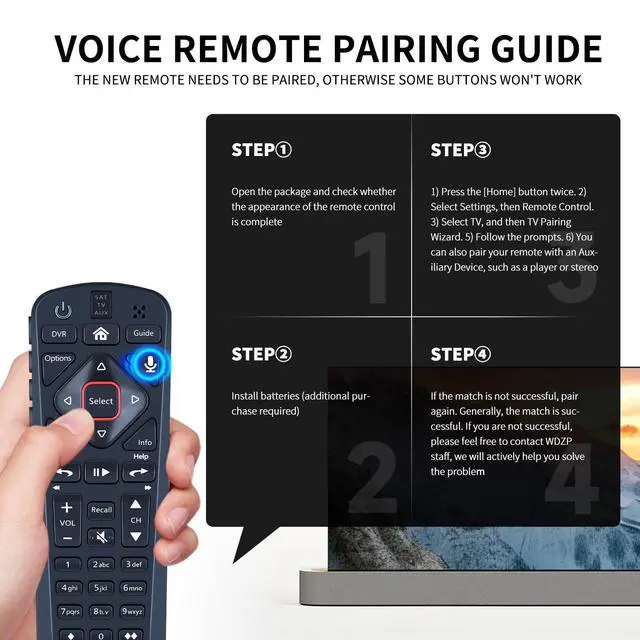
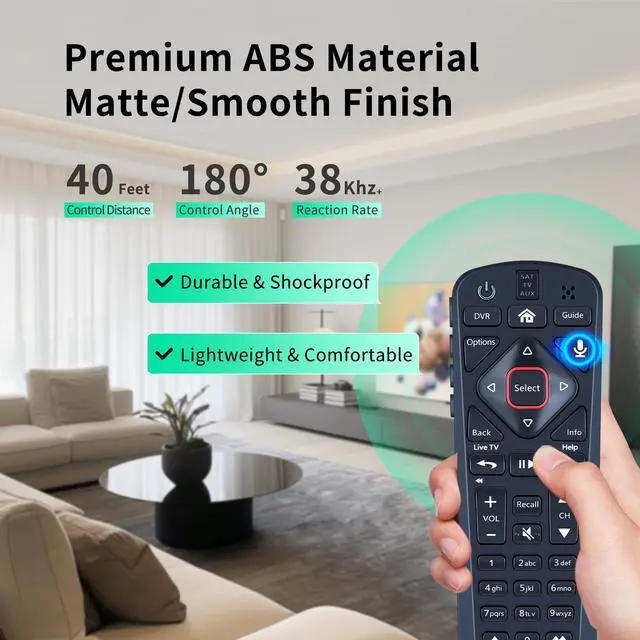
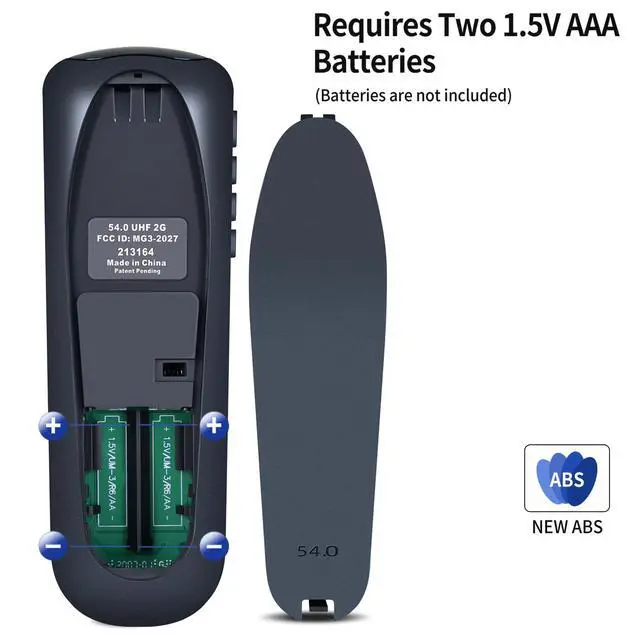
  • Voice Search Function: Replacement voice remote control compatible with Dish Network Upgraded 54 Series 54.0, 54.1, 54.2, 54.3 UHF for The Hopper. Built-in microphone enables voice search locate your programs quickly, no need to type with arrow keys. Note: Turn On Your Remote: 1) Open the front panel of your receiver and press the [SYS INFO] button. 2) Press the [SAT] button on the side of the remote control. You will hear three beeps, showing it has paired with your receiver. Simple Pairing: Add 2 * 1.5V AAA Batteries (not included). 1) Press the [Home] button twice. 2) Select Settings, then Remote Control. 3) Select TV, and then TV Pairing Wizard. 5) Follow the prompts. 6) You can also pair your remote with an Auxiliary Device, such as a player or stereo. Unpairing method: Press and hold the SAT button on the side of the remote control. After 3 seconds, the indicator light flashes. Release the key. Press and hold the "Home" button and "Guide" button at the same time. After 3 seconds, the buzzer will beep three times. Release the keys

+
+
Overview
Specs
Reviews
avatar

Any questions? Our AI mode will help you find out quickly.

Voice Search Function: Replacement voice remote control compatible with Dish Network Upgraded 54 Series 54.0, 54.1, 54.2, 54.3 UHF for The Hopper. Built-in microphone enables voice search locate your programs quickly, no need to type with arrow keys.
Note: Turn
On Your Remote: 1) Open the front panel of your receiver and press the [SYS INFO] button. 2) Press the [SAT] button on the side of the remote control. You will hear three beeps, showing it has paired with your receiver.
Simple Pairing: Add 2 * 1.5V AAA Batteries (not included). 1) Press the [Home] button twice. 2) Select Settings, then Remote Control. 3) Select TV, and then TV Pairing Wizard. 5) Follow the prompts. 6) You can also pair your remote with an Auxiliary Device, such as a player or stereo.
Unpairing method: Press and hold the SAT button on the side of the remote control. After 3 seconds, the indicator light flashes. Release the key. Press and hold the "Home" button and "Guide" button at the same time. After 3 seconds, the buzzer will beep three times. Release the keys

Warranty & Returns

Warranty, Returns, And Additional Information

Warranty

  • Please contact the Seller directly for warranty information. Warranty information may also be found on the Manufacturer's website.
  • CONTACT

Return Policies

Manufacturer Contact Info

LOADING...