





Does this Bluetooth headset have mute function?
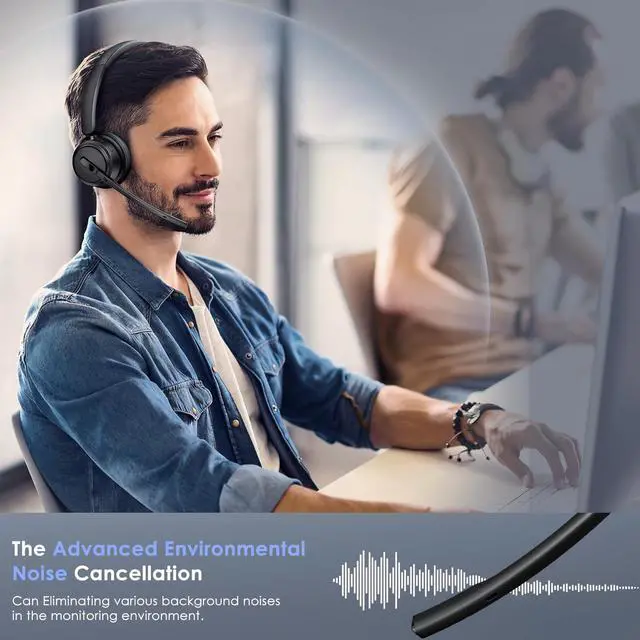
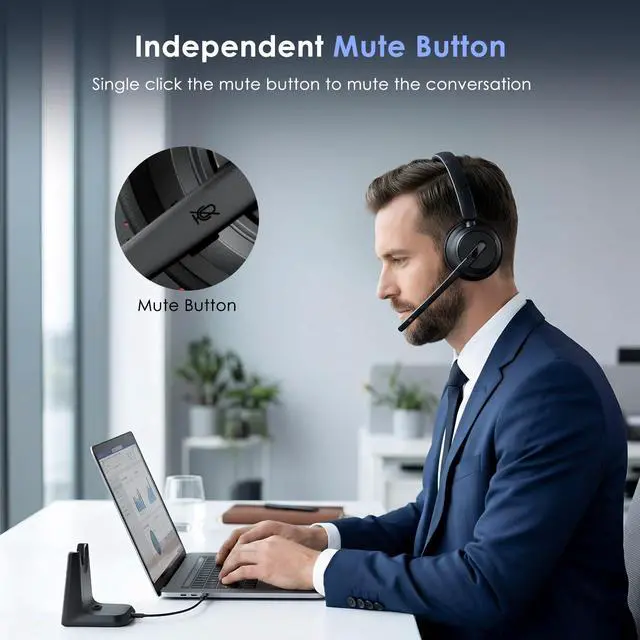
Yes, you can click the mute button on the mic to mute the call, when using with the PC, you need to connect with USB Dongle first. Please note: The mute function only works during a call or video meeting.
Can I answer incoming calls from my cell phone or desk phone (VOIP) using the headset?
If you use the Bluetooth headset with cell phones, you can click the MFB button to answer or hang up calls (mobile phone calls only). If you use the headset with computers/desk phones, you can't use the headset to answer or hang up calls.
Can it connect with 2 devices at the same time?
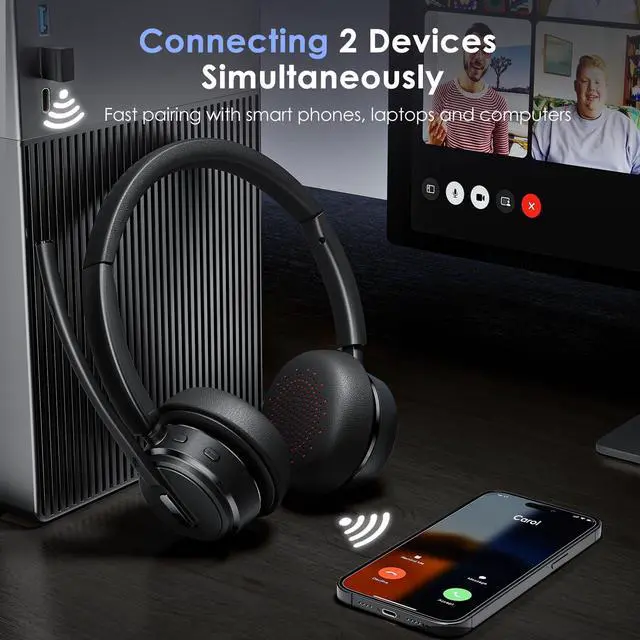
Yes, the headset can pair to 2 devices simultaneously. First connect to the first device and turn the first one off, then pair with the second device. You can easily have a video meeting on a PC and pick up phone calls on the phone.
How long does the battery last?
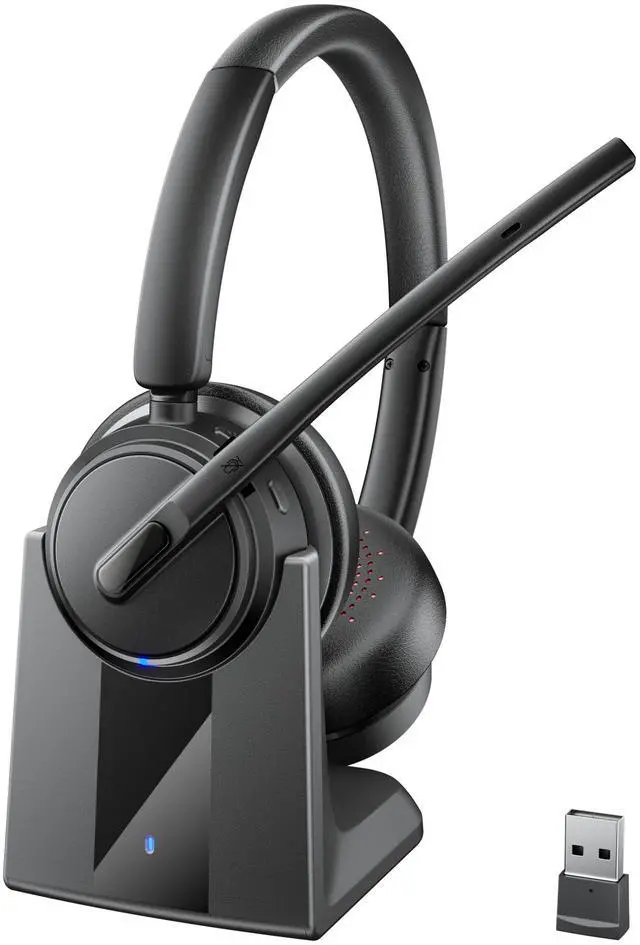
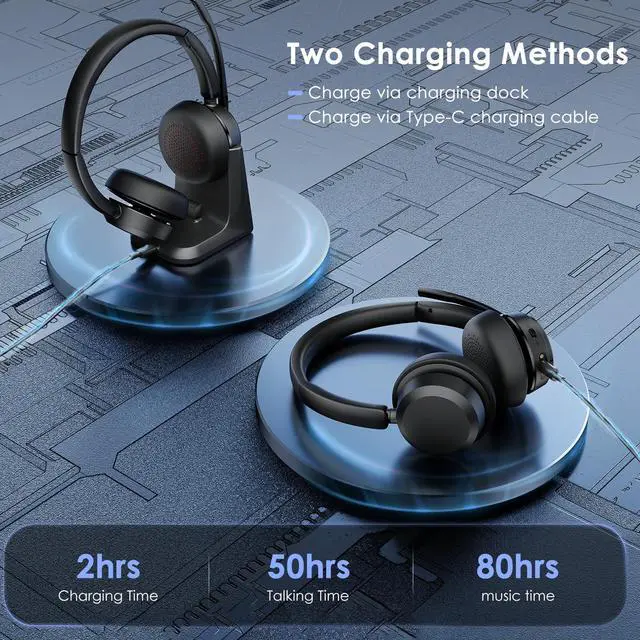
500 mAh battery gives you up to 80 hours of music or 50 hours of talk time (at 50% volume). When battery is low, a voice says “Battery low”. You can charge the Bluetooth headset via Type-C charging cable or drop it on the charging base.
How do I pair the Bluetooth headset to computer?
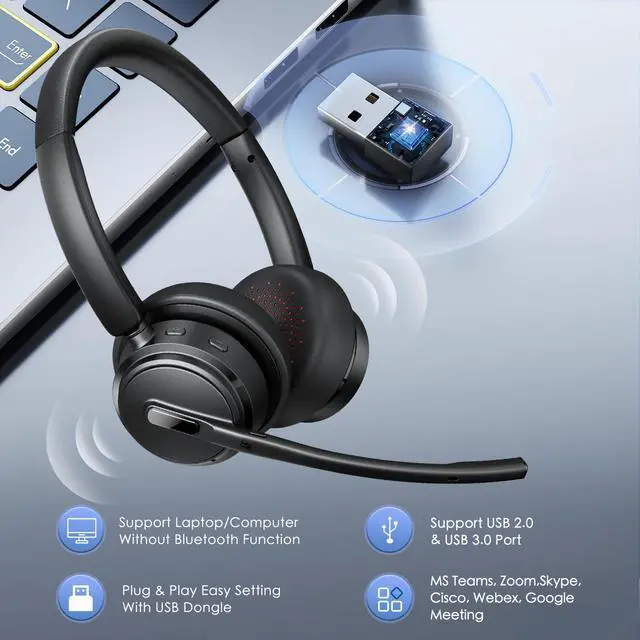
Plug the Bluetooth dongle into a USB port on your computer, then power on the Bluetooth headset and enter pairing mode, with the LED indicator flashing red and blue alternately. The dongle will connect to the headset automatically.


Does this Bluetooth headset have mute function?
Yes, you can click the mute button on the mic to mute the call, when using with the PC, you need to connect with USB Dongle first. Please note: The mute function only works during a call or video meeting.
Can I answer incoming calls from my cell phone or desk phone (VOIP) using the headset?
If you use the Bluetooth headset with cell phones, you can click the MFB button to answer or hang up calls (mobile phone calls only). If you use the headset with computers/desk phones, you can't use the headset to answer or hang up calls.
Can it connect with 2 devices at the same time?
Yes, the headset can pair to 2 devices simultaneously. First connect to the first device and turn the first one off, then pair with the second device. You can easily have a video meeting on a PC and pick up phone calls on the phone.
How long does the battery last?
500 mAh battery gives you up to 80 hours of music or 50 hours of talk time (at 50% volume). When battery is low, a voice says “Battery low”. You can charge the Bluetooth headset via Type-C charging cable or drop it on the charging base.
How do I pair the Bluetooth headset to computer?
Plug the Bluetooth dongle into a USB port on your computer, then power on the Bluetooth headset and enter pairing mode, with the LED indicator flashing red and blue alternately. The dongle will connect to the headset automatically.