








Do these translation earbuds require a subscription or monthly fee?
No. Translation and AI features work without any monthly subscription or code packs. Simply connect the earbuds to the Dana Mate app and start using them right away.
Do these earbuds work offline, or do they need internet?
An internet connection is required for translation features. For the best accuracy and speed, we recommend using Wi-Fi or mobile data.
How accurate is the translation in real conversations?
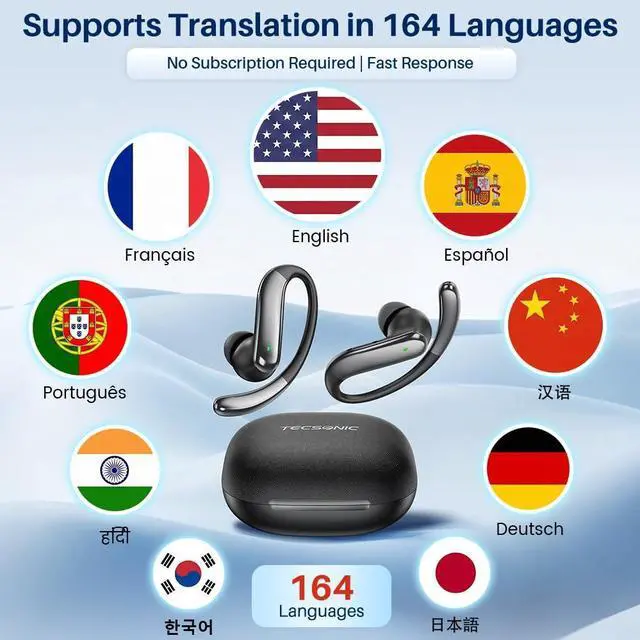
The earbuds support two-way translation in 164 languages and accents. Accuracy depends on network quality, background noise, and speaking clarity.
Are these comfortable for long wear and safe to use outdoors?
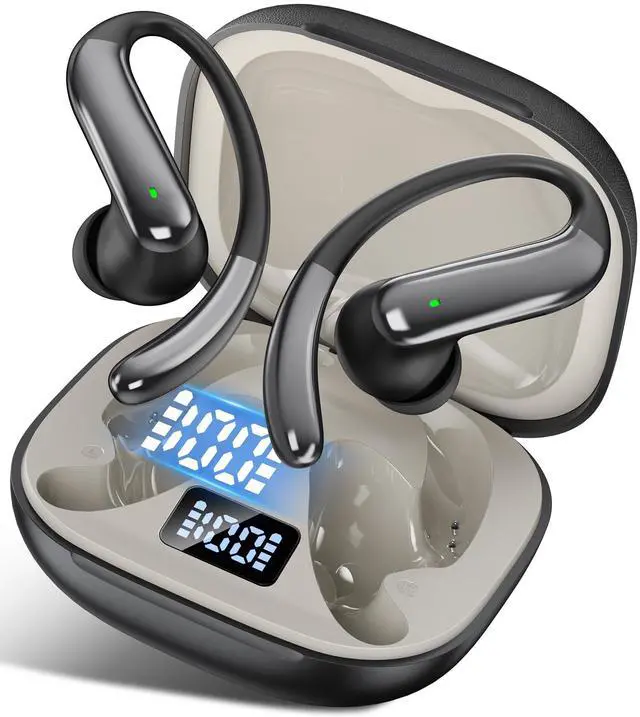
Yes. The open-ear ear-hook design sits outside the ear canal, helping reduce pressure and letting you stay aware of traffic and announcements.
Is setup complicated? Do I need to scan a code?
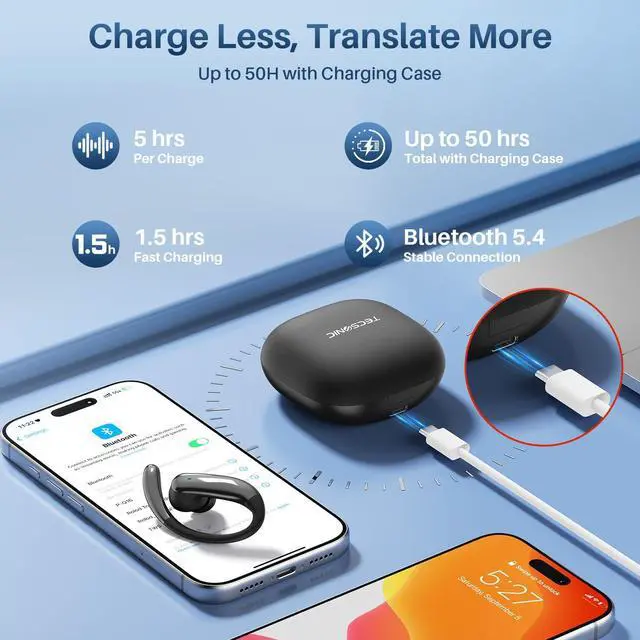
Setup is simple. Open the charging case, pair the earbuds via your phone’s Bluetooth, then open the Dana Mate app. No code is needed—the connection information is built into the earbuds and the app will reconnect automatically next time.








Do these translation earbuds require a subscription or monthly fee?
No. Translation and AI features work without any monthly subscription or code packs. Simply connect the earbuds to the Dana Mate app and start using them right away.
Do these earbuds work offline, or do they need internet?
An internet connection is required for translation features. For the best accuracy and speed, we recommend using Wi-Fi or mobile data.
How accurate is the translation in real conversations?
The earbuds support two-way translation in 164 languages and accents. Accuracy depends on network quality, background noise, and speaking clarity.
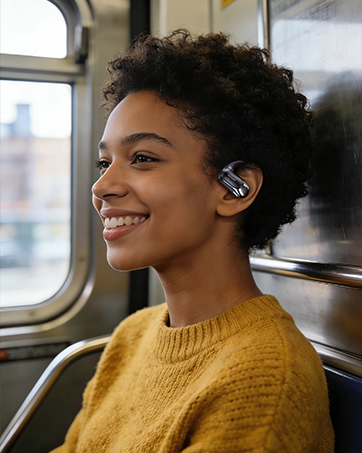
Are these comfortable for long wear and safe to use outdoors?
Yes. The open-ear ear-hook design sits outside the ear canal, helping reduce pressure and letting you stay aware of traffic and announcements.
Is setup complicated? Do I need to scan a code?
Setup is simple. Open the charging case, pair the earbuds via your phone’s Bluetooth, then open the Dana Mate app. No code is needed—the connection information is built into the earbuds and the app will reconnect automatically next time.
TECSONIC combines “TEC” (technology) and “SONIC” (the human voice). We were born from a simple frustration: meaningful moments lost in translation. Our mission is to make understanding effortless—so every voice can be heard clearly, and every conversation can move forward with confidence.
