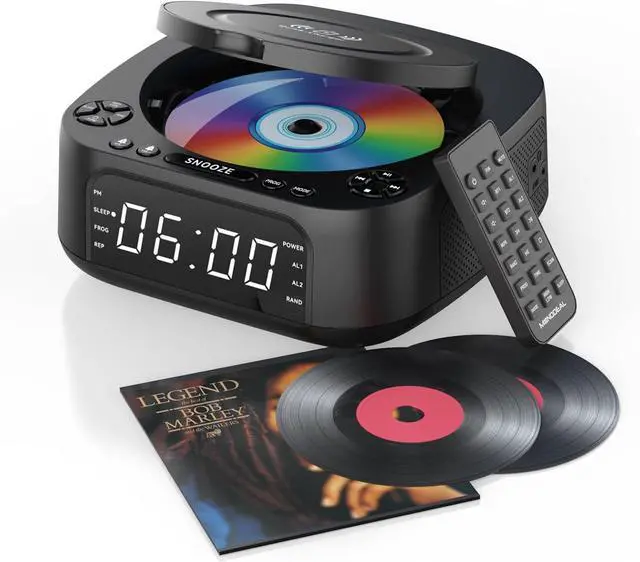
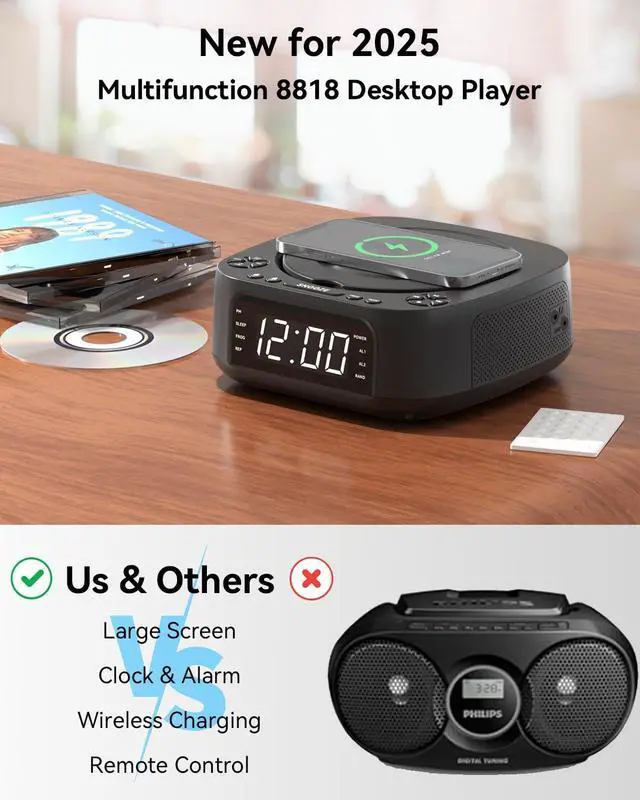
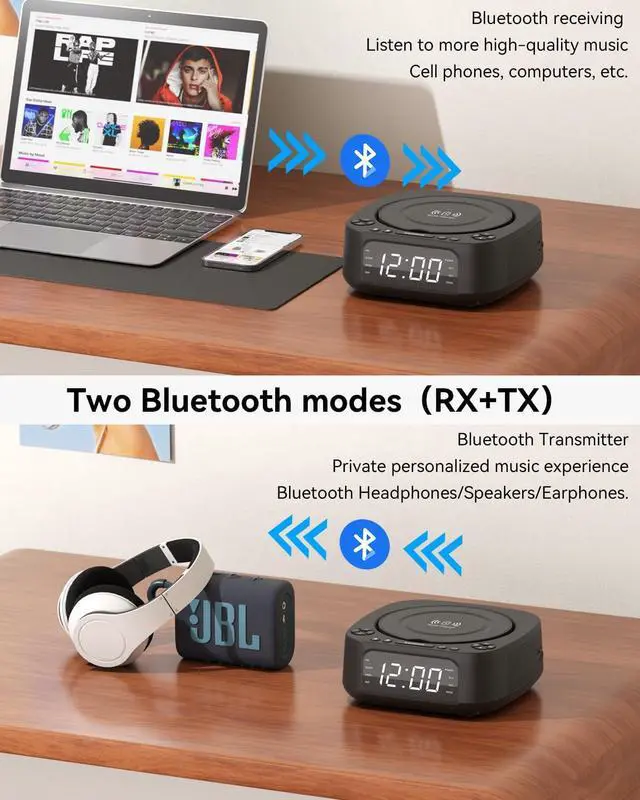
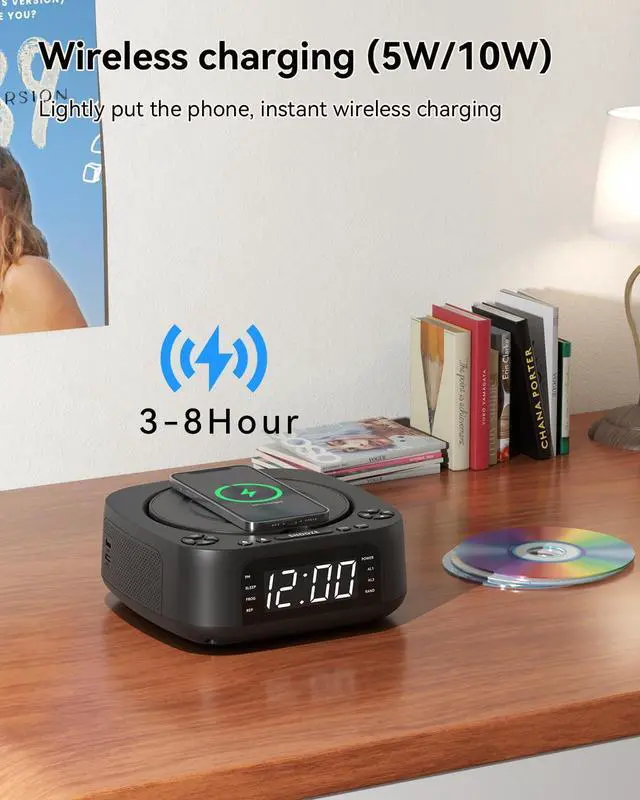
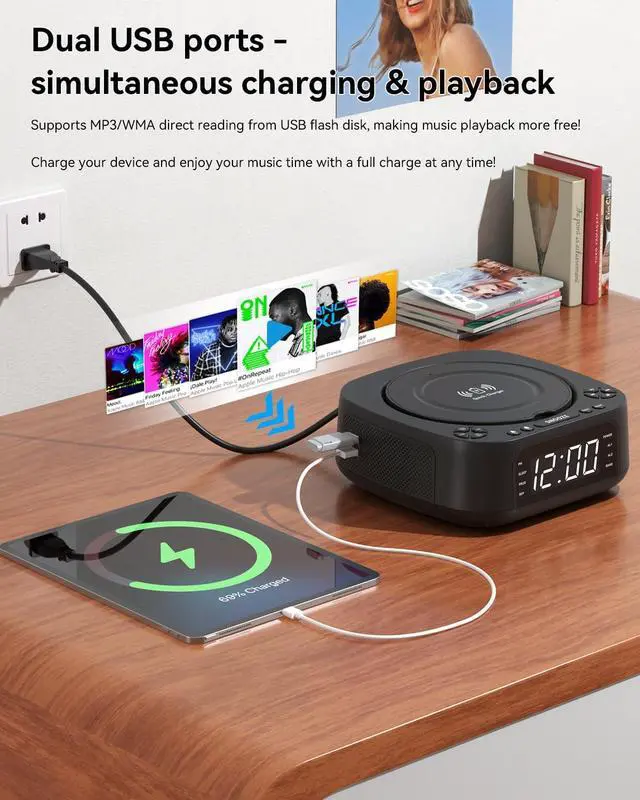
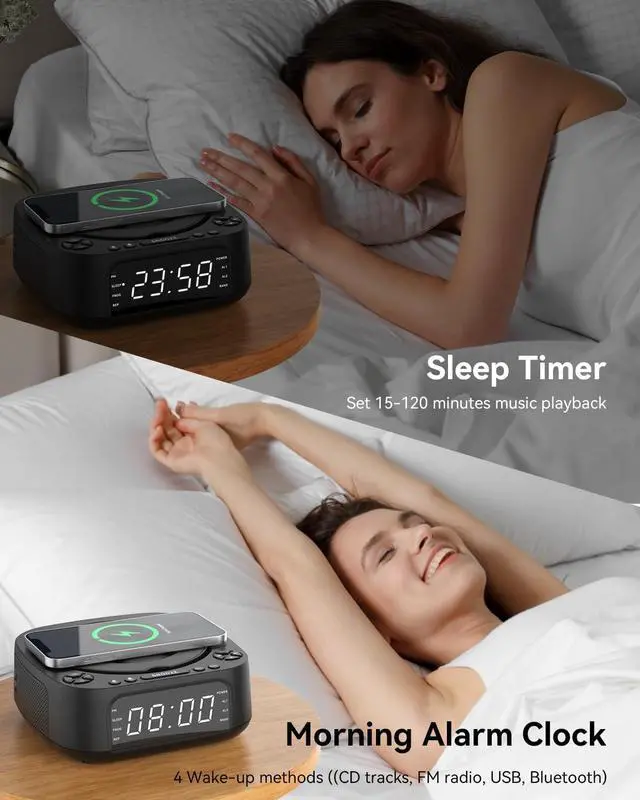
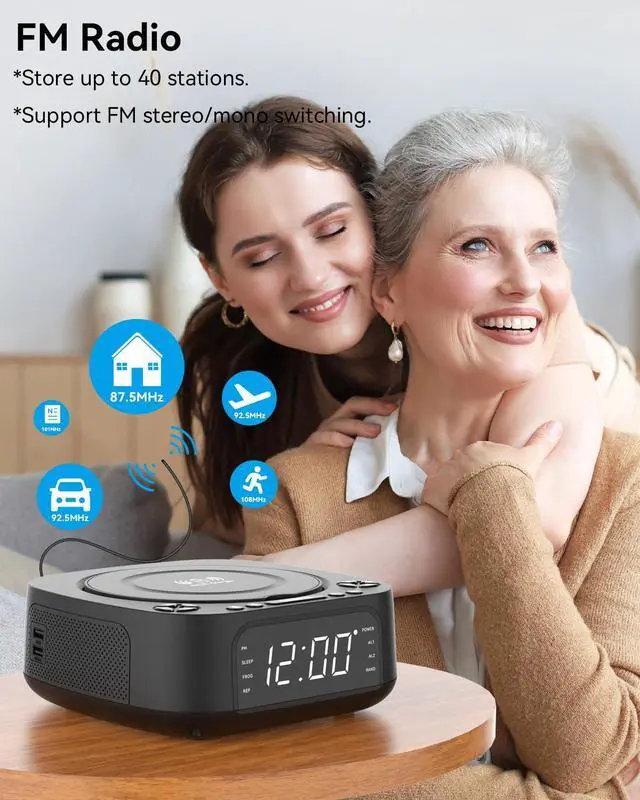
1cd player with speakers2Wireless Charging3Sleep Timer4Alarm Clock5Display Freely program the order of tracks, select specific tracks to play in a set order, avoid manually skipping songs you don't like, and create your own song list.
5 meters remote control, you can change songs and adjust the volume while lying down, easy to operate!
Q: CD player not working properly?
A: 1. Check disc condition: Ensure the CD is clean, free of scratches, and inserted face up into the disc tray. Try testing with another CD known to play correctly.2. Verify disc compatibility: Confirm your CD format (MD8818 supports CD, CD-R, CD-RW, MP3, and WMA formats).3. Check power connection: Ensure the power cord is fully inserted.4.Reset the device: Disconnect all power cables, wait one minute, then reconnect and power on.
Q&A Regarding Speaker Issues
Q1: Is it normal for a CD player to emit a clicking sound during playback?
A: Yes, this is normal. The sound is physical noise generated by friction between the mechanism components when the CD player reads discs. Solution: Apply lubricant to the mechanism components or wipe dust from the CD surface before playback.
Q2: Why does a hissing electrical noise occur when the volume is turned up on the CD player?
A: This is distortion, essentially caused by a mismatch between the CD player's amplifier and the speaker's load capacity. Solution: Simply reduce the volume.
MONODEAL 8818 Desktop Radio CD Playerwith Wireless Charging and Alarm Clock Programmed Playback Remote control operation Q&A