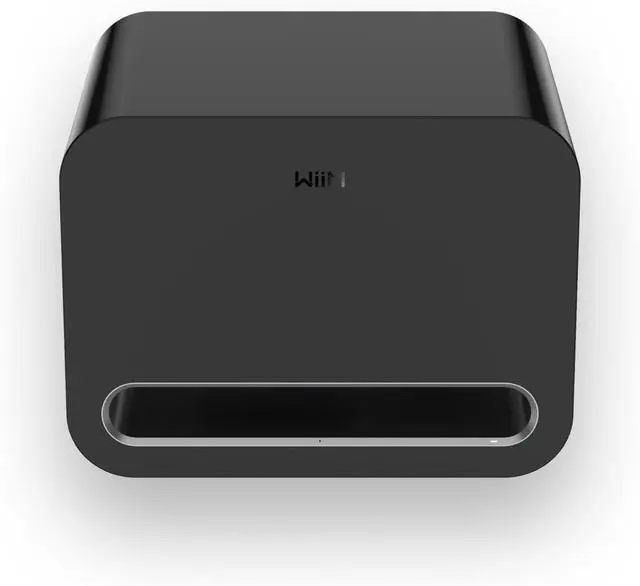
Delivering 250W of distortion-free bass down to 25Hz, the WiiM Sub Pro brings music, movies, and games to life with incredible depth and power. Whether youre diving into cinematic explosions or feeling the pulse of your favorite track, Sub Pro ensures your sound has souland serious punch.
You can connect wirelessly to WiiM streamers, amplifiers, and speakers, or use the RCA input for any third-party device with a subwoofer output.
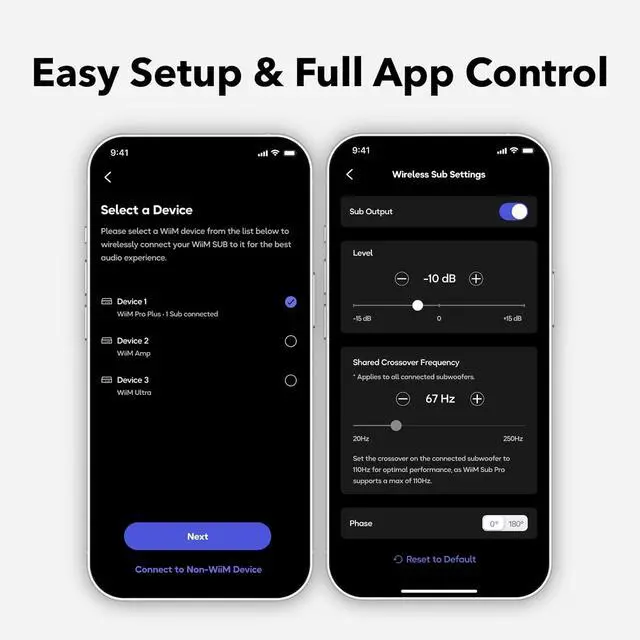
1AI RoomFit Calibration2Full App Control3Built to Performand Last4Smart Power Management5Regular App & FW Update Place the Sub Pro where you want it, plug it into the wall.
Open the WiiM Home App to join your Wi-Fi or Ethernet.
Tap RoomFit in the app, stay quiet for the sweep tone, and let AI dial-in perfect bass for your room.
Select your main WiiM speakers/amp in the app (or plug an RCA sub-out).
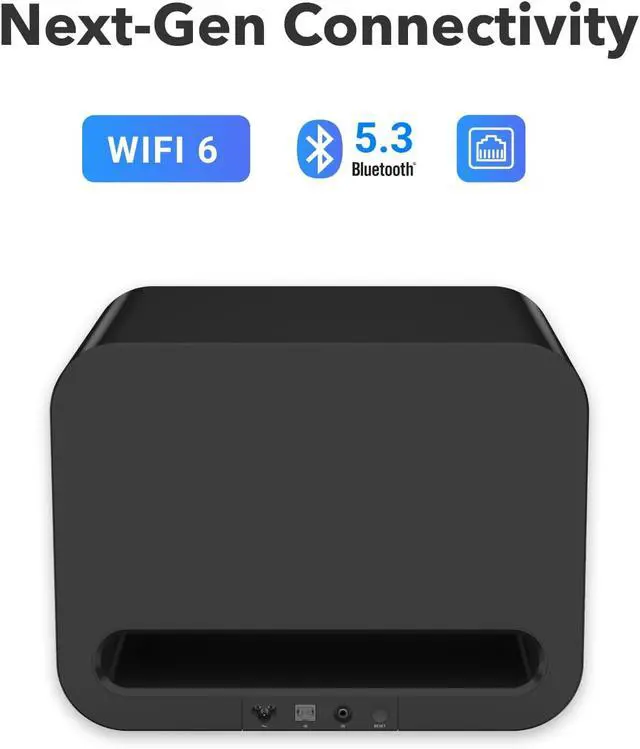
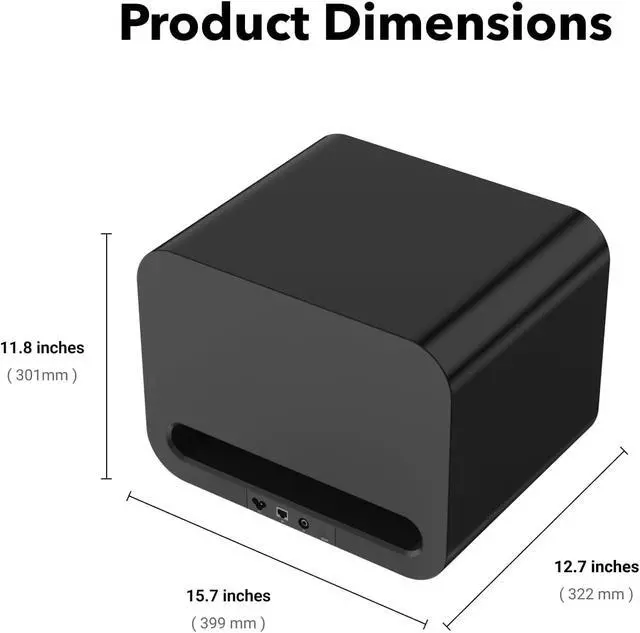
Dimensions15.7 × 11.8 × 12.7 in (399 × 301 × 322 mm)Weight35.2 lbs (16 kg)ColorsBlackAmpClass-D, 250W RMS continuous powerDriver8" custom woofer, 104 dB SPLFreq. Response25200 Hz (±3 dB from 30200Hz)InputsRCA Mono In, Wi-Fi 6, Bluetooth 5.3 LE, EthernetTuningRoomFit, 10-band EQ, crossover, phase, level, latency controlsAppWiiM Home App (iOS, Android, PC)OTA UpdatesSupported How do I connect the WiiM Sub Pro to my system?
You can connect wirelessly to WiiM streamers, amplifiers, and speakers, or use the RCA input for any third-party device with a subwoofer output.
Can I use the WiiM Sub Pro with non-WiiM audio gear?
Yes. The Sub Pro works with any receiver, amp, or soundbar that has a standard RCA subwoofer output.
Is the WiiM Sub Pro truly wireless?
Yes. It supports wireless pairing with compatible WiiM devices via Wi-Fi 6 (and Bluetooth 5.3 via software update). No cables are required for signal transmission in those setupsjust power.
Does it support multi-room audio?
Yes. When connected wirelessly to a WiiM device, the Sub Pro can sync as part of a multi-room setup via the WiiM Home App.
How does RoomFit auto-calibration work?
RoomFit uses your mobile devices microphone or external one attached to your mobile device to analyze your room acoustics, then automatically adjusts bass output for optimal performance.
Feel the Impact of Every Beat Works With Everything Smart Sound, Perfected for Your Room Total Control, Effectlessly Built to Perform and Last Smart Power Management Regular App & Firmware Update Easy to Set Up and Use Step 1: Power Up Step 2: Get Online Step 3: RoomFit Auto-Tuning Step 4: Pair & Play How do I connect the WiiM Sub Pro to my system?
Can I use the WiiM Sub Pro with non-WiiM audio gear?
Is the WiiM Sub Pro truly wireless?
Does it support multi-room audio?
How does RoomFit auto-calibration work?