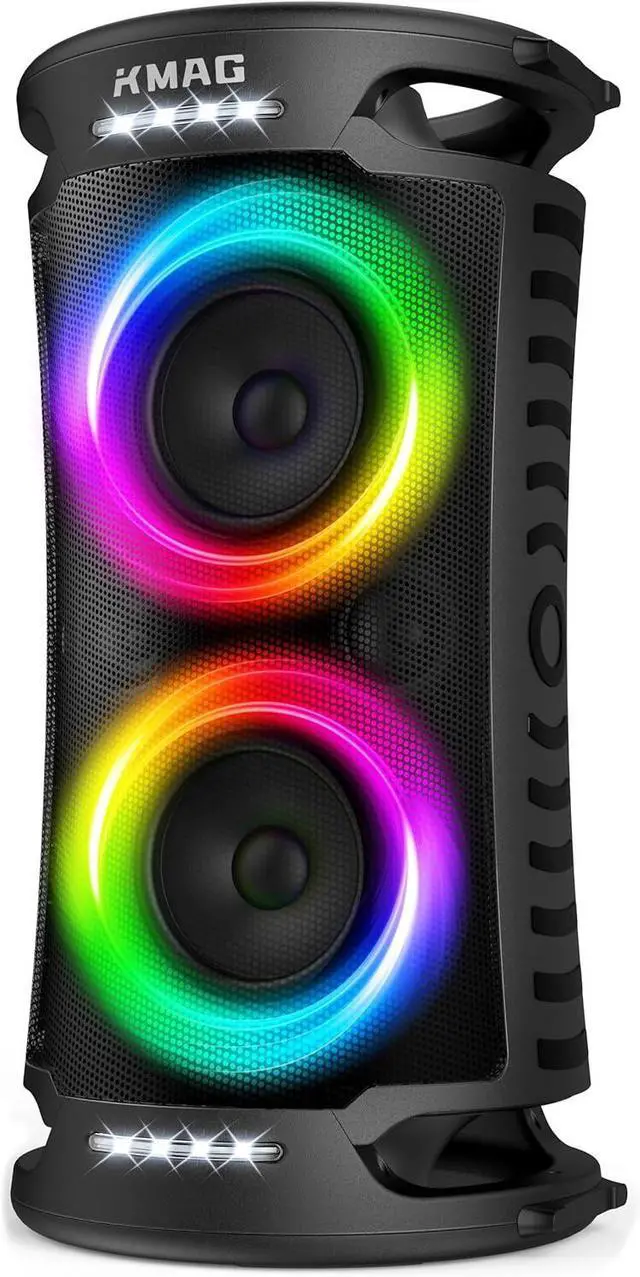
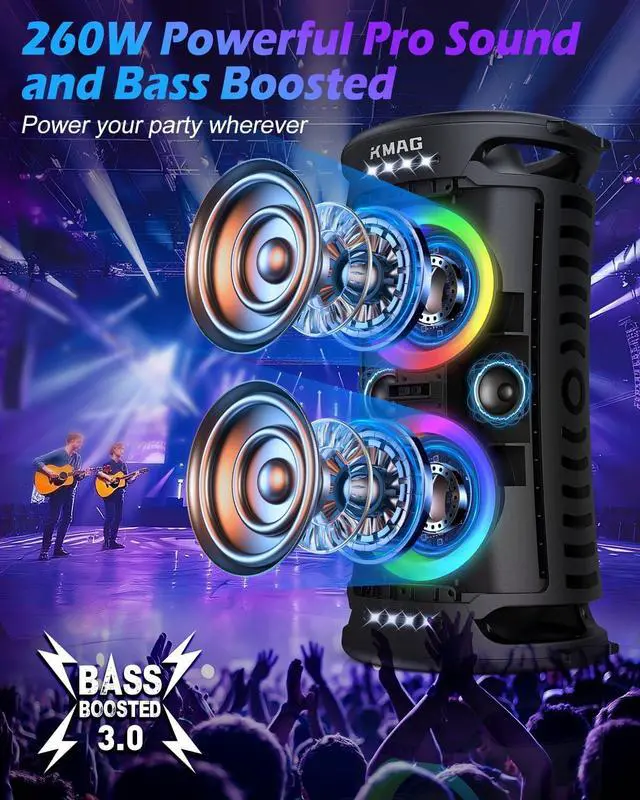
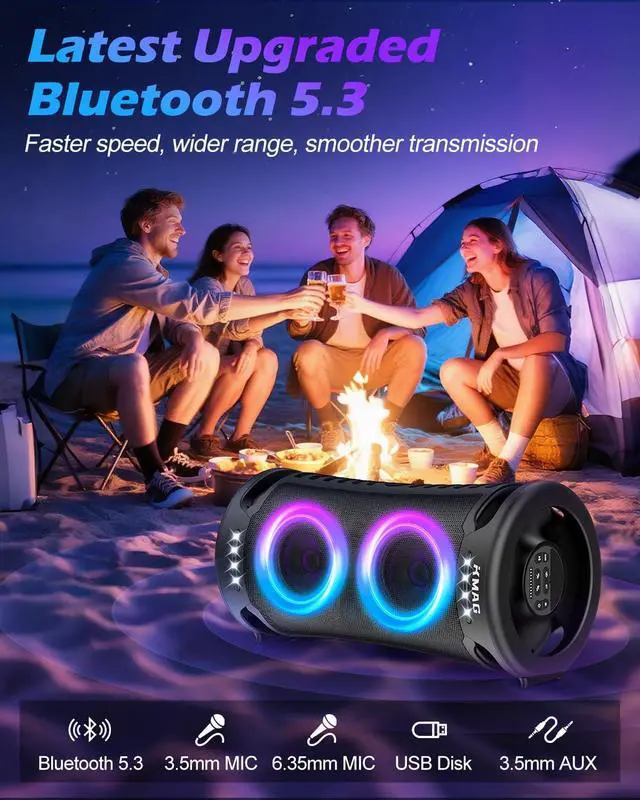
115H Playtime2Multiple Inputs3Packing List1TWS Feature2Better Home Theater3IPX4 Splashproof1Camping Party2Backyard Party3Beach Party4Home Party How to charge it?
Comes with Type-C & USB-C cables. Supports fast charge. You can use your own cable. For safety, use certified brand charger and cable. If charging fails, try other adapters/cables. Red light blinks while charging, stays solid when full.
How to increase volume?
Press the volume "+" button repeatedly and turn up your phone/tablet volume.
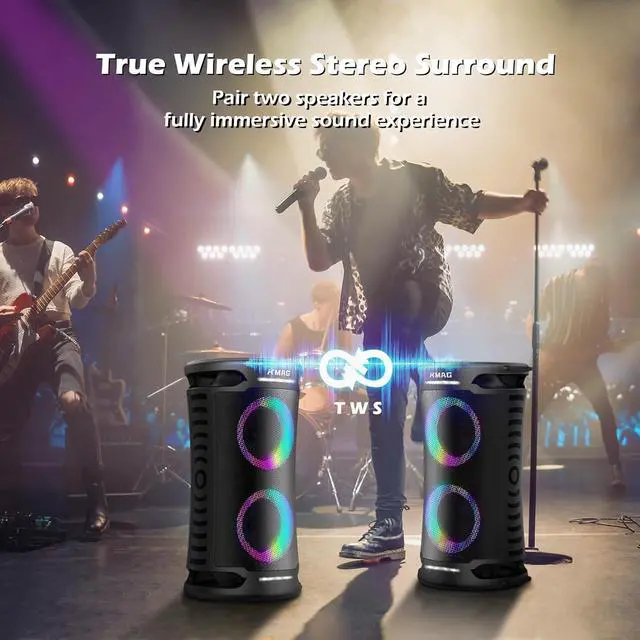
How to pair two speakers? /How to use TWS function?
1. Turn on two speakers.
2. Press TWS button on one of the speakers. Wait for a 3-5 seconds until the speaker prompts "Left/Right Channel".
3. Turn on the Bluetooth of your phone and connect one of the speaker.
Tips:Keep all devices within 10 meters.
Bluetooth not pairing?
Check light: steady = connected to another device; blinking = pairing mode. Clear paired devices on your phone/tablet as a full list can cause issues. If still not pairing, we'll send you a replacement.
How to reset?
The reset hole is inside the 3.5mm mic jack. Gently press inside with a pin/thin stick.
KMAG Party Speaker How to charge it?
How to increase volume?
How to pair two speakers? /How to use TWS function?
Bluetooth not pairing?
How to reset?