How to Pair Two Q66 Bluetooth Speaker for TWS?
Turn on and set them to Bluetooth mode.
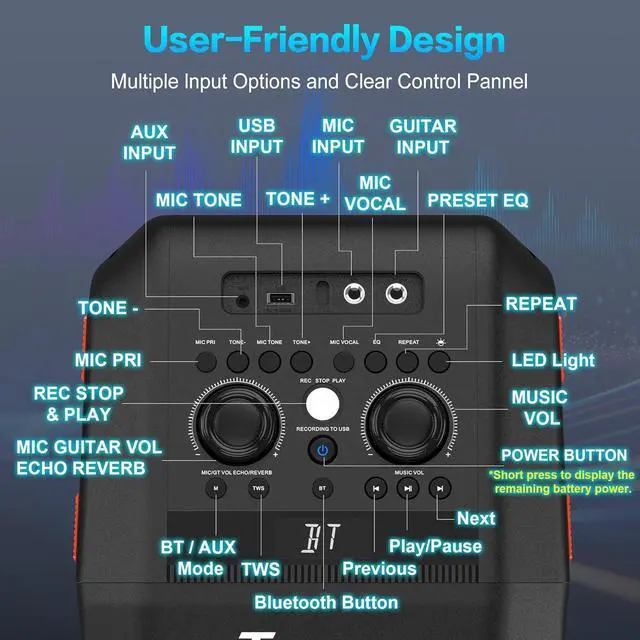
Press TWS button on main speaker, then the secondary one. After pairing, you will hear LEFT CHANNEL & RIGHT CHANNEL.
Connect to either speaker by Bluetooth.
Simply press any of the TWS button to disable it.
What Types of Microphones Are Supported?
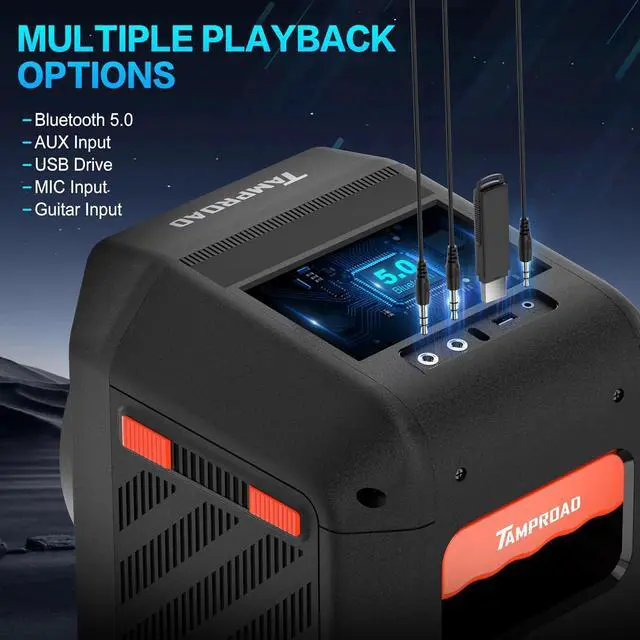
This wireless speaker supports wired microphones with a 6.3mm jack. For wireless microphones, a wireless microphone with its own wireless receiver is required.
What Power Modes & Charging Options Are Available?
The Q66 Bluetooth speaker wireless supports both battery power and direct AC power supply. The package includes an AC power cord. To charge the battery, you can use either the provided power cord or your own Type-C charging cable and adapter.
Why Does the Sound Seem Unclear?
Ensure the quality of your audio source and avoid using MP3/WMA files with bitrates below 128 kbps. When connecting by AUX mode, use the included AUX cable. For the best audio experience, we recommend using lossless audio sources.
What is the battery life of the speaker?
TAMPROAD Q66 party speaker has a battery life of 10 hours. However, the actual battery life may vary depending on the usage patterns. Factors such as high volume and additional features being used can affect the overall battery performance.
How to Pair Two Q66 Bluetooth Speaker for TWS?
What Types of Microphones Are Supported?
What Power Modes & Charging Options Are Available?
Why Does the Sound Seem Unclear?
What is the battery life of the speaker?