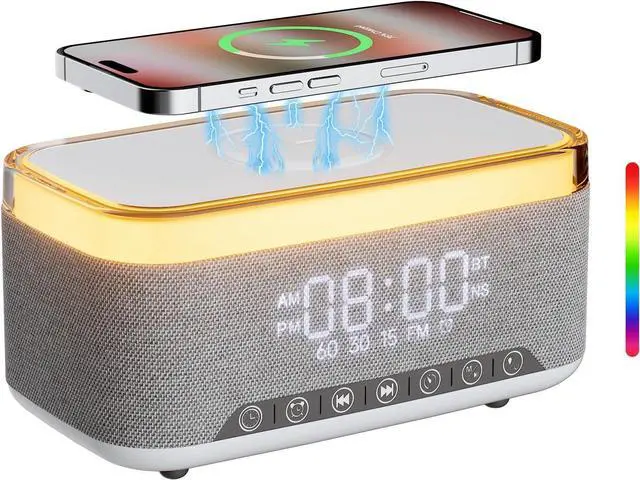
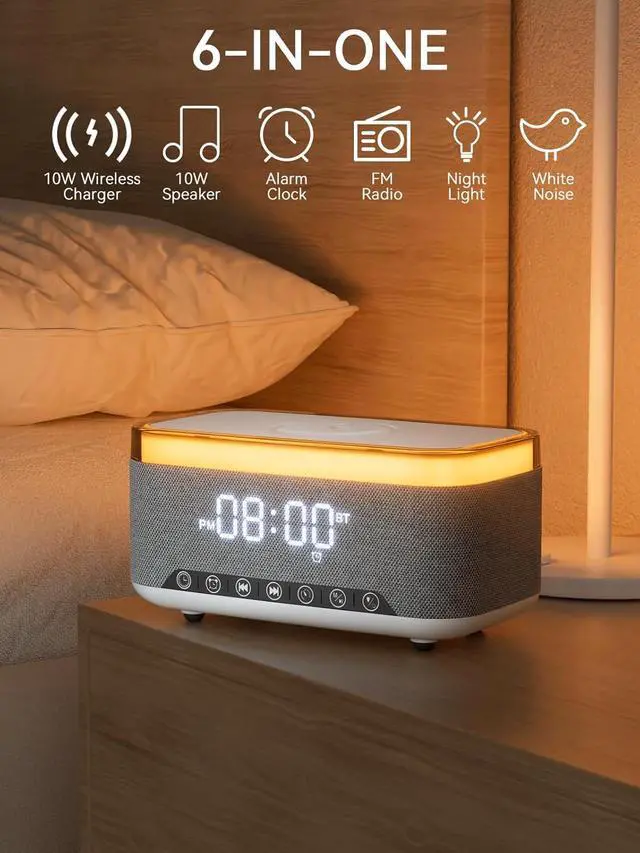
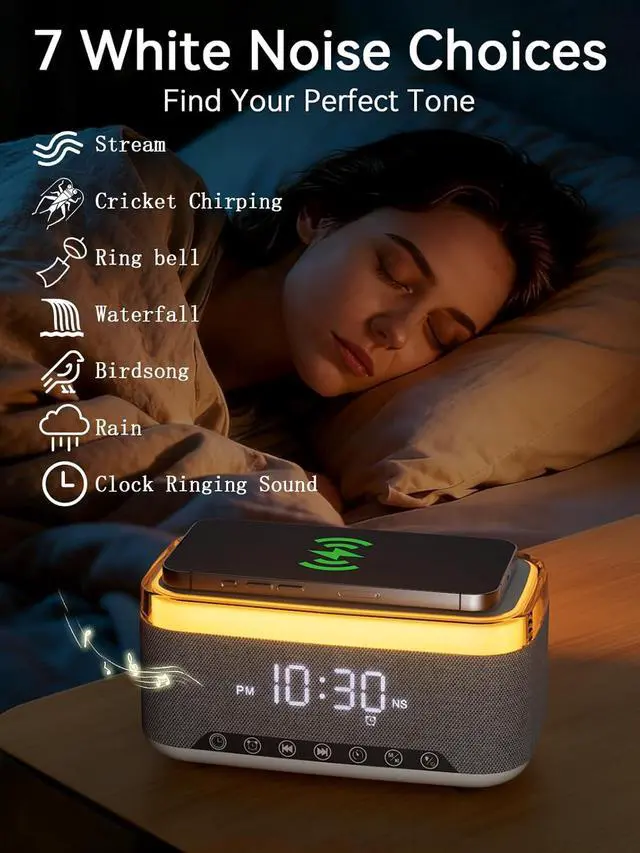
6-in-One Nightstand CompanionTransform your bedroom with the stylish clock featuring 10W fast wireless charging, 10W Bluetooth speaker, Fm radio, 12 colors nightlight, White Noise Sound Machine.
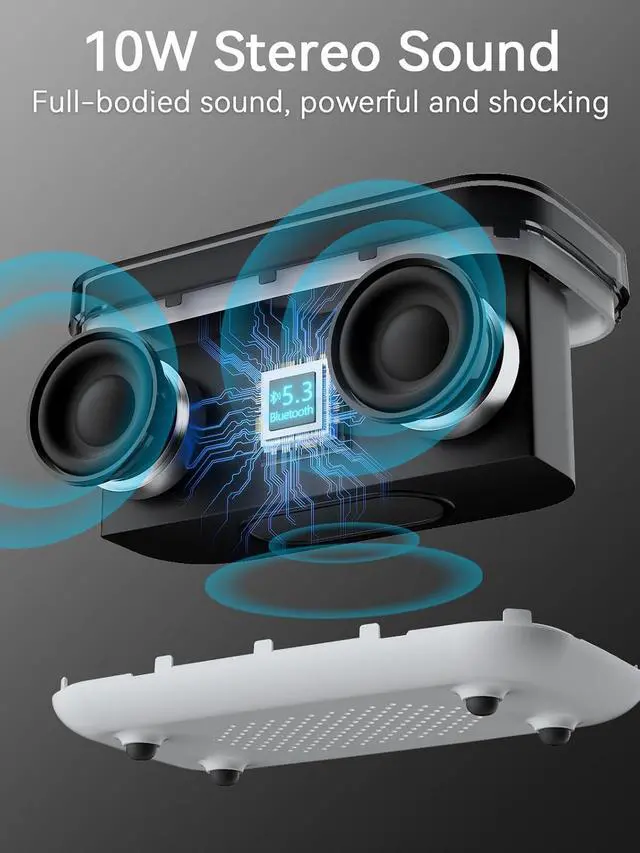
BT 5.3 & Superior Sound QualityExperience exceptional audio with stereo Bluetooth speaker, designed to deliver powerful, crystal-clear sound. Bluetooth 5.3 provides reliable transmission stability and a range of up to 33 feet. You can pair our alarm clock speaker with any Bluetooth device to enjoy a high-quality music experience with REATSOC wireless speakers.
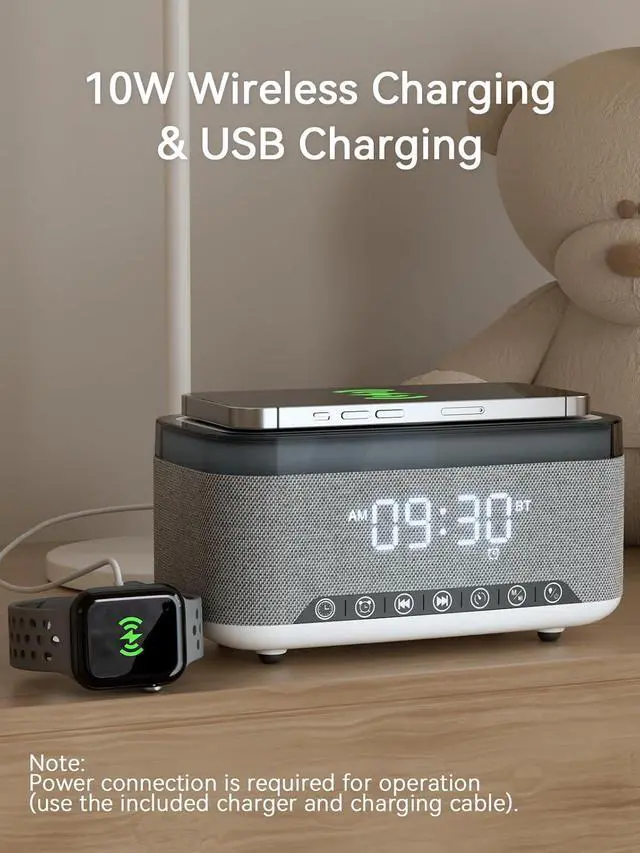
Convenient Charging Solution Enjoy the flexibility of 10W wireless fast charging, compatible with all devices featuring wireless charging capabilities. Keep your devices fully charged at all times, ensuring your day begins seamlessly. (NOTE: Wireless charging can only be used when plugged into a power source.)
Loud Alarm ClockAn innovative bedside digital companion features a loud alarm sounds to help you rise on time. Perfect for deep sleepers, the deaf, the elderly, student and teens! Once connected via Bluetooth, it intelligently syncs with the time of your Bluetooth device, providing you with a faster time setup. NOTE: FM radio cannot be used as the alarm sound.
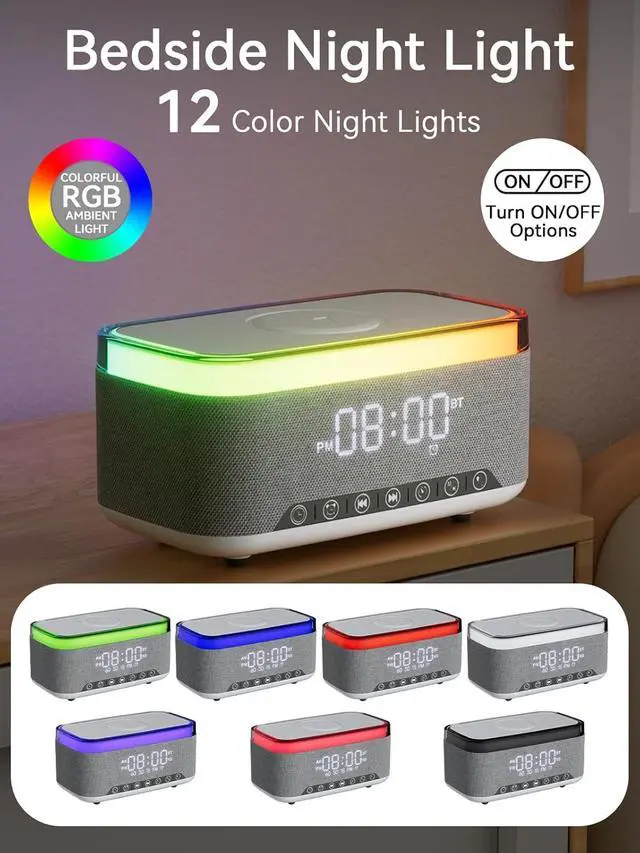
12-Color Nightlight for a Peaceful AmbianceSet the mood with nightlight. Create a tranquil atmosphere in your bedroom or beside your child's bed. (Light effects can be turned off via the loop settings)
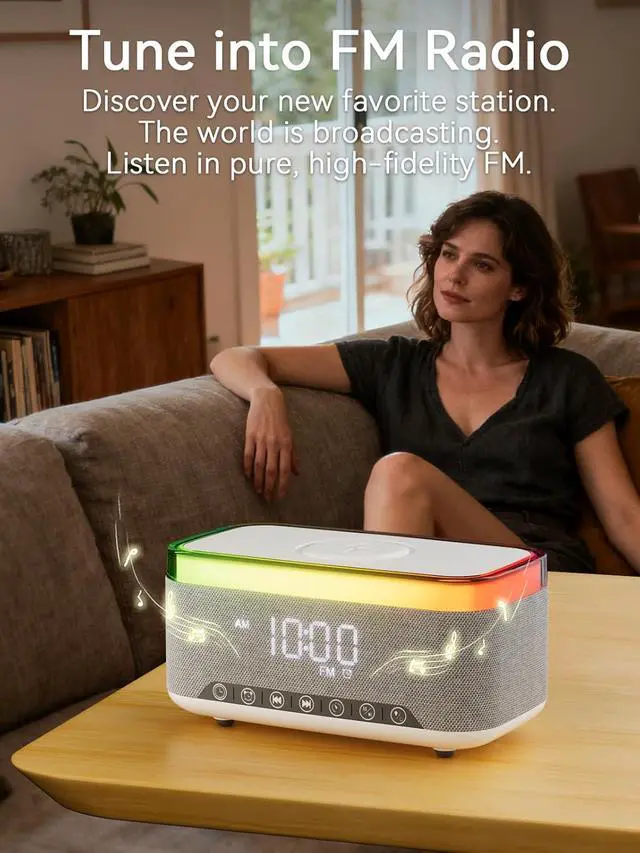
FM Radio for Diverse EntertainmentStay connected to your favorite local stations with the built-in FM radio. NOTE: The strength of a radio signal is significantly affected by its placement: (1) Position it near a window, preferably one facing the direction of broadcast towers. Walls severely weaken FM signals. (2)Keep away from obstacles: Place the radio in an open area, away from large metal objects and appliances like computers, televisions, routers, and refrigerators.(3)Place it higher up: Signals are typically stronger at higher positions. Try placing the radio on a bookshelf or cabinet. If you have any questions, please contact our customer service team.
FM Radio Mode User Guide(1) Switch to FM Radio Mode. Press and hold the Mode (M) button to switch modes. Switch to FM Radio Mode and you see FM displayed on the screen. (2) Search for Radio Stations. Make sure you are in FM mode. Click the (M) button to switch between automatic and manual search. Automatic Search: The speaker will automatically scan and save all available stations. Manual Search: Press the Next () button to go to the next station. Press the Previous () button to return to the previous station. (3) Adjust Volume. Long press the Volume + or Volume buttons to increase or decrease the sound. (4) Exit FM Radio Mode. Long press the (M) button to switch to other modes.