

Your Browsing History
- Free 30-day Returns
$72.99

Meet Your Seller


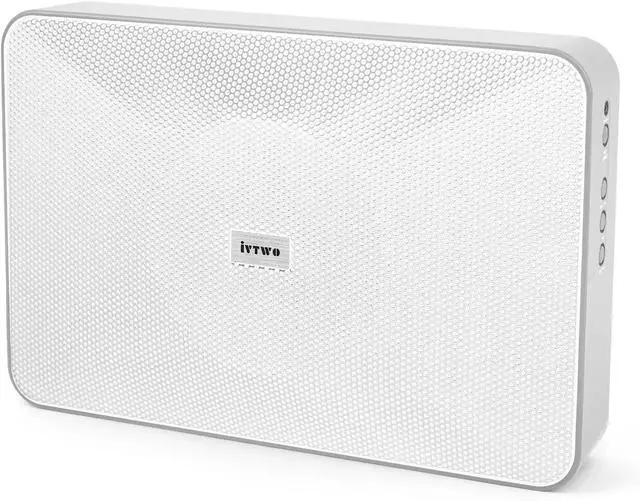
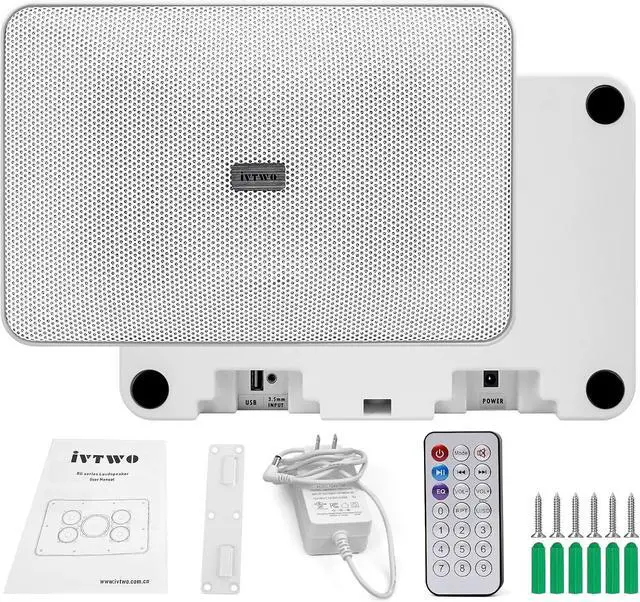


Bluetooth Speaker White 60W, with AUX3.5mm/USB Port for PC and TV, Speaker Can be Hung on The Wall, Suitable for Small Stores (Bluetooth Code/Pin:9898)
- Powered Bluetooth Speaker: 60W, can switch between wired mode or Bluetooth mode (Bluetooth connection password: 9898), compact size. Can be connected via Bluetooth, USB/3.5mmAUX, and can be used for PC/TV. If you purchase two of them, they can be connected and the sound effect will be better. Note: Remote control batteries do not come with batteries.
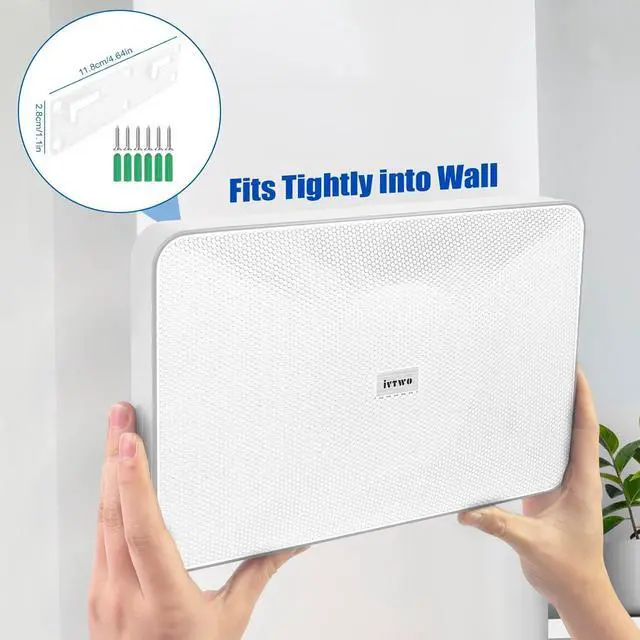
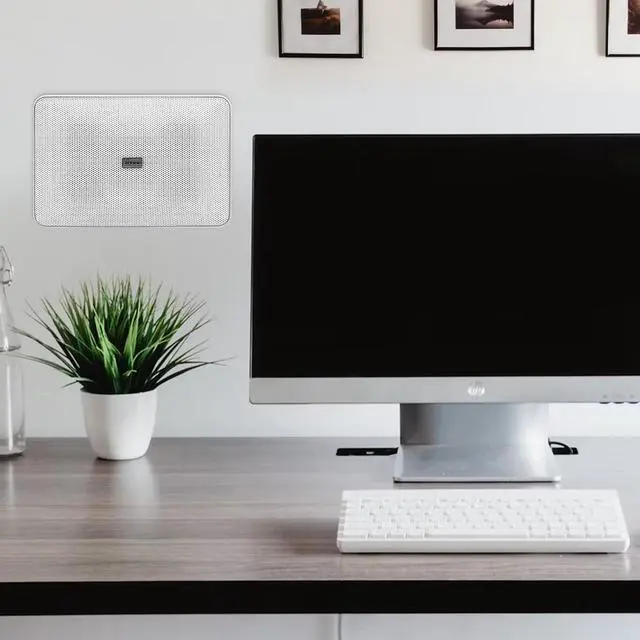
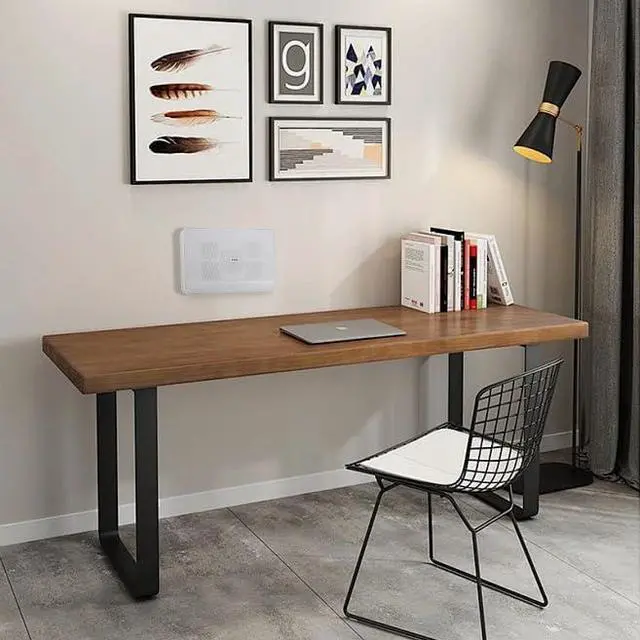
- Try to connect the speakers first before connecting the power supply, The speaker can be placed on a table or hung on a wall for use. Simply unscrew the screws on the back of the speaker to remove the hanging board, and then use self tapping screws to peg the hanging board into the wall immediately. (Self tapping screws will be included in the packaging).
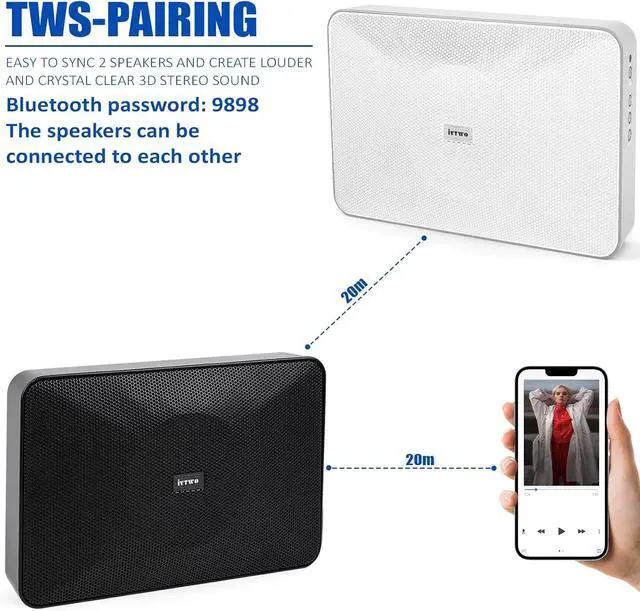
- How to interconnect two speakers 1.First, power on both speakers and switch to Bluetooth mode. 2.Press and hold the mode button on the left speaker for about 3 seconds before releasing. 3. in general, after waiting for 10 seconds, the main box will be connected to the secondary box. 4
+
+
Overview
Reviews

Any questions? Our AI mode will help you find out quickly.
Try me now
Powered Bluetooth Speaker: 60W, can switch between wired mode or Bluetooth mode (Bluetooth connection password: 9898), compact size. Can be connected via Bluetooth, USB/3.5mmAUX, and can be used for PC/TV. If you purchase two of them, they can be connected and the sound effect will be better. Note: Remote control batteries do not come with batteries.
Try to connect the speakers first before connecting the power supply, The speaker can be placed on a table or hung on a wall for use. Simply unscrew the screws on the back of the speaker to remove the hanging board, and then use self tapping screws to peg the hanging board into the wall immediately. (Self tapping screws will be included in the packaging).
How to interconnect two speakers 1.First, power on both speakers and switch to Bluetooth mode. 2.Press and hold the mode button on the left speaker for about 3 seconds before releasing. 3. in general, after waiting for 10 seconds, the main box will be connected to the secondary box. 4. When TWS is connected, long press the mode button of one of the speakers for 2 seconds to disconnect. The mainbox wil automaticaly connect to the secondary box after the next power on.
There are buttons on the side to control the connection mode and volume level. Also included is a remote control, allowing you to easily switch songs.
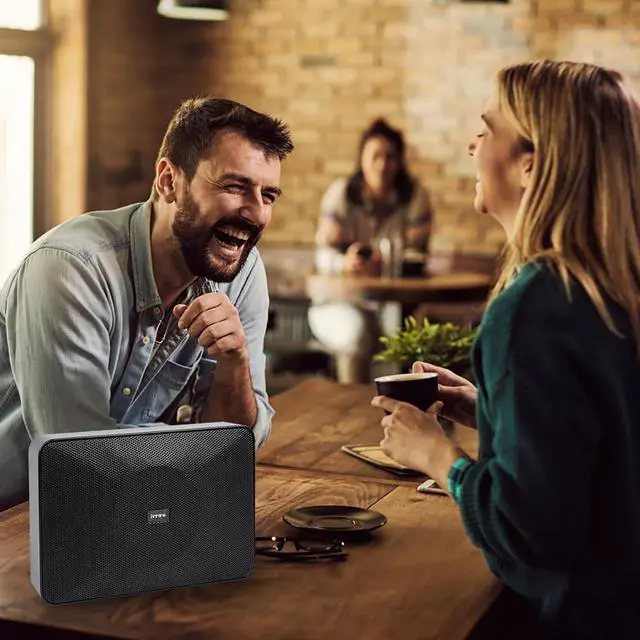
Usage scenario: Suitable for small meeting rooms, coffee shop, small shops, outdoor small gardens, hair salons etc.
Try to connect the speakers first before connecting the power supply, The speaker can be placed on a table or hung on a wall for use. Simply unscrew the screws on the back of the speaker to remove the hanging board, and then use self tapping screws to peg the hanging board into the wall immediately. (Self tapping screws will be included in the packaging).
How to interconnect two speakers 1.First, power on both speakers and switch to Bluetooth mode. 2.Press and hold the mode button on the left speaker for about 3 seconds before releasing. 3. in general, after waiting for 10 seconds, the main box will be connected to the secondary box. 4. When TWS is connected, long press the mode button of one of the speakers for 2 seconds to disconnect. The mainbox wil automaticaly connect to the secondary box after the next power on.
There are buttons on the side to control the connection mode and volume level. Also included is a remote control, allowing you to easily switch songs.
Usage scenario: Suitable for small meeting rooms, coffee shop, small shops, outdoor small gardens, hair salons etc.
Warranty & Returns
Warranty, Returns, And Additional Information
Warranty
- Please contact the Seller directly for warranty information. Warranty information may also be found on the Manufacturer's website.
- CONTACT
Return Policies
- Return for refund within: 30 days
- Return for replacement within: 30 days
- This item is covered by Zhanfu Technology Co., Limited Return Policy
Manufacturer Contact Info
- For a directory of all our manufacturers, please click below.
- Manufacturers Directory
LOADING...