





XIRON is dedicated to bringing you the latest technologies, specializing in iPad accessories to improve the writing experience.
Stylus and Paper Screen Protector all aim to restore the feeling of drawing on paper when writing and creating on an iPad. Though the composition has changed, they are still used in much the same way: to push, draw, or write in the interest of communication and creative expression.
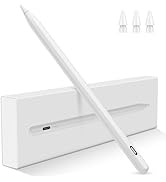
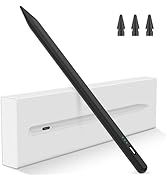
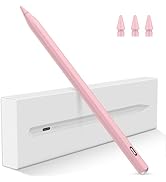
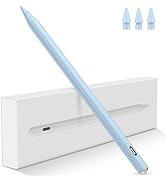
Stylus Pen for iPad 2018-Later
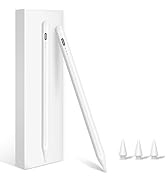
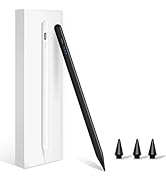
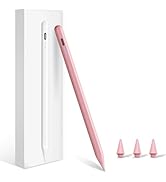
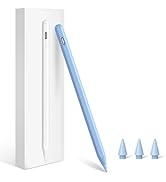
Stylus Pen for iPad 2018-Later
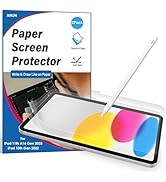
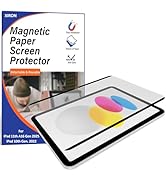
![XIRON [2 PACK] Paper Screen Protector Compatible with iPad Pro 12.9 (2022&2021&2020&2018), High T...](//c1.neweggimages.com/sellingpilot/modules/product/a-plus/ba1bb0c932e10ecf4ec02831ca538af0885d1ee7193d1d582ef7ed9b5788baaa.jpg)
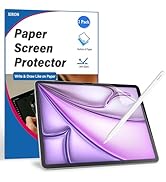
Paper Screen Protector
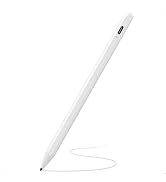
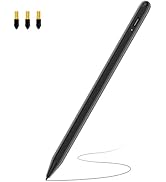
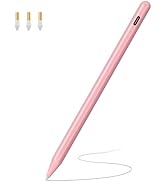
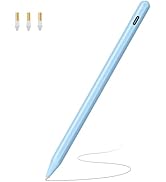
Upgarded Stylus Pen for iPad
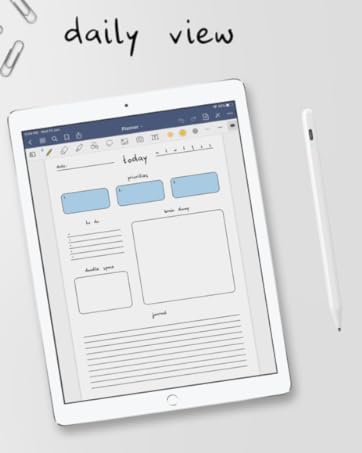
Stylus Pen for iPad 2018-Above
Palm Rejection
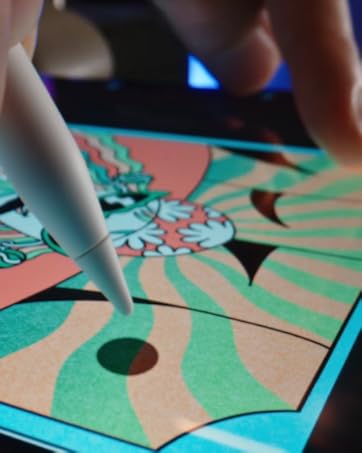
Paper Screen Protector
Just give you the natural feeling.
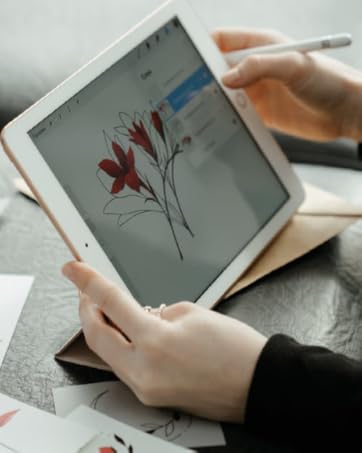
Turn Glass to Paper
Enjoy the smooth drawing feeling.
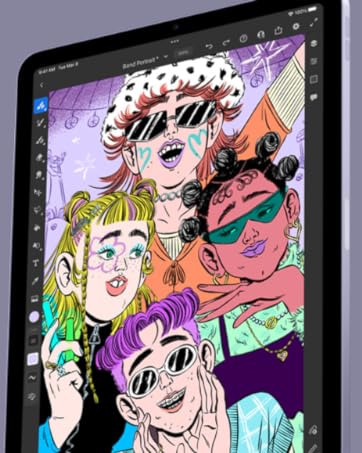
Drawing as you like
Create your artistic imagination
![XIRON [2 PACK] Paper Screen Protector Compatible with iPad Pro 12.9 (2022&2021&2020&2018), High T...](http://c1.neweggimages.com/sellingpilot/modules/product/a-plus/ba1bb0c932e10ecf4ec02831ca538af0885d1ee7193d1d582ef7ed9b5788baaa.jpg)


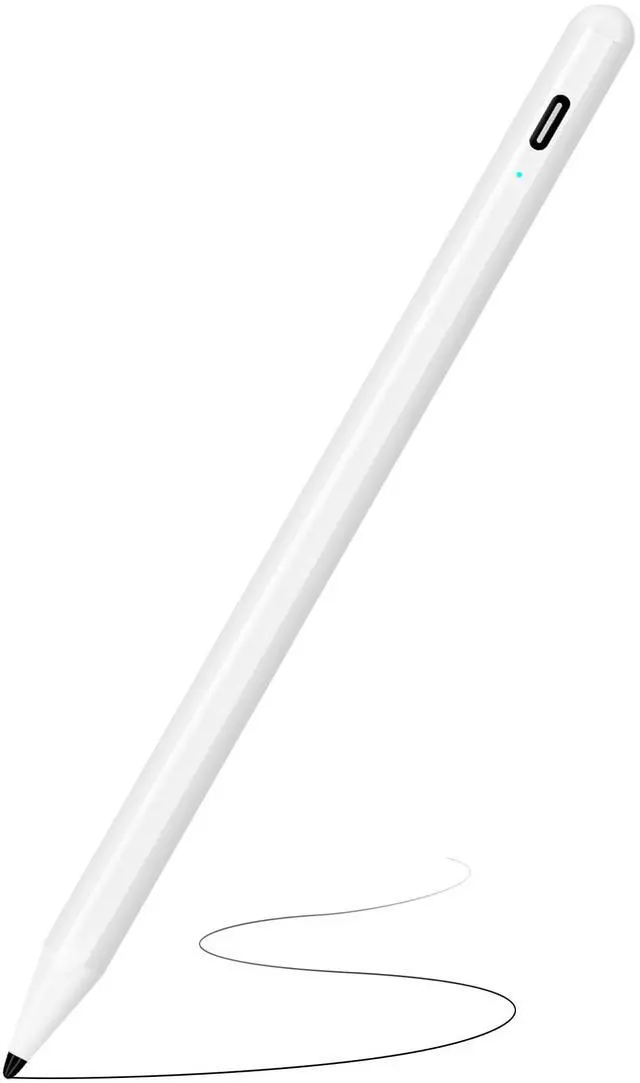
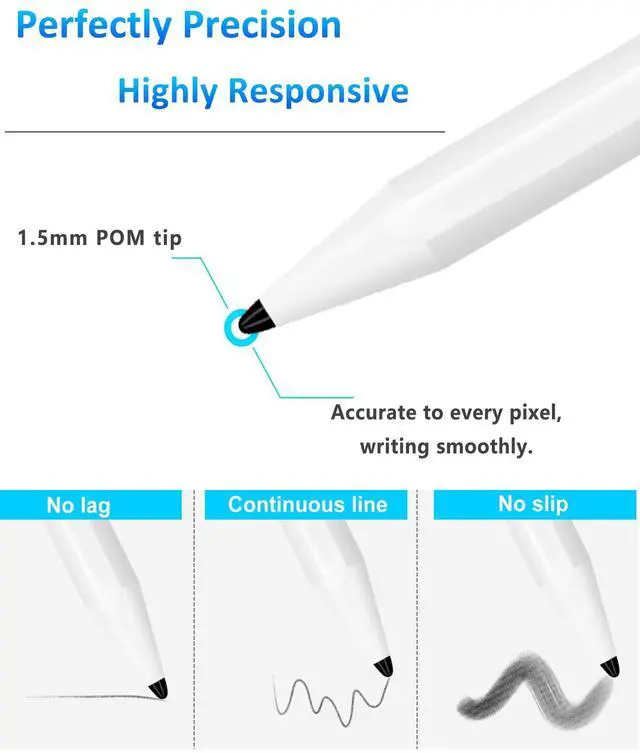
XIRON stylus pen special for iPad 2018 models or above. Precise positioning, no delay in touching screen, easy to use like a pencil!
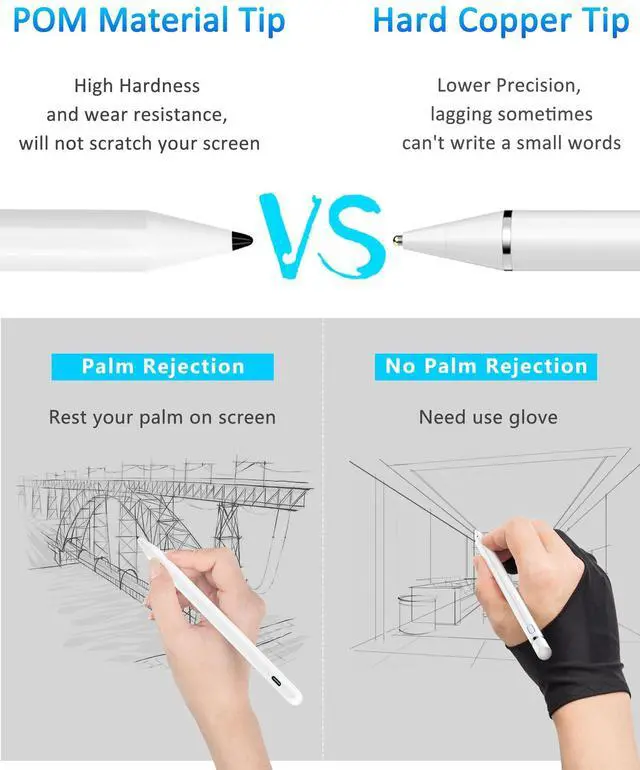
- Upgraded 1.5mm Tip: The ultra-fine 1.5 mm tip makes this iPad Pen as precise as real pen.The 1.5 mm fiber pen tip will not scratch the screen.The best stylus for drawing, sketching and note-taking on iPad.
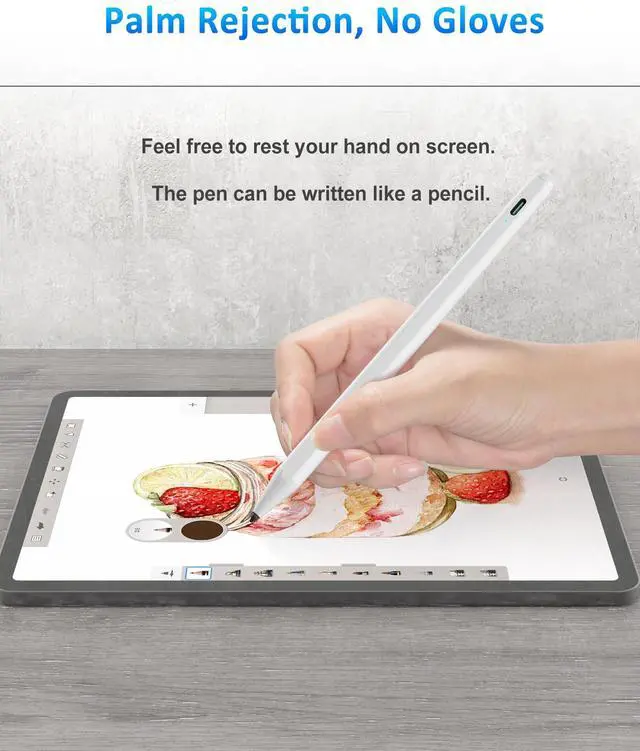
- Support Palm Rejection: Palm Rejection Technology Avoid touching the surface of the screen during writing .The Stylus Pen offers a palm rejection function which allows you to rest your palm comfortably on the screen while using our pen. Get rid of the uncomfortable stylus glove.
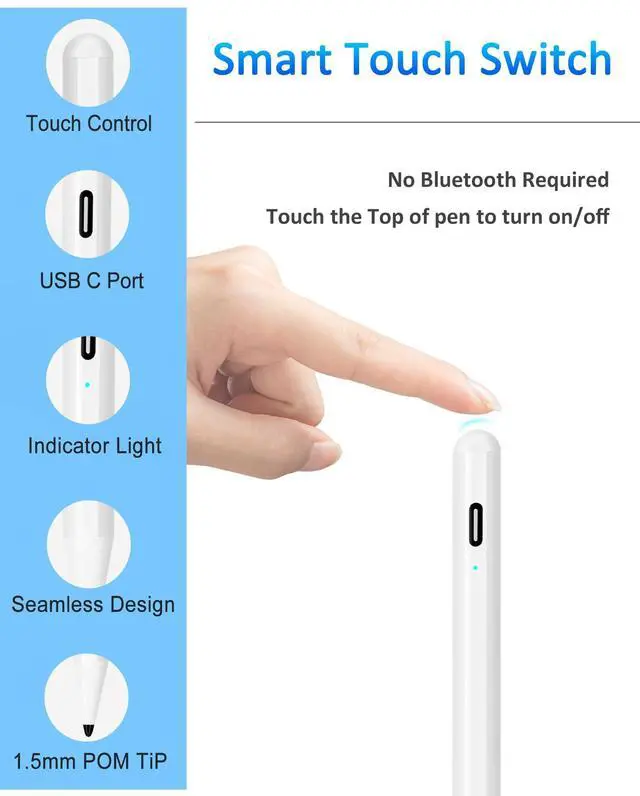
- Smart Touch Switch: No APP or Bluetooth needed, just touch the power button to start.Easy to use.
- Longer Working Time: With USB Charge port and built-in battery provides 20 hours active use and 365 days standby time for only 20 mins charging.
- Automatic Sleep Function: The digital pen will automatically turn off if you don’t use it for 5 mins.

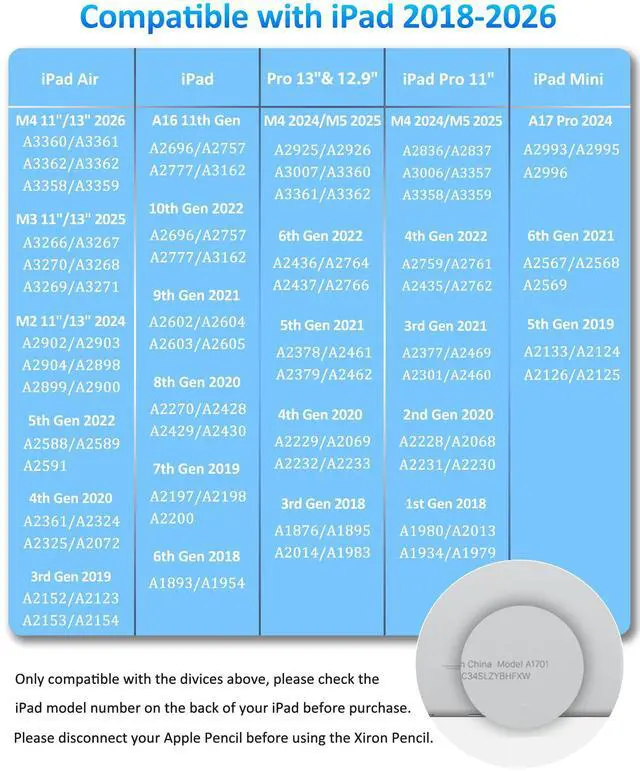
The Stylus Pen is Special for Apple iPad 2018-later
iPad 2018-2025 (6th/7th/8th/9th/10th/11th A16 gen): A1893/A1954/A2197/A2198/A2200/A2270/A2428/A2429/A2430/A2602/A2604/A2603/A2605/A2696/A2757/A2777/A3354/A3355/A3356
iPad Air ( 3rd/4th/5th gen):A2588/A2589/A2591/A2152/A2153/A2154/A2123/A2316/A2324/A2325/A2072
iPad Air M3 11"/13? 2025 and M2 11"/13? 2024: A3268/A3269/A3271/A3266/A3267/A3270/A2898/A2899/A2900/A2902/A2903/A2904
iPad mini (5th/6th/7 A17 Pro gen):A2124/A2125/A2126/A2133/A2567/A2568/A2569/A2993/A2995/A2996
iPad Pro M4 11"/13" 2024: A2925/2926/A2836/A2837/A3007/A3006
iPad Pro 11 inches (2018&2020&2021&2022):A1980/A2013/A1934/A1979/A2228/A2068/A2230/A2231/A2377/A2459/A2301/A2460/A2759/A2435/A2761/A2762
iPad Pro 12.9 inches (2018&2020&2021&2022):A1876/A2014/A1895/A1983/A2229/A2069/A2032/A2233/A2378/A2461/A2379/A2462/A2436/A2764/A2437 /A2766
- NOT COMPATIBLE WITH MODEL BEFORE 2018:
iPad Pro 9.7": A1673/A1674/A1675
iPad Pro 10.5": A1701/A1709/A1852
iPad Air 1-2 Gen: A1474/A1475/A1476/A1566/A1567
iPad Pro 12.9" 1-2 Gen: A1584/A1652/A1670/A1671/A1821
iPad mini 1-4 Gen: A1432/A1454/A1455/A1489/A1490/A1491/A1599/A1560/A1538/A1550
iPad 1-5 Gen: A1219/A1337/A1395/A1396/A1397/A1416/A1430/A1403/A1458/A1459/A1460/A1822/A1823
NOT WORK WITH iPhone, Android, Microsoft Devices.

NOTE:
1. Please confirm the device is iPad 2018-above.
2. Please ensure the stylus has enough power before use.
3. The IOS system must be updated to iOS 12.2 or above.
4. If the stylus pen can’t work, please set your iPad or iPad Pro as follows:
Go to Settings > Apple Pencil > Turn off the Apple Pencil.
Settings > Notes > Turn off "Only Draw with Apple Pencil.

Smart Touch Switch
No Bluetooth is required, tap to turn it on/off. Will auto sleep after 5 minutes if you don't use it.

Palm Rejection
Feel free to rest your hand on the ipad screen while writing or drawing. Just like real pen.

Easy to Use
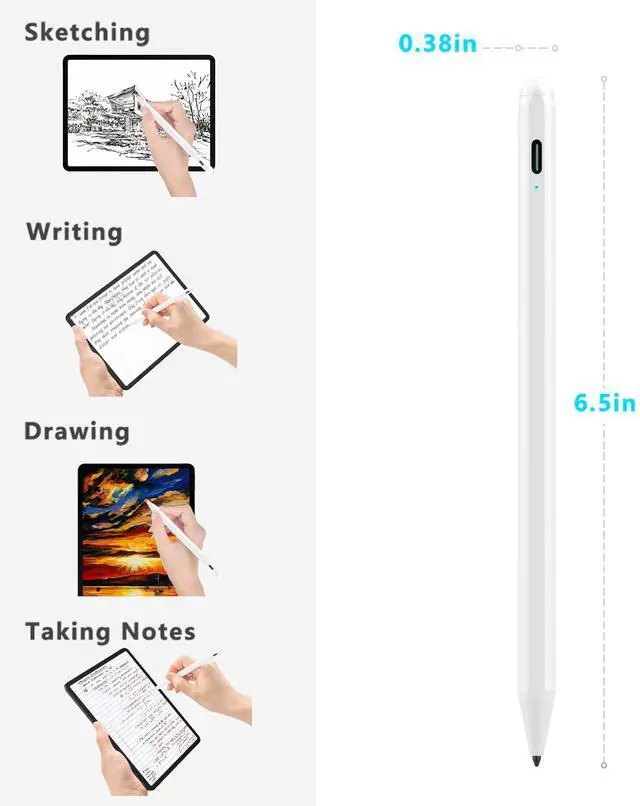
The best pencil for iPad sketching, writing, drawing, and note-taking.
PLEASE NOTE !

If the stylus disconnects or fails to work, it may be due to a loose or worn pen tip. Try reinstalling or replacing the pen tip.

Screen protectors thicker than 0.4 mm may reduce the sensitivity of the stylus pen during use.

If the stylus suddenly stops working, it may be affected by static electricity. Please turn off the stylus and restart the device.

To ensure the proper use of the stylus, please check that it is sufficiently charged before use.
 Stylus Pen-White |  Stylus Pen-Black |  Stylus Pen-Pink |  Stylus Pen-Green |  Led Indicators Stylus | |
|---|---|---|---|---|---|
| Customer Reviews | — | — | — | — | — |
| Price | — | — | — | — | — |
| Nib Diameter | 1.5MM | 1.5MM | 1.5MM | 1.5MM | 1.5MM |
| Replacement Tips | 3 | 3 | 3 | 3 | 3 |
| Charging Interface | Type-C USB | Type-C USB | Type-C USB | Type-C USB | Type-C USB |
| Compatible | iPad 2018-Later | iPad 2018-Later | iPad 2018-Later | iPad 2018-Later | iPad 2018-Later |
| Fast Charging | ? | ? | ? | ? | ? |
| Function | Palm Rejection/Precise and Smooth/Smart Power Saving | Palm Rejection/Precise and Smooth/Smart Power Saving | Palm Rejection/Precise and Smooth/Smart Power Saving | Palm Rejection/Precise and Smooth/Smart Power Saving | Palm Rejection/Precise and Smooth/Smart Power Saving/3 Led Indicators/Tilt Function |
XIRON stylus pen special for iPad 2018 models or above. Precise positioning, no delay in touching screen, easy to use like a pencil!
- Upgraded 1.5mm Tip: The ultra-fine 1.5 mm tip makes this iPad Pen as precise as real pen.The 1.5 mm fiber pen tip will not scratch the screen.The best stylus for drawing, sketching and note-taking on iPad.
- Support Palm Rejection: Palm Rejection Technology Avoid touching the surface of the screen during writing .The Stylus Pen offers a palm rejection function which allows you to rest your palm comfortably on the screen while using our pen. Get rid of the uncomfortable stylus glove.
- Smart Touch Switch: No APP or Bluetooth needed, just touch the power button to start.Easy to use.
- Longer Working Time: With USB Charge port and built-in battery provides 20 hours active use and 365 days standby time for only 20 mins charging.
- Automatic Sleep Function: The digital pen will automatically turn off if you don’t use it for 5 mins.
The Stylus Pen is Special for Apple iPad 2018-later
iPad 2018-2025 (6th/7th/8th/9th/10th/11th A16 gen): A1893/A1954/A2197/A2198/A2200/A2270/A2428/A2429/A2430/A2602/A2604/A2603/A2605/A2696/A2757/A2777/A3354/A3355/A3356
iPad Air ( 3rd/4th/5th gen):A2588/A2589/A2591/A2152/A2153/A2154/A2123/A2316/A2324/A2325/A2072
iPad Air M3 11"/13? 2025 and M2 11"/13? 2024: A3268/A3269/A3271/A3266/A3267/A3270/A2898/A2899/A2900/A2902/A2903/A2904
iPad mini (5th/6th/7 A17 Pro gen):A2124/A2125/A2126/A2133/A2567/A2568/A2569/A2993/A2995/A2996
iPad Pro M4 11"/13" 2024: A2925/2926/A2836/A2837/A3007/A3006
iPad Pro 11 inches (2018&2020&2021&2022):A1980/A2013/A1934/A1979/A2228/A2068/A2230/A2231/A2377/A2459/A2301/A2460/A2759/A2435/A2761/A2762
iPad Pro 12.9 inches (2018&2020&2021&2022):A1876/A2014/A1895/A1983/A2229/A2069/A2032/A2233/A2378/A2461/A2379/A2462/A2436/A2764/A2437 /A2766
- NOT COMPATIBLE WITH MODEL BEFORE 2018:
iPad Pro 9.7": A1673/A1674/A1675
iPad Pro 10.5": A1701/A1709/A1852
iPad Air 1-2 Gen: A1474/A1475/A1476/A1566/A1567
iPad Pro 12.9" 1-2 Gen: A1584/A1652/A1670/A1671/A1821
iPad mini 1-4 Gen: A1432/A1454/A1455/A1489/A1490/A1491/A1599/A1560/A1538/A1550
iPad 1-5 Gen: A1219/A1337/A1395/A1396/A1397/A1416/A1430/A1403/A1458/A1459/A1460/A1822/A1823
NOT WORK WITH iPhone, Android, Microsoft Devices.
NOTE:
1. Please confirm the device is iPad 2018-above.
2. Please ensure the stylus has enough power before use.
3. The IOS system must be updated to iOS 12.2 or above.
4. If the stylus pen can’t work, please set your iPad or iPad Pro as follows:
Go to Settings > Apple Pencil > Turn off the Apple Pencil.
Settings > Notes > Turn off "Only Draw with Apple Pencil.
Smart Touch Switch
No Bluetooth is required, tap to turn it on/off. Will auto sleep after 5 minutes if you don't use it.
Palm Rejection
Feel free to rest your hand on the ipad screen while writing or drawing. Just like real pen.
Easy to Use
The best pencil for iPad sketching, writing, drawing, and note-taking.
PLEASE NOTE !
If the stylus disconnects or fails to work, it may be due to a loose or worn pen tip. Try reinstalling or replacing the pen tip.
Screen protectors thicker than 0.4 mm may reduce the sensitivity of the stylus pen during use.
If the stylus suddenly stops working, it may be affected by static electricity. Please turn off the stylus and restart the device.
To ensure the proper use of the stylus, please check that it is sufficiently charged before use.
Stylus Pen-White | Stylus Pen-Black | Stylus Pen-Pink | Stylus Pen-Green | Led Indicators Stylus | |
|---|---|---|---|---|---|
| Customer Reviews | — | — | — | — | — |
| Price | — | — | — | — | — |
| Nib Diameter | 1.5MM | 1.5MM | 1.5MM | 1.5MM | 1.5MM |
| Replacement Tips | 3 | 3 | 3 | 3 | 3 |
| Charging Interface | Type-C USB | Type-C USB | Type-C USB | Type-C USB | Type-C USB |
| Compatible | iPad 2018-Later | iPad 2018-Later | iPad 2018-Later | iPad 2018-Later | iPad 2018-Later |
| Fast Charging | ? | ? | ? | ? | ? |
| Function | Palm Rejection/Precise and Smooth/Smart Power Saving | Palm Rejection/Precise and Smooth/Smart Power Saving | Palm Rejection/Precise and Smooth/Smart Power Saving | Palm Rejection/Precise and Smooth/Smart Power Saving | Palm Rejection/Precise and Smooth/Smart Power Saving/3 Led Indicators/Tilt Function |
XIRON is dedicated to bringing you the latest technologies, specializing in iPad accessories to improve the writing experience.
Stylus and Paper Screen Protector all aim to restore the feeling of drawing on paper when writing and creating on an iPad. Though the composition has changed, they are still used in much the same way: to push, draw, or write in the interest of communication and creative expression.
Stylus Pen for iPad 2018-Later
Stylus Pen for iPad 2018-Later
Paper Screen Protector
Upgarded Stylus Pen for iPad
Stylus Pen for iPad 2018-Above
Palm Rejection
Paper Screen Protector
Just give you the natural feeling.
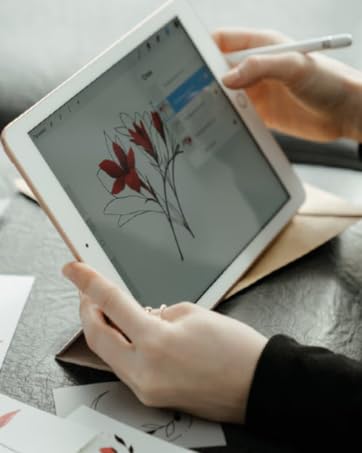
Turn Glass to Paper
Enjoy the smooth drawing feeling.
Drawing as you like
Create your artistic imagination
