




 here!
here!
I’m your shopping assistant for PC builds, upgrades, and everything tech.
Got questions? Ask away!
Start a conversation
here!
I’m your shopping assistant for PC builds, upgrades, and everything tech.
Got questions? Ask away!
Start a conversation



Any questions? Ask CelesteSM will help you find out quickly.


Features:
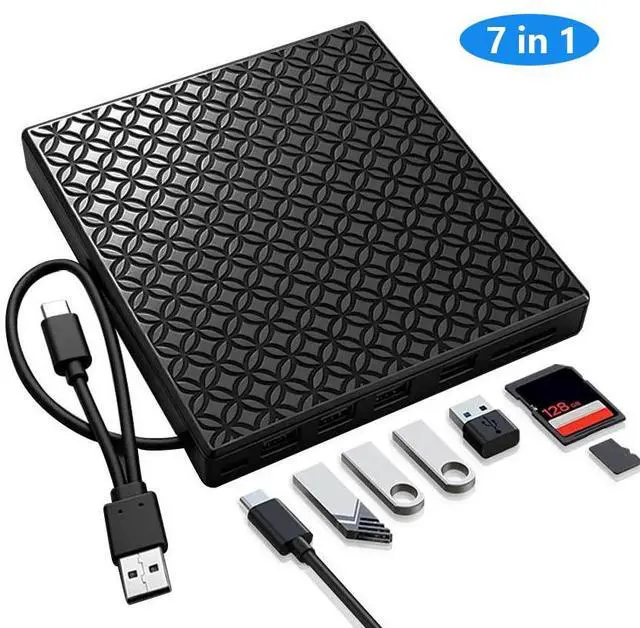
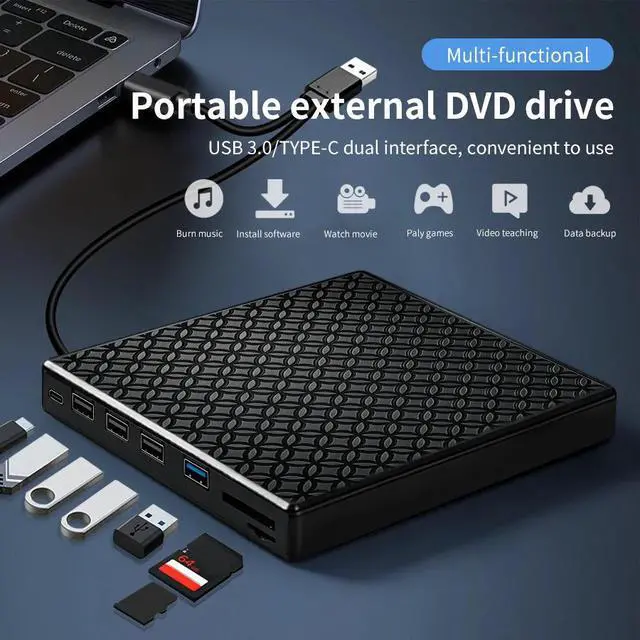
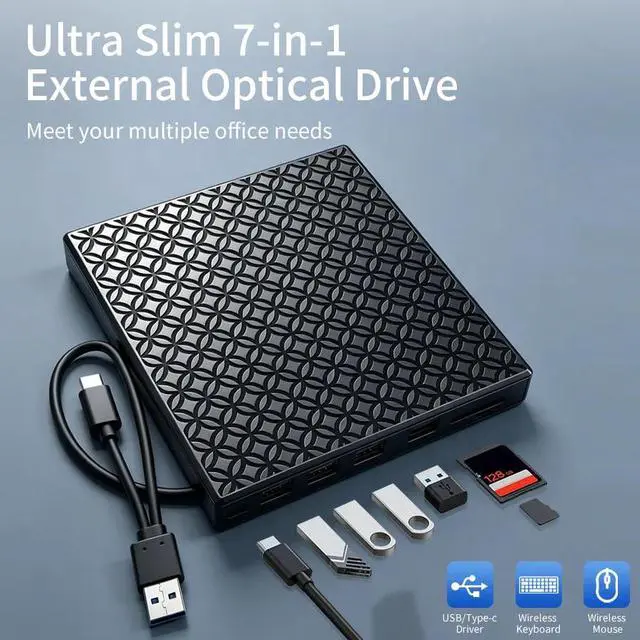
7-in-1 Multifunctional Design: External DVD drive + USB hub + SD/TF card reader + PD charging port in one compact device. Replaces multiple adapters, declutter your desk.
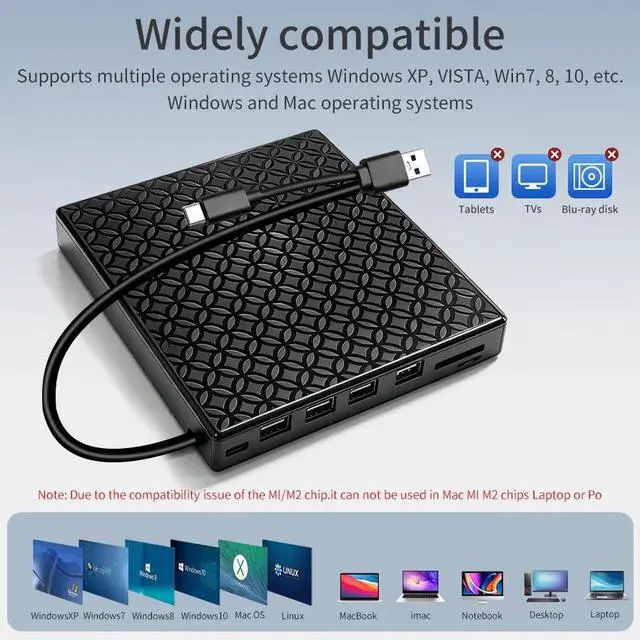
USB 3.0 & Type-C Dual Interface: Plug-and-play with both USB-A and Type-C. No driver needed. Compatible with Windows XP/7/8/10, Mac OS, Linux. (Not for Mac M1/M2, tablets, TVs, Blu-ray)
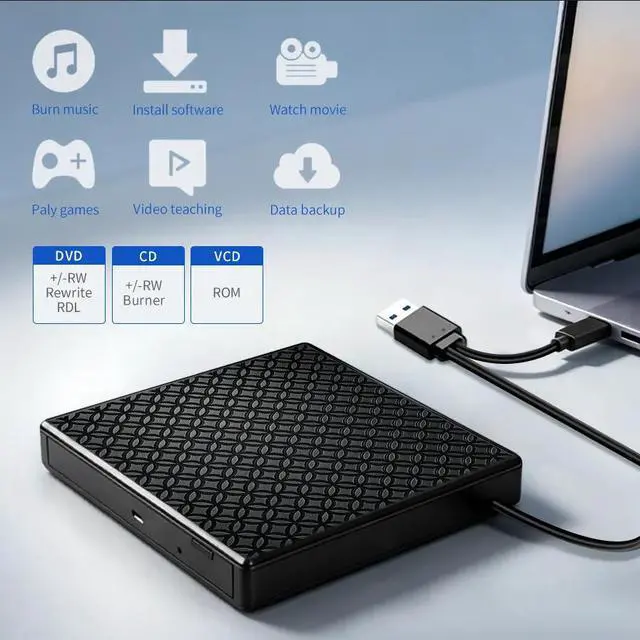
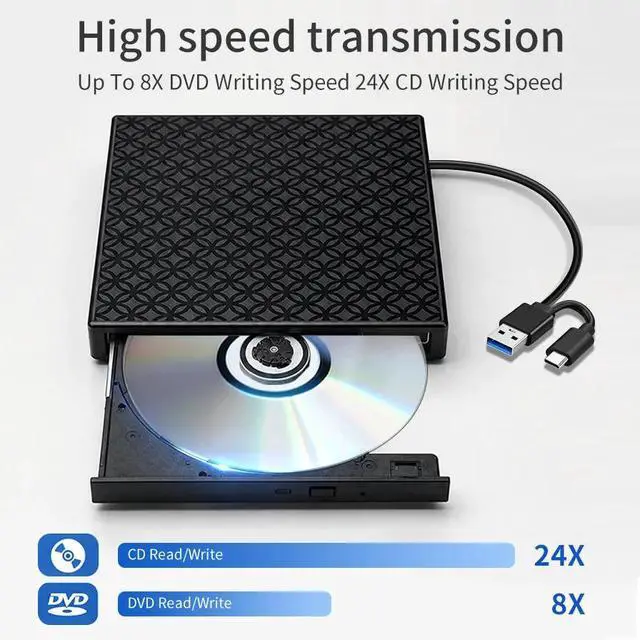
High-Speed Performance: Up to 8X DVD and 24X CD read/write speed. Fast burning, playback, software installation, and data backup.
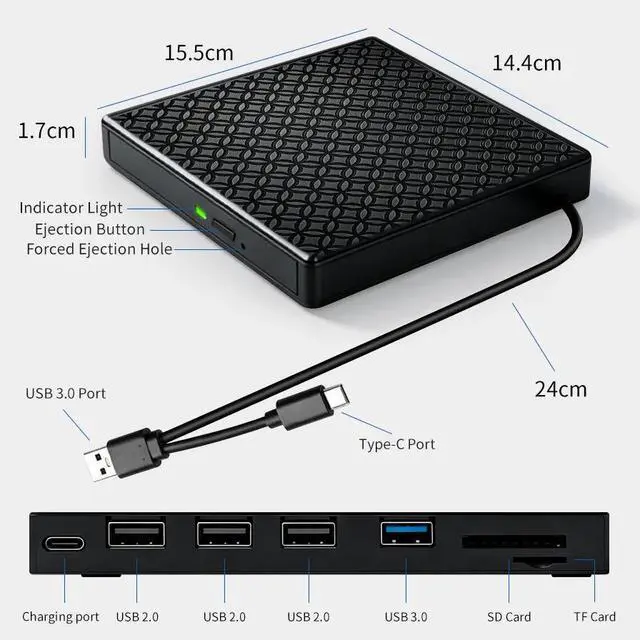
Ultra-Slim & Portable: Only 1.7cm thin, 15.5×14.4cm. Built-in cable storage for tangle-free carrying. Fits any backpack.
Stable Power & Anti-Slip: Free external power cable included for large-capacity operations. Anti-slip foot pads prevent movement and data loss.
Q :1.Windows 10/ 11 Not Recognizing DVD Drive? A :If your computer(Windows 10 / 11) does not recognize the external DVD drive or it fails to read discs, you might find a solution by searching for "AyPhnwzyuoI" on YouTube. There are repair methods shown in the video that may help
Q : 2.What if I have problems with this external cd/dvd drive for laptop? A:Before playing or burning cd/dvd for laptop on your laptop, please make sure you have corresponding software on your laptop. please download free software: VLC media player or Kmplayer. For burning software, please download free software: Nero.
1. Our external optical drive can not only burn and read CDs and DVDs, but also serve as an external USB hub for laptops. It is compatible with USB hard drives, limited/wireless mice and keyboards, computer heat sinks, and other USB computer accessories. The card slot is perfect for transferring camera photos and video files from the card to the computer (note: the SD port and TF port cannot be used simultaneously)
2. The maximum read capacity is 8.5GB, so portable CD/DVD recorders cannot play discs exceeding 8.5GB. Due to the possible instability of the front USB port, if you find instability when using a desktop or laptop computer, please connect the optical drive to the USB port on the back of the computer. Simultaneously connect other power sources using the included power cord.
3. If your device system is Windows 10 or later, please install a VLC media player to play DVDs or CDs when they cannot play properly.
4. There is a reset hole next to the pop-up button. If the tray of the external optical drive cannot be ejected correctly, a pin can be used to eject the tray through the reset hole.
5. It should be noted that it does not support cars, televisions, tablets, smartphones, projectors, Blu ray discs, iPads, Chromebooks, or Surface. The newly released Windows system has stopped using external DVD media player software.
6.The dvd drive should be connected with USB port on laptop rather than connect with USB HUB.
7.Ensure cd is placed well and not scratched.
8.Setting area code according to different regions, you should set region code to #1 to play USA discs.


