JAENFONG 8-in-1 External CD DVD Drive for Laptop, USB C Portable CD/DVD +/-RW Burner DVD Player for Laptop with SD/TF Card Reader USB 3.0 Type C Hub Compatible with Laptop PC Windows Linux
Limited time offer, ends 01/17 By Technology Center
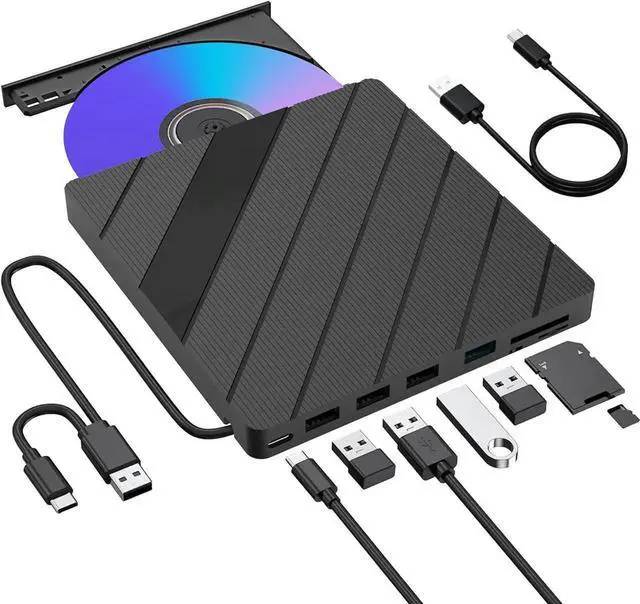
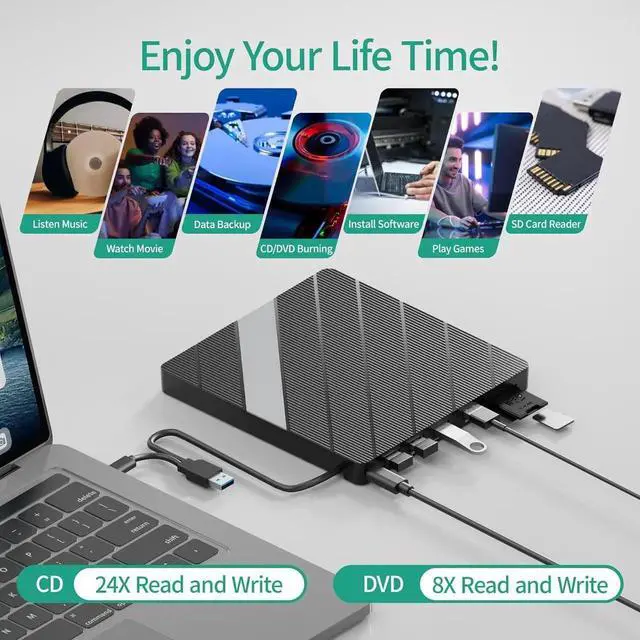
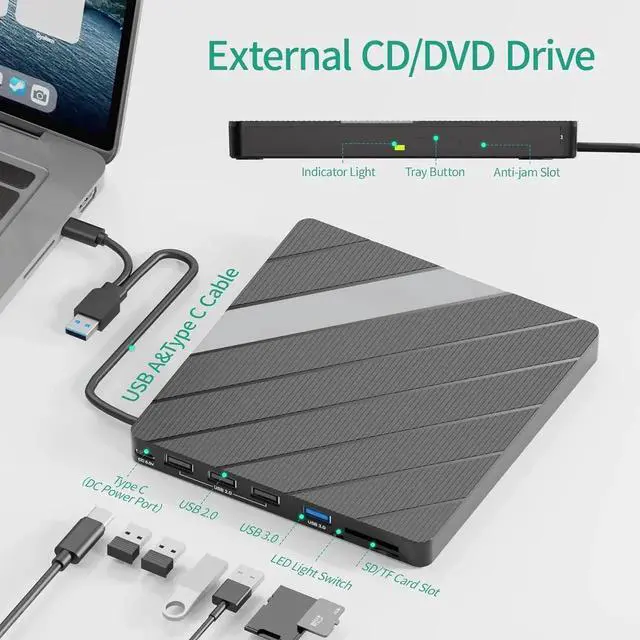
Multiple Extension Ports: Our external CD/DVD drive for laptop goes beyond just playing CDs and DVDs. It comes with a separate SD/TF card slot, 1 USB 3.0 A port, and 3 USB 2.0 ports, providing you with additional options to connect and transfer data from multiple devices simultaneously. This versatility makes it an excellent choice for those who require multiple device connectivity on the go
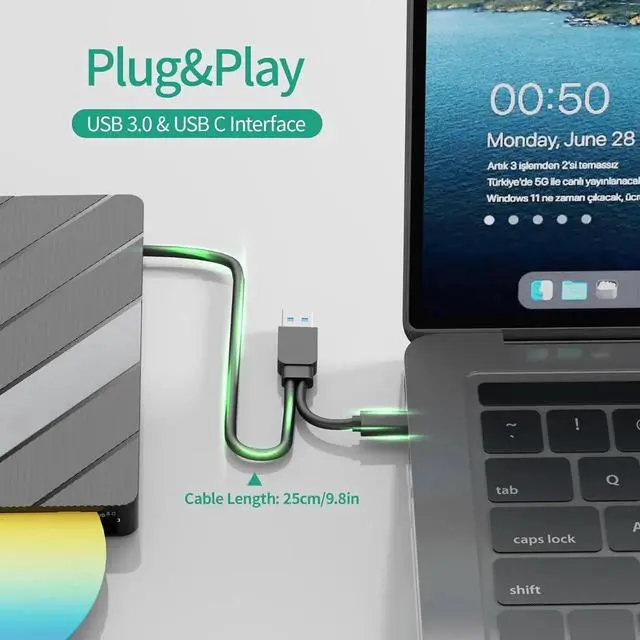
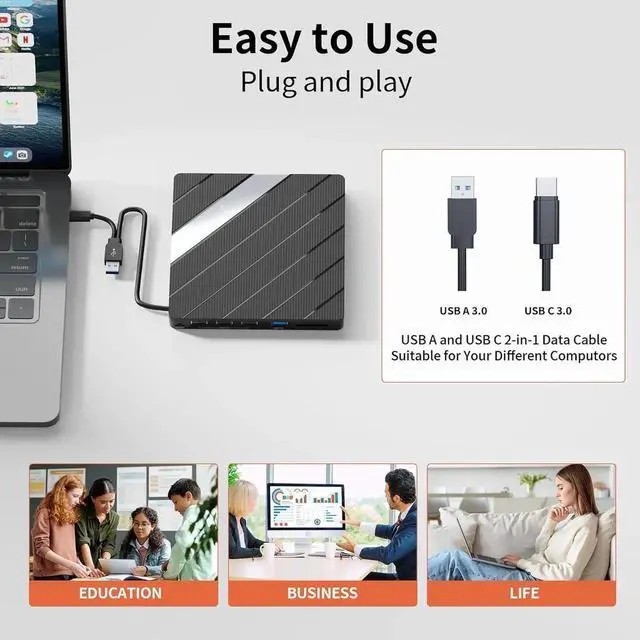
Plug and Play: Our DVD drive usb external is incredibly easy to use, simply plug it into your laptop's USB 3.0 port and start enjoying the benefits of a DVD burner without any complicated installations
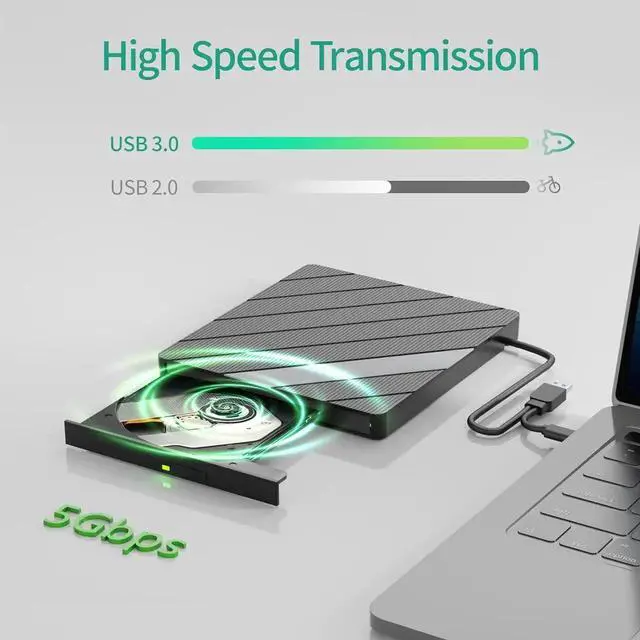
High-Speed Data Transfer: With a high-speed USB 3.0 port, this CD rom external drive for laptop offers a transfer rate of up to 5Gbps. backward compatible with USB2.0, USB1.1. Whether you're transferring large files or burning discs, the rapid data transfer capabilities ensure a seamless experience.
+
+
Overview
Specs
Reviews
Any questions? Our AI beta will help you find out quickly.
Try me now
The dvd drive should be connected with USB port on laptop rather than connect with USB HUB. Please connect the item with USB port behind of computer host if you use a desktop.
It's better to use the 5V charger/power bank to increase the power if your devices don't have enough power to support the external drive. (The power cable in the package)
Make sure your computer's CD/DVD driver is intact before using an external optical drive. The computer operating system comes with a CD/DVD driver. If the program is damaged or removed, the CD/DVD driver needs to be updated or reinstalled.
Make sure your computer has a driver before using the external cd drive. (VLC Media Player or other player software). WINDOWS 11 needs a media player and a network connection.
Computers often do not natively support DVD movie playing, so a third-party media player (such as VLC) must be downloaded and installed to watch DVDs using this CD/DVD player. You can download and install a playing/burning software you like.
Because the video formats of most computers and mobile phones are not compatible with DVD, you need third-party software to convert the file format to a format that can be displayed on the disc, otherwise, even if you burn the file to a disc, it will not work.
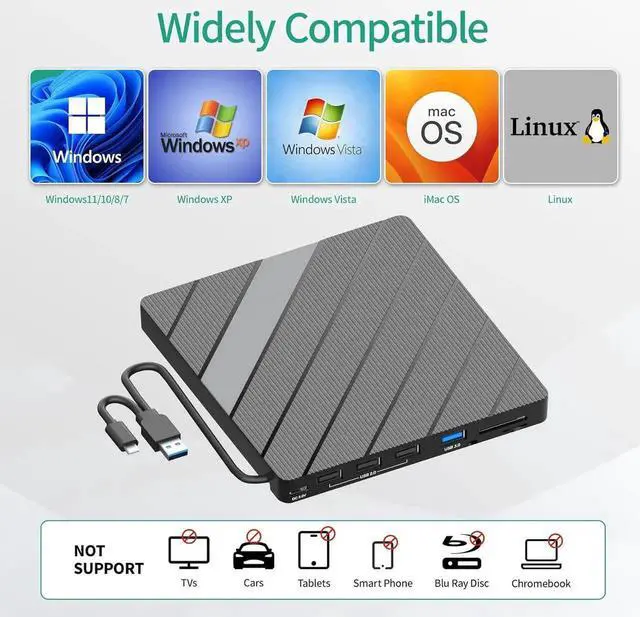
The Mac OS system comes with a burning function: Connect the optical drive and put the disc into it - click "File" on the top menu bar - click on the new "Burn Folder" - drag the files to be burned into the "Burn Folder" - click "Burn to Disc" - and then You can eject the disc. But one thing to note is that Mac OS computers can only burn blank discs, and a disc can only be burned once.
Setting area code according to different regions, you should set the same region code to play dvd discs.
Learn more about the Detailed Specifications
Model
Brand
JAENFONG
Additional Information
First Listed on Newegg
September 23, 2025
There are no reviews yet.
Do you own this product?
Warranty & Returns
Warranty, Returns, And Additional Information
Warranty
Please contact the Seller directly for warranty information. Warranty information may also be found on the Manufacturer's website.