Team Group T-FORCE VULCAN Z 2.5" 1TB SATA III 3D NAND Internal Solid State Drive (SSD) T253TZ001T0C101
  •  
  • $157.99 
  • $22.97
  • Ships from China.
    Sold by Astral Tech

    Shipped by Astral Tech

    Price alert
    Shop it at NeweggBusiness.

    Meet Your Seller

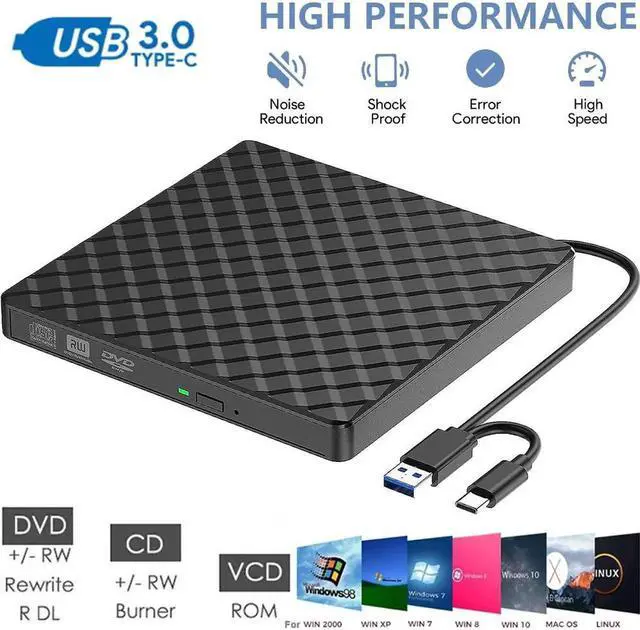
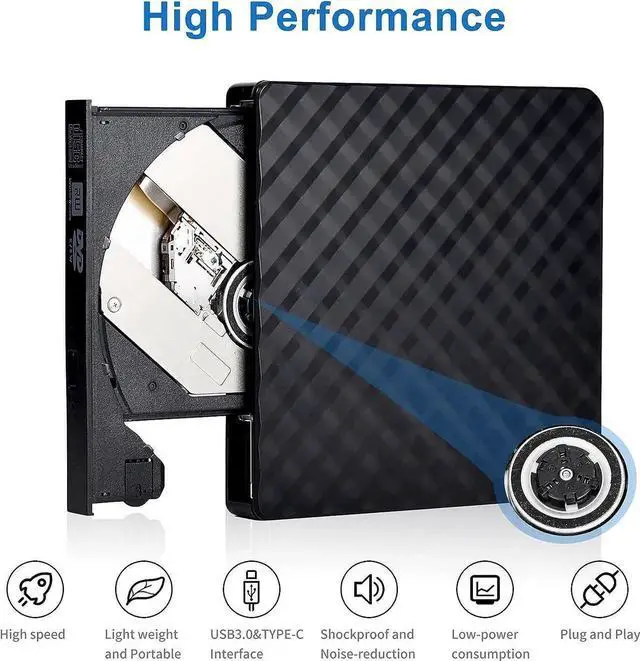
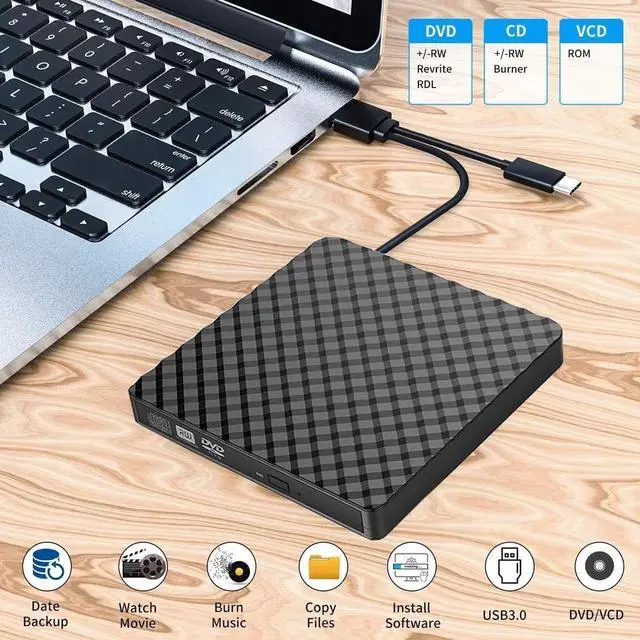
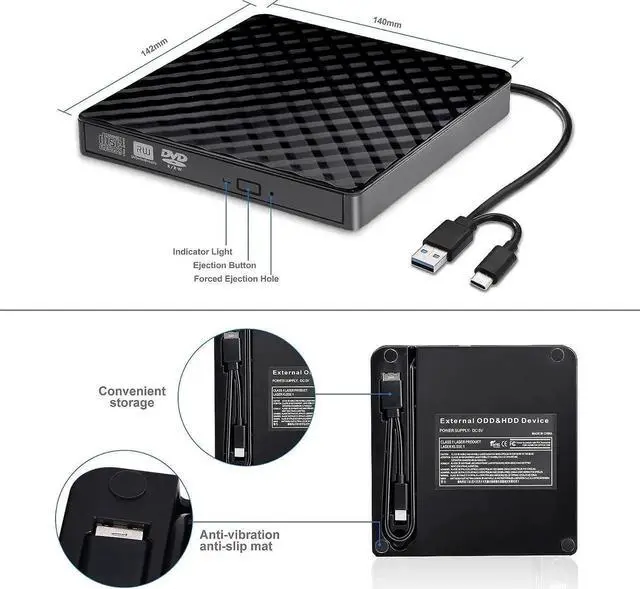
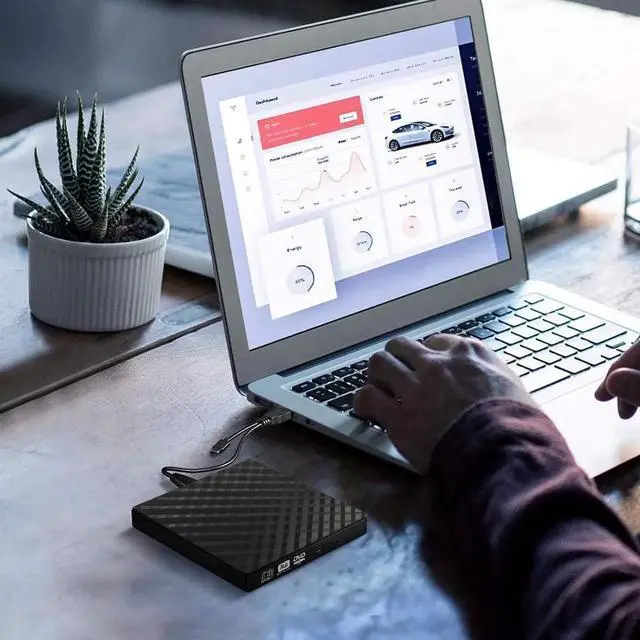
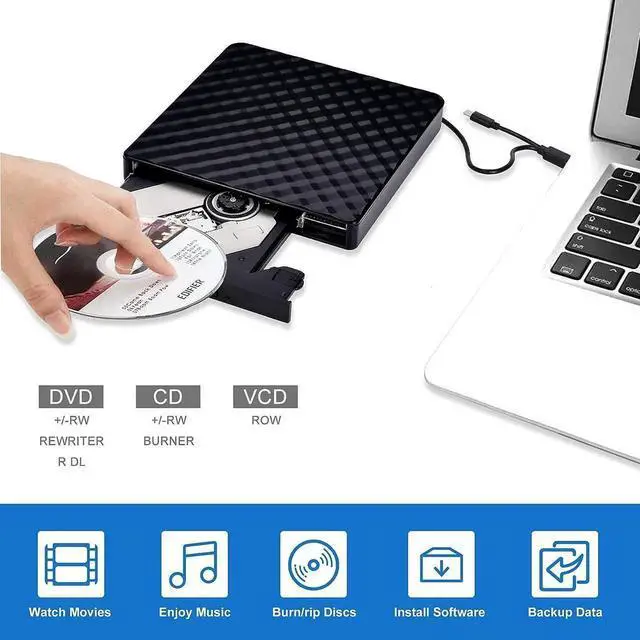
    External CD DVD Drive, Type C USB 3.0 External CD/DVD +/-RW Drive/Portable CD DVD Burner, External CD ROM Reader Writer Optical Drive DVD Player for Laptop PC Windows Desktop Linux Mac OS

    • [High Writing and Reading Speed] Max 8x DVD Write Speed and Max 24x CD Write Speed provide high writing and reading speed. External CD Drive supports playing music, movies or copying/burning movies and music to DVD or CD.
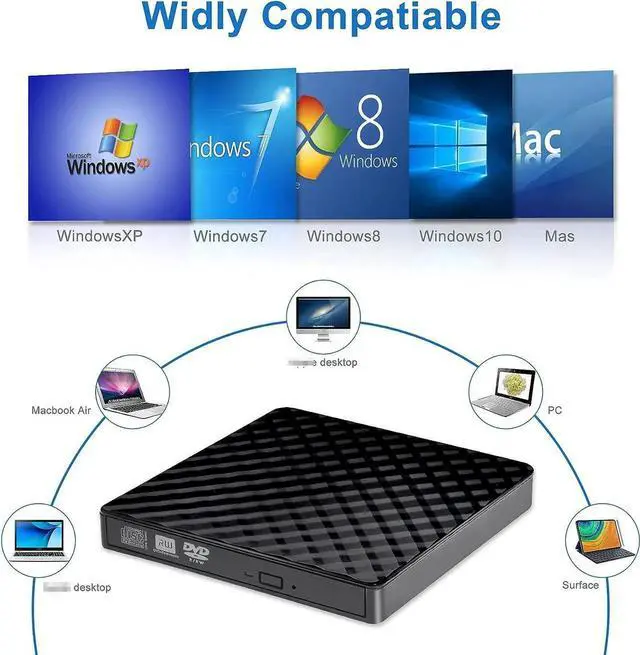
    • [Great Compatibility] External DVD Drive ideals for various devices,Windows 11/10/8.1/7/XP/2003/Vista, Linux, all version Mac OS (8.6 to 10.14) system Laptop, Notebook, PC, Desktop Computer.
    • [PLUG & PLAY] Easy to use.usb dvd drive external is powered by USB port. No external driver and power needed. Just plug it into your USB port and the DVD driver will be detected.
    • [USB 3.0 & Type C] with USB 3.0 and Type-C dual interface. Backwards compatible with USB2.0 USB1.0, bringing you faster data transmission speed (up to a maximum of 5Gbps) and stable performance with strong fault tolerance.
    • [Trendy Design] with embedded cable design, worry- off cable missing any when and where.You can put this cd/dvd burner in your travel bag or on your desk.
    +
    +
    Overview
    Specs
    Reviews
    avatar

    Any questions? Our AI beta will help you find out quickly.

    1. Once you plug this external dvd player for laptop into your computer, it will bring up your downloaded Media Player, select it, and from that point forward whatever disc you put in will automatically open through it.

    2. Remember to set the DVD Region to United States on the player -Windows: This PC- dvd drive- Properties -Hardware Tab- Properties button -Choose Region (US is 1) -Apply. Mac: Menu-System Preference-Language & Region - Region - Select Country -Apply Remember you can only reset the country 5 times.

    3. Please directly connect it to the USB port of the computer. Connection through a USB hub or USB extension cord may affect the device's functioning. For desktops, please connect it to the back USB port of the motherboard because of potential power issue.

    4. Mac OS computers do not display the device icon before placing a disc into disc tray & drive reads successfully the disc.

    Warranty & Returns

    Warranty, Returns, And Additional Information

    Warranty

    • Please contact the Seller directly for warranty information. Warranty information may also be found on the Manufacturer's website.
    • CONTACT

    Return Policies

    Manufacturer Contact Info

    LOADING...